| Identified Error State | Probable Root Cause | Actionable Remediation Protocol |
|---|---|---|
| Authentication Failure / Inbound Prompt Silence | The API HTTP Token has an error, was copied incompletely, or was revoked during system re-indexing. | Re-verify the exact character sequence within your environmental configuration block against BotFather's original output. If corrupted, request a token refresh. |
| Webhook Connection Refused / SSL Faults | The automated gateway lacks valid SSL/TLS encryption certificates or the reverse proxy routing rules are blocking the communication block. | Ensure your Nginx reverse proxy or cloud tunnel configurations are operating correctly on secure ports, and verify that your public SSL certificate remains valid. |
| Message Processing Error / Post Blocks | The active bot has been restricted by group security policies or lacks proper administrative authorization. | Return to your targeted channel management panel, verify the bot is fully registered as an active administrator, and permit unconditional text posting. |
| Network Timeout / Gateway Delay | The host server hosting OpenClaw is suffering from extreme localized bandwidth caps or firewall deep-packet blocks. | Review local system firewalls, ensure outgoing ports are unblocked, and try shifting your connection framework over to a long-polling model to bypass firewall bans. |
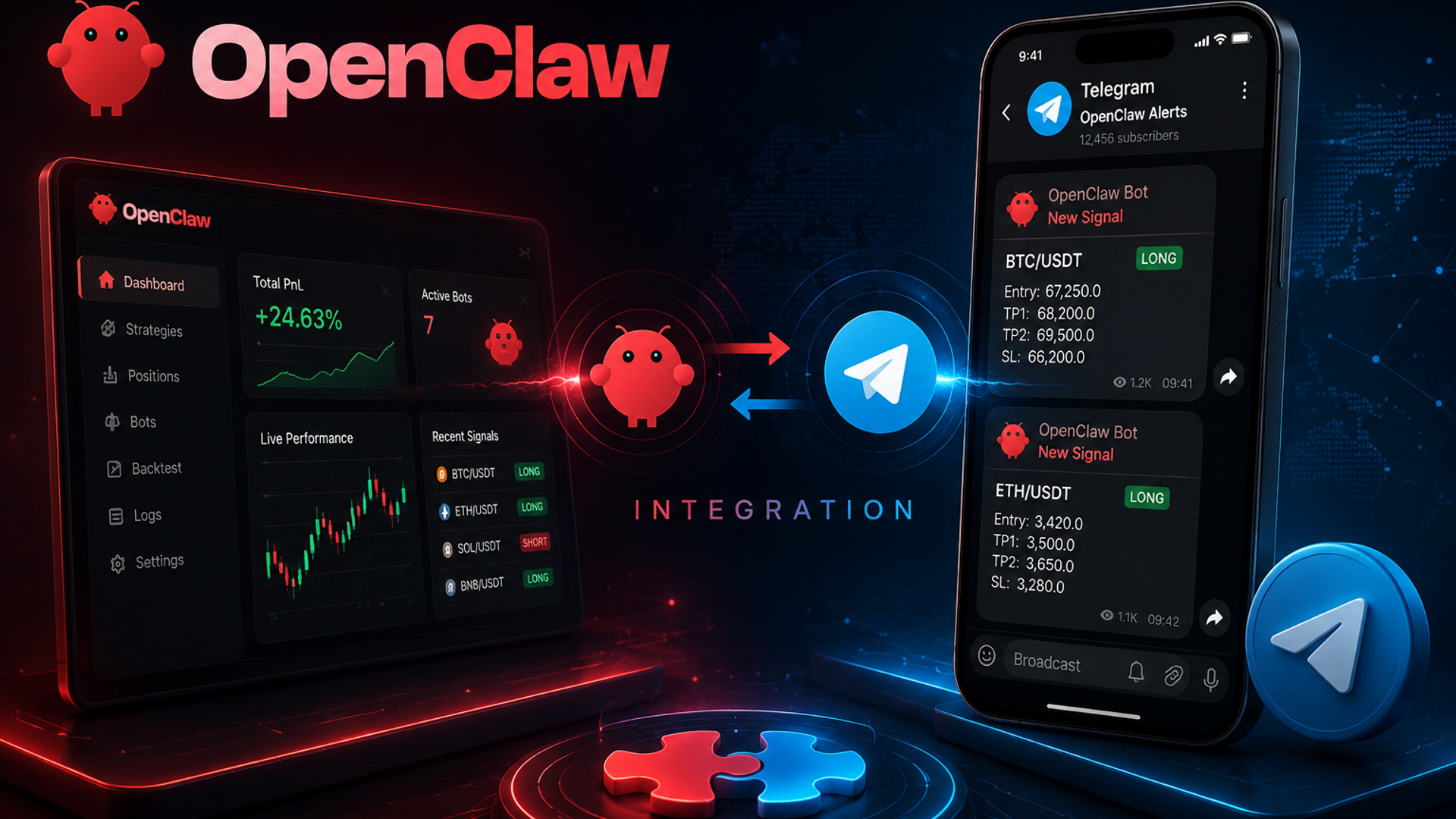
In the rapidly evolving landscape of decentralized artificial intelligence, the ability to control robust automation frameworks from an intuitive, ubiquitous mobile interface has transitioned from a luxury to an operational necessity. OpenClaw has quickly emerged as one of the most powerful, flexible open-source AI automation orchestration frameworks available to developers and privacy-focused power users. However, localizing its immense capabilities within a command-line terminal limits its real-world utility. By establishing a robust bridge between OpenClaw and Telegram, users can transform their self-hosted AI automation instances into highly interactive, responsive, and secure mobile computational companions that are accessible from anywhere in the world.
Can I Communicate with OpenClaw with Telegram?
The short and definitive answer is yes. OpenClaw is designed natively to interface with external APIs, and its architecture fully accommodates asynchronous, bidirectional polling and webhook web protocols.
By leveraging Telegram’s highly secure Bot API, OpenClaw creates a secure, sandboxed bridge between your self-hosted background automation infrastructure and your personal mobile device. This architecture ensures that you do not need to expose your entire core operating environment to the open web; instead, all interactions are securely structured and filtered through Telegram’s encrypted messaging servers, delivering an ideal balance of functional omnipresence and server-side isolation.
Performance Evaluation: Capabilities & Limits of OpenClaw Telegram Commands
When implementing an OpenClaw Telegram ecosystem, managing expectations regarding operational depth is critical for production success. While the messaging channel serves as an exceptional control panel, it is bound by the architectural parameters of chat layouts and third-party API thresholds.
What Can Be Achieved (The Strengths)
- Instant Automation Triggering: Users can easily initiate multi-tiered scripting sequences, database updates, and data scraping workflows using simple, standardized textual triggers.
- Real-Time Auditing and Structural Logs: OpenClaw can actively push continuous status updates, formatted Markdown analytical tables, and system metrics directly to your private monitor interface.
- Cross-Platform Media Ingestion: Sending structural documents, tabular spreadsheets, or images directly within the chat allows OpenClaw to instantly capture, process, parse, and store the parameters via its localized AI modules.
What Cannot Be Achieved (The Limitations)
- High-Throughput Media Rendering: Heavy raw video streams or massive file distributions exceeding multiple gigabytes will trigger Telegram's strict API download/upload blockades.
- Absolute Zero-Latency Streaming: Because communications must hop through Telegram’s global cloud infrastructure to your local webhook, real-time token-by-token character streaming will always have an inherent fractional delay compared to direct local terminal usage.
- Complex Interactive UI Layouts: Standard chat clients restrict visualization to basic inline buttons, meaning deep, interactive dashboard configurations still require a dedicated native browser interface.
How to Communicate with OpenClaw with Telegram (Step-by-Step Setup)
Executing a flawless integration requires a systematic approach to authentication, initialization, and pairing. Below is the direct structural roadmap to link your self-hosted AI platform to your personal mobile messenger client.
Phase 1: Telegram Bot & Channel Initialization
First, access the official Telegram application and initiate a chat sequence with @BotFather, the definitive management account for Telegram applications. Submit the prompt command /newbot and follow the automated guide to assign a unique name and permanent username to your automation daemon. Upon successful completion, BotFather will supply an isolated, complex alphanumeric string known as the HTTP API Token. Safeguard this value meticulously, as it functions as the master cryptographic passkey to your bot interface.
Next, build a new private channel or group within Telegram that will serve as your dedicated OpenClaw Telegram channel setup. Access the management settings of this channel, navigate to the administrators menu, select "Add Administrator", search for your newly created bot's username, and confirm the selection. Ensure that the permission toggles for "Post Messages" and "Edit Messages" are explicitly enabled.
Phase 2: OpenClaw Configuration File Setup
Navigate directly to the core root directory of your hosted OpenClaw deployment. Locate the main environment configuration parameters file, typically labeled as .env or nested inside a structured configuration block. Open the file utilizing a standard editing utility and add or edit the targeted variables to include your token and channel parameters. Ensure that you match the key entries exactly, defining the primary delivery protocols to choose either real-time network webhooks or continuous server long polling based on your server architecture preferences.
Phase 3: The Crucial Handshake (The Pair Command)
With both endpoints initialized, you must now bind the system identity of your unique chat client to the back-end AI database engine. This is accomplished exclusively via the execution of the OpenClaw Telegram pair command. Open your system terminal, activate your OpenClaw execution runtime, and call the dedicated handshaking script.
The core terminal execution will immediately generate a localized, time-sensitive cryptographic validation string token. Switch back over to your Telegram channel and paste this validation key string as an outbound text prompt. The listening OpenClaw framework will cross-reference this incoming text string against its active terminal handshake sequence, confirming your OpenClaw Telegram pairing protocol instantly. A success message will populate in your chat interface, officially establishing the permanent, bidirectional communications tunnel.
Troubleshooting: Resolving "OpenClaw Telegram Not Working"
When dealing with decentralized infrastructure, configuration drifts or server isolation can occasionally cause the automation stream to break. If you encounter an instance where your system is non-responsive, utilize the diagnostic reference table below to systematically restore communication functionality.
Frequently Asked Questions (FAQ)
Q: Can multiple accounts connect via a single pair command?
A: No. The pairing process binds your instance to a singular channel or specific chat ID to ensure high-level system security and prevent unauthorized execution injection.
Q: What happens if a stranger discovers my Bot username? Can they execute commands?
A: No, provided you have successfully locked the connection using the OpenClaw Telegram pair command. OpenClaw strictly whitelists the specific Telegram Account ID or Channel ID verified during the initial handshake phase. Any incoming text prompts from unauthorized accounts will be ignored automatically by the backend engine.
Q: Can I connect multiple independent OpenClaw instances to the same Telegram Bot?
A: It is highly discouraged. Running multiple self-hosted instances on a single Bot token causes polling collisions, meaning messages will be randomly split between servers, leading to a constant state of system disconnection. Each OpenClaw instance requires its own unique Bot identity via BotFather.
Q: Can I customize or change the default command prefixes in Telegram?
A: Yes. Within your configuration parameters file (the .env or main config block), you can define custom command triggers and alias text macros. This allows you to replace complex structural terminology with personalized, high-speed text shortcuts.
Conclusion
Integrating OpenClaw with Telegram offers an exceptional, highly customized playground for DIY developers who love to build and maintain their own local AI frameworks. However, for those who require immediate execution without technical downtime or backend headaches, elite platforms provide a sophisticated, ultra-secure look at the future of integrated mobile productivity. Choose the approach that aligns with your lifestyle, and step confidently into the next generation of automated digital intelligence.