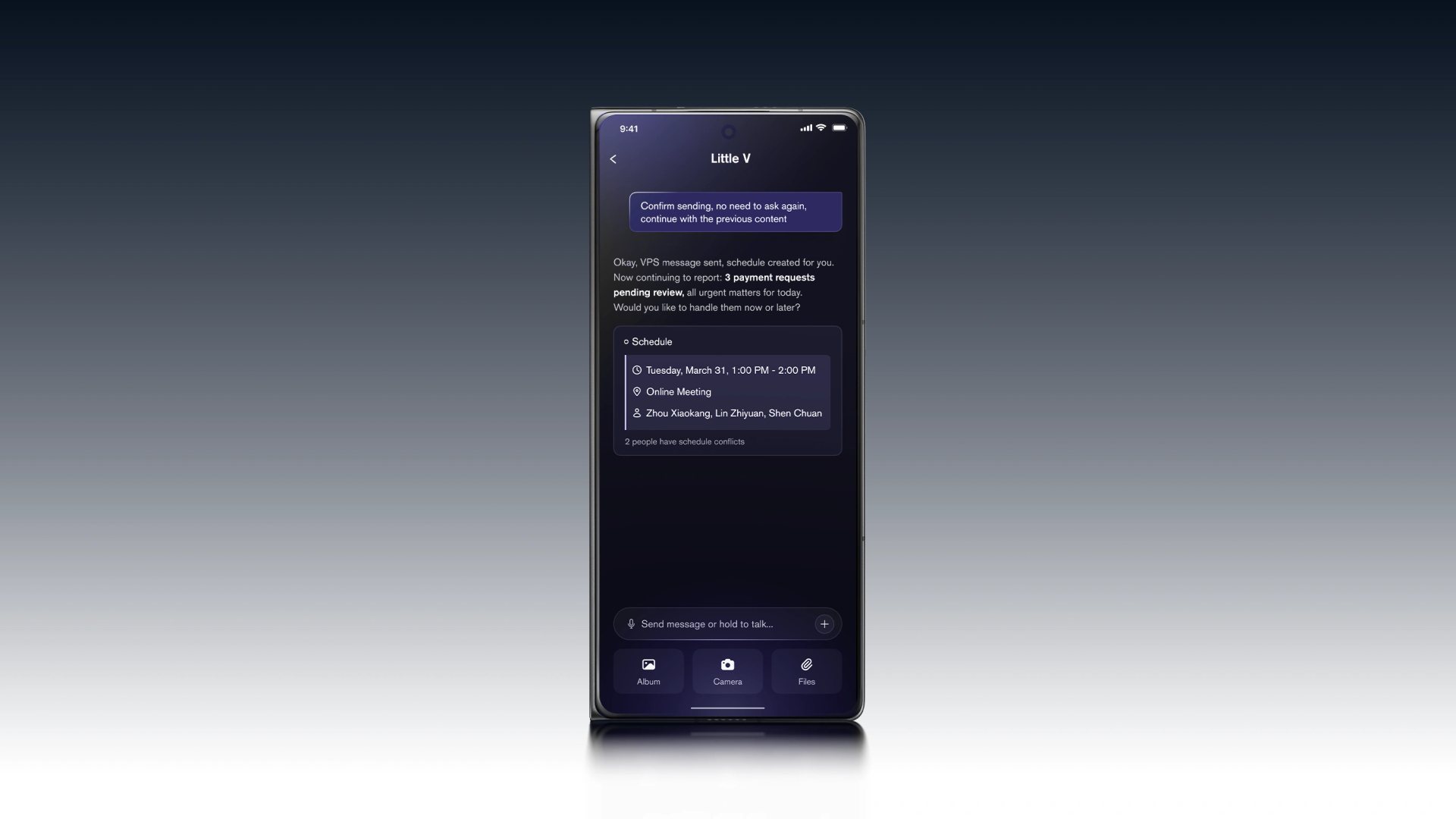
Enterprise phone privacy is an operating model, not a single handset feature. A company must decide which data belongs on a device, who may access it, how the phone is configured, what employees can see about monitoring, and what happens when a device is lost or a person leaves. Encryption and a secure chip can help, but they do not replace identity controls, updates, managed apps and a documented offboarding process.
Key Takeaways
- Choose a deployment model—company-owned, personally owned or a defined hybrid—before choosing devices.
- Separate employee privacy from corporate data protection in policy and technical controls.
- Plan the full device lifecycle: enrollment, use, loss, repair, transfer and retirement.
- Test the controls with real work scenarios rather than accepting an unverified security label.
What does enterprise phone privacy actually cover?
It covers both the organisation's information and the employee's personal sphere. Work messages, documents, credentials and customer records need appropriate protection. On a personally owned device, the employee also needs clarity about what the employer can inspect, control or erase. A policy that treats all of this as one “secure phone” problem is too vague to guide procurement or fair use.
NIST SP 800-124 Rev. 2 frames mobile security across deployment, use and disposal, including both organisation-provided and personally owned devices. That lifecycle view is more useful than a checklist of isolated hardware features. A phone can have strong encryption yet expose data through an unmanaged app, a stolen session, a weak account recovery process or a careless handover.
Should staff use company phones or their own?
There is no universal answer. A company-issued phone can give administrators more control over software, updates, app installation and retirement. It also costs money to buy, provision and support. Bring your own device can reduce device friction for employees, but it requires a careful boundary between work data and personal data. A hybrid model can fit different roles if the organisation can administer it consistently.
NIST's BYOD practice guide notes that personally owned devices create both cybersecurity and employee-privacy risks. An employer may gain some observation or control over a personal device that would not otherwise exist. Before choosing BYOD, explain exactly what is enrolled, what data is visible to administrators, which actions can be taken remotely, and what happens when the employee leaves. A policy should be understandable before the person taps “enrol.”
| Deployment choice | Advantage | Question to resolve |
|---|---|---|
| Company-issued work-only phone | Clear organisational ownership and configuration | Can staff carry a second device and access needed apps? |
| Personally owned device | Familiar hardware for the employee | How are private data and employer control separated? |
| Company-owned with permitted personal use | One device for mixed contexts | What happens to personal content at reassignment or exit? |
Which controls matter more than a privacy claim?
Start with strong device unlock, current software, managed account access, app approval, data encryption and a tested response to loss. Decide who can install apps and how security patches are evaluated and deployed. A device without timely updates can become risky even if it began with excellent hardware. A management platform should enforce the agreed controls and give administrators enough visibility to detect failures without collecting unnecessary employee information.
Define the work-data boundary. Can a document be copied into a personal messenger? Can screenshots be taken? Can attachments be opened in an unmanaged app? Does a work profile or container separate data in a way that users and IT can understand? The correct setting depends on the information and job, but the questions should be answered before rollout. A broad ban that breaks everyday work may drive users toward unsanctioned alternatives.
How should a lost phone be handled?
Write the response before a phone is lost. The employee should know whom to contact and what information to provide. IT should know how to revoke sessions, lock the device, assess exposed data and decide whether a remote wipe is justified. NIST's mobile threat catalogue discusses remote lock, locate and wipe as controls to consider based on data sensitivity. None of them eliminates the need for account and incident procedures.
A full-device wipe can destroy personal data on a BYOD phone, so policy and technical design should prefer a selective work-data response where appropriate and supported. Test the procedure on a spare device before production. Confirm who may authorise a wipe, how the action is logged, and what happens if the phone is offline. A written promise that “IT can erase it” is not enough if no one has rehearsed the steps.
What should happen when an employee leaves?
Offboarding should remove access without leaving the person's private data in doubt. Revoke work sessions, rotate shared credentials as needed, remove managed apps or profiles, recover company-owned hardware, and document any data transfer to the next owner. On BYOD, explain whether work content can be removed without touching private photos, messages and apps. A process designed only for lost devices is too blunt for a normal resignation.
Timing matters. An employee may need to retain lawful personal information while work credentials should be disabled at a defined point. Coordinate HR, IT and the relevant manager so each knows who authorises action. Keep an inventory of devices and accounts; otherwise a seemingly returned phone can leave active tokens in cloud services. Confirm the result, not just the request to deprovision.
How do privacy notices build trust?
State what the employer can see in plain language. Separate device status, installed work apps, corporate network activity and personal communications. Explain when logs are reviewed, how long they are retained, who can access them and how an employee can challenge an error. A technically precise management profile can still create mistrust if the policy is ambiguous or changes without notice.
Do not promise absolute privacy or absolute security. An employer may need limited investigation capability for incidents, while employees need proportionate control over personal information. Document exceptions, emergency procedures and legal review for the jurisdictions involved. If a device crosses borders, check data and employment obligations rather than assuming a policy written for one country works everywhere.
Can a luxury or specialist phone satisfy enterprise requirements?
Possibly, but procurement should test the exact model against the organisation's controls. A secure element, separated system or private assistant may be relevant, yet marketing language alone does not prove compatibility with the chosen mobile-device-management platform, update policy or work app. Ask the vendor for supported OS versions, enrolment method, patch schedule, app compatibility, data-flow documentation and service procedures. Run a limited pilot before deployment.
This article does not rank particular manufacturers. A device can be suitable for an executive's workflow while unsuitable for a fleet with strict management requirements, or the reverse. The test is whether the exact product can satisfy the controls in practice. Evaluate service downtime and data handling during repair as carefully as the device's initial configuration.
What should a pilot measure?
Choose a small group representing real roles: for example, an executive, a travelling salesperson and a support worker. Have each perform common tasks under the proposed policy. Test enrolment, access to mail and documents, app installation, notification behaviour, offline use, lost-device response, backup and offboarding. Record actual friction and failures. A pilot that only demonstrates a polished setup screen misses the hard parts of ownership.
Use a table with four columns: task, expected control, observed result and owner for follow-up. For example, if a corporate attachment opens in a personal app, record whether the policy allows it and what data may leave the managed environment. If a remote removal test touches personal files, stop and revise the design. These are example test cases, not claims of measured performance for a vendor product.
How do you choose between control and usability?
Ask what data would be harmed by a failure and what a user needs to complete the job. A highly restrictive phone that cannot access approved work tools may prompt shadow workflows. A very permissive phone may make data leakage easy. Assign controls by role and risk, document exceptions and make the approved path faster than the workaround where possible. Revisit the policy after software and work practices change.
Privacy should be a design input, not a paragraph added after purchasing devices. The combination of ownership model, identity, configuration, app policy, user notice and incident response is the infrastructure. Hardware can strengthen that system, but it cannot operate it on its own.
What is an enterprise phone privacy checklist?
- Classify the data and tasks the phone will handle.
- Select and document the device ownership model.
- Define enrolment, app, update, authentication and data-separation controls.
- Explain monitoring and remote actions to employees.
- Test loss, repair, replacement and offboarding on spare devices.
- Pilot real work and record failures before scaling.
- Review policies as platforms, laws and employee needs change.
The checklist is an operational starting point rather than legal advice or a certification. A regulated organisation may need additional controls and independent assessment. The value lies in making assumptions visible before they become incidents.
Frequently asked questions
Can my employer see everything on a BYOD phone?
It depends on the management system and policy. Ask for a clear description of what is visible, controllable and removable before enrolling a personal device.
Is encryption enough for enterprise phone privacy?
No. It protects a specific part of the risk; identity, updates, app permissions, data handling and incident response remain necessary.
Should a lost BYOD phone be wiped completely?
Not automatically. Use the documented, proportionate response supported by the platform and policy, including selective work-data removal where appropriate.
Does a vendor's “secure phone” claim prove compliance?
No. Test the exact model against your organisation's requirements, supported management tools and real workflows.
Conclusion
Enterprise phone privacy succeeds when a device is part of a governed lifecycle. Decide ownership, separate work and personal data, configure access, explain monitoring, and rehearse loss and offboarding. NIST's mobile guidance provides a sound framework for these decisions. The best enterprise phone is the one that can meet the controls in actual use while respecting the people who carry it.