METAVERTU MAX storage choice for a photo-heavy user begins with the space currently used on the phone, the amount of video captured and how often originals must stay available offline. A current METAVERTU MAX product page presents 512GB and 1TB selectors for a specified edition. The right tier is the one that leaves comfortable local headroom after your apps, existing library and expected growth—not the one justified by an arbitrary number of photographs.
Also separate local ROM from the product's advertised distributed storage. A remote or distributed allocation cannot automatically replace on-device space when you are shooting, editing or travelling without a connection. Use the steps below to estimate what you need and verify the exact configuration before purchase.
What storage options are actually listed?
The current METAVERTU MAX Alligator Black Ceramic product page shows selectors for 512GB and 1TB. Its general specification text also lists a 1TB ROM configuration. That means a buyer should select the intended option and confirm the resulting product summary, price and order details rather than assume a static specification describes every selector state. Availability can differ by edition and market.
Check the exact name of the model you intend to buy. A storage figure for another METAVERTU generation or a bespoke finish may not transfer. Save a copy of the selected configuration shown at checkout and compare it with the order confirmation. If the page presents conflicting information, ask VERTU to confirm before paying.
The official METAVERTU MAX overview gives the family context, but the selected product and order record are the practical sources for the handset you will receive. Do not choose based on a search snippet alone.
How do you measure your current use?
Open the storage view on your existing phone and note total used space, free space and the categories taking the most room. Google explains how Files by Google can show used and available device storage on compatible Android phones. Your METAVERTU menu may differ, so use its current settings or file manager to find the equivalent figures.
Record the photo and video library separately if the device allows it. Include downloaded films, messaging media, offline maps, large games and editing apps. A person who calls themselves a “photo-heavy” user may discover that video or saved chat media is the dominant category. This measurement is more useful than a marketing claim about how many photos fit, because file sizes vary by mode and subject.
Repeat the check after a normal week of shooting or after a trip. Compare the increase with the number of months you expect to keep the phone. This is a planning estimate, not a prediction that every month will be identical. A special event, higher-resolution mode or new video habit can change the rate.
Why are photo counts a weak buying rule?
One photo can be a small compressed file, a larger high-resolution image or a multi-frame computational result. Different camera modes and formats produce different sizes. Videos are even more variable: duration, resolution, frame rate and compression all matter. A quoted “number of photos” usually hides assumptions that may not match your workflow.
Use your own files as the sample. Select a recent group of photographs and videos, check their total size and ask how often you create a similar group. If you keep originals on the phone for editing, count that local requirement even if a backup exists elsewhere. If you routinely transfer completed projects to a verified archive, the local requirement may be smaller.
Avoid filling the phone almost completely. Apps, system updates, temporary edits and downloads need room. Rather than relying on a universal percentage, choose a tier that leaves clear headroom for your largest normal trip or project. Revisit the estimate if your shooting habits change.
When does 512GB make sense?
The 512GB option may suit someone whose measured current use is comfortably below that capacity, who mostly shoots still photos, and who regularly exports or backs up completed work. It can also make sense when the phone is not the long-term master archive. Verify that the selected edition truly offers 512GB and compare the price difference with 1TB at checkout.
Model a realistic offline period. If you travel for two weeks with limited connectivity, can the available local space hold new photos, several long videos, maps and essential apps? If yes with a comfortable margin, paying for more ROM may have little practical value to you. If the answer depends on deleting originals mid-trip, the lower tier may be too tight.
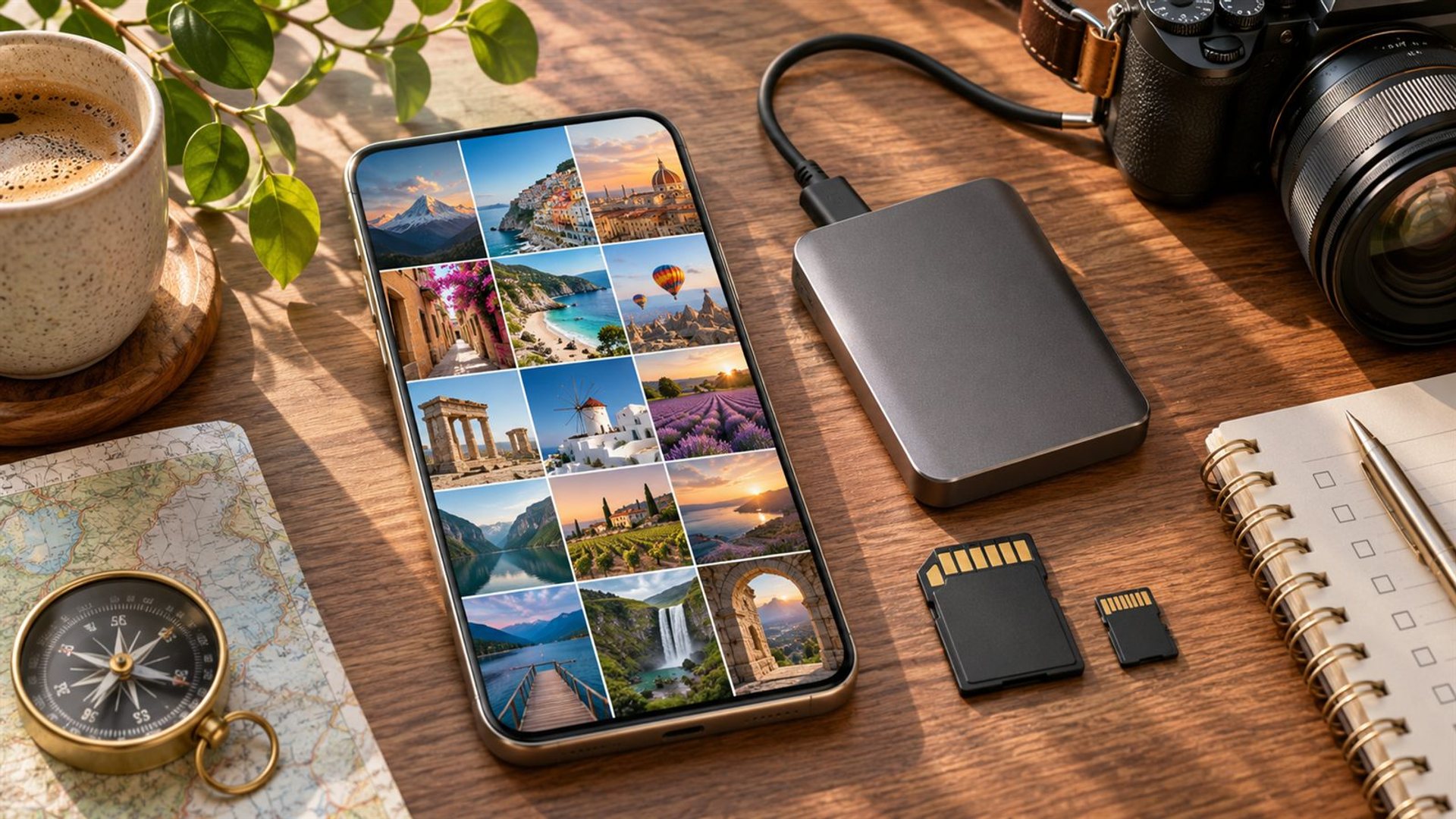
Do not assume an external storage accessory will be convenient in every situation. A cable, drive and transfer process add steps, and any device-specific compatibility should be checked. A clean backup workflow is valuable, but it does not make local space irrelevant while shooting.
When does 1TB make sense?
The 1TB option can be worthwhile for someone who keeps a large original library on the phone, records substantial video, edits multiple projects locally or travels long periods without a dependable connection. It gives more room before storage management becomes a weekly task. The value depends on the current price difference and on how long you plan to keep the device.
Measure your existing library before treating the larger tier as necessary. If your phone is using only a small fraction of 512GB after several years, 1TB may not improve the experience. Conversely, a person with a nearly full 512GB device and a growing video workflow has a concrete reason to seek more local capacity.
More storage is not a substitute for backup. A lost or damaged phone can still take a large library with it. Keep at least one verified copy outside the handset and test that important images can be retrieved. Capacity and resilience solve different problems.
What is the 10TB distributed storage claim?
VERTU's product page advertises 10TB of distributed storage alongside local ROM. Those are different concepts. The page does not make the distributed allocation equivalent to 10TB of physical space inside the phone. Access, eligibility, software, network conditions and service terms should be checked for the exact market and account before you plan to depend on it.
Ask practical questions: Which files can be stored there? How are they retrieved offline? Is there a subscription or entitlement period? What happens when the account changes or the phone is replaced? A buyer should receive current answers rather than infer them from the headline number. Do not count remote space as guaranteed local capacity for an airplane, remote shoot or weak-signal destination.
For third-party backups, Google Photos explains that Original quality and Storage saver use account storage differently and may affect image quality. Those Google terms are not VERTU distributed-storage terms. They illustrate why the backup service's settings, limits and retrieval method need their own review.
How should a photo-heavy traveller decide?
Write down current local use, the largest trip's new media, the apps and downloads needed offline, and the headroom you want for editing. Add them to the selected tier's usable space, allowing for the fact that advertised capacity is not identical to free space after system files and preinstalled software. Compare 512GB and 1TB using the current edition's checkout price.
Then test the workflow, not only the number. Can you back up originals over your normal connection? Can you verify them on another device before freeing local copies? Our international phone travel guide covers preparation for connectivity and offline access. A well-managed 512GB phone may serve better than an unbacked 1TB library; a long offline shoot may justify the larger tier despite good backup habits.
Frequently asked questions
Is 10TB distributed storage the same as 1TB ROM?
No. The product page lists them separately. ROM is on-device capacity; distributed storage is a different service whose access and terms should be confirmed. Do not count it as local space for offline shooting.
How many photos fit in 512GB?
There is no reliable single number. File size varies with camera mode, format and video mix. Measure a sample from your own library and estimate growth from your actual habits instead.
Should I choose 1TB just for future-proofing?
Choose it if your measured use, expected growth and offline needs justify the current price difference. If your library remains well below 512GB and you archive regularly, the extra capacity may provide little benefit.
Can backup replace local storage?
Not entirely. Backup protects a copy and may free space after verification, but shooting and editing still need local capacity. Network access, retrieval time and service terms also matter when you need an original file away from home.