Key Takeaways
- Identify the exact phone variant, hearing-aid model, firmware and companion app before checking compatibility.
- Hearing-aid compatibility for ordinary phone calls is not the same thing as direct Bluetooth audio streaming.
- ASHA, Bluetooth LE Audio and proprietary solutions are different paths; support must be confirmed at both ends.
- Test a real call, media playback, volume controls and both aids before committing to a phone.
To pair hearing aids with a luxury phone, first check the exact phone and hearing-aid models against both makers' current compatibility information. Then test the functions that matter to you: calls, media, left and right aids, volume, app controls and reconnection after a restart. A phone being described as “hearing aid compatible” does not, by itself, prove that your aids will stream calls over Bluetooth. Nor does appearing in a Bluetooth list establish that every audio route works.
Begin with the two exact devices
Write down the full hearing-aid name, generation and firmware version. Do the same for the intended phone variant and software build. Similar product names can hide different radio hardware or software support. If your hearing aids use a companion app, note its current supported phone and operating-system list. An app that installs successfully may still lack all controls or direct audio functions on a particular handset.
Ask the hearing-aid manufacturer or your hearing-care provider for the current compatibility matrix. Then ask the phone maker for its hearing-aid compatibility statement for the exact regional model. Check whether the answer covers acoustic coupling for a call, telecoil use, direct audio streaming, app control or all of them. These are separate questions. Keep a copy of the support response and its date if the purchase depends on it.
The Hearing Loss Association of America’s phone guidance describes handset compatibility and notes that Bluetooth streaming may require an app. It also encourages testing a phone with the actual hearing aids before buying. That practical test is especially valuable when an expensive phone is being considered.
Understand the three kinds of compatibility people confuse
Phone-call use near the ear
A hearing aid may work with a phone held at the ear, whether by acoustic coupling or a telecoil arrangement where supported. US hearing-aid compatibility rules address aspects of mobile-handset accessibility, but the exact performance and labelling requirements depend on the applicable standard and transition period. The FCC's 2024 announcement describes a move towards universal mobile-handset hearing-aid compatibility after a transition period. It should not be read as proof that every handset already on sale directly streams to every hearing aid.
Direct audio streaming
Direct streaming sends call or media audio to compatible hearing aids. Android's Audio Streaming for Hearing Aids, known as ASHA, is one technical route; LE Audio hearing-aid support is another. A hearing-aid maker may also use a proprietary accessory or app. Both the handset and hearing devices must support the same relevant approach, and software settings still matter. The Android Open Source Project's ASHA documentation is technical evidence that hearing-aid streaming involves a defined protocol rather than generic Bluetooth visibility.
Companion-app control
An app may let you adjust programmes, volume or other settings without providing direct call streaming. Conversely, basic audio may work while a specialised app feature does not. Ask which functions are supported individually. Do not assume that an Android label, a Bluetooth icon or an app-store listing answers the whole question.
Run a purchase-day pairing test
If a retailer permits testing, start with both aids charged and updated according to their maker's instructions. Update the phone only through normal supported channels and avoid changing hearing-aid firmware just to try a store device without guidance. Pair the aids by the manufacturer-recommended route, which may be an accessibility menu rather than the ordinary Bluetooth menu. Confirm that both left and right aids appear when a pair is expected.
Place a normal cellular call to a consenting contact, then test an incoming call. Check where the audio plays, whether both sides receive it and whether the microphone arrangement is usable. Switch between earpiece, speaker and hearing aids if the phone offers those routes. Then play media, pause and resume, change volume, lock the screen and reconnect after leaving Bluetooth range. Finally, open the hearing-aid app and test the controls you actually rely on.
Record what worked and what did not. A single successful pairing animation is not enough. Some problems occur only after a call ends, after a restart or when a second Bluetooth accessory connects. If a feature is essential for work or travel, repeat the test rather than accepting a vague assurance that the devices are compatible.
If pairing succeeds but audio does not route correctly
Check the phone's current audio output during the call. A connected hearing aid may not be the selected output. Disconnect other headphones or car audio temporarily, then retry. Confirm that both aids are charged and that the phone's software and hearing-aid app versions remain supported. Follow the hearing-aid maker's reset and re-pairing instructions; do not delete medical-device settings or change fitting parameters without the provider's advice.
Some calling apps use different audio-routing behaviour from the standard phone app. A successful cellular call does not prove every video or internet call will work the same way. Test the applications you use most. Android developer documentation describes changes in audio routing for LE Audio devices in Android 14, a reminder that software version can affect behaviour. Do not assume an update will fix a problem unless the device makers confirm support.
If one aid works and the other does not, stop short of concluding that the phone is defective. The issue may be a pairing step, firmware mismatch, battery state or hearing-aid configuration. Ask the hearing-care provider or manufacturer for a model-specific check. Keep the phone's purchase return window in mind while the issue is being investigated.
What can be said about METAVERTU MAX?
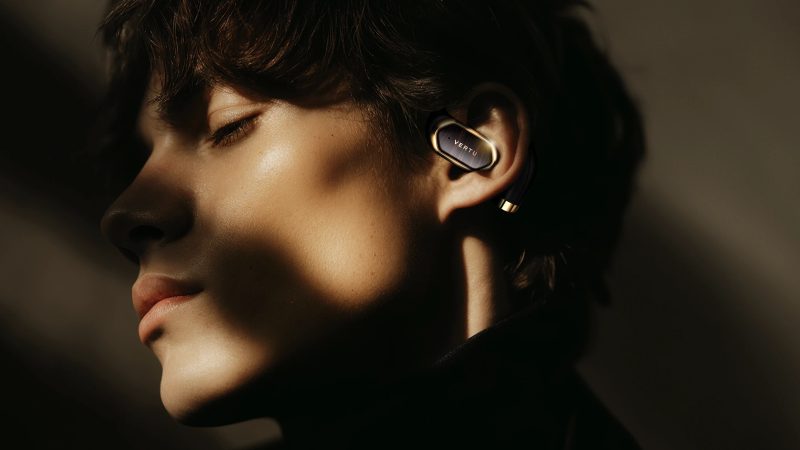
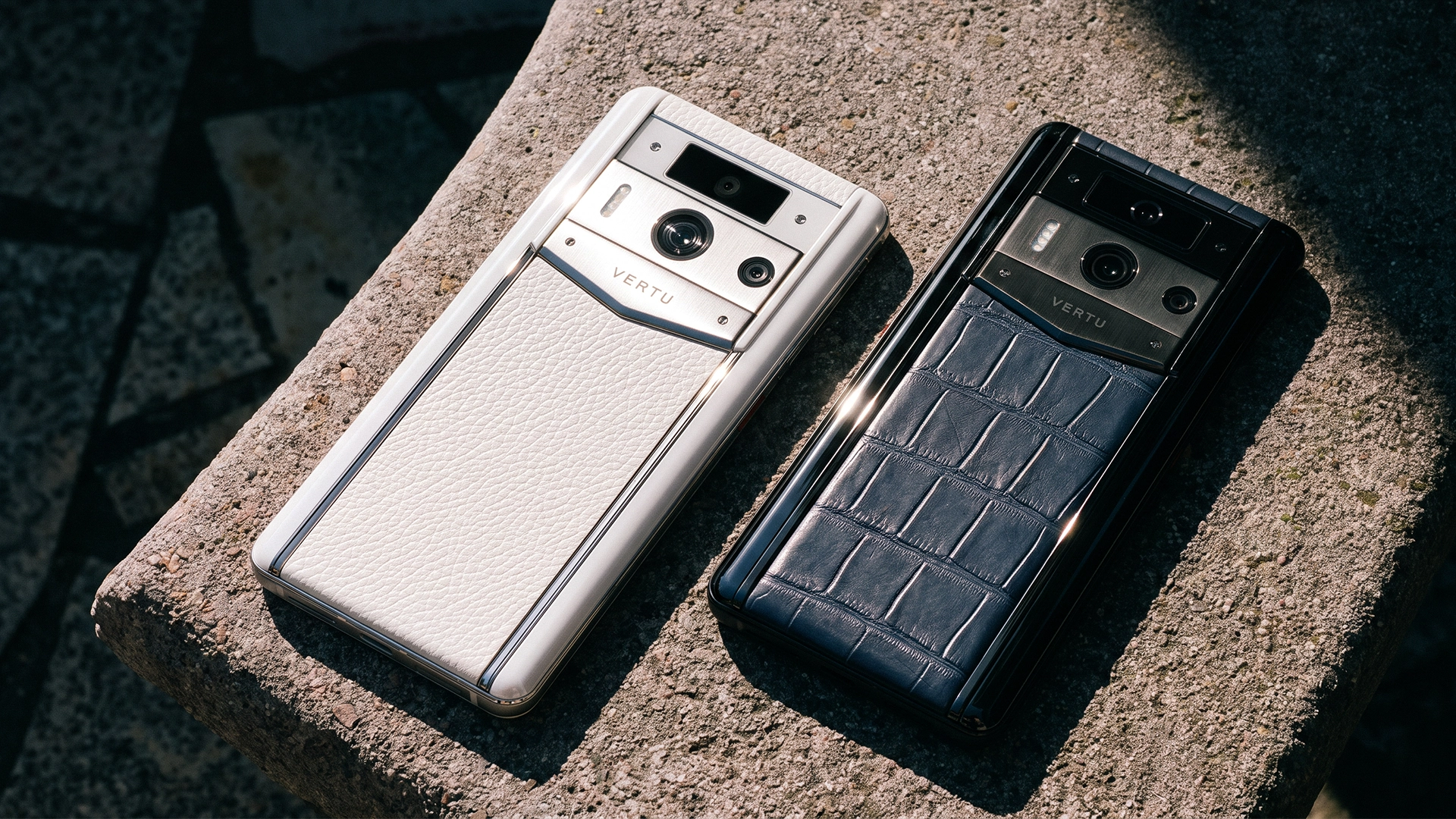
VERTU Metavertu Max is the product named in this article's editorial plan. VERTU's current knowledge base identifies the model and its official landing page, but it does not establish ASHA, LE Audio hearing-aid streaming, a hearing-aid compatibility rating or support for any named aid. This article therefore cannot promise direct pairing or call streaming with METAVERTU MAX. Buyers should obtain confirmation for the exact phone variant and aid model from VERTU and the hearing-aid maker, then test the pair before buying.
The VERTU new-phone setup guide covers general early configuration. Hearing-aid setup needs the additional exact-model and real-call checks above. Price or materials do not establish accessibility compatibility; the only useful answer is a verified feature list and a successful test with the intended aids.
Questions to ask before ordering
- Which exact hearing-aid models are supported? Ask for a current list rather than a broad brand name.
- What kind of support is confirmed? Separate acoustic calls, telecoil, direct streaming and app control.
- Which phone software version was tested? Record the version and any required update.
- Can I test before buying or return after a failed pairing? Read the terms for the exact market.
- Who will help if audio routing fails? Identify the phone and hearing-aid support contacts.
If direct streaming is essential and neither maker can confirm the pair, do not treat an unverified purchase as a small experiment. Arrange an in-person demonstration or select a handset that the hearing-aid maker explicitly lists.
Frequently asked questions
Does “hearing aid compatible” mean my aids will stream calls?
No. It can refer to phone-call compatibility under a handset standard, while direct streaming requires matching technology and software support. Check the exact models and the function you need.
Why do my aids appear in Bluetooth but calls play through the phone?
The call may be routed to another output, or the devices may not support the required streaming path. Check the in-call audio selector and both makers' pairing instructions before re-pairing.
Will every Android hearing aid work with every Android phone?
No. Android devices and hearing aids vary in ASHA, LE Audio, app and firmware support. Verify the exact pair and test the functions you use.
Should I buy before testing if the phone has a luxury price?
Only if compatibility and return terms are clear enough for your needs. An in-person test with your actual aids is the strongest practical check for calls, media and controls.
Conclusion
Hearing-aid pairing is a specific relationship between two devices and their current software. Establish the exact models, distinguish ordinary call compatibility from direct streaming, and test real use before buying. For METAVERTU MAX, the available VERTU knowledge base does not establish named-aid compatibility, so a buyer should obtain model-specific confirmation rather than rely on a general Bluetooth or luxury-phone claim.