If you are asking “why is my fountain pen skipping”, begin with the writing contact, paper and ink supply before adjusting the nib. Gaps can reflect inconsistent contact or ink delivery, but the pattern alone does not identify a broken part. Make a short writing sample, check the pen's approved setup and change one thing at a time.
This guide covers first checks you can describe and repeat. It does not prescribe a universal filling or cleaning method. Keep any procedure specific to the pen and stop before work that requires force, tools or an uncertain disassembly.
Key Takeaways
- Separate a missing first stroke from gaps throughout a line.
- Compare the same short text on familiar paper without changing the ink at the same time.
- Check your writing position and avoid pressing harder to restart the line.
- Verify the approved ink, filling part and installation instructions.
- Do not infer a filling mechanism from a part that happens to rotate.
- Keep a labelled writing sample for support if the problem persists.
Make a baseline before trying a remedy
Write a short sentence, a few ordinary loops and a straight line using your normal writing position. Note where the gaps appear: at the beginning, in particular strokes or throughout the sample. Do not make a long page of repeated attempts simply to force the pen to start.
Pilot describes skipping as erratic ink flow that leaves gaps in writing. Its support information identifies several possible issues in its own pens, including cartridge or converter installation and a feed affected by residue or dried ink. Those are possibilities to investigate through the correct instructions, not a diagnosis of every pen. Pilot's fountain-pen troubleshooting FAQ.
Record the pen model, ink or cartridge name, paper and when it last wrote normally. Include a recent refill, a long period unused or a change of notebook. These details help you decide which check is relevant without treating a coincidence as proof.
Compare paper without changing the whole setup
Try the same short sentence on a clean sheet of paper you have previously used successfully, keeping the pen and ink unchanged. Record whether the gaps persist. You are making a practical comparison, not proving a particular coating or paper composition caused the issue.
If the pen behaves differently on the two sheets, keep both samples. Note the notebook or paper product and the side used. Avoid concluding that the pen is faultless because it writes on one sheet, or that an entire paper brand is unsuitable because one sample disappointed you.
If the pattern is unchanged, return to the original paper for the next check. Changing paper, ink, filling part and writing position together would leave you unable to say which change mattered. A small, controlled comparison is more useful than a collection of unrelated remedies.
Look at contact and pressure before the nib itself
Notice whether the pen rotates in your hand during the strokes that miss. Pilot's Japanese support guidance explains that a twisted grip can lift one side of the nib and interrupt the beginning of a stroke. It advises keeping the nib facing forward. This is a writing-position check, not a reason to bend the nib. Pilot's guidance on missing first strokes.
Try your normal writing position again without deliberately increasing pressure. Pilot advises using very little pressure with a fountain pen and warns that pushing too hard can damage the nib. Do not press through the problem as though a darker line proves the issue is resolved. Pilot's pressure guidance.
If you see an obvious change after a drop, or the nib catches unexpectedly, stop the writing exercise and request an assessment. Do not use fingernails, pliers, a blade or abrasive paper to make the two sides look even. A photograph can show support what you observed without turning inspection into an adjustment.
Verify the ink supply and the approved filling arrangement
Identify whether your exact pen uses a cartridge, a converter or another documented filling system. Check the approved part number and installation instructions. Do not assume a cartridge fits because it enters the barrel, or that a converter from another pen is interchangeable.
If the instructions provide a way to inspect the remaining ink, use that method. Record a refill or cartridge change and whether the problem began immediately afterwards. Follow the maker's stated setup and waiting guidance rather than squeezing, twisting or forcing parts to encourage flow.
Pilot's troubleshooting article treats cartridge installation and ink compatibility as separate checks for PILOT pens. Its fitting and ink recommendations should not be transferred to another manufacturer. Use the corresponding instructions for your pen, including the approved ink type. Pilot's filling and ink checks.
If you do not know what ink is already inside, ask before adding more or mixing it with another product. Keep the ink packaging or cartridge reference with the writing sample. This makes a later compatibility question much easier to answer.
Keep cleaning specific to the model
Look up the manufacturer's care instructions once the basic checks are complete. Establish which parts may be cleaned, what liquid or materials are permitted and how the pen must be prepared. A direction to rinse one component is not permission to immerse the whole pen or dismantle the writing unit.
If the instructions are incomplete, request the complete method before proceeding. Do not substitute an overnight soak, hot water, household cleaner, solvent or a needle because an unrelated tutorial recommends it. Likewise, do not use heat to speed up a drying step.
After any approved care procedure, make another short sample under the original conditions and label it with the action taken. If skipping persists, preserve the result and ask for assessment rather than repeating increasingly aggressive cleaning.
What to confirm for the VERTU Marengo
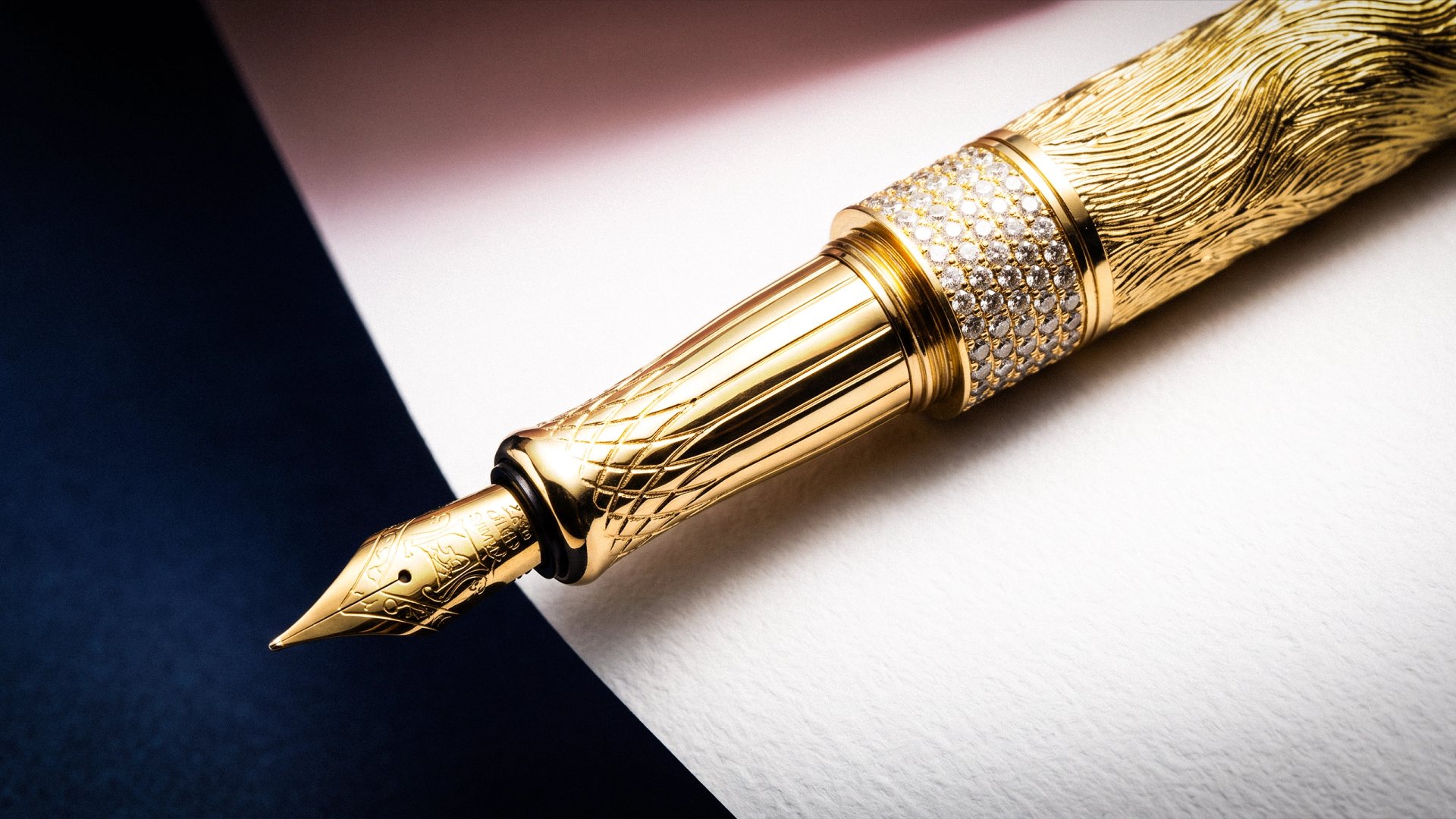
VERTU identifies the Marengo Fountain Pen with a custom German SCHMIDT writing system and support for ink cartridges. Those are useful starting points when asking for the approved cartridge and filling instructions for your edition. A writing-system name does not establish that every similarly named component or refill is compatible.
The same product page separately describes a threaded turning tailpiece as part of Marengo's design. That description is not a filling instruction. Do not assume that rotating the tail controls ink delivery or proves a piston-filling mechanism; identify the proper operation before turning parts to address skipping.
For a Marengo query, send VERTU the edition, cartridge or ink reference and the labelled sample. Ask how to check the supply and carry out the approved care without affecting the decorated body. Keep the reply specific to that pen rather than borrowing a procedure from a different model.
Use this record before contacting support
A short record lets the next person understand what you tried without repeating the whole exercise. Keep the originals rather than rewriting the sample after every change.
| Record | What to include |
|---|---|
| Identity | Pen model, edition and documented filling system |
| Consumables | Ink or cartridge reference and paper used |
| Pattern | First-stroke gaps, particular directions or continuous skipping |
| Recent change | Refill, storage, notebook change or incident |
| Checks completed | One change per labelled sample and its result |
| Question | Which further check, care method or assessment is appropriate? |
If the issue remains, ask whether the pen needs a fitting check, cleaning under an approved procedure or a specialist assessment. Do not diagnose nib alignment from a blurred photograph or assume that another cartridge will repair an unidentified fault.
Frequently Asked Questions
Does skipping mean the nib needs replacing?
No. Start with the pattern, writing position and documented ink setup. Those checks cannot rule out every fault, but they give support a better basis for deciding whether the writing unit needs attention.
Should I press harder when the line stops?
No. Stop and check the setup instead. Use the maker's recommended writing pressure and avoid forcing the nib across the page to restart flow.
Can I follow a cleaning video for a similar pen?
Only when the manufacturer confirms that its procedure applies to your exact model. Similar appearance does not establish the same filling system, materials or disassembly method.
Conclusion
Answer “why is my fountain pen skipping” with a clear pattern and a small set of controlled checks: paper, writing contact and the approved ink supply. Keep care model-specific and mechanical adjustments out of the first response. If the problem continues, a labelled sample and accurate setup details are the right next step.