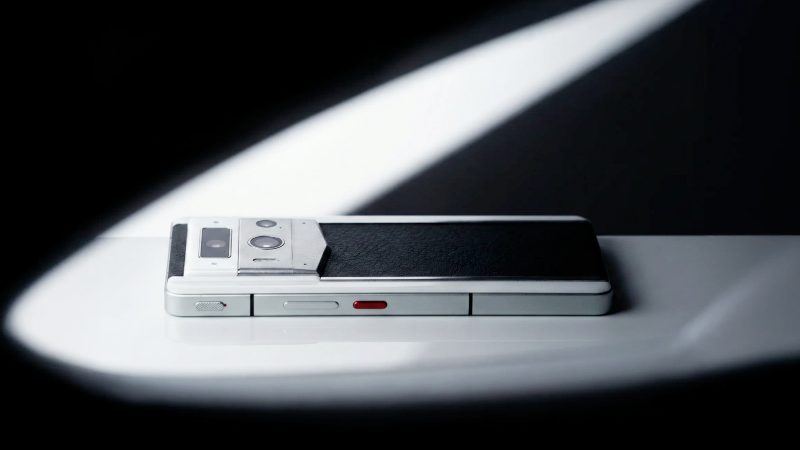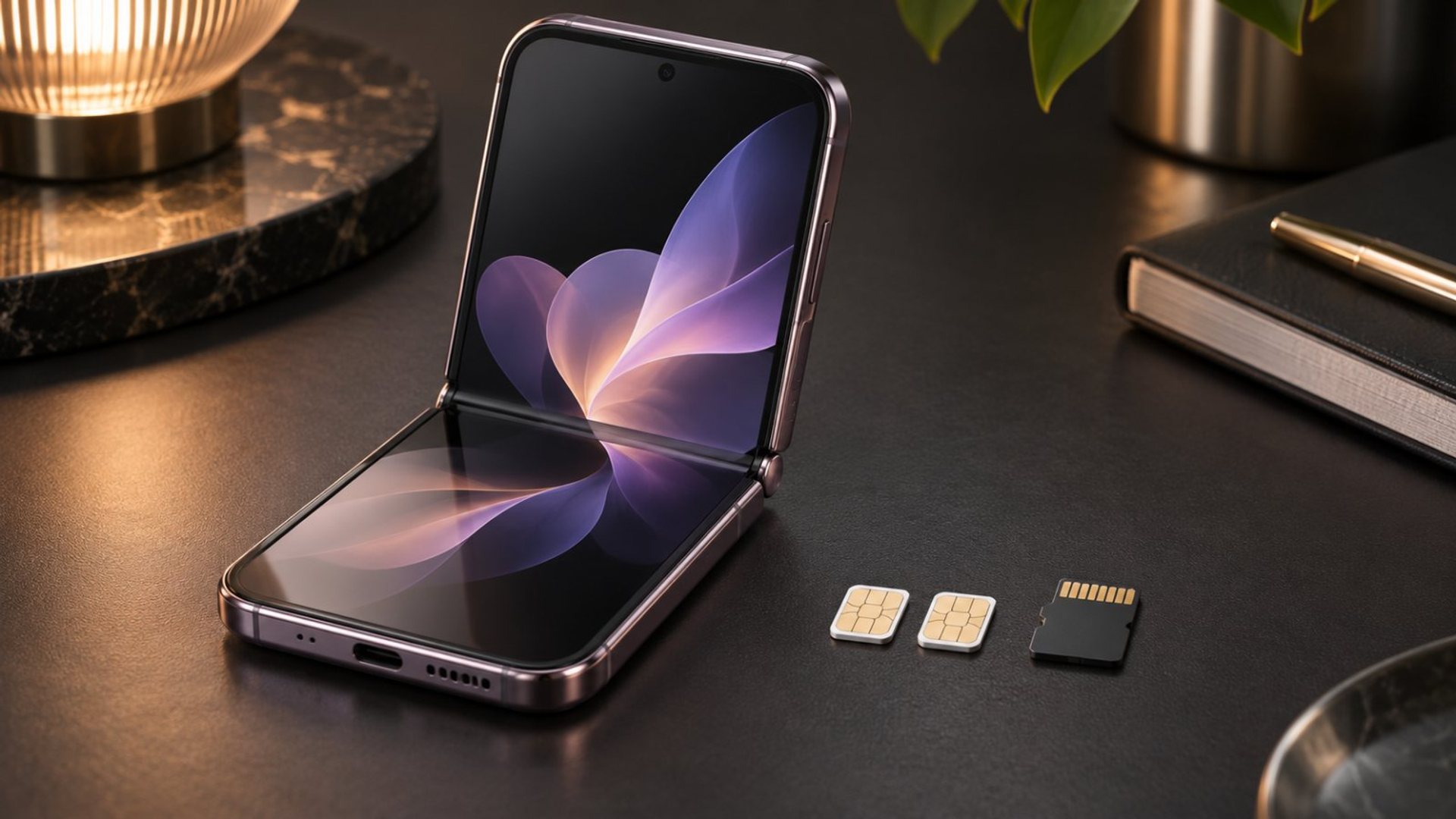
A flip phone dual SIM specification does not answer whether two SIM cards and a memory card can be used together. The decisive detail is the exact tray: three dedicated positions permit all three, while a hybrid position makes the second SIM and microSD alternatives. A phone may instead use an eSIM. VERTU's current Quantum Flip Calfskin listing specifies dual Nano-SIM and 1TB internal storage, but does not state microSD support; do not assume a card fits.
What are the common SIM and storage layouts?
A dedicated layout has separate places for SIM 1, SIM 2 and microSD. All three can be installed if the phone and carrier configuration support them. A hybrid layout has one fixed SIM position and one position marked for either a second SIM or a memory card. In that case you choose two phone lines or removable storage, but not both physical SIMs plus the card. A third design uses one physical SIM, an eSIM and possibly a separate memory-card slot.
Samsung's dual-SIM explainer describes these alternatives, including models where a second physical SIM can be swapped for microSD and models with separate space. Its UK support guide explains tray labels such as “SIM2” and “SIM2 / microSD”. These are Samsung examples of layout terminology, not a claim about VERTU's tray design.
Do not infer tray layout from the phrase “dual SIM” alone. Manufacturers may use that phrase for two physical cards, one physical card plus eSIM, or a capability that varies by market and carrier. “Expandable storage” also needs a separate specification. Read the exact model and region's manual, not a general guide for a product family.
How do I identify the tray on my phone?
Start with the official specification sheet and user manual for your exact variant. Look for the SIM type, number of physical SIM positions, microSD support and maximum supported card capacity. The tray may have printed labels, but do not remove it while the phone is wet or force a card into an unfamiliar shape. Power down if the maker instructs, use the supplied ejection method and handle the tiny parts over a clean surface.
A hybrid tray may put a SIM on one side and microSD on the other, or use adjacent positions. Orientation varies. Follow the diagram in the manual rather than relying on a photograph of another phone. A card that is slightly out of place can prevent the tray from closing and may damage contacts. If the tray resists, stop. A repair is costlier than confirming the layout with support.
Check settings after insertion. The phone should identify the intended lines and, if supported, the storage card. A dual-SIM phone may ask which line handles calls, texts and mobile data. A memory card may need formatting before use. Back up its contents first; formatting removes existing data. If the card is not shown, confirm compatibility and insertion before assuming the slot is defective.
What does VERTU Quantum Flip actually specify?
The official Quantum Flip Calfskin product page lists dual Nano-SIM under connectivity and 16GB RAM with 1TB ROM under storage for that variant. It does not list a microSD slot in the reviewed specification. Therefore the supported conclusion is that this listing describes two Nano-SIMs and substantial built-in storage, not confirmed simultaneous two-SIM-plus-microSD use. Ask VERTU for the exact tray and expansion policy before buying a memory card for it.
The VERTU knowledge base identifies the Quantum Flip collection but does not provide a universal tray diagram for every edition. Finishes, regions and future variants should not be treated as identical without their own specification. If a shop claims microSD support, request the model-specific manual or written confirmation and check whether the memory card shares a SIM position.
The 1TB figure is built-in storage for the listed Calfskin configuration, not a microSD capacity or an instruction to insert a card. Built-in storage and removable storage serve different needs. A traveller who wants to hand off a physical card, for example, should not assume large internal storage is equivalent to a removable slot.
Can eSIM create a workaround?
Sometimes. On a phone that supports eSIM and a separate memory-card position, an eSIM may preserve two lines while freeing a physical slot. But this depends on the phone's hardware, carrier, region and plan. An eSIM is a carrier-provisioned line, not a small plastic card you can move between trays. Do not infer eSIM support from “dual SIM” or from another brand's setup guide.
Ask the phone maker whether the exact variant supports eSIM, whether two lines can be active together and which physical slot remains available. Then ask your carrier whether it will activate eSIM on that device and whether the desired services work abroad. Some phones support multiple stored profiles but fewer active lines; the distinction matters for travel. Keep your existing line active until the migration is confirmed.
For Quantum Flip Calfskin, the reviewed page explicitly names dual Nano-SIM and does not establish eSIM. Treat a claim that eSIM frees a microSD slot on this model as unverified. The safer plan is to use the documented built-in storage and a verified backup method unless VERTU supplies model-specific expansion instructions.
What if I need two numbers and extra storage?
Decide which requirement is essential. If two active physical SIMs are required, shortlist phones whose manuals confirm two physical positions and a separate microSD slot, or choose sufficient internal storage with a reliable backup plan. If removable storage is essential, verify that the phone has a dedicated slot and whether a second line can be provided through a supported eSIM. Do not buy based on generic “dual SIM and expandable” wording.
For photos and files, plan an independent backup regardless of card layout. A microSD card can fail or be lost, while internal storage can be inaccessible if the phone is damaged. Use a trusted computer, cloud service or external drive in line with your privacy needs. If you move media between devices, check file-system and connector compatibility before travelling. Our VERTU guides cover broader phone setup and transfer questions.
Be careful with adapters marketed to stack a SIM and microSD in one hybrid position. They can interfere with the tray seal or contacts, protrude from the device and violate maker instructions. The existence of an accessory is not proof the phone supports that arrangement. Use only supported card types and configurations.
What should I verify before purchase?
Write down the exact model, edition and region; the physical SIM count; eSIM support; whether the card slot is dedicated or hybrid; supported card type and capacity; and whether your carriers allow the intended combination. Ask for a manual diagram where the specification is ambiguous. This short checklist answers the real question more reliably than a headline feature list.
For the currently listed Quantum Flip Calfskin, the documented answer is dual Nano-SIM with 1TB built-in storage, while microSD remains unconfirmed by the cited product page. Confirm with VERTU before inserting or buying a card. That keeps an assumption about a slot from becoming a damaged tray or a disappointing purchase.
Frequently asked questions
Can every dual-SIM flip phone hold a microSD card too?
No. A hybrid second position forces a choice. Only a confirmed separate card position permits two physical SIMs plus microSD.
Does 1TB ROM mean a 1TB memory card is installed?
No. On the cited Quantum Flip Calfskin listing, 1TB is the stated internal storage configuration.
Does Quantum Flip support microSD?
The reviewed Calfskin product specification does not list it. Ask VERTU for the exact variant's tray and expansion guidance before assuming support.