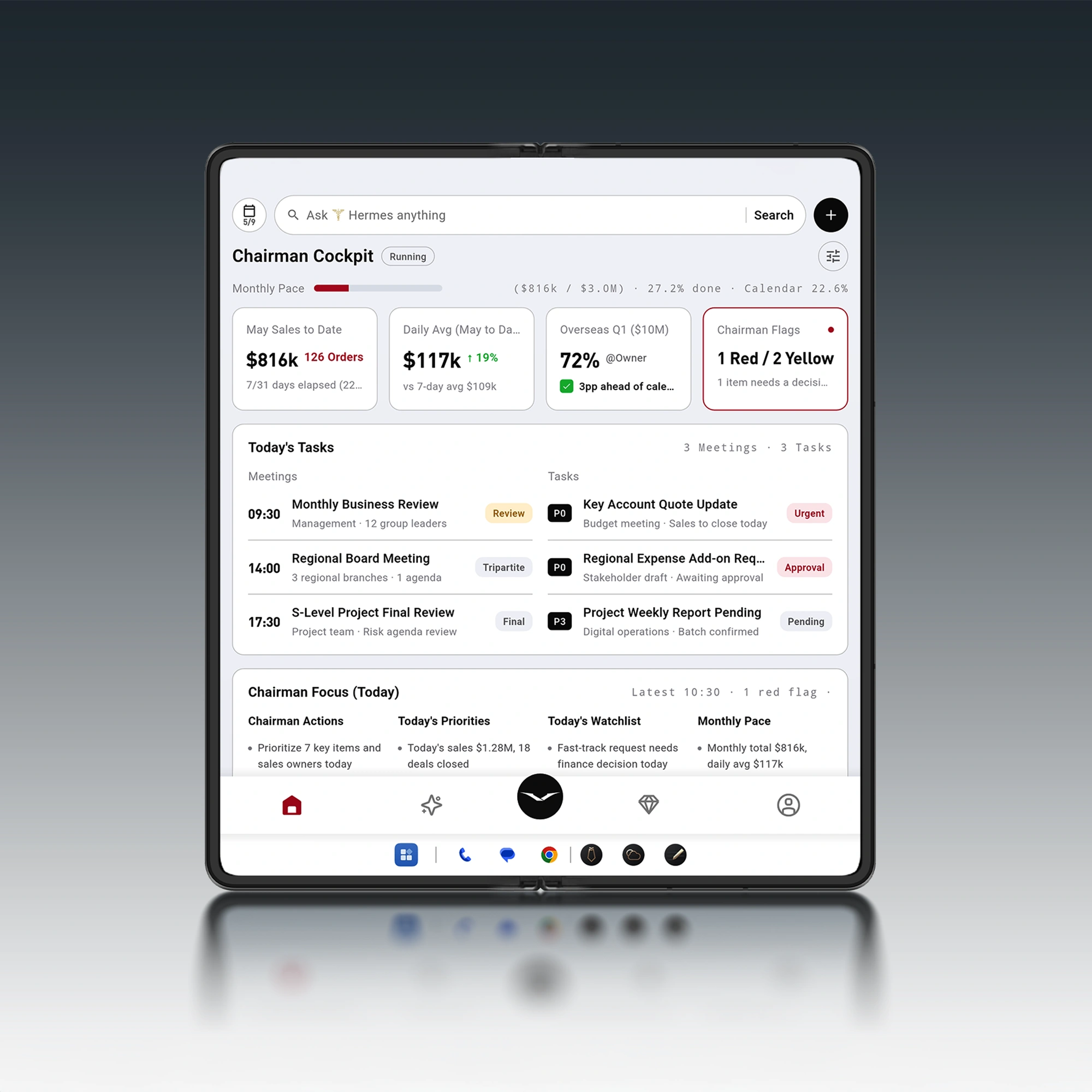
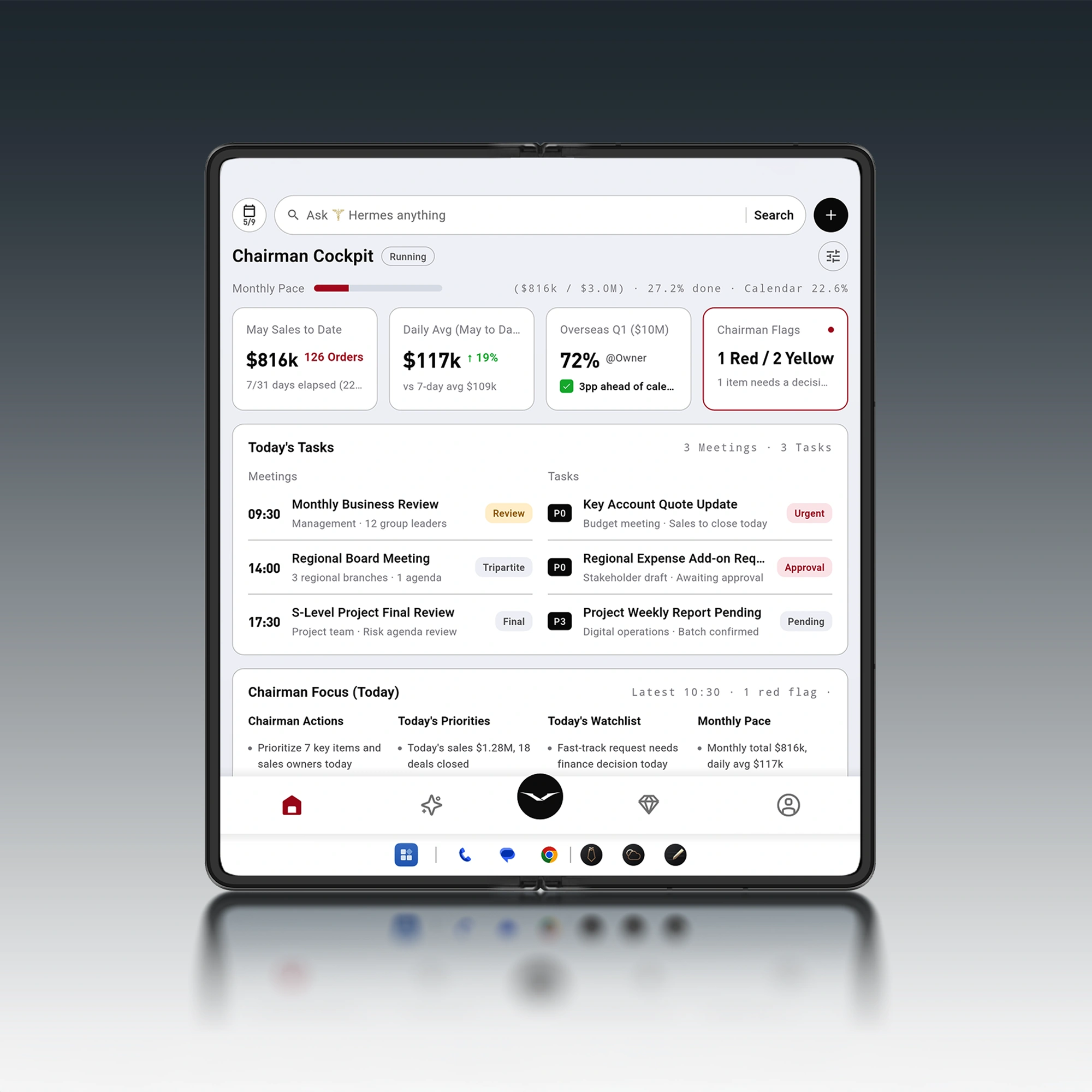
If your day lives inside productivity apps, you already know the paradox: more tools should mean more output—yet it often means more switching, more checking, more “where did that live?”
The fix isn’t another app.
It’s an execution layer—something that can cross boundaries between calendar, messages, documents, and tasks, while still respecting the boundaries that matter: privacy, approvals, and control.
This is the promise of app orchestration. And it’s the lens that makes sense of how Hermes Agent connects your tools into a workflow you can actually finish.
Key takeaways
App orchestration is about getting outcomes across multiple tools—not just running isolated automations.
Hermes Agent is designed to move from voice intent → context → proposed actions → approval → execution across supported apps.
The practical value shows up in repeatable moments: meeting prep, travel days, and follow-ups that don’t fall between apps.
For decision-stage buyers, the real questions are governance: what it can see, what it can do, what requires approval, and what you can revoke.
App orchestration vs automation (and why executives feel the difference)
“Automation” is usually a single move: if X happens, do Y.
“Orchestration” is what turns those moves into a process you can trust.
Zapier defines orchestration as the “automated coordination and management of multiple tasks, systems, and data to create a unified end-to-end business process,” and contrasts it with automation that focuses on individual tasks inside a workflow (see Zapier’s workflow orchestration explainer).
IBM lands similarly: “Workflow orchestration is the practice of coordinating multiple automated tasks across business applications and services to help ensure seamless execution” (via IBM’s workflow orchestration overview).
In plain English:
Automation saves you a click.
Orchestration saves you a decision.
That difference is why orchestration matters most to people whose calendar is tight, whose messages are high-stakes, and whose time zones change faster than their inbox.
Why “more productivity apps” quietly costs you time
Most productivity breakdowns aren’t caused by a lack of intelligence. They’re caused by friction—especially reorientation friction.
The American Psychological Association summarizes what the research keeps finding: multitasking and switching impose real cognitive costs, even when each switch feels small (see APA’s overview of multitasking and switching costs).
The executive version of this is familiar:
A calendar invite holds the stakes.
A chat thread holds the truth.
A doc holds the working details.
An email holds the commitments.
A task system holds the next action—until it doesn’t.
And then you spend your best hours reconstructing context.
Key TakeawayThe problem isn’t that your tools don’t work. It’s that they don’t finish work together.
How Hermes Agent integrates productivity apps: from opening apps to executed outcomes
Most assistants stop at “I found it.”
Or “Here’s a summary.”
Hermes Agent is positioned around the moment that actually matters: what happens next.
On VERTU’s own description, Hermes Agent is “your AI second brain — a private AI agent built into the VERTU phone experience,” designed to “remember useful context, understand your work and help you act across meetings, messages, documents, travel and daily decisions with your approval.”
The architecture implied by that phrasing is simple, and it’s the whole game:
Capture intent quickly (often by voice)
Pull context from your connected tools (within defined boundaries)
Propose actions (drafts, plans, next steps)
Stop at approval gates (where real risk begins)
Execute across apps (and leave you with something you can verify)
VERTU also emphasizes voice wake-up, and a human-in-the-loop model where significant actions require confirmation, permissions can be withdrawn, and boundaries can define what the agent can and cannot access.
A useful companion read—especially if you’re evaluating phone-first workflow automation—is Hermes Agent inside AlphaFold.
What this looks like in real life
Not a demo. A day.
You don’t want to “open five apps.” You want to say what you need, and have the phone do the polite, exhausting part: collecting, arranging, drafting, scheduling—then asking you to approve the moments that actually matter.
Below are three decision-stage workflows where app orchestration is either real… or it isn’t.
Workflow 1: Meeting prep that ends with decisions and follow-ups
This is where most executives bleed time: you enter a meeting underprepared, you improvise, and then you leave with follow-ups scattered across apps.
A phone-first orchestration approach is a chain:
Calendar tells you what’s next and who’s involved.
Email reveals what’s unresolved.
Docs show what’s still unclear or unedited.
Chat carries the latest truth and the quiet politics.
VERTU’s “SaaS phone” framing describes the orchestration logic crisply: you state intent once, the device gathers context from connected tools, proposes a plan, asks for approval where it should, then executes across the apps you already use (see AI workflow automation on phones: the ‘SaaS phone’).
Here’s the difference between “assistant” and “orchestrator” in a single line:
Assistant: “Here’s what the email says.”
Orchestrator: “Here are the three decisions you need to make, and the two messages ready to send once you approve them.”
Pro TipDefine “significant actions” upfront—sending a message, inviting attendees, sharing a file, editing a doc, moving a meeting—then insist those actions stop at an approval gate.
Workflow 2: Travel day orchestration without surrendering control
Travel is where productivity apps become a liability:
time zones drift
connectivity gets unreliable
plans change faster than you can rebook them
Hermes Agent is framed around travel as a first-class workflow domain—meetings, messages, documents, travel, daily decisions—not as a separate app category.
The orchestration value on travel days is not about doing everything for you. It’s about preventing the classic failure modes:
booking changes without your awareness
messages sent to the wrong group
meetings moved without the proper context
If you’re evaluating this as a decision-stage buyer, ask a simple question:
Can it propose travel-related actions and stop at approvals in the same flow?
Because travel is where “execution without consent” becomes reputational risk.
Workflow 3: Inbox-to-outcome: turning messages into tasks and time
Most systems fail at the handoff between “message received” and “work scheduled.”
You read an email. You think, I’ll do that later. And then later doesn’t happen.
Orchestration is the missing link: converting intent into a structured plan across your stack.
A practical flow looks like this:
Identify what the message is asking for (decision, draft, approval, delegation).
Turn it into a task (with due date, owner, and context).
Reserve time (a real calendar block, not a vague hope).
Draft the reply (as a draft, not a send).
This is where voice control becomes more than convenience. Voice is the fastest capture method when you’re in motion; orchestration is what turns that intent into drafts, plans, and next steps across your connected tools—then asks for approval at the right boundary.
Governance: the four questions you should ask before you trust orchestration
If a system can move across productivity apps, it can also misfire across productivity apps.
Decision-stage evaluation should be less about “features” and more about safeguards.
VERTU’s Hermes Agent framing points to four controls:
Approvals for significant actions
Revocation of permissions, integrations, and session memory
Boundaries that define what the agent can see and what it cannot
Privacy by design as an architectural principle
⚠️ WarningAny workflow agent that requests broad, permanent permissions without clear approval gates is not an assistant. It’s a liability.
A practical way to think about an AI Agent phone
“AI Agent phone” is a phrase that’s easy to market and hard to make real.
The useful definition is simpler:
An AI agent on a phone is not a chatbot in a smaller box.
It’s an operator that can:
understand intent quickly
collect context from the apps you already use
propose a plan you can approve
execute, then show you what happened
The point is not fewer apps on your home screen.
It’s fewer unfinished threads in your head.
How to get started: a discreet setup checklist
You don’t need a complicated rollout. You need clarity.
1) Pick your “core four” apps
For most executives, orchestration becomes meaningful when it can touch at least:
calendar
email
documents
messaging
2) Decide what it can do without asking
Set boundaries in plain language. For example:
can draft messages and emails
can suggest calendar changes
cannot send messages
cannot invite external attendees
cannot share documents
3) Define your “significant actions”
Most problems happen at the edge of control:
sending
sharing
deleting
booking
paying
If it can cause reputational damage, it should require confirmation.
4) Standardize one workflow first
Start with meeting prep and follow-ups.
It’s repetitive. It’s high value. And it reveals whether orchestration is real.
FAQ
What productivity apps does Hermes Agent integrate with?
VERTU’s public positioning emphasizes movement across “supported apps for messages, meetings, travel, maps, productivity and payments,” alongside permissions, approvals, and boundaries. For a decision-grade answer, validate against your own stack and the current supported-app set during a walkthrough.
What is app orchestration in productivity?
App orchestration is the coordination of multiple automated steps across apps and data sources into an end-to-end process. Unlike basic automation, it manages sequencing, dependencies, and the “stop points” where approvals and exceptions belong.
Is voice control just a convenience feature?
Not when it’s paired with orchestration. Voice is the fastest capture method when you’re in motion; orchestration is what turns that intent into drafts and next steps across your connected tools.
Next steps
If your workday is already inside productivity apps, the right question isn’t whether you need more tools.
It’s whether you can move from intent to outcome without living in the app switcher.
If you want to explore Hermes Agent in detail, start with the product positioning and governance model on the Hermes Agent page.
Disclosure: This article references VERTU pages. Editorial judgment remains the priority.