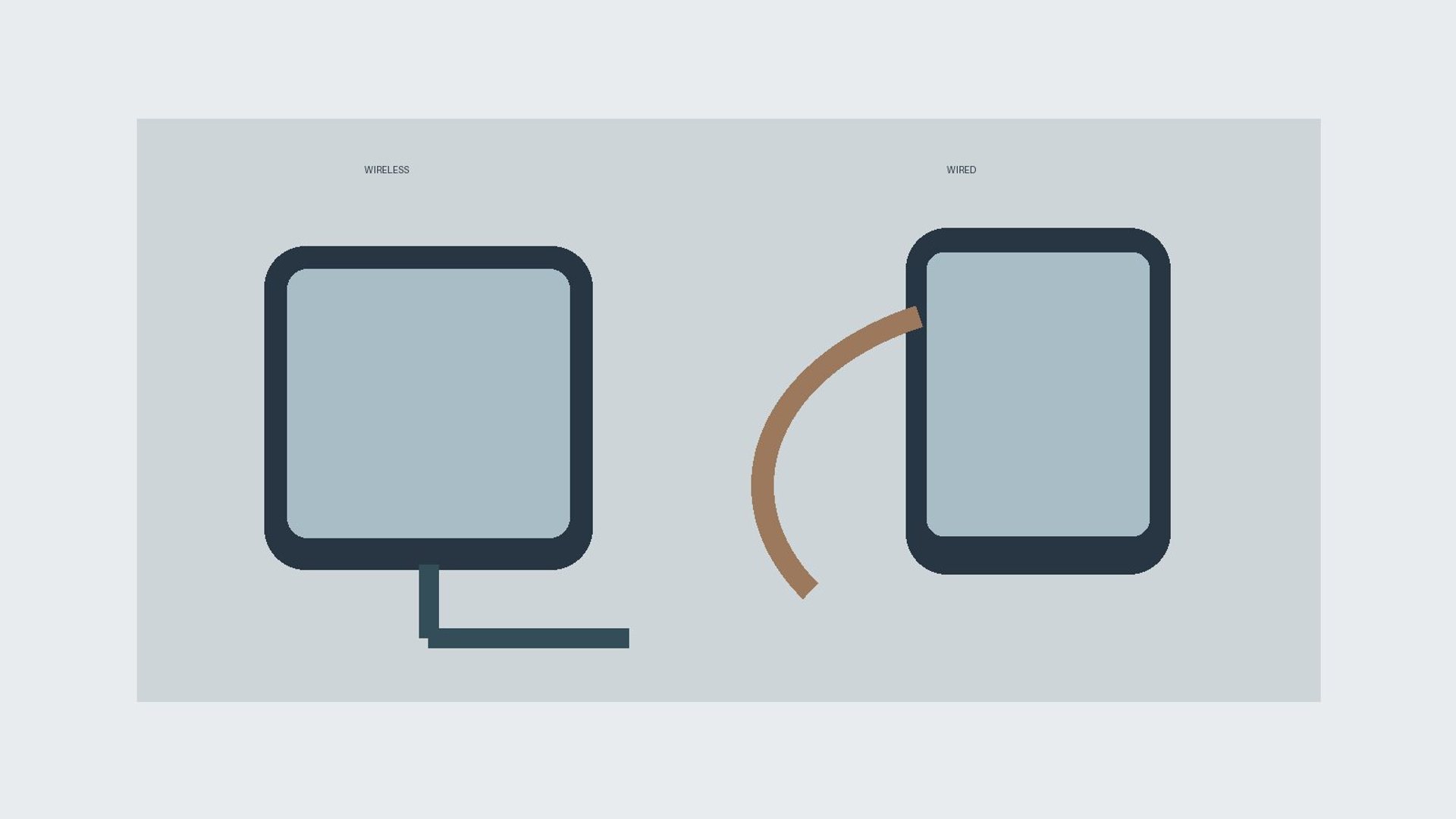
For wireless charging vs wired charging at a desk, choose a cable when you need a predictable top-up while using the phone, and choose a compatible wireless pad when frequent, short pick-ups make convenience more valuable. Neither method is automatically faster in every setup. The phone, charger, cable or pad, alignment, case and temperature determine the result.
Key Takeaways
- Check the phone’s supported wired and wireless standards before buying desk accessories.
- A cable is usually easier to use during a call or while moving the handset around the desk.
- A wireless stand can make repeated placement simple, but alignment and case thickness matter.
- Compare real charge gain over your own work interval, not the largest wattage printed on a box.
- Keep either charging setup cool, stable and free of damaged accessories.
What is the practical difference at a desk?
Wired charging passes power through a connector and cable. Wireless charging transfers power from a charging surface to a compatible receiver in the phone when they are positioned correctly. The desk experience differs: a cable remains attached if you lift the phone, while a pad or stand lets you pick it up without unplugging. If you hold the phone through long calls, the cable may be more useful. If you glance at notifications and put the device down many times, a stand may feel simpler.
There is no universal winner because the same phone can behave differently with different adapters, cases and temperatures. A high-rated adapter does not force a phone to accept that power. Likewise, a pad’s maximum rating does not mean your particular handset receives it. Decide what work pattern you need to support, then confirm compatibility and test the setup you will actually use.
Is wired charging always faster than wireless?
No. Wired charging can be fast with a compatible phone, USB-C cable and suitable Power Delivery adapter, but low-power cables, hubs and shared adapters can limit it. Modern certified wireless systems can also charge quickly when the phone supports them and alignment is correct. The Wireless Power Consortium states that Qi2 introduced certified 15 W charging and that the later Qi2 25W specification raises the available power for compatible devices. Those are standard capabilities, not guaranteed speeds for every phone.
Apple’s charging-speed guidance illustrates the distinction: for iPhones, it recommends an appropriate USB-C Power Delivery charger for faster wired charging and MagSafe or Qi2-certified equipment for faster wireless charging. It also notes that a low-output charger, a multiport adapter sharing power, demanding apps and heat can slow charging. Check your exact model and accessory specifications instead of transferring an iPhone figure to another brand.
How should you compare charging speed fairly?
Start both tests at a similar battery level and room temperature. Use the phone’s normal case, keep the same apps running, and measure the percentage gained over a work interval that matters to you—perhaps one meeting or a lunch break. Repeat if one result seems unusual. Record whether the phone was used, whether a laptop hub shared the adapter, and whether the wireless pad required repositioning. The aim is a practical comparison, not a laboratory claim.
A charge from 20% to 50% can behave differently from one near full because devices manage power as the battery fills. This makes a single “minutes to 100%” claim less useful for a desk where you top up throughout the day. Also note that some phones pause or slow charging when warm. If the phone becomes noticeably hot or displays a charging hold message, let it cool and review the setup rather than repeating the test under the same conditions.
Does wireless alignment really matter?
Yes. A wireless pad must align its transmitting area with the phone’s receiver. A phone placed off center may charge slowly or not at all. Magnetic Qi2 designs are intended to improve alignment; the Wireless Power Consortium describes this as a way to improve efficiency and ease of use. A nonmagnetic pad can still work well if it has a clear positioning mark and a stable surface. A stand should hold the phone at a usable viewing angle without sliding out of alignment.
Check the charging indicator when you set the phone down, then again after a few minutes. A notification animation alone is not proof that charging continued throughout a meeting. Thick cases, metal attachments, card wallets and certain grips can interfere with fit or alignment. Follow both phone and charger makers’ compatibility instructions. Remove any accessory that the maker says is unsuitable for wireless charging.
Which option works better while you use the phone?
A cable often works better when you need to hold the handset, use its camera, or move between desk and sofa without interrupting power. Choose a cable length that reaches comfortably without being stretched across a walkway. A wireless stand works well for glanceable notifications, video calls or a clock display while the phone remains in one position. Lifting the phone from the stand interrupts charging until you return it.
Some desk users combine both: a wireless stand for routine placement and a cable for time-sensitive top-ups. That is a workflow choice, not a requirement. If you own a foldable phone, check whether its charging coil aligns with a particular stand in its folded position and whether the case changes the angle. Do not assume that a phone supports wireless charging simply because it has a premium price or a USB-C port.
How do heat and battery management affect the choice?
Both methods can warm a phone, and the device may limit charging under high temperature. Apple notes that charging may pause in extreme temperature conditions and advises moving the phone and charger to a cooler place. Keep a charging stand away from direct sun, heating vents and insulating clutter. Do not cover a charging phone with papers. If a desk mat traps heat beneath a pad, use the charger as its maker instructs on a suitable surface.
Do not equate a warm phone with immediate damage, but do pay attention to unusual heat or recurring charge holds. Charging while playing a demanding game or streaming high-resolution video can slow net battery gain because the device consumes power at the same time. A fair desk comparison should account for active use. If a phone or adapter becomes abnormally hot, stop using the accessory and seek maker guidance.
What does a compatibility check include?
For wired charging, confirm the phone’s connector, supported charging protocol, cable rating and adapter output. For wireless charging, confirm whether the phone supports Qi or Qi2, the specific power level it can receive, and whether its case works with the pad. A charger advertised at 25 W cannot make an unsupported phone charge at 25 W. Certified products can reduce uncertainty about interoperability; the WPC provides a database for Qi certification checks.
For a VERTU phone, begin with the exact model and edition’s official specification or support guidance. The VERTU phone collection contains different device forms, so a charging capability should never be inferred across the range. Check what ships with the device and whether an official or approved accessory is recommended. This article does not claim every VERTU model supports wireless charging.
Which setup fits your work pattern?
| Desk pattern | Likely better first choice | Why |
|---|---|---|
| Need a quick top-up before leaving | Compatible wired setup | Easy to verify protocol and use while holding phone |
| Lift and replace phone repeatedly | Compatible wireless pad or stand | No cable to reconnect each time |
| Phone remains visible during calls | Wireless stand if supported | Upright viewing and easy placement |
| Use phone away from desk while charging | Long enough safe cable | Power continues when lifted |
| Phone has no wireless receiver | Wired setup | Wireless pad cannot charge it |
“Likely” matters: a weak cable setup can disappoint, and a well-matched Qi2 setup may be quick enough for many users. Test your actual phone and accessories. If you frequently switch between several devices, consider whether the pad and adapter can serve each one without sharing power in a way that undermines your expected charge time.
How should you arrange a safer, neater desk?
Place either charger where the phone cannot be knocked from the desk edge. Route cables so they do not snag a chair or pull on a device. Keep the connector and charging surface free of visible debris, and replace damaged cables rather than taping them. Use an adapter of suitable quality and follow the accessory’s safety instructions. Avoid stacking metal objects, cards or keys between a wireless pad and phone.
For a shared workspace, label chargers if users have different phones and charging standards. A familiar pad may fit one handset and fail on another. A charging stand can improve screen visibility, but privacy matters when notifications are visible across a room. Choose an angle and lock-screen setting appropriate to the workspace. Desk convenience should not create a privacy or trip problem.
Frequently asked questions
Will wireless charging damage my phone battery?
Compatible charging is managed by the phone, but heat and unsuitable accessories can affect the experience. Use approved or certified equipment, follow the phone’s temperature guidance and avoid prolonged charging in direct sun. Do not assume all wireless pads perform alike.
Why is my wireless pad slower than a cable?
Possible causes include lower supported power, poor alignment, an incompatible case, a low-output adapter or heat. Confirm the phone and pad’s shared standard, reposition the handset and compare under similar conditions.
Can I use my phone while it is on a wireless charger?
Yes when the stand supports the viewing angle, but lifting it interrupts charging. Processor-intensive use can also reduce the battery percentage gained. A cable may be easier when you need to hold or move the phone.
Should I buy a Qi2 charger for a phone that only lists Qi?
Check the phone and charger makers’ compatibility details first. A Qi2 product’s higher advertised capability does not grant the phone a feature it lacks. Buy for the capability both devices actually share.
What is the best answer for your desk?
The wireless charging vs wired charging decision is a trade-off between convenient placement and continuous power while handling the phone, within the limits of your specific hardware. Verify compatibility, compare battery gain over a real work interval, and keep the setup cool and stable. If both are useful, use a stand for routine placement and a cable for urgent or mobile desk work.