

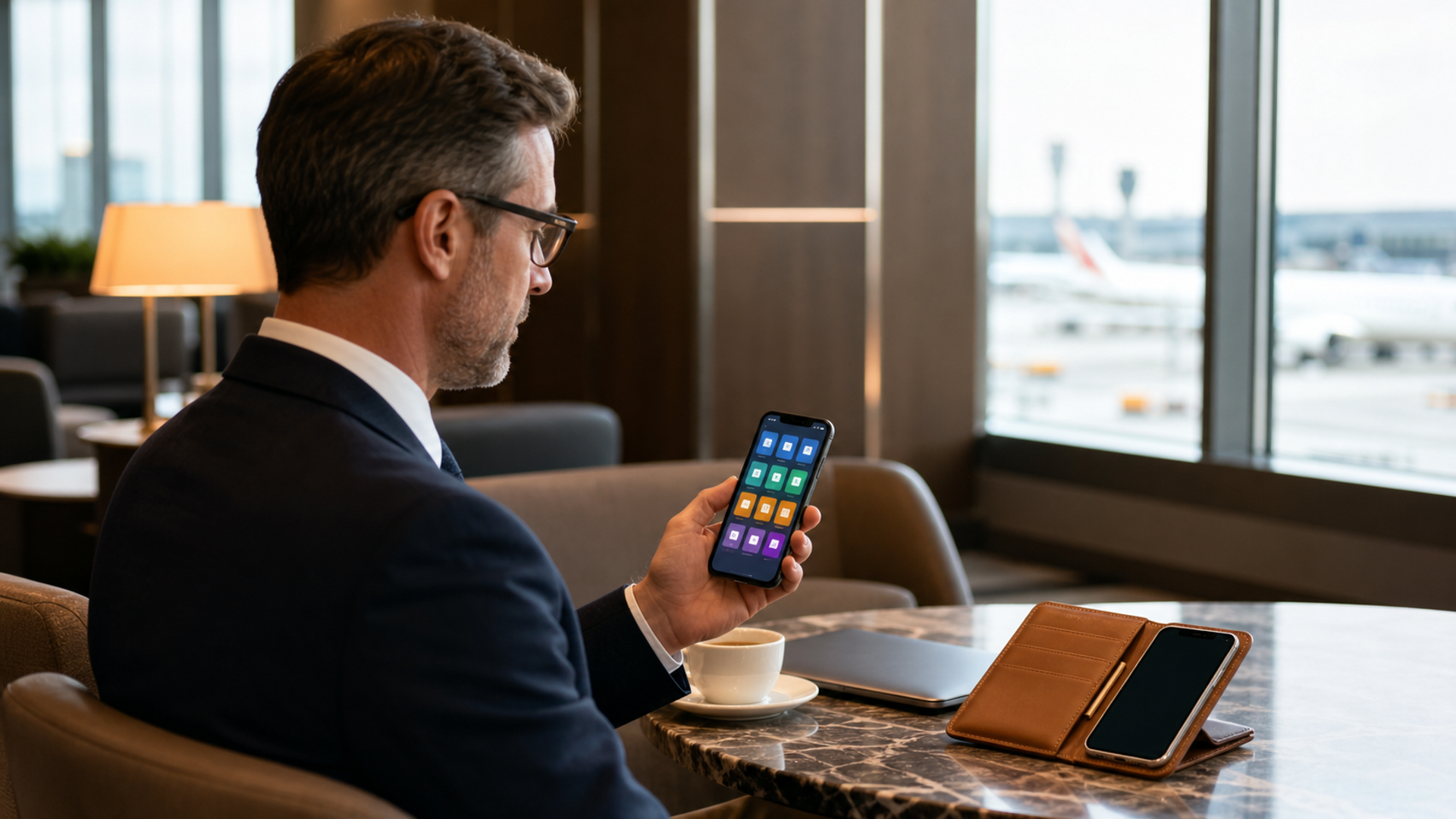
The best phone for business and personal use is not simply the fastest flagship. It is the phone that can keep company data governed without giving an employer unnecessary access to private life. For most people, a properly managed iPhone or Android phone is enough. Executives handling unusually sensitive work, frequent border crossings or multiple regulated organisations should still consider two devices.
The decision comes before the model.
One phone or two: the decision table
| Your situation | Better setup | Why |
|---|---|---|
| Self-employed, one company, normal travel | One phone | Lower friction and simple ownership |
| BYOD with modern device management | One phone with a managed work container | Work apps and data can be separated |
| Company-owned device with strict controls | Two phones | Personal privacy is clearer |
| Board, legal, M&A or government work | Usually two phones | Reduces accidental crossover and simplifies policy |
| Heavy international travel with sensitive data | Two phones or a clean travel phone | Limits the data carried across borders |
| Founder who cannot tolerate missed calls | One primary phone plus a backup device | Resilience matters more than perfect minimalism |
What proper separation looks like
On Android, a Work Profile creates a self-contained area for work apps and data. Work apps carry a briefcase icon, and the organisation manages that profile while personal apps and usage remain private. Google also lets the user pause the Work Profile, which stops its apps and notifications until work resumes. The boundary can be weakened if the user deliberately connects work and personal versions of an app, so every cross-profile permission deserves attention.
Apple supports account-driven enrolment with a personal Apple Account and a Managed Apple Account on the same device. Apple says the system creates separate encryption keys for managed data; removing enrolment destroys those keys and removes the managed material without deleting personal information.
These systems make one-phone life possible. They do not make policy irrelevant. Ask the organisation exactly what it can see, which settings it can enforce and what happens during offboarding or a remote wipe.
The six features that matter more than benchmark scores
1. A published support horizon
A business phone is an access credential, camera, authenticator and document terminal. Buying a model with a vague update promise creates a future migration deadline that nobody has scheduled.
Google guarantees seven years of operating-system, security and Pixel Drop updates for Pixel 10 Pro. Samsung advertises seven operating-system updates and seven years of quarterly security updates for the Galaxy S26 series. Fairphone plans eight years of security support for the Fairphone (Gen. 6). Long support does not prove that one phone is safer on a particular day, but it gives IT and the owner a usable planning horizon.
2. Work and personal data separation
Look for a management path your organisation actually supports. Android Work Profile and Apple's managed enrolment are useful only when the company has configured identity, apps, certificates and offboarding correctly.
A phone with three impressive privacy modes is still a poor business choice if the corporate mail system cannot enrol it.
3. Strong authentication
Use a long device passcode, biometric unlock for convenience, phishing-resistant security keys where the service supports them, and a password manager. The model name cannot compensate for reused passwords or approving an unexpected sign-in prompt.
4. Reliable battery and charging
Manufacturer video-playback claims do not describe a roaming day of calls, maps, hotspot use and photography. Read them as comparable laboratory scenarios, then add a compact charger or power bank to the travel setup.
5. Global connectivity and service
Check the exact regional model for bands, eSIM behaviour, dual-SIM support, satellite features and warranty coverage. A US review may describe a radio configuration or emergency service that does not exist in another market.
6. A calm notification model
The phone should allow work to stop. Android can pause a Work Profile. Apple and Android both support focus modes, but the user must configure them. A device that mixes every personal and corporate alert into one endless stream is not productive, however powerful its processor.
The best one-phone choices
iPhone 17 Pro: best for organisations already built around Apple
iPhone 17 Pro is the straightforward choice when a company uses Apple Business, managed apps and Apple's identity model. Its value is predictable deployment and a large support ecosystem, not a claim that every iPhone is automatically secure. Apple Business now includes built-in device management for smaller organisations as well as integration with identity providers.
Choose it when colleagues use Apple devices, required work apps are well supported on iOS and IT knows the platform. The Pro Max version may deliver more endurance, but the larger body is not ideal for every traveller.
Samsung Galaxy S26 Ultra Enterprise Edition: best for managed Android
Samsung combines Android's Work Profile with Knox Suite, enterprise enrolment and an extended support package. Enterprise Edition adds a longer product lifecycle, warranty terms and management benefits that vary by market. It is a strong fit for companies that want Android flexibility without assembling every management layer themselves.
The built-in Privacy Display on the S26 Ultra can reduce side-angle visibility when enabled. Samsung is careful to say that some information may remain visible depending on angle and brightness. It is useful against casual shoulder surfing, not a licence to open confidential files in a crowded lounge.
Google Pixel 10 Pro: best for clean Android and direct updates
Pixel 10 Pro gives buyers Google's own Android implementation and a seven-year update commitment. It is a good choice for a small company that uses Google Workspace or for an individual who wants a less customised Android experience.
The drawback is regional support. Confirm sales, repair and preferred enterprise-management availability where the team operates.
VERTU AlphaFold: best for an executive workspace with service
AlphaFold is different from the conventional fleet phone. Its 8.05-inch inner screen is intended for documents, dashboards and multitasking, while the 6.53-inch outer display handles ordinary phone use. VERTU's knowledge base specifies an A5 security chip, Private Space, encrypted V-Talk and isolated system spaces. Hermes Agent and authorised enterprise connections depend on configuration, supported services and user approval.
The reason to choose it is the combination of a large mobile workspace, VERTU craftsmanship, privacy controls and eligible concierge support. It should be evaluated with the organisation's IT team; ERP, CRM and approval workflows are not switched on by default.
When two phones are still better
Use two devices when the consequences of crossover are high. A separate company phone makes ownership, legal hold, remote wipe, app policy and return of equipment unambiguous. It also keeps a family photo library and personal location history away from corporate administration.
The cost is friction. Two phones need charging, roaming plans and disciplined contact management. People often defeat the separation by forwarding work documents to personal accounts. If you choose two, make the work device complete enough that shortcuts are unnecessary.
A ten-minute buying checklist
Before choosing a model, answer these questions:
Who owns the device and the mobile number?
Can IT erase only work data, or the entire phone?
How long will security updates continue?
Are the required banking, identity and business apps supported in every travel market?
Can work notifications be paused without breaking compliance?
What is the repair and replacement plan abroad?
Which data must never leave the organisation's systems?
Three travel scenarios
A normal client trip
One managed phone is usually enough. Download only the documents needed for the trip, update the operating system before departure and carry a known charger. Avoid joining unknown Wi-Fi when mobile data or a trusted hotspot is practical.
A board meeting or transaction
Use a company-controlled device and keep the personal cloud account out of the workflow. Confirm where meeting papers are stored, whether screenshots are restricted and how the device will be handled if it is lost. A separate work phone may be worth the inconvenience for the duration of the matter.
A high-risk border crossing
Reduce the data carried. A clean travel device with temporary access can be safer than taking a primary phone containing years of messages and photographs. The correct approach depends on law, company policy and personal risk; obtain specialist advice rather than improvising at the airport.
The setup after purchase
The buying decision is unfinished until enrolment works. Install updates, register recovery contacts, enable the organisation's management profile, test remote lock and confirm that personal backups do not collect work documents. Then simulate offboarding: can the work profile and its keys be removed without damaging the user's personal account?
Write the answers down. A short device record containing owner, serial number, support end date, management status and replacement contact is more useful in a crisis than a long security slogan.
Verdict
For most people, the best phone for business and personal use is a managed iPhone 17 Pro, Galaxy S26 Enterprise Edition or Pixel 10 Pro, selected to match the organisation's identity and management stack. VERTU AlphaFold is the considered alternative for an executive who also values a foldable workspace, crafted materials, private AI boundaries and concierge service.
Use two phones when policy, ownership or travel risk makes the boundary more important than convenience. The best setup is the one whose separation rules remain obvious on a tired Friday evening.


