

An AI meeting assistant is only as useful as its output.
Not the recording. Not the transcript. The output.
For an executive, the real value is simple: walk out of a call with decisions captured, owners assigned, and a follow-up draft ready—without turning the meeting into a second job.
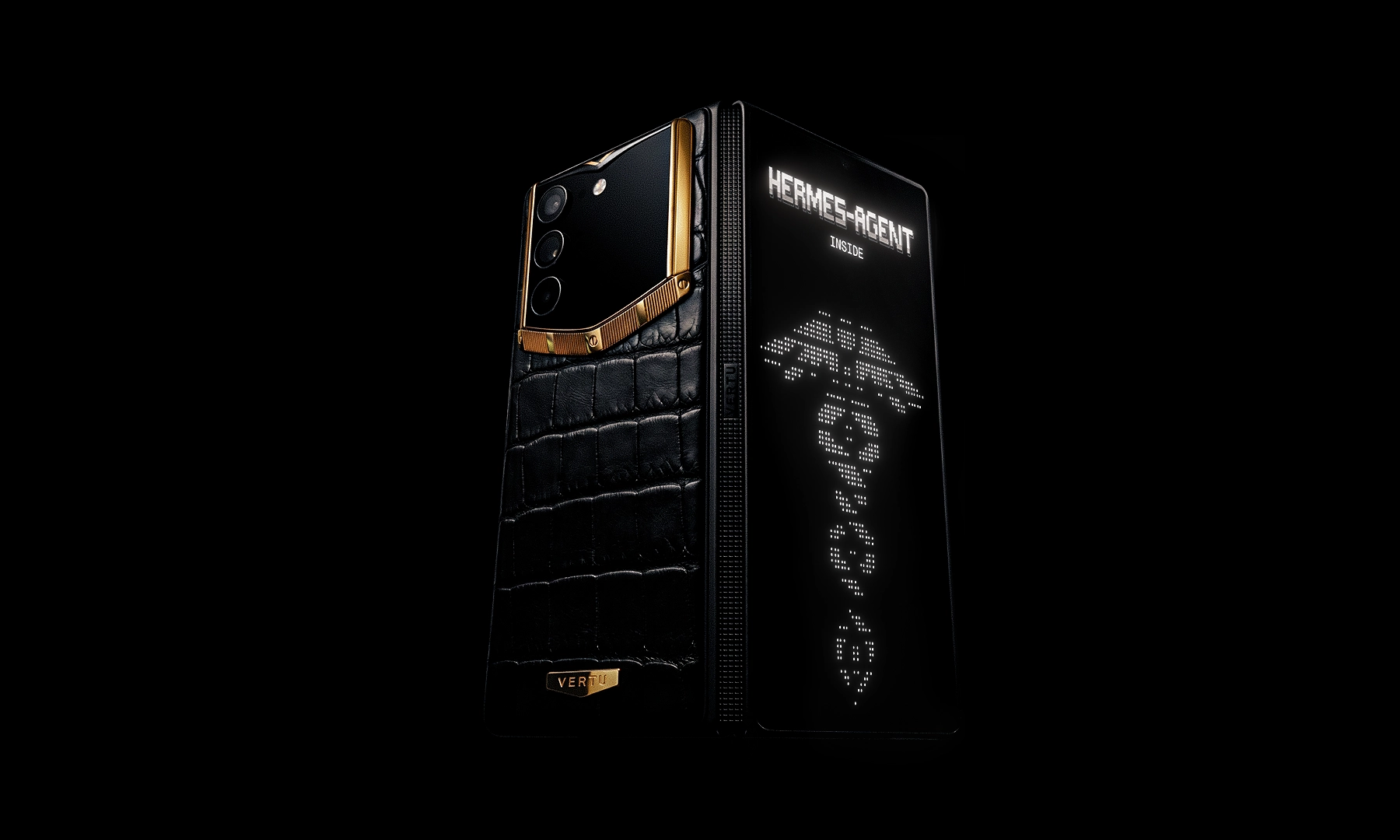
On a foldable phone, that workflow becomes surprisingly natural: call on one side, live notes on the other, and a structured summary you can approve before it turns into action.
Key takeaways
Meeting notes are for you; meeting summaries are for distribution. Treat them as different outputs with different rules.
A usable action item has four fields: owner, task, due date, and context.
The winning setup on a foldable is call + live capture, then summary + approvals, then follow-up draft.
In high-trust environments, “AI that can act” is only safe when it’s permissioned, reviewable, and auditable.
Meeting notes vs meeting summaries (and why executives should care)
Most teams use “notes” and “summaries” interchangeably. That’s why follow-ups drift.
To keep terminology crisp, this article uses:
AI meeting notes for the raw or lightly edited capture during the meeting.
AI meeting summaries for the structured, shareable recap after the meeting.
A cleaner distinction is:
- Meeting notesthe live capture—fast, incomplete, sometimes messy. They’re primarily for the note-taker.
- Meeting summariesthe shareable recap—edited, structured, focused on outcomes.
- Meeting minutesthe formal record for governance contexts.
If you want the long version, Minutes Solutions explains the practical difference between meeting minutes and meeting notes in a way most teams never write down.
Decision rule
If it’s for you, capture notes.
If it’s for others, send a summary.
If it’s for the record, create minutes.
What “good” looks like for an AI meeting assistant (and an AI meeting summarizer)
Before setup, define the standard you’ll accept.
An AI meeting assistant should reliably produce four outputs:
Recording (when appropriate)
Transcription (accurate enough that decisions aren’t misrepresented)
Meeting summaries (outcome-first, not a rewritten transcript)
Next steps (action items + follow-up message)
Tool reviews tend to judge assistants on implementation ease, transcription quality, integrations, and security—Zapier’s 2026 guide is a useful reference for the evaluation criteria even if you’ll apply stricter standards for executive work.
The foldable-phone advantage: two surfaces, one conversation
A foldable isn’t just a bigger screen. It’s a different posture.
A tablet is excellent when you’re producing long-form work.
A foldable is excellent when you’re deciding—in transit, between rooms, in the car, or between back-to-back calls.
A foldable workflow that consistently works:
- Left sidevideo call / dial-in
- Right sidelive capture (notes, transcript, or assistant chat)
- Half-open posturehands-free presence when you need to type
VERTU’s own guide on foldable phone vs tablet for executive work frames this well: a foldable wins when your day is built from short bursts of approvals, context checks, and rapid follow-through—exactly where meetings create friction.
Pro TipSave an “App Pair” layout for Call + Notes. Your meeting workflow should launch like a ritual, not a project.
A decision-stage setup: AlphaFold + Hermes Agent as your AI meeting assistant
This is the pattern to aim for:
Capture (recording + transcript when appropriate)
Structure (meeting summary that separates decisions, risks, and open questions)
Commit (action items with owners and due dates)
Send (follow-up email drafted, reviewed, then approved)
Hermes Agent is positioned as a phone-first orchestration layer: it prepares actions, asks for confirmation, then executes—rather than acting invisibly in the background. That matters.
In VERTU’s explanation of AI workflow automation on phones, the point isn’t “the agent can do everything.” The point is governed execution: drafts and proposals first, approval gates for sensitive actions, and auditability.
Step 1 — Set the meeting boundary (what you will and won’t record)
Before you record anything, decide your rule set.
Use a simple policy:
- Recordinternal updates, project reviews, vendor calls where attendees consent.
- Do not recordconversations where participants explicitly object, or where sensitivity makes capture inappropriate.
Even when a tool supports capture, your real standard is trust.
⚠️ WarningDon’t treat meeting capture as a default. Treat it as an opt-in behavior with clear notice.
Done when: You can describe—in one sentence—when recording is allowed and when it’s not.
Step 2 — Choose your output format before the meeting starts
If you want better summaries, stop asking for “a summary.” Ask for a structure.
A decision-ready structure for executives:
Purpose (one line)
Decisions (bullets)
Key context (bullets)
Risks / blockers (bullets)
Action items (table)
Open questions (bullets)
Done when: Your assistant produces a recap where decisions and actions are visibly separated.
Step 3 — Turn meeting notes into action items (the 4-field rule)
If your action items aren’t executable, the meeting didn’t end. It just moved.
A usable action item has:
Owner (one person)
Task (an observable outcome)
Due date (a real date)
Context (why it matters / what was agreed)
Asana’s framework for action items is a good baseline—their guide on action items and the 4 Ws is a useful standard to align a team around.
A clean executive-ready format:
Action item | Owner | Due date | Context |
|---|---|---|---|
Draft the client recap email | EA / Chief of Staff | Today | Use the approved decisions + next steps below. |
Confirm owner for security review | CTO | Friday | Needed before vendor contract moves forward. |
Send revised timeline | Program lead | Wednesday | Align dependencies before next steering meeting. |
Done when: Every action item can be answered “yes/no” for completion.
Step 4 — Draft the follow-up email (AI email assistant), then approve it
Follow-up emails fail for two reasons:
They’re too long.
They don’t clearly assign ownership.
A practical structure is consistent across most guidance: concise recap, action items, and a next step—Dropbox’s guide to writing a useful follow-up email after a meeting is a simple reference.
Use this template (copy/paste):
Subject: Follow-up — [Meeting topic] — [Date]
Hi [Name],
Thank you for your time today. Here’s the short recap:
Decisions
[Decision 1]
[Decision 2]
Action items
[Owner]: [Task] — due [Date]. Context: [one line].
[Owner]: [Task] — due [Date]. Context: [one line].
Open questions
[Question 1]
Best, [Your name]
Done when: The email can be sent without editing the factual content—only tone or brevity.
Step 5 — Build a “verify” habit (accuracy is a leadership issue)
AI meeting summaries are persuasive even when wrong.
So treat verification as part of executive hygiene:
Spot-check decisions against the transcript.
Confirm names, numbers, and deadlines.
If something is ambiguous, rewrite it into a clarification question.
Slack’s overview of how AI meeting note-takers work and what features to look for highlights why this matters: transcription feeds the summary; the summary feeds tasks; tasks feed execution.
Done when: You can validate a summary in under 60 seconds.
A buyer’s checklist: what to enable (and what to refuse)
Decision-stage means you need deal-breakers.
Use this shortlist when evaluating or configuring your AI meeting assistant workflow:
Must-have
Clear recording notice to participants
High transcription accuracy in your typical meeting environment
Structured summaries (decisions + actions separated)
Action items with owner + due date
Draft-first follow-ups (you approve before sending)
Access controls for transcripts and summaries
Refuse by default
Auto-sending external emails without your approval
Unbounded retention of sensitive recordings
Sharing links to transcripts without explicit access control
Next steps
If you want this workflow to feel natural, you need two things: a foldable layout that reduces friction, and an assistant that respects boundaries.
Start by using AlphaFold as your meeting workstation (call + live capture), then use Hermes Agent as the governed layer that prepares the summary and follow-up draft for approval.
To understand the “prepare, confirm, execute” model in more depth, revisit VERTU’s guide to AI workflow automation on phones referenced earlier.
Disclosure: This article references VERTU pages. Editorial judgment remains the priority.


