Discord's first-ever year-in-review feature reveals your gaming stats, top emojis, and most-talked-to friends
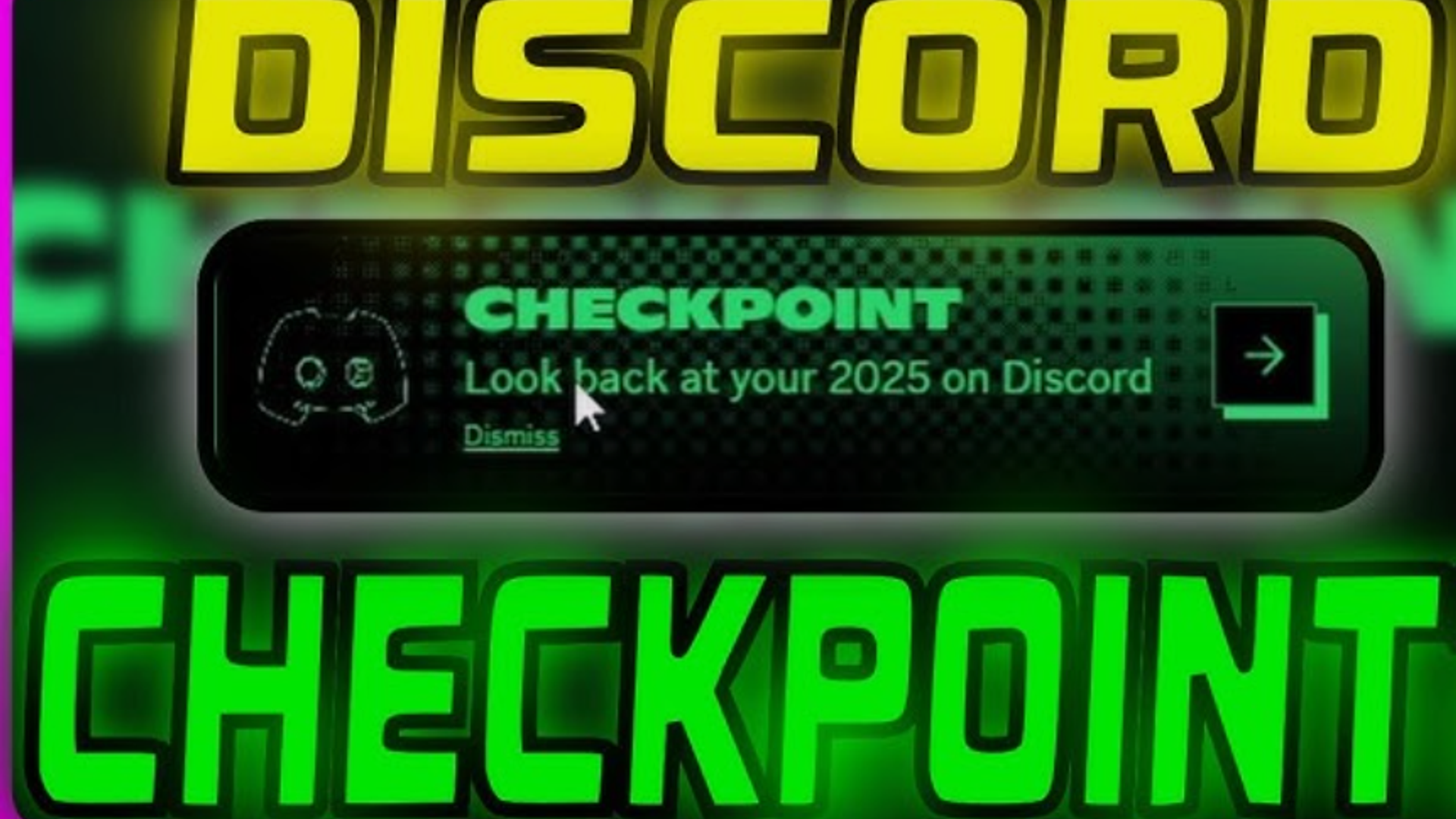
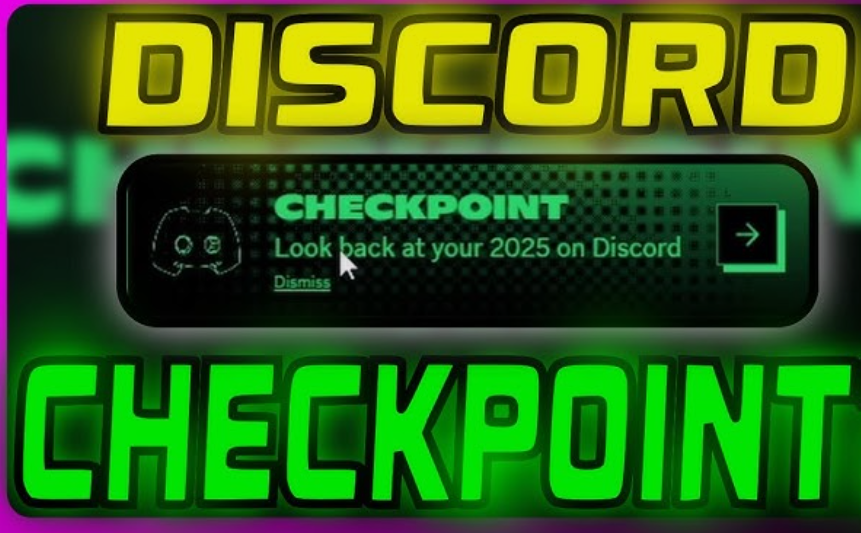
Discord has officially joined the year-end recap trend with the launch of Discord Wrapped , officially called "Discord Checkpoint." Starting its rollout on December 4, 2025, this marks the first time the platform has given its 200 million monthly active users a comprehensive look at their yearly activity. If you've been wondering what your Discord wrapped looks like, here's everything you need to know about accessing and understanding your personalized recap.
What Is Discord Wrapped (Checkpoint)?
Discord Checkpoint is a personalized year-in-review experience that shows what you did on Discord throughout 2025, similar to Spotify Wrapped or YouTube Recap. Unlike these music and video recaps, Discord Wrapped focuses on your communication patterns, gaming habits, and community engagement across the platform.
Your Discord wrapped reveals insights you might not have realized about your digital life, including which friend you messaged most, your go-to emoji for every situation, and just how many hours you spent coordinating gaming sessions in voice channels.
What's Included in Your Discord Wrapped 2025?
Your Discord Checkpoint breaks down your year into several key statistics that paint a comprehensive picture of your activity:
Communication Stats
- Total messages sent : See exactly how many messages you fired off across all servers and DMs in 2025
- Voice channel hours : Track how long you hung out in voice channels throughout the year
- Top conversation partner : Discover who you talked with the most in direct messages
Community Engagement
- Most active server : Find out which Discord server claimed most of your time
- Server participation : See which communities you helped build and grow
Gaming Activity
- Top five games : Your most-played games based on your activity are part of your Checkpoint
- Gaming communities : See which game-focused servers you engaged with most
Personal Touches
- Most-used emoji : Your favorite emojis used throughout 2025 get highlighted, showing your unique communication style
- Exclusive Checkpoint card : After reviewing your year, you'll be matched with one of ten different Checkpoint cards
- Avatar decoration : Receive a matching avatar decoration to display on your profile until January 15, 2026
How to Access Your Discord Wrapped
Getting your Discord wrapped is straightforward, but the feature is rolling out gradually over several days. Here's how to find yours:
On Desktop
- Make sure you're on the latest version of the Discord app
- Look for the flag icon in the top-right corner of your app
- Click the flag icon to view your Checkpoint
On Mobile
- Update Discord to the latest version
- Head to the You tab at the bottom-right
- Tap the Checkpoint banner to view your recap
Troubleshooting: Why Can't I See My Discord Wrapped?
If you don't see a Checkpoint, you may not have had enough activity on Discord to summarize your 2025. The feature requires sufficient engagement throughout the year to generate meaningful statistics.
Another common reason: You have toggled off "Use data to personalize my Discord experience" in your privacy settings. To enable this:
- Navigate to User Settings
- Click on Privacy & Safety
- Find "Use data to personalize my Discord experience"
- Toggle this setting on
Note that enabling this setting now won't generate a retroactive Checkpoint for 2025, but it will ensure you receive one next year.
Discord Wrapped 2025: Global Statistics
Discord revealed impressive platform-wide statistics that put individual user activity into perspective:
Platform-Wide Activity
744 billion messages and reactions were sent across Discord in 2025, demonstrating the platform's massive engagement levels.
Most Popular Emojis Globally
The most-used emoji globally on Discord in 2025 was the ❤️ red heart, reflecting the emphasis on friendship and community that defines Discord culture. The 😭 sobbing face and 😂 joy face emojis rounded out the top three, often appearing in combinations like "😭😭😭 😂😂."
The 🔥 fire emoji appeared in Discord's top five emojis for the first time, used for everything from praising clutch gaming moments to expressing frustration. The green checkmark ✅ also made the list, likely driven by companies using Discord for workplace communication.
Top Games on Discord in 2025
League of Legends maintained its dominance, continuing a 16-year streak as the most popular game on Discord. Other standout titles included:
- R.E.P.O. : The most popular indie game on Discord
- Rematch : The breakout hit of 2025
- Minecraft : Recognized with a "standout server" award
- Genshin Impact : Another standout community
- Marvel Rivals : A major gaming community in 2025
Sharing Your Discord Wrapped
Discord makes sharing your recap social and optional. After reviewing your stats, there's a Share button on your Summary page—just press it and choose where on Discord you'd like to share. You can also take screenshots of specific pages to share on other social platforms.
Your Checkpoint remains completely private unless you choose to share it. This gives you control over which stats you want to celebrate publicly and which you'd prefer to keep personal.
One particularly interesting feature allows you to message the person you DMed most, letting them know they were your number one conversation partner. However, users are cautioned to use this feature wisely—jealousy among friend groups is real!
Privacy and Data Usage
Discord respects user privacy choices when creating Checkpoints. The feature only generates recaps for users who have enabled data personalization settings. Importantly, Checkpoint is created using activity data like games played and time spent in voice channels—Discord doesn't use the actual content of your messages to build your recap.
You can review and change your data personalization settings at any time in your Privacy & Safety settings. This control ensures you decide whether Discord creates personalized features like Checkpoint for you.
The Significance of Discord Wrapped
The introduction of Discord Checkpoint represents more than just another year-end recap feature. It's a celebration of the platform's 10-year anniversary and recognition of the communities, friendships, and moments that make Discord unique.
"Behind every stat is a story. Behind every chat is a community. The time you spent with friends in voice, the achievements you earned in-game while everyone cheered you on as you streamed, and the communities big and small, built both your gaming story and ours," Discord stated in their announcement.
For gamers, Discord Wrapped captures late-night dungeon crawls, victory celebrations, and the conversations that transformed random online encounters into lasting friendships. For communities, it strengthens bonds by giving servers and friend groups a shared memory to reflect on together.
Will Discord Wrapped Return in 2026?
While Discord Checkpoint 2025 has been enthusiastically received by the community, plans for future iterations remain unclear. Discord has indicated that "plans for Checkpoint beyond 2025 are still unfolding," suggesting the feature's return depends on user reception and engagement.
Your 2025 Checkpoint will remain accessible through January 15, 2026, giving you plenty of time to review your stats, share your results with friends, and claim your exclusive avatar decoration before it expires.
Making the Most of Your Discord Wrapped
Your Discord wrapped offers more than just numbers—it's a snapshot of your digital community throughout 2025. Here are some ways to engage with your Checkpoint:
- Compare with friends : Share your stats in your most active servers and see how your usage compares
- Reflect on communities : Consider which servers brought you the most value and engagement
- Plan for 2026 : Use your stats to decide if you want to change how you spend time on Discord
- Claim your decoration : Don't forget to equip your exclusive avatar decoration before January 15, 2026
- Appreciate connections : Reach out to your top conversation partners and thank them for making your year memorable
The Future of Year-End Recaps
Discord Wrapped joins a growing trend of platforms offering year-end recaps, following in the footsteps of Spotify Wrapped, YouTube Recap, and Twitch Recap. These features tap into users' desire to reflect on and share their digital experiences while strengthening engagement and community feeling.
By launching Checkpoint, Discord demonstrates its understanding of what makes the platform special: not just the technology, but the human connections, shared experiences, and communities built through countless messages and voice calls.
Whether you sent 24,549 messages (putting you in the top 2% globally) or had a more modest year, your Discord wrapped tells the story of how you connected, played, and belonged in 2025. Update your app today and discover which emojis, games, and communities shaped your year on Discord.
Keywords : discord wrapped, discord checkpoint, discord wrapped 2025, discord year in review, discord recap, how to get discord wrapped, discord checkpoint 2025, discord stats, discord year end recap, discord most used emoji, discord top games 2025, discord wrapped not showing, how to access discord checkpoint