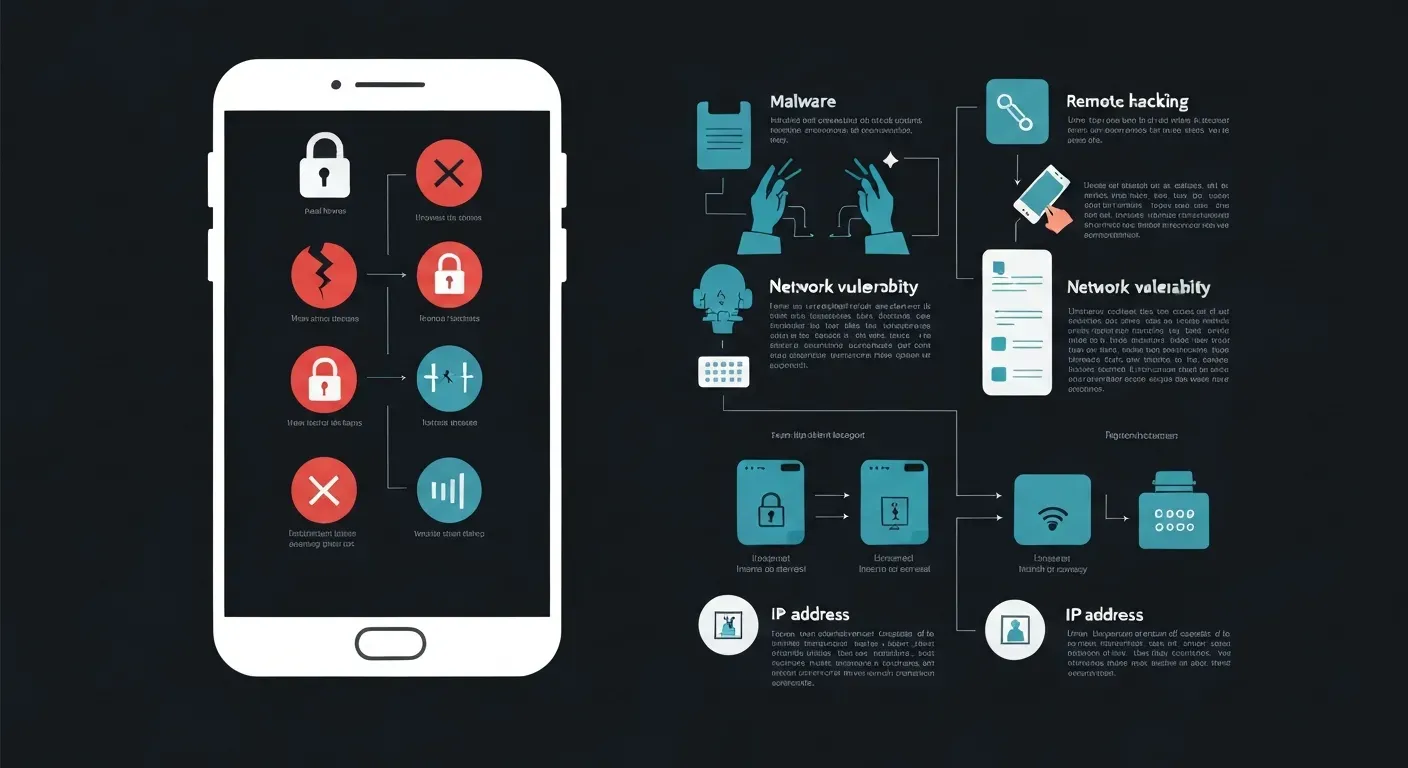
| Attack Vector | Method | Impact |
|---|---|---|
| Phishing | Malicious links, fake apps | Data theft, credential compromise |
| Software Exploits | Unpatched vulnerabilities | Unauthorized access, device control |
| Wi-Fi Exploitation | Insecure public networks | Interception of data, man-in-the-middle |
| Social Engineering | Deceptive communication, manipulation | User-induced permission grants, downloads |
Imagine waking up to find your most private conversations exposed, your financial accounts drained, or your identity stolen. In our hyper-connected age, this isn't science fiction; it's a growing reality for many. Your smartphone, an extension of yourself, is a prime target for unseen threats lurking online.
The burning question on many minds today is, "Can my phone be hacked remotely?" The answer is a sobering yes, and understanding the mechanisms behind these attacks is your first line of defense. Malicious actors employ sophisticated techniques to gain unauthorized access to your device, compromising your personal and professional digital lives.
This article will pull back the curtain on these remote hacking methods, illuminating the critical security risks you face. We'll explore common attack vectors, discuss the real-world implications of mobile vulnerabilities, and equip you with actionable strategies to fortify your digital fortress and protect your device in 2026.
Understanding Remote Phone Hacking
Remote access to a phone presents a significant security challenge. Attackers seek unauthorized control over your device without physical interaction. This access transforms personal data into a commodity. Understanding these threats helps users protect their digital lives. The question "Can my phone be hacked remotely?" is a valid concern for many.
The Mechanics of Remote Access Exploitation
Remote access exploitation involves sophisticated methods. These often target user trust or exploit software vulnerabilities. Attackers gain control by bypassing physical access requirements. They aim to access sensitive information stored on the device. This can include personal messages, financial details, and location data.
Common Attack Vectors for Remote Hacking
Common attack vectors include phishing attempts. These trick users into downloading malicious applications or prompt them to grant excessive permissions. Exploiting unpatched software vulnerabilities provides another entry point, as attackers leverage outdated operating systems or apps. Compromised Wi-Fi networks also pose a risk. Social engineering plays a large role, convincing users to inadvertently facilitate hacking.
The Growing Threat of Mobile Security Breaches
Mobile security is a critical part of overall cybersecurity. Our reliance on phones for banking and communication grows, increasing the amount of sensitive data stored on these devices. This expands the threat landscape for mobile devices, making robust mobile security practices essential.
The question "Can my phone be hacked remotely?" underscores the need for vigilance. Users must stay informed about these threats. Implementing strong security measures is paramount.
Top 5 Ways Your Phone Could Be Hacked Remotely in 2026
The question "Can my phone be hacked remotely?" has a clear answer: yes. As technology advances toward 2026, so do the methods criminals use to access your private data. Attackers no longer need physical access to your device. Understanding their primary techniques is the first step in securing your digital life. These five methods represent the most significant remote threats to your mobile security.
1. Malicious Apps and Phishing
Attackers disguise malicious applications as legitimate software on unofficial app stores or websites. These apps can grant them extensive remote access to your microphone, camera, files, and location data. Phishing attacks are the primary delivery method. You might receive an SMS message with a link to track a package, which instead downloads a malicious app or directs you to a fake login page to steal your credentials.
| App Characteristic | Legitimate App | Malicious App |
|---|---|---|
| Source | Official App Store (Google Play, Apple App Store) | Third-party stores, direct download links |
| Permissions | Requests only necessary permissions | Asks for excessive permissions (e.g., contacts for a calculator app) |
| Reviews | Numerous detailed user reviews | Few reviews, often generic or fake |
| Developer | Reputable developer with a history | Unknown or new developer with no track record |
2. Exploiting Remote Access Tools
Legitimate Remote Access Tools (RATs) help IT professionals troubleshoot devices from a distance. However, cybercriminals misuse these tools. An attacker might impersonate a tech support agent and trick you into installing a legitimate remote access app. Once you grant them access, they can see your screen, control your device, and transfer files without your knowledge, bypassing many security measures.
This method relies on social engineering to succeed. The attacker creates a sense of urgency, claiming your device has a virus or a security issue. They guide you through the installation process, making the intrusion seem like a necessary fix. This technique gives them a direct window into your phone's operations.
3. Unsecured Wi-Fi Networks
Connecting to public Wi-Fi at airports, cafes, or hotels exposes your device. Attackers on the same network can execute a man-in-the-middle (MitM) attack. They position themselves between your phone and the Wi-Fi router, allowing them to intercept, read, or alter your data. All information you send over an unencrypted connection, including passwords and financial details, becomes visible to them.
4. Software Vulnerabilities
Your phone's operating system (OS) and applications contain millions of lines of code. Sometimes, this code has flaws, or vulnerabilities, that attackers can exploit. Companies release security patches to fix these weaknesses. If you fail to update your device, it remains vulnerable. Attackers actively scan for devices running outdated software to gain remote access.
| System Status | Vulnerability Exposure | Risk Level |
|---|---|---|
| Fully Patched | Protected against known exploits | Low |
| Missing One Update | Exposed to recently discovered flaws | Medium |
| Outdated by Months | Exposed to hundreds of known vulnerabilities | High |
5. SIM Swapping and Social Engineering
SIM swapping is a targeted attack. A criminal contacts your mobile carrier and uses social engineering to impersonate you. They trick the carrier into transferring your phone number to a SIM card they control. Once successful, they receive all your calls and text messages, including two-factor authentication (2FA) codes. This allows them to reset passwords and hijack your online accounts, effectively gaining remote control over your digital identity.
Protecting Your Phone: Essential Mobile Security Strategies for 2026
Implementing robust mobile security solutions is paramount in 2026. Your phone holds sensitive data, making it a prime target. Understanding and applying key security strategies will safeguard your device and personal information from evolving threats. This guide outlines essential practices to protect your digital life.
Strengthening Your Defenses with Security Software
Mobile security software acts as your first line of defense. Tools like Norton Mobile Security detect and block malware. They also identify phishing attempts and malicious websites. Comprehensive suites, such as Norton 360 Deluxe, extend protection across multiple devices. This includes a Virtual Private Network (VPN) for secure internet browsing. These solutions bolster your overall cybersecurity posture significantly.
| Security Software | Key Features | Device Coverage | VPN Included |
|---|---|---|---|
| Norton Mobile Security | Malware protection, Anti-phishing | Single mobile device | No |
| Norton 360 Deluxe | Malware protection, VPN, Dark web monitoring, Firewall | Up to 5 devices | Yes |
| Splashtop (Remote Access) | Secure remote access, MFA, Encryption | Varies by plan | N/A |
Best Practices for Remote Access Security
Granting remote access requires extreme caution. If you must use remote access tools, choose reputable providers. Splashtop offers advanced security features, including Multi-Factor Authentication (MFA) and strong data encryption. Always verify the identity of anyone requesting remote access. This prevents unauthorized entry into your device. Understanding how to manage these permissions is crucial.
Remote access tools allow others to control your phone. This can be necessary for technical support, but it also creates a vulnerability. Attackers exploit these connections, aiming to steal data or install malicious software. Always confirm the legitimacy of the request and ensure the software you use meets high security standards. This diligence minimizes the risk of exploitation.
The Role of Strong Passwords and Authentication
Strong, unique passwords protect all your online accounts. Use a different password for each service. Enable Multi-Factor Authentication (MFA) or Two-Factor Authentication (2FA) whenever possible. MFA adds a critical layer of security, requiring more than just a password to log in. Services like Dashlane assist in managing complex passwords and offer features like VPN access and dark web monitoring.
MFA typically involves a code sent to your phone or an authenticator app. This makes it much harder for unauthorized users to access your accounts. Even if a password is compromised, MFA prevents login. This is a simple yet highly effective security measure. Prioritize enabling MFA on all important accounts.
Staying Vigilant Against Social Engineering
Educate yourself and your family about social engineering tactics. These are manipulation techniques attackers use to trick people into revealing sensitive information. Be skeptical of unsolicited requests for personal data. Urgent demands for action are also red flags, as these tactics are common precursors to phone hacking and can lead to remote access scams.
Attackers may impersonate trusted individuals or organizations, claiming there's a problem with your account and then asking for login details or payment. Always verify such requests through official channels. Do not click suspicious links in emails or texts. Never share passwords or sensitive information via phone calls. Vigilance is your strongest defense against these deceptive methods. "Can my phone be hacked remotely?" Yes, if you fall victim to these tactics.
FAQ (Frequently Asked Questions)
Q1: Can my phone be hacked if it's turned off?
A1: A phone cannot be actively hacked remotely if it is completely powered off. However, malware could be present and activate upon the next startup.
Q2: How can I check if my phone is being remotely accessed?
A2: Look for unusual battery drain, increased data usage, unexpected apps, or strange pop-ups. Mobile security monitoring tools can help detect these activities.
Q3: Is it possible to hack an iPhone remotely without jailbreaking?
A3: Yes, it is possible to hack an iPhone remotely without jailbreaking. Exploits targeting iOS vulnerabilities or sophisticated phishing schemes can achieve this.
Q4: What's the difference between remote access and remote hacking?
A4: Remote access is authorized control of a device from a distance. Remote hacking is unauthorized, malicious control aimed at compromising security.
Q5: Can my phone be hacked through Bluetooth?
A5: While less common, Bluetooth vulnerabilities can be exploited, especially if it's left enabled and discoverable. Keeping Bluetooth updated and disabling it when not in use is recommended.
Conclusion
Understanding "Can my phone be hacked remotely?" is your crucial first line of defense in safeguarding your digital life in 2026. This knowledge empowers you to recognize vulnerabilities and proactively protect your personal information from unseen threats. Staying informed about remote hacking methods is paramount for maintaining your privacy and security.
To fortify your device, implement robust mobile security practices starting today. Regularly update your phone's software, employ strong authentication methods, and exercise extreme caution with suspicious links and apps. Consider investing in a reputable mobile security solution to add an extra layer of protection against emerging threats.
Don't wait for a breach to take action; prioritize your cybersecurity now. By adopting these preventive measures and staying vigilant, you can significantly reduce your risk and enjoy peace of mind. Stay informed, stay secure, and protect your device today.