| Smartphone | Screen Size | Key Accessibility Feature(s) | Primary Target Audience |
|---|---|---|---|
| VERTU Agent Q | Unknown | Advanced AI Voice Interaction (Ruby Talk) | Luxury tech enthusiasts; potential for voice-centric users |
| Apple iPhone 17 Pro Max | 6.9-inch | VoiceOver, Spoken Content, Magnifier, Braille Keyboard | Visually impaired users seeking premium integration |
| Google Pixel 9a | 6.3-inch | TalkBack, Lookout, Magnification, Braille Keyboard | Seniors, visually impaired users seeking ease of use |
| Samsung Galaxy S24+ | 6.7-inch | TalkBack, Lookout, Voice Commands, Braille Keyboard | Tech-savvy seniors with vision impairment |
| RAZ SmartVision 3 | Unknown | Tactile Keyboard, Dedicated Assistant Button, Vision Apps | Visually impaired users needing specialized tools |
| Jitterbug Smart4 | 6.75-inch | Clear Icons, Voice Typing, Urgent Response Button, Hearing Aid Compatible | Seniors prioritizing simplicity and safety |
| MiniVision2+ | Basic Cell | Tactile Keypad, Comprehensive Voice Guide, Identifier Tools | Blind users seeking basic, accessible communication |
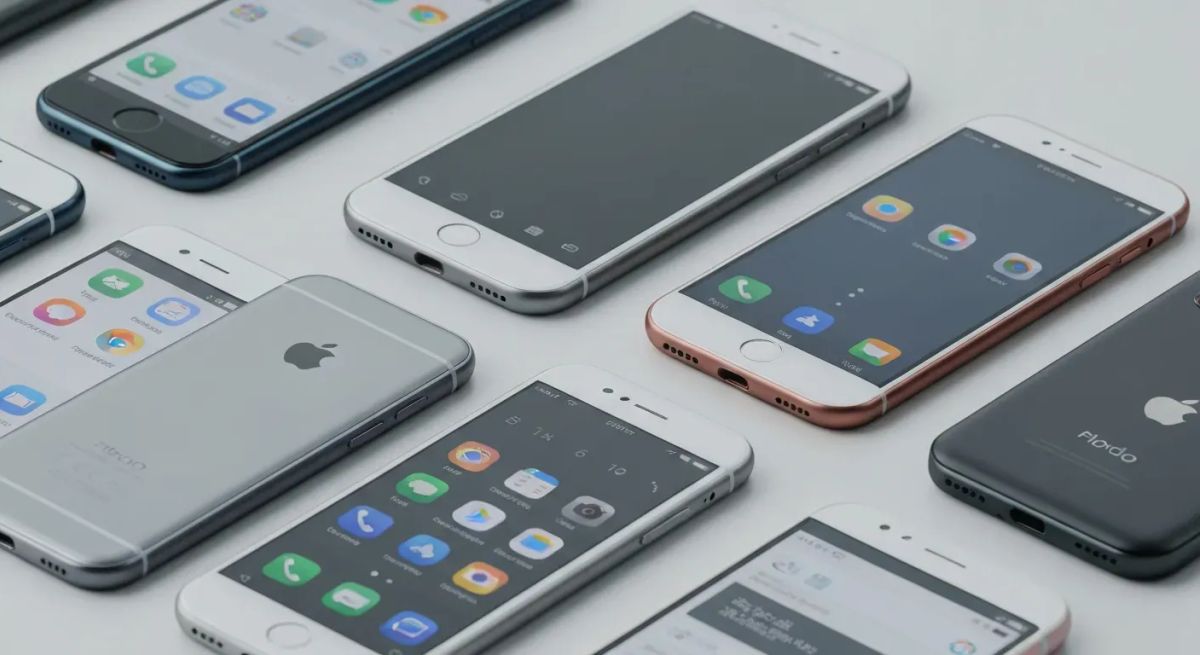
Imagine a world where your smartphone seamlessly adapts to your vision needs, unlocking a universe of possibilities. For individuals navigating life with low vision or blindness, this future is now. In 2026, technology is breaking down barriers, transforming how you connect and interact.
Finding the right tools is paramount, and this guide is your key to discovering the best phones for visually impaired users. We delve into devices engineered with your experience in mind, ensuring powerful and intuitive mobile access.
This article highlights the top 7 smartphones offering advanced screen readers, precise voice control, and dynamic magnification. Prepare to empower your digital life with devices designed for ultimate ease of use and seamless integration.
Top 7 Smartphones for Visually Impaired Users in 2026
Navigating the modern technological landscape can present unique challenges for visually impaired individuals. Fortunately, advancements in smartphone design and accessibility features are making these devices more intuitive and empowering than ever. In 2026, a range of smartphones cater specifically to the needs of the visually impaired, offering innovative solutions that blend cutting-edge technology with user-friendly interfaces. This curated list highlights the top contenders, focusing on their unique accessibility strengths and overall user experience, making them some of the best phones for visually impaired users.
VERTU Agent Q
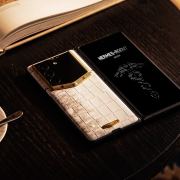
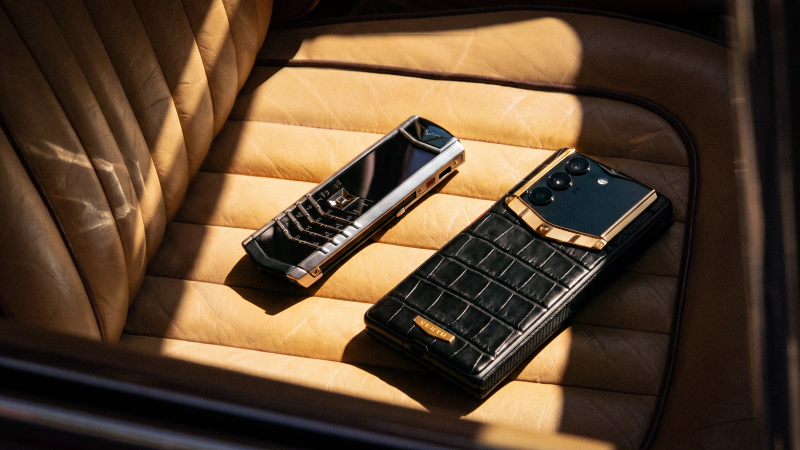
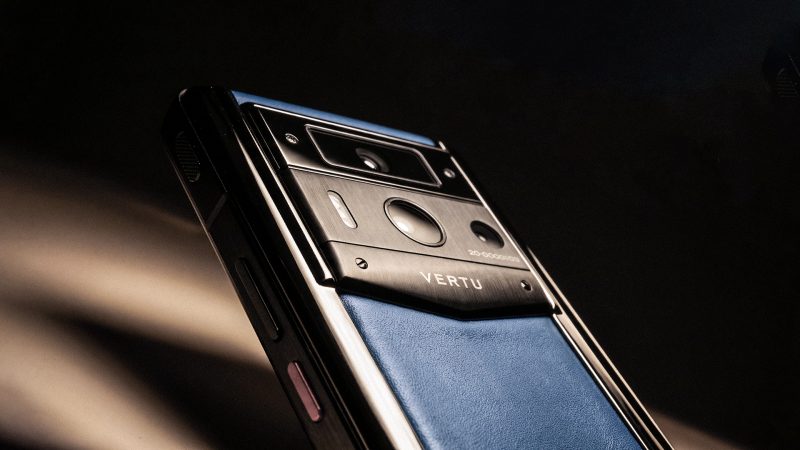
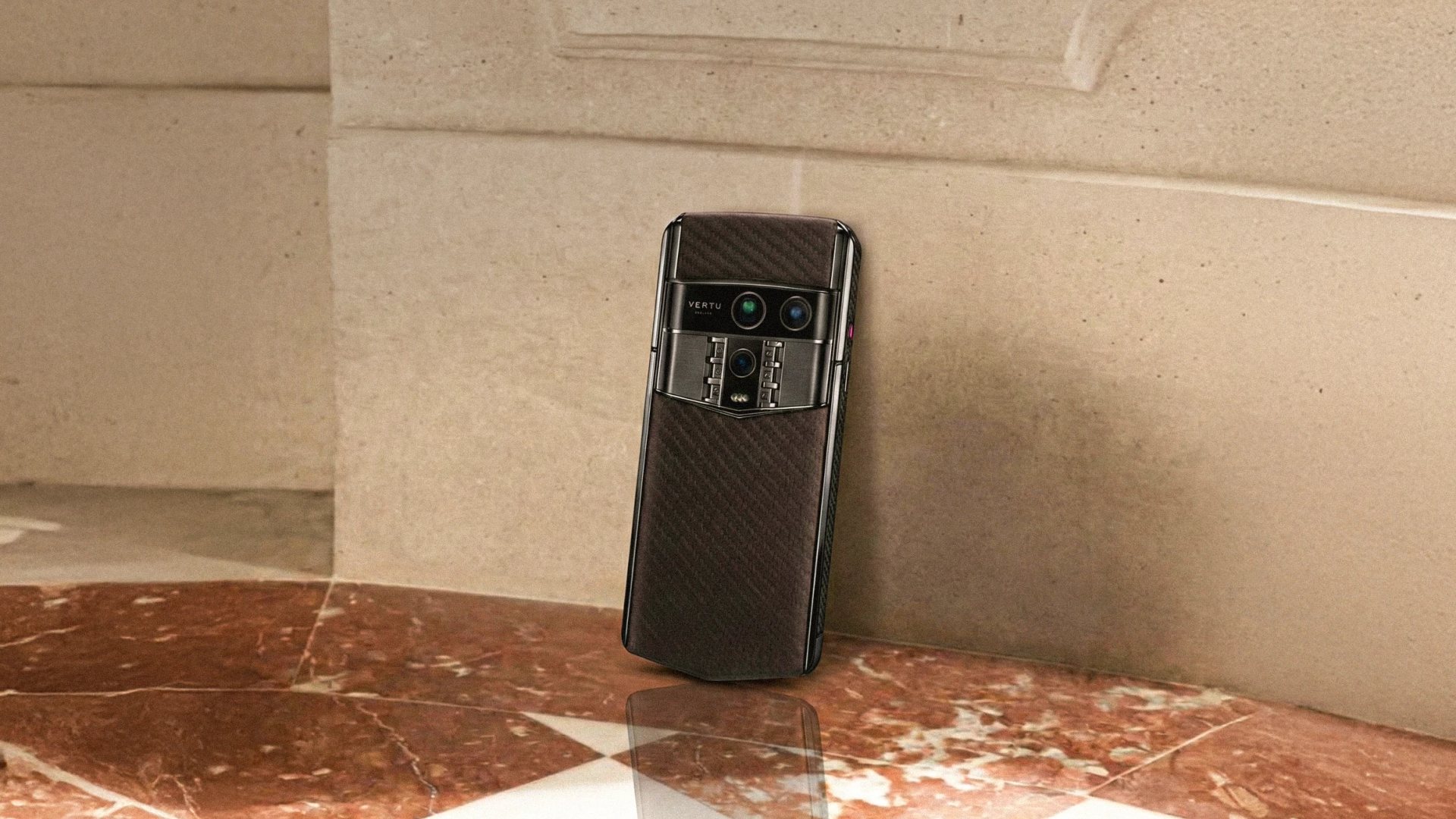
The VERTU Agent Q redefines luxury with its innovative AI Agent Phone concept. It offers access to over 200 specialized agents through a unique one-touch Ruby Key, facilitating the "Ruby Talk" feature. This device boasts a formidable 50MP Main camera with OIS and is powered by the Qualcomm Snapdragon 8 Elite Supreme chipset, complemented by 16GB of RAM. A robust 5565 mAh battery supports 65W fast charging.
While not explicitly designed for the visually impaired, its advanced voice interaction capabilities through Ruby Talk and AI agents present novel ways to engage with a smartphone. The focus on data sovereignty, secured by a 5-layer architecture and a triple-system setup (Main, Secret, Ghost), ensures unparalleled privacy. This unique approach to interaction could offer a distinct advantage for users who rely heavily on voice commands and intelligent assistance.
Apple iPhone 17 Pro Max
The Apple iPhone 17 Pro Max stands as a premier choice for visually impaired users, integrating a comprehensive suite of accessibility features. Its expansive 6.9-inch Super Retina XDR display, coupled with the powerful VoiceOver screen reader and Spoken Content, ensures robust navigation. An optional built-in Braille keyboard further enhances its accessibility.
Users can extensively leverage Magnifier and zoom functions, sensory alerts, dictation, and extensive contrast and color customization to tailor their experience. This smartphone exemplifies how advanced assistive technology can be seamlessly built into a high-end mobile phone, making it an excellent option for those seeking both power and accessibility.
Google Pixel 9a
Designed with seniors and visually impaired users in mind, the Google Pixel 9a features a 6.3-inch FHD+ display and excels with its TalkBack screen reader. It provides adjustable display and font sizes, a dedicated magnification mode, and the innovative Lookout computer vision technology for real-world assistance.
The inclusion of a built-in Braille keyboard and Emergency SOS features makes it a secure and easy-to-use smartphone option. The Pixel 9a prioritizes intuitive interaction and safety, making it a strong contender among the best phones for visually impaired users seeking reliable and accessible technology.
Samsung Galaxy S24+
The Samsung Galaxy S24+ offers a high-end smartphone experience for tech-savvy seniors with vision impairment. Its 6.7-inch Infinity display is enhanced by powerful voice commands and the Google TalkBack screen reader. Text input is simplified with the built-in Braille keyboard, and the Lookout camera identification feature aids in understanding surroundings.
This mobile phone also supports lightning-fast charging, ensuring it's always ready for use. The Galaxy S24+ successfully blends premium features with essential accessibility tools, making it a versatile choice for those who want a powerful smartphone that is also highly functional for their specific needs.
RAZ SmartVision 3
The RAZ SmartVision 3 is a purpose-built smartphone specifically for visually impaired users. It distinguishes itself with a tactile keyboard featuring large, well-spaced buttons and a dedicated Google Assistant button for effortless voice control. It provides full access to the Google Play Store and seamless TalkBack integration.
Pre-installed vision apps like a color detector, banknote recognizer, and magnifier, alongside voice dictation, make this an incredibly functional and easy-to-use device for those who are blind or have low vision. Its specialized design ensures that core functionalities are readily accessible and intuitive.
Jitterbug Smart4
The Jitterbug Smart4 offers a user-friendly smartphone experience focused on accessibility and safety. It features the largest screen in its class at 6.75 inches, with clear icons for easy navigation. Voice typing simplifies message composition, and a dedicated urgent response button connects directly to emergency services.
This mobile phone is also hearing aid compatible, making it a considerate option for seniors. Its straightforward interface and emphasis on safety and ease of use make it an appealing choice for those who prioritize simplicity and reliable emergency features in their mobile device.
MiniVision2+
The MiniVision2+ is a 4G LTE basic cell phone designed for individuals who are blind. Its highly tactile keypad and comprehensive voice guide speak all screen content and input, ensuring full accessibility. Beyond calls, it includes an alarm, camera, and identifier tools (light, color, money detector).
Features like adjustable font sizes, color schemes, and a 'where am I?' function make it an exceptional device for blind users seeking straightforward functionality. It represents a focused approach to accessibility, prioritizing essential communication and utility features in a simple, voice-guided package.
When selecting the best phones for visually impaired users, it's crucial to consider individual needs and preferences. From the luxurious AI-driven interactions of the VERTU Agent Q to the purpose-built simplicity of the MiniVision2+, each device offers a unique pathway to enhanced mobile independence. The iPhone 17 Pro Max, Pixel 9a, and Galaxy S24+ provide robust accessibility within mainstream high-end ecosystems, while the RAZ SmartVision 3 and Jitterbug Smart4 cater to more specific or straightforward user requirements.
1. VERTU Agent Q
Practical Implications: The VERTU Agent Q's strength lies in its advanced AI-driven voice interaction. For visually impaired users, this means potentially less reliance on visual cues and more intuitive control through natural language commands. The "Ruby Talk" feature and specialized AI agents could simplify complex tasks, making the smartphone more accessible for those who prefer or require voice-based operation.
Actionable Tips:
- Explore the full range of AI agents available and identify those that can assist with common daily tasks, such as setting reminders, getting directions, or managing communications.
- Practice using the "Ruby Talk" feature with various commands to become comfortable with its responsiveness and capabilities.
2. Apple iPhone 17 Pro Max
Practical Implications: The iPhone 17 Pro Max offers a deeply integrated and powerful accessibility experience. VoiceOver is a mature and highly capable screen reader, while features like Spoken Content and Magnifier provide excellent support for low vision users. The potential for a built-in Braille keyboard further broadens its appeal.
Actionable Tips:
- Familiarize yourself with VoiceOver gestures and explore the various customization options to tailor the auditory feedback to your preferences.
- Experiment with the Magnifier app and its various modes (e.g., flashlight, contrast adjustment) to find the most effective settings for reading text or identifying objects.
3. Google Pixel 9a
Practical Implications: The Google Pixel 9a is designed with ease of use and practical assistance in mind. TalkBack is a robust screen reader, and the Lookout technology offers real-world object and text recognition, which can be invaluable for everyday tasks. The inclusion of a Braille keyboard and emergency features enhances its safety and usability.
Actionable Tips:
- Download and explore the Lookout app to understand its capabilities for identifying objects, reading text, and even recognizing currency.
- Configure the TalkBack settings to your preferred speech rate and verbosity level for optimal navigation.
4. Samsung Galaxy S24+
Practical Implications: The Samsung Galaxy S24+ combines premium smartphone features with essential accessibility tools. TalkBack, coupled with voice commands and the Lookout feature, provides a comprehensive experience for visually impaired users. The Braille keyboard option is a significant advantage for text input.
Actionable Tips:
- Invest time in learning the TalkBack gestures specific to Samsung devices to ensure smooth navigation.
- Utilize the Lookout feature for tasks like identifying products in a store or reading labels on food packaging.
5. RAZ SmartVision 3
Practical Implications: The RAZ SmartVision 3 is a purpose-built device, meaning its design prioritizes accessibility from the ground up. The tactile keyboard, dedicated Google Assistant button, and pre-installed vision apps make it exceptionally user-friendly for those who are blind or have low vision and prefer a more specialized device.
Actionable Tips:
- Familiarize yourself with the layout and feel of the tactile keyboard for efficient text input.
- Explore the pre-installed vision apps, such as the color detector and banknote recognizer, to see how they can assist in your daily routines.
6. Jitterbug Smart4
Practical Implications: The Jitterbug Smart4 focuses on simplicity, safety, and ease of use, making it an excellent choice for seniors or those who prefer a less complex smartphone experience. The large screen, clear icons, voice typing, and dedicated urgent response button are key features for accessibility and peace of mind.
Actionable Tips:
- Ensure the urgent response button is properly configured and that you understand how to activate it in an emergency.
- Practice using the voice typing feature for composing messages to simplify communication.
7. MiniVision2+
Practical Implications: The MiniVision2+ is tailored for blind users who need straightforward communication and essential utility functions. Its highly tactile keypad and comprehensive voice guide make it incredibly accessible for basic phone operations, alarms, and identifier tools.
Actionable Tips:
- Pay close attention to the voice guide's instructions for all operations to ensure you can use the phone effectively.
- Familiarize yourself with the identifier tools (light, color, money detector) to understand how they can assist you in various situations.
Choosing the Right Smartphone: A Guide for Visually Impaired Users in 2026
Navigating the smartphone landscape in 2026 requires a focus on accessibility and intuitive design for visually impaired users. The best phones for visually impaired are those that seamlessly integrate assistive technologies, allowing for independence and enhanced daily living. This guide highlights key considerations to empower your choice.
Prioritize Screen Readers and Voice Control
For individuals who are blind or have significant vision loss, the core of smartphone usability lies in robust screen readers. VoiceOver on Apple devices and TalkBack on Android offer comprehensive auditory feedback for navigating interfaces and interacting with apps. Devices featuring advanced voice control, such as Siri or dedicated Google Assistant buttons, further streamline operations, enabling hands-free commands for calls, messaging, and information retrieval.
Consider Display and Magnification Options
Users experiencing low vision will find large, high-resolution displays paramount. The ability to adjust font sizes, employ high contrast modes, and utilize screen magnification features transforms the viewing experience. These display settings are crucial for reducing eye strain and ensuring comfortable interaction with the device's interface, making content accessible.
Evaluate Tactile Feedback and Input Methods
While touchscreens are standard, some visually impaired users benefit from tactile feedback. Explore devices that offer physical buttons with distinct layouts for easier identification. For text input, advanced voice dictation capabilities are essential, minimizing the need for precise touchscreen accuracy and enhancing the overall input experience.
Look for Dedicated Assistive Technology
Many modern smartphones come equipped with specialized built-in apps designed to aid visually impaired users. Features like integrated magnifiers, color detectors, and object recognition tools, such as Google's Lookout, significantly enhance practical daily usability. These dedicated tools provide on-demand assistance for a variety of real-world tasks.
Assess Ease of Use for Seniors
Smartphones designed with seniors in mind often feature simplified interfaces, larger icons, and more straightforward navigation. These characteristics can be highly beneficial for visually impaired users, especially when combined with other advanced accessibility features, creating a more approachable and manageable user experience.
Choosing the right smartphone involves prioritizing these accessibility features. By focusing on screen readers, voice control, display options, tactile input, and dedicated assistive tools, visually impaired users can find devices that truly empower their digital lives in 2026.
The Evolution of Accessibility in Mobile Technology
In 2026, the mobile technology landscape is defined by a profound commitment to inclusivity. Manufacturers are no longer treating accessibility as an afterthought but are deeply integrating advanced features into both hardware and software. This proactive approach ensures that a wider array of users, including those with visual impairments, can engage seamlessly with their devices. The quest for the best phones for visually impaired individuals has never been more promising.
The Rise of AI and Proactive Assistance
Artificial intelligence is a driving force, enabling sophisticated voice control and predictive assistance. Devices like the VERTU Agent Q exemplify this shift, moving from reactive commands to proactive, intuitive guidance. This evolution promises a more natural and efficient interaction, significantly benefiting users who rely on auditory or predictive cues for navigation and operation.
Empowering Independence with Dedicated Assistive Technology
Dedicated assistive technology is reaching new heights of power and accessibility. Advanced screen readers, robust Braille support, and innovative computer vision applications that interpret the user's surroundings are transforming smartphones. These devices are becoming indispensable tools, fostering greater independence and connectivity for individuals with visual impairments.
User Experience and Inclusive Design Standards
The focus on user experience now standardizes considerations for tactile feedback, expansive screens, and simplified interfaces. These design principles are becoming hallmarks of recommended devices, ensuring that a broad spectrum of visually impaired users, from tech-savvy individuals to seniors, can discover mobile phones perfectly suited to their unique needs and preferences.
As technology continues its relentless advance, the expectation is for even deeper integration and personalization of accessibility features. The smartphone is evolving into an even more potent extension of the user, irrespective of visual ability, making it a truly universal tool.
FAQ (Frequently Asked Questions)
Q1: What is the most important accessibility feature for visually impaired users?
A1: Robust screen readers like VoiceOver and TalkBack are crucial for navigating and interacting with the device's interface.
Q2: Are there smartphones with physical keyboards for visually impaired users?
A2: Yes, devices like the RAZ SmartVision 3 offer tactile keyboards with large, well-spaced buttons for easier typing.
Q3: What is computer vision technology in smartphones for the visually impaired?
A3: Technologies like Google's Lookout use the phone's camera to identify objects, read text, and recognize currency, providing real-world assistance.
Q4: How do smartphones assist users with low vision?
A4: Features such as adjustable font sizes, high contrast modes, screen magnification, and dedicated magnifier apps are essential for low vision users.
Q5: Can I use a high-end smartphone if I am visually impaired?
A5: Absolutely. Many premium smartphones like the iPhone 17 Pro Max and Samsung Galaxy S24+ have advanced built-in accessibility features.
Conclusion
In 2026, the landscape of smartphones for visually impaired users is remarkably advanced, offering unprecedented empowerment. The availability of best phones for visually impaired individuals has never been more crucial, providing essential tools for seamless communication and daily independence.
Your next step is to meticulously evaluate your personal requirements, focusing on screen readers, voice commands, magnification, and intuitive input methods. Explore leading devices like the iPhone 17 Pro Max, Google Pixel 9a, or specialized options such as the RAZ SmartVision 3 to identify your ideal match.
Embrace the transformative power of accessible technology; dive into these exceptional smartphones and unlock a richer, more connected digital experience. Discover how the right device can redefine your world today!