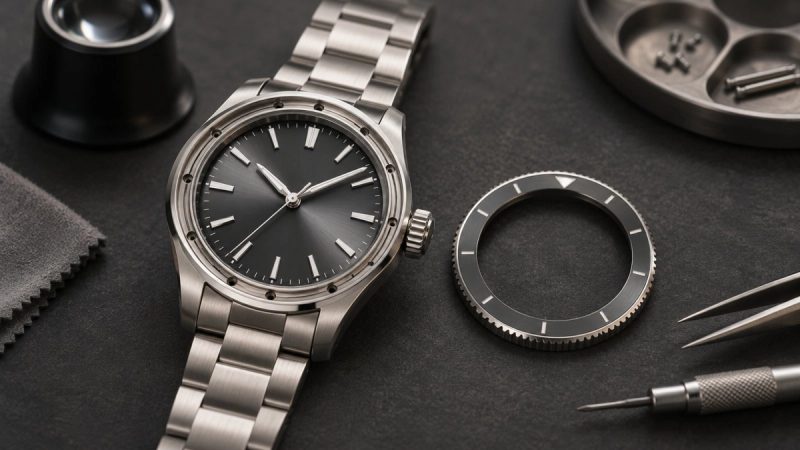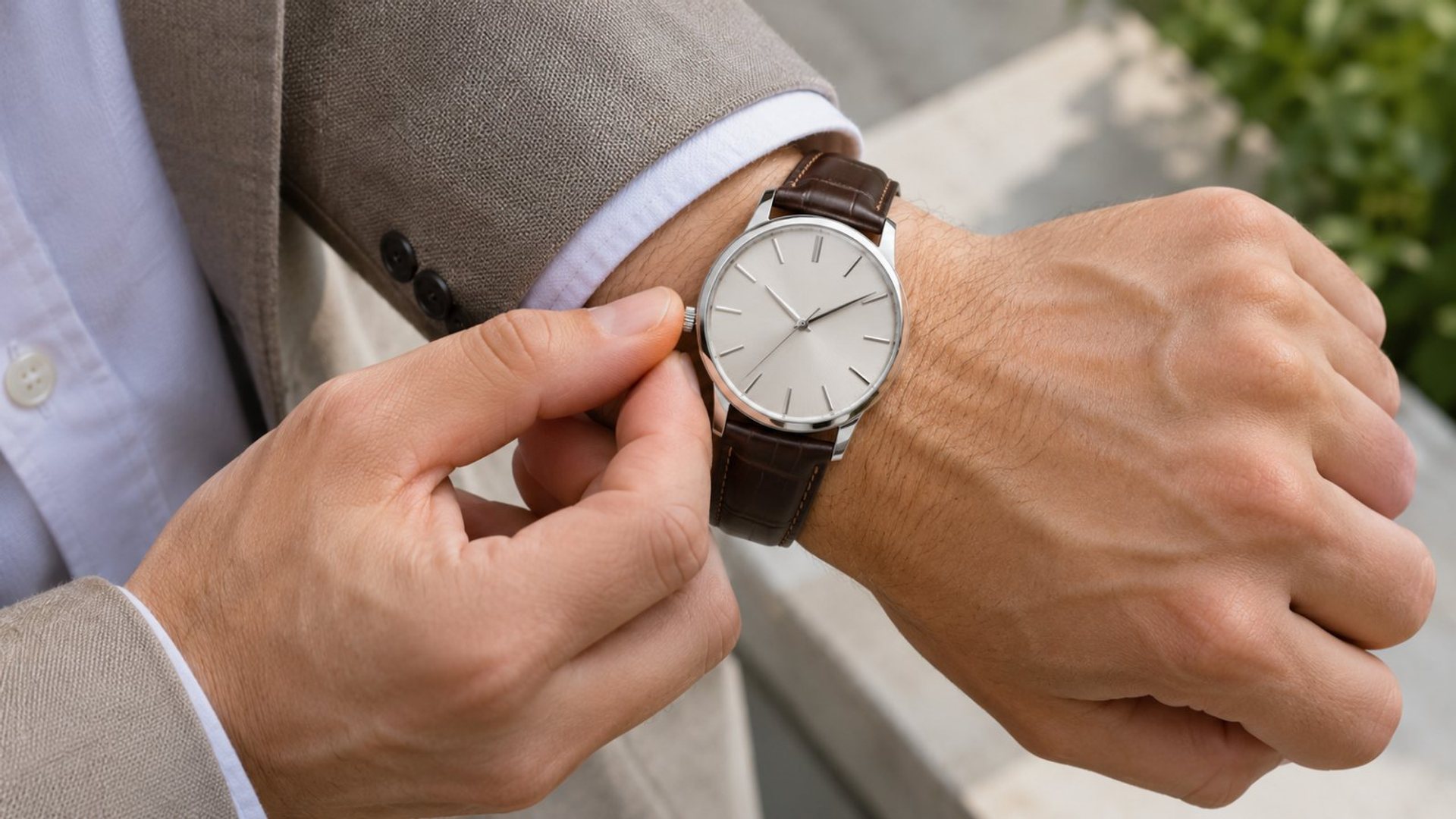
Wearing a watch on the right wrist is possible and can be comfortable. The useful questions are whether its crown or buttons press into your hand, whether the strap and case sit comfortably, and whether a digital display can be oriented for that position. A watch does not need to be labelled “left-handed” to be worn on the right. Try it through an ordinary day before deciding whether to change the physical position or a software setting.
Will the crown and case feel comfortable on your right wrist?
Put the watch where it naturally rests just above the wrist joint. Bend the hand back, grip a bag and work at a keyboard. If the crown presses into the back of the hand, move the case slightly up the arm or adjust the strap within the maker's fit advice. Do not wear it so loose that it slides over the joint or so tight that the strap leaves discomfort. The goal is stable, comfortable contact.
Consider the case outline as well as its buttons. A rounded watch with a small crown may be easy to wear on either side. A large crown guard or sharply shaped case can feel different when the wrist bends. A touchscreen changes how often you need to reach for physical controls, but it does not make an awkward crown position disappear. Test the actual model, because photographs rarely show how a case sits on your wrist.
Left-handed wearers often choose the right wrist so the dominant hand can remain free, while others simply prefer the look or balance. There is no universal rule about handedness. If you write, carry a bag or use tools with the right hand, a watch there may see more desk or surface contact. Notice those habits and decide whether a different strap or position would help. Do not let a social convention override comfort.
Separate crown position from display orientation
Turning a watch upside down moves its crown to the opposite edge, but an analogue dial would then also be inverted. Some smartwatches can rotate the screen in software and let you select which wrist and button side you use. Others cannot. These are model-specific controls, not a promise that every display will rotate or every button will acquire the same function after a change.
Apple's watch orientation guide describes choosing the wrist and Digital Crown side so raising the wrist and turning the Crown work as expected. Samsung's Galaxy Watch guidance likewise describes wrist and button-position controls for supported Wear OS models. These examples show what some systems can do. Check the manual for the exact watch before assuming an equivalent menu exists.
After changing a setting, test the screen's wake gesture, button reach and any health or activity function that asks for a wrist choice. If the menu lets you select left or right wrist, choose the side you actually wear. If the watch has no such setting, do not invent one; use the case in its intended orientation and see whether the crown remains comfortable. Software can rotate a display, but it cannot move the crown physically.
Fit the strap for the right wrist
Wrist measurements can differ slightly between hands. Fasten the watch on the right wrist and assess it there rather than copying the left-wrist hole or bracelet link count. A strap should keep the case from turning during normal movement without pinching. Follow the manufacturer's specific fit guidance for any sensors. A watch worn for general wellness tracking needs reasonable contact, but a tight strap is not a route to a medical-grade reading.
Check how the strap tail, clasp and buckle sit under the right hand at a desk. A buckle that rests directly against a hard surface can be distracting. If the strap design permits it, a professional or the maker may advise a different orientation or length. Do not reverse a proprietary band or force a quick-release fitting unless the maker says it is designed for that use.
If the watch has an asymmetrical case, check whether the strap's upper and lower segments are intended to be swapped when the case is rotated. Samsung notes that this can help with some supported Galaxy Watch orientations. It is a Samsung-specific suggestion, not a universal instruction for every watch. A strap connection must remain secure before you wear the watch outside.
Account for cuffs and daily movement
A shirt cuff that fitted over a watch on the left may not fit the same way on the right, particularly if one sleeve has a watch allowance. Proper Cloth's shirt fitting guide describes a larger cuff on the watch wrist as an option for a close-fitting shirt. If you move the watch permanently, check which cuff has that allowance. A double cuff and cufflink can add another layer of fabric around the case.
Try the watch with your usual jacket and shirt, then raise your arm and sit at a desk. Does the cuff catch on the watch or reveal it naturally? Does the crown touch the cuff edge? The watch-and-cufflinks fit guide provides a full outfit check. If the right wrist feels better bare but awkward under formal clothing, the garment may need adjustment rather than the watch.
Consider activities as well. A right-handed person may expose a right-wrist watch to more writing-desk contact, while a left-handed person may find the opposite. For sports or manual tasks, follow the watchmaker's handling guidance and remove a watch when impact risk is inappropriate. There is no need to assign one wrist for every situation; some owners change sides as their activity changes.
What to check on VERTU Agent Watch
The current VERTU Agent Watch documentation describes a hand-polished crystal case, tonneau silhouette, Corning glass lens and fluoroelastomer strap. It does not, in the product information reviewed for this article, establish a user-selectable right-wrist display rotation or a reversible button layout. Do not apply Apple Watch or Galaxy Watch menu steps to Agent Watch without checking its current manual or support instructions.
For a right-wrist trial, pay attention to the tonneau case's edges, strap clasp and how you reach the display. Ask VERTU support whether the exact software and variant offer a wrist-orientation setting and whether it affects any wellness readings or gestures. The product's phone-linked Agent workflow should also be tested with the paired phone you use. A physical fit and a software feature are separate parts of the decision.
The Agent Watch collection lists its current colour combinations. A colour choice may change how the watch looks with clothing, but it should not be treated as a solution to a crown or strap issue. Try the case and controls first, then choose the finish that fits your style.
A simple right-wrist trial
Wear the watch on the right for at least one normal day. Make a note of three moments: when the crown is pressed accidentally, when the case slides, and when you cannot read or reach the display easily. Adjust one variable at a time—strap setting, case position or an officially supported orientation setting. Re-test after each change. If the watch still interferes with your hand or clothing, it may be better on the other wrist or may be the wrong case shape for you.
Do not judge only by a few minutes at a counter. A comfortable watch should stay comfortable after typing, walking and taking a jacket on and off. If you use wellness features, wear it as instructed and inspect whether the chosen wrist is supported by the app. For any health concern, the watch is not a substitute for professional assessment.
Frequently asked questions
Is it wrong to wear a watch on the right wrist?
No. Wrist choice is personal. Comfort, control access and the watch's actual functions matter more than a convention about handedness.
Should the crown point towards or away from my hand?
Choose a position that avoids pressure and allows you to operate the crown. Some smartwatches support screen rotation; others do not. Test the exact model.
Will changing wrist affect watch tracking?
It can affect how a device interprets movement or sensor contact. Select the correct wrist in the settings if the maker provides that option and follow its fit guidance.
Can Agent Watch rotate its display for right-wrist use?
The product information reviewed here does not confirm that setting. Ask VERTU support for the current instructions for your variant before relying on display rotation.
Conclusion
Wear the watch where it works for your body and routine. On the right wrist, check crown pressure, strap fit, screen orientation and cuff clearance as separate questions. Manufacturer-supported controls may help, but the final answer comes from wearing the exact watch through a real day.