

| Feature | LetsEnhance | Topaz Gigapixel AI | ON1 Resize AI |
|---|---|---|---|
| Max Upscaling | Up to 500MP | Up to 8x | Up to 10x |
| Best Use Case | Versatile (Web & Print) | Detail-Critical Print | Large-Format Printing |
| Key Feature | Multiple Smart Modes | Superior Face Handling | Print-Specific Sharpening |
| Integration | Web-based Workflow | Photoshop & Lightroom | Standalone & Plugin |
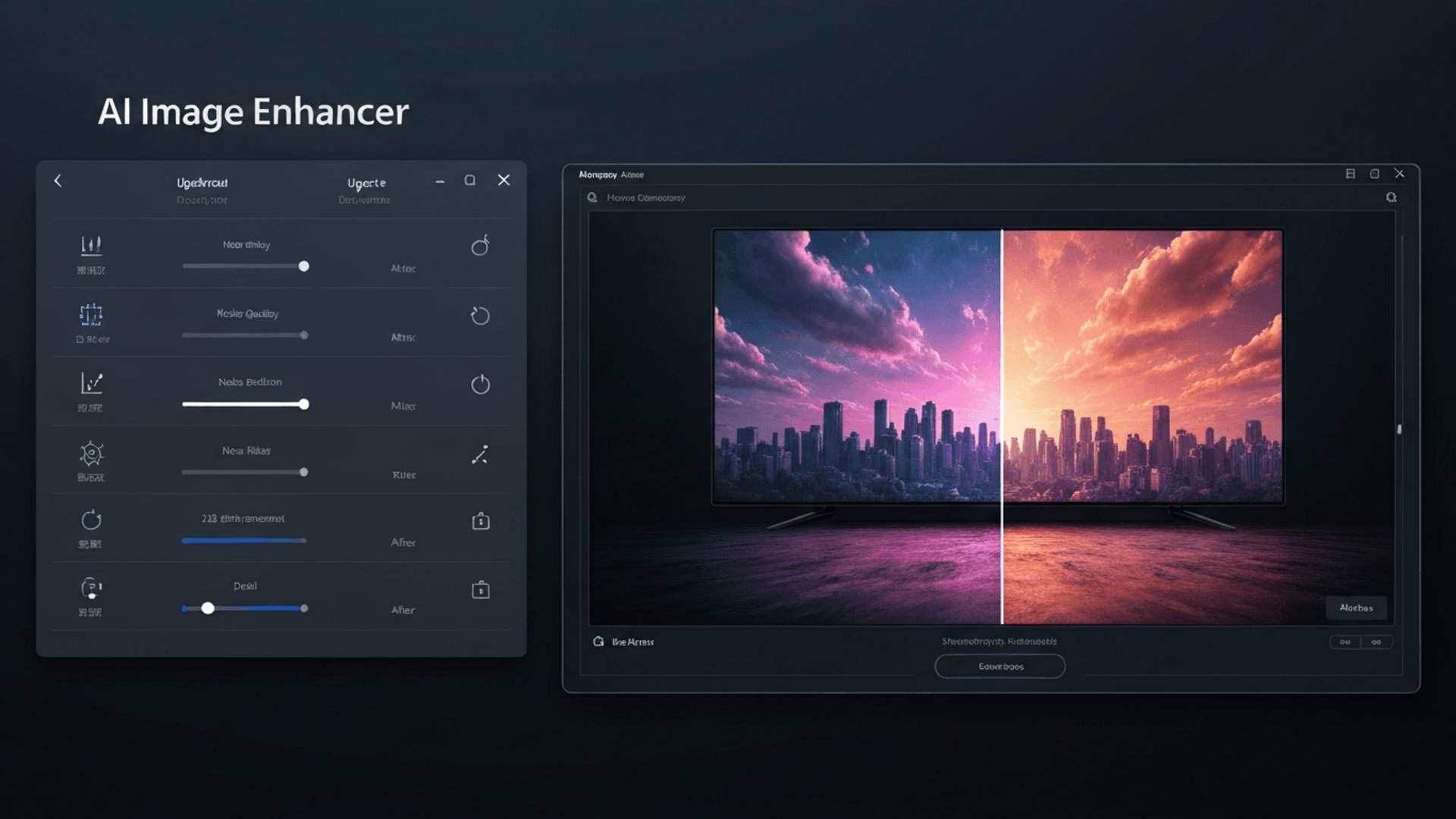
Have you ever captured a perfect moment, only to find the image is too blurry or low-resolution for your project? In 2026, the demand for crystal-clear, high-definition visuals is a baseline requirement for everyone from professional photographers to social media creators. Settling for pixelated results is no longer an option.
Fortunately, the evolution of artificial intelligence has completely transformed photo editing. Using a powerful AI image enhancer to upscale your photos is now an accessible and efficient solution. These advanced tools intelligently add detail, correct imperfections, and dramatically increase resolution with just a few clicks, saving you valuable time.
This guide cuts through the noise to reveal the definitive list of the top 7 AI-powered tools available today. We will dive into each enhancer, comparing their unique features and strengths for everything from professional portraits to AI art. Get ready to transform your images and achieve stunning, print-quality results for any application.
The 7 Best AI Photo Enhancers for Stunning Detail in 2026
As we move deeper into 2026, the demand for high-resolution imagery has never been greater. Whether for professional printing, digital marketing, or preserving memories, standard photos often need a boost. An AI Image Enhancer to Upscale photos has become an essential tool for creatives and professionals alike.
These sophisticated platforms use machine learning to intelligently add detail, remove noise, and enlarge images without the typical loss of quality, transforming good photos into breathtaking ones.
1. LetsEnhance
LetsEnhance stands out as a remarkably versatile AI image upscaler, excelling in detail enhancement for a wide range of applications. It offers an impressive high-resolution output, capable of scaling images up to a massive 500 megapixels . This power makes it an ideal choice for creating large-format prints or detailed digital assets where every pixel counts.
The platform's strength lies in its multiple smart modes tailored for different image types. Beyond simple upscaling, it provides robust denoising, artifact cleanup, and intelligent color enhancement. This comprehensive feature set makes LetsEnhance a complete solution for improving overall image quality, seamlessly supporting demanding professional workflows.
2. Topaz Gigapixel AI
For projects where detail is absolutely critical, Topaz Gigapixel AI remains a powerhouse. It is particularly revered by print photographers who require class-leading detail and texture preservation . The software’s algorithms are finely tuned to analyze and reconstruct image data, resulting in enlargements that feel authentic and sharp.
A key differentiator for Gigapixel AI is its superior face handling for portraits. The AI intelligently recognizes and refines facial features, ensuring that skin tones and textures look natural even after significant enlargement up to 8x their original size. With seamless integration into professional workflows via Lightroom and Photoshop plugins , it provides an efficient and powerful enhancement experience.
3. Magnific AI
Magnific AI takes a unique approach as a generative AI upscaler , excelling at creating high-impact results by adding significant texture and edge contrast. Instead of just sharpening existing pixels, it creatively reinterprets and adds detail, which can give images a dramatic and hyper-realistic feel. This makes it more than an enhancer; it's a creative tool for reimagining your visuals.
This platform offers a high degree of creative control, making it particularly adept at fixing artifacts and adding coherence to AI-generated art . For digital artists and designers, Magnific AI is an invaluable tool for taking AI concepts and enhancing them to a professional, finished quality.
Pro Tip: Use a generative upscaler like Magnific AI when you want to not only enlarge an image but also introduce new, plausible details to enhance its overall impact and texture.
4. ON1 Resize AI
ON1 Resize AI is purpose-built for professionals who need to create flawless large prints. Its core strength is its AI super-resolution technology, which allows for enlargements up to 10x the original size while maintaining incredible clarity. This makes it a go-to solution for gallery-quality printing and other large-scale physical media.
The software includes a suite of print-specific tools , such as tailored sharpening and grain options, that prepare images perfectly for physical output. Its face recovery feature ensures portraits look crisp even when blown up. Furthermore, ON1 simplifies the workflow with built-in presets for common paper sizes, streamlining the path from digital file to stunning print.
5. VanceAI
VanceAI offers a flexible suite of AI tools for comprehensive image enhancement. It provides a convenient online AI Image Enhancer to Upscale images up to 8x , perfect for quick jobs. For more demanding tasks, its desktop application supports extreme upscaling up to an incredible 40x , catering to highly specialized needs.
The service utilizes multiple AI models , including specialized ones for art and anime, ensuring optimal results across different image styles. Its robust noise reduction and artifact removal algorithms work in tandem with the upscaling process to produce images with superior resolution and clarity.
6. Upscayl
For those seeking a powerful yet accessible solution, Upscayl is a fantastic choice. As a free and open-source AI image upscaler, it delivers high-quality enhancement without any cost. Its primary appeal lies in its commitment to local privacy; since all processing happens on your own machine, your images are never uploaded to a cloud server .
The user experience is incredibly straightforward, featuring a simple drag-and-drop interface that requires no technical expertise. This offline processing and ease of use make Upscayl an excellent and secure option for casual users or anyone looking to upscale images without a subscription.
7. HitPaw FotorPea
HitPaw FotorPea is a comprehensive AI photo enhancement platform that goes beyond simple upscaling. It supports enlargement to ultra-high resolutions like 16K , ensuring maximum fidelity. The platform is equipped with specialized AI models designed to fix blurry shots and restore old, damaged images with remarkable accuracy.
Its feature set is expanded with valuable tools like AI colorization , which can breathe new life into black-and-white photos, and bulk enhancement options that save time on large projects. This combination of upscaling power and restorative capabilities makes HitPaw a versatile tool for a wide range of image types and conditions.
How to Choose the Right AI Photo Enhancer in 2026
The landscape of AI-powered image enhancement is rapidly evolving. By 2026, the right tool can dramatically transform your digital assets. Choosing an effective AI image enhancer to upscale and refine photos depends on a careful evaluation of its capabilities, workflow integration, and cost.
Consider Your Primary Use Case
First, determine your primary objective. Are you a photographer needing general quality improvement for a large portfolio? Or a graphic designer looking to upscale low-resolution assets for large-format prints? Different AI tools excel in specific areas. Some are tuned for retouching portraits , while others specialize in adding clarity to AI-generated art .
Evaluate Upscaling Capabilities
A critical factor is the maximum upscaling the software offers. An AI image enhancer to upscale can range from a modest 2x increase to an extreme 16x magnification or more. This is crucial when working with low-quality sources. Restoring an old, pixelated photo for a large print requires a tool with powerful magnification, whereas a simple 2x upscale might suffice for web use.
Assess Detail Enhancement and Fidelity
Beyond pure resolution, pay close attention to how an AI tool handles fine details. A superior enhancer preserves and intelligently reconstructs subtle textures, like fabric or foliage, without creating an artificial, over-sharpened look. More sophisticated solutions offer nuanced controls to enhance detail while respecting the photo’s original character .
Integration into Professional Workflows
For professionals, efficiency is paramount. Consider how seamlessly the AI photo enhancer integrates with your existing software, such as Adobe Photoshop or Lightroom . The availability of dedicated plugins can be a game-changer. Features like batch processing are also essential for applying consistent enhancements across hundreds of photos, significantly speeding up production.
Budget and Pricing Models
Finally, compare the available pricing structures. Models vary widely, from one-time licenses to recurring subscriptions and pay-as-you-go credits . For budget-conscious users or those with occasional needs, free and open-source options like Upscayl provide a powerful alternative.
| Pricing Model | Best For | Example Use Case |
|---|---|---|
| One-Time License | Users preferring a single, upfront cost | A hobbyist who wants permanent access to a specific version. |
| Subscription | Professionals needing continuous updates | A creative agency requiring the latest features and support. |
| Pay-as-you-go | Occasional users with infrequent needs | Someone restoring a small collection of old family photos. |
| Free & Open-Source | Budget-conscious users and developers | Students or enthusiasts using tools like Upscayl for personal projects. |
FAQ (Frequently Asked Questions)
Q1: What is an AI image upscaler?
A1: An AI image upscaler uses artificial intelligence to increase image resolution. It intelligently adds new detail and sharpens edges, unlike simple resizing methods that cause blurriness. This AI image enhancer to upscale provides significantly higher quality.
Q2: Can AI photo enhancers improve old photos?
A2: Yes, many AI enhancers excel at restoring old photos. They can fix common issues like grain, noise, and faded colors. These tools sharpen details and enhance colors, revitalizing cherished memories.
Q3: Are AI tools good for enhancing AI-generated art?
A3: Absolutely, AI tools are ideal for refining AI art. They can fix artifacts and add intricate details. An advanced AI image enhancer to upscale these creations can elevate them into polished, professional artwork.
Q4: What is the difference between upscaling and simple resizing?
A4: Simple resizing stretches existing pixels, leading to blurriness. AI upscaling is generative; the AI creates new pixels with added detail. This process results in a far superior, high-fidelity image.
Q5: How do I choose the best AI tools for my needs?
A5: Choose based on your goals. Professional photographers need tools for print quality, while digital artists might prefer creative enhancers. Match the software's strengths to your intended outcome for effective upscaling.
Conclusion
The 2026 landscape of AI photo enhancement provides powerful solutions for professionals and enthusiasts alike. Using a dedicated AI image enhancer to upscale your work is now essential for achieving superior detail, clarity, and resolution. These advanced tools effortlessly transform ordinary photos into stunning, high-quality masterpieces.
To select the ideal tool, begin by assessing your unique requirements, from professional print demands to enhancing AI-generated art. Compare the features and pricing of the top contenders to find an upscaler that aligns with your workflow and budget. We highly recommend experimenting with free trials to directly experience the results and find the perfect fit.
Don't let your images remain limited by their original resolution. Choose the AI photo enhancer that best suits you and start transforming your visuals into breathtaking, detail-rich works of art today.



