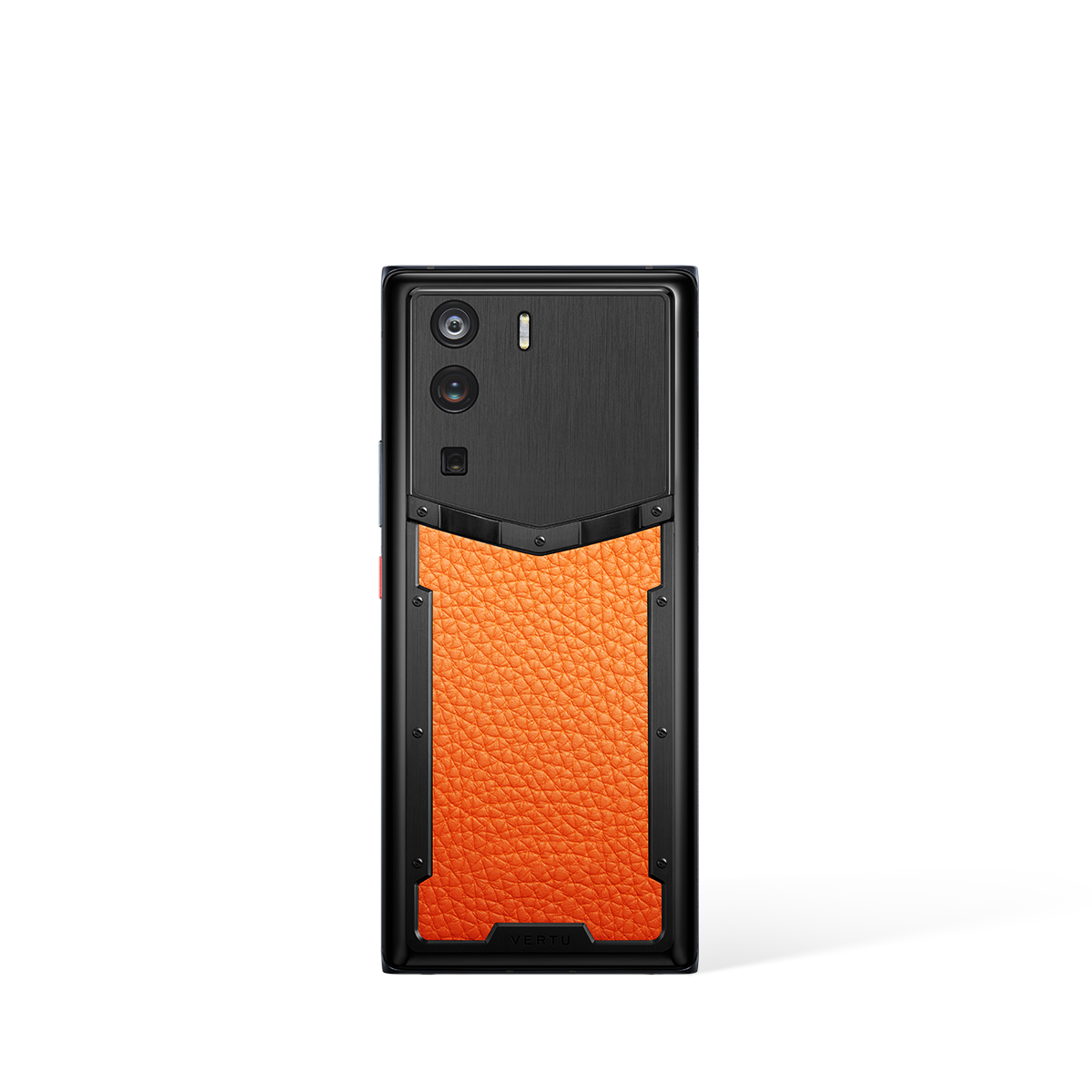
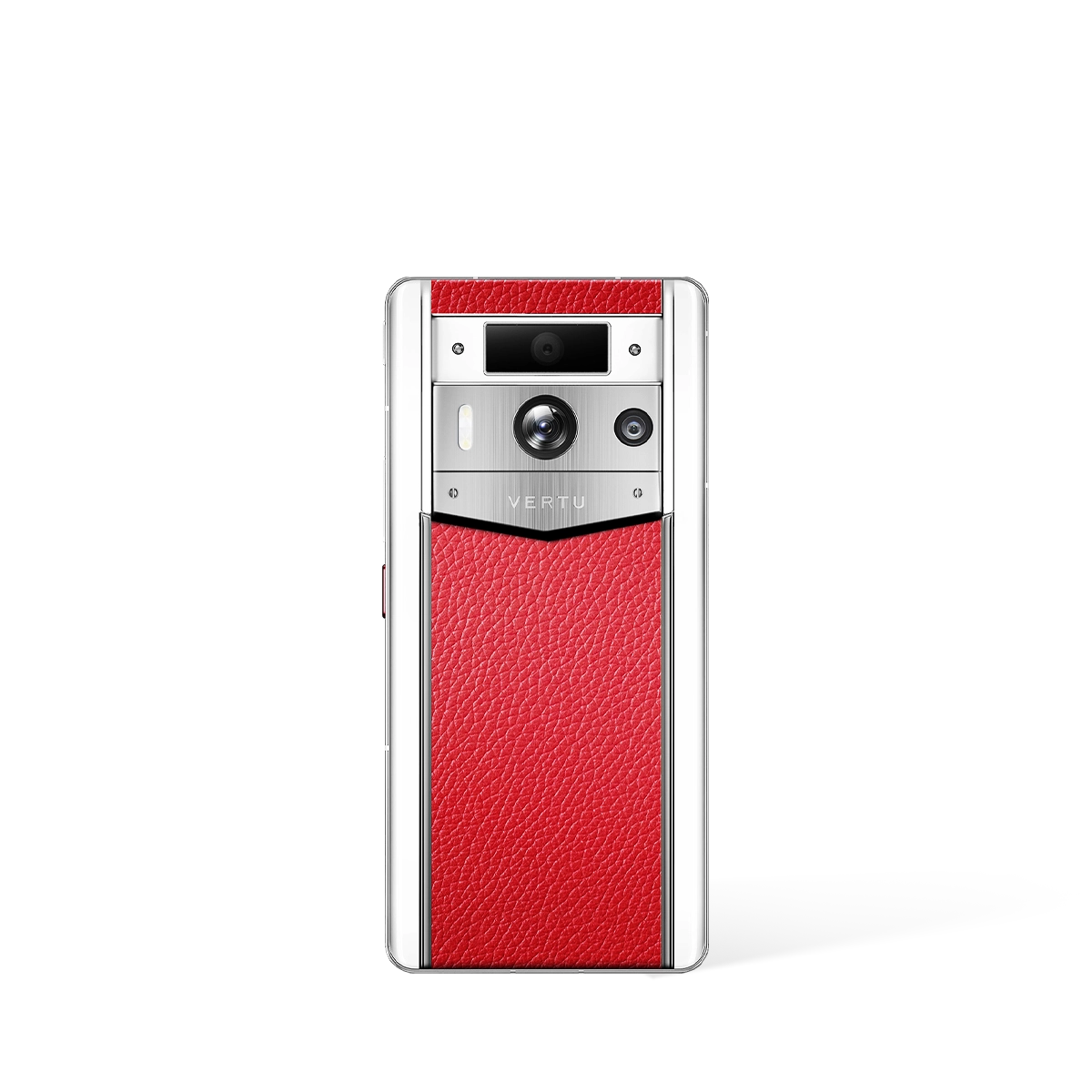
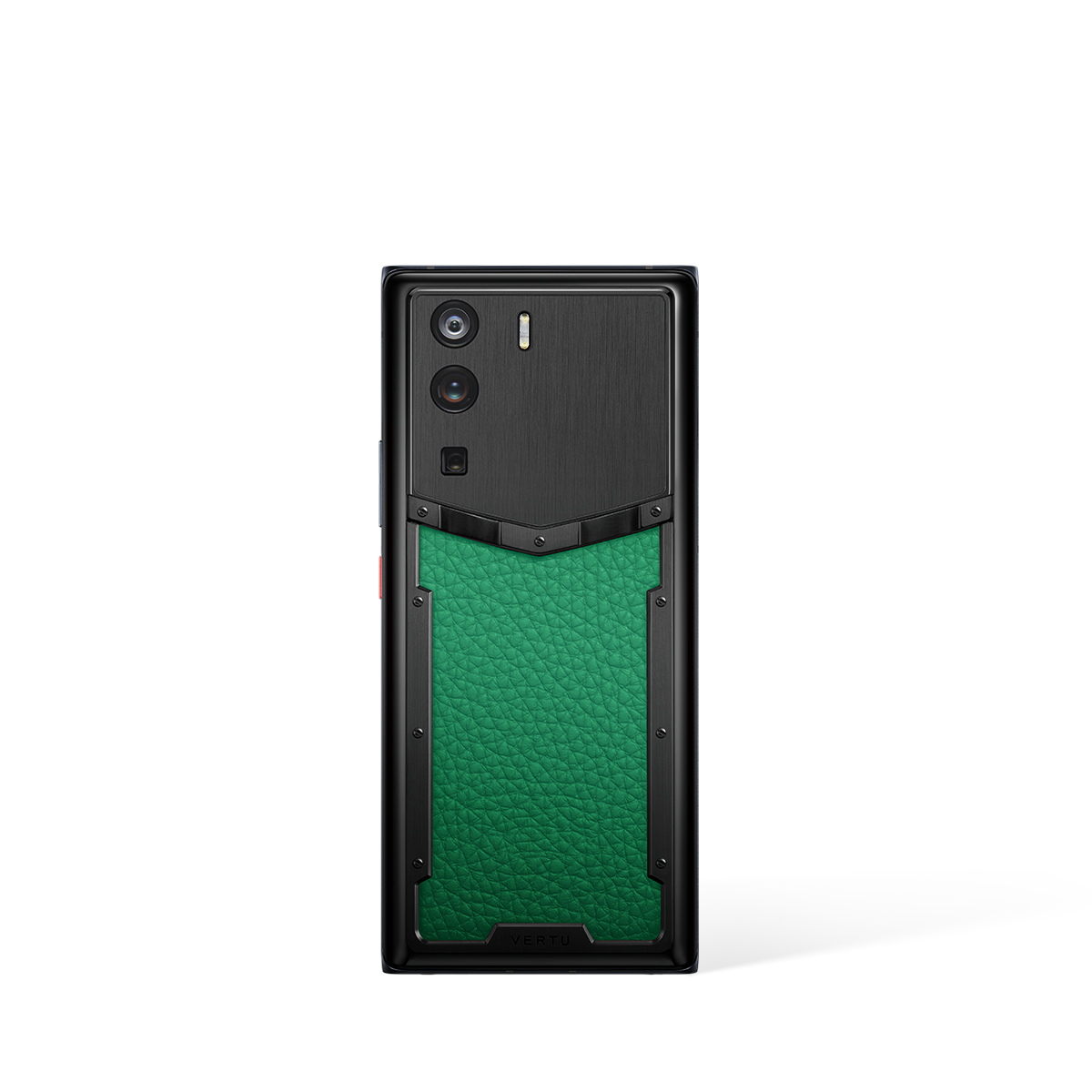
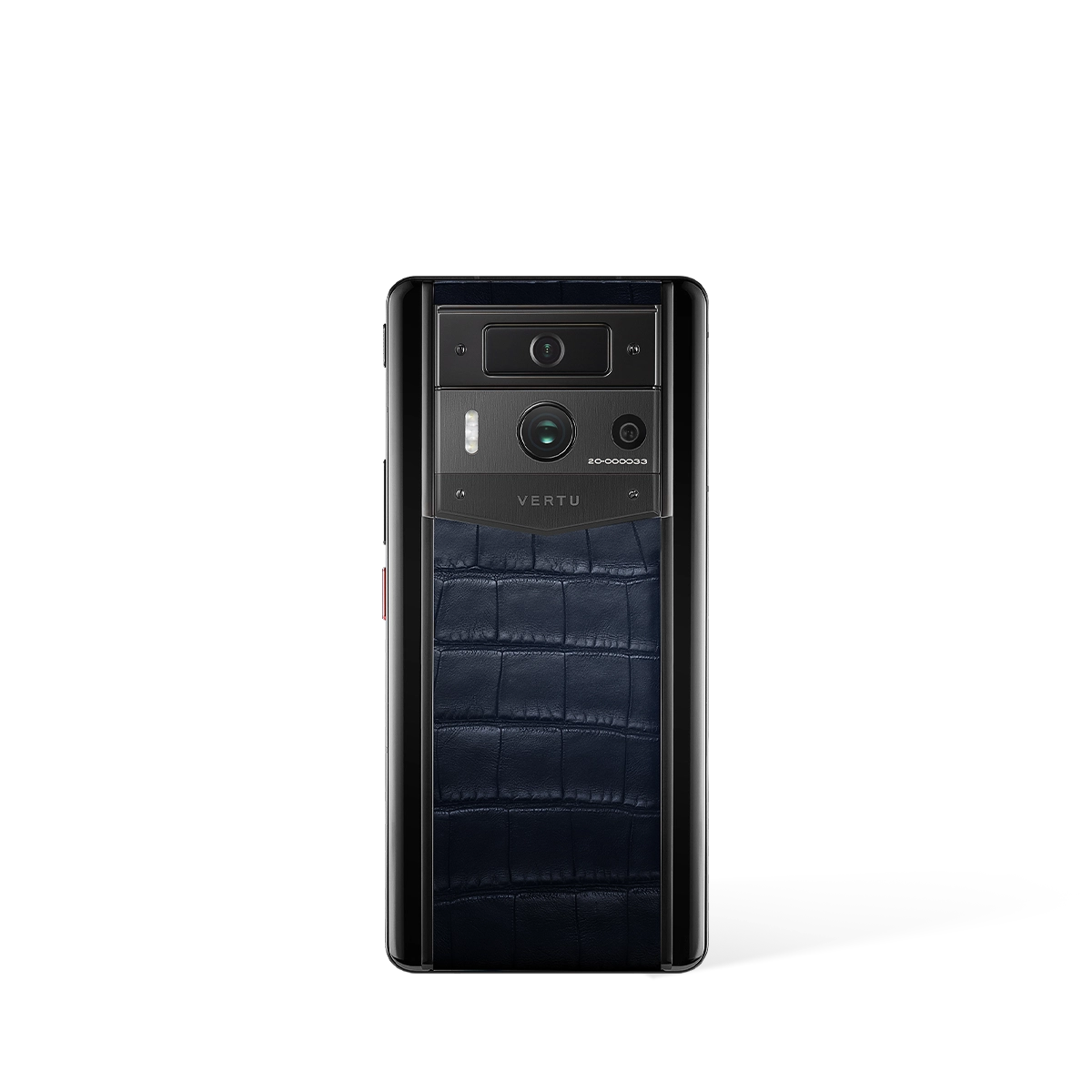
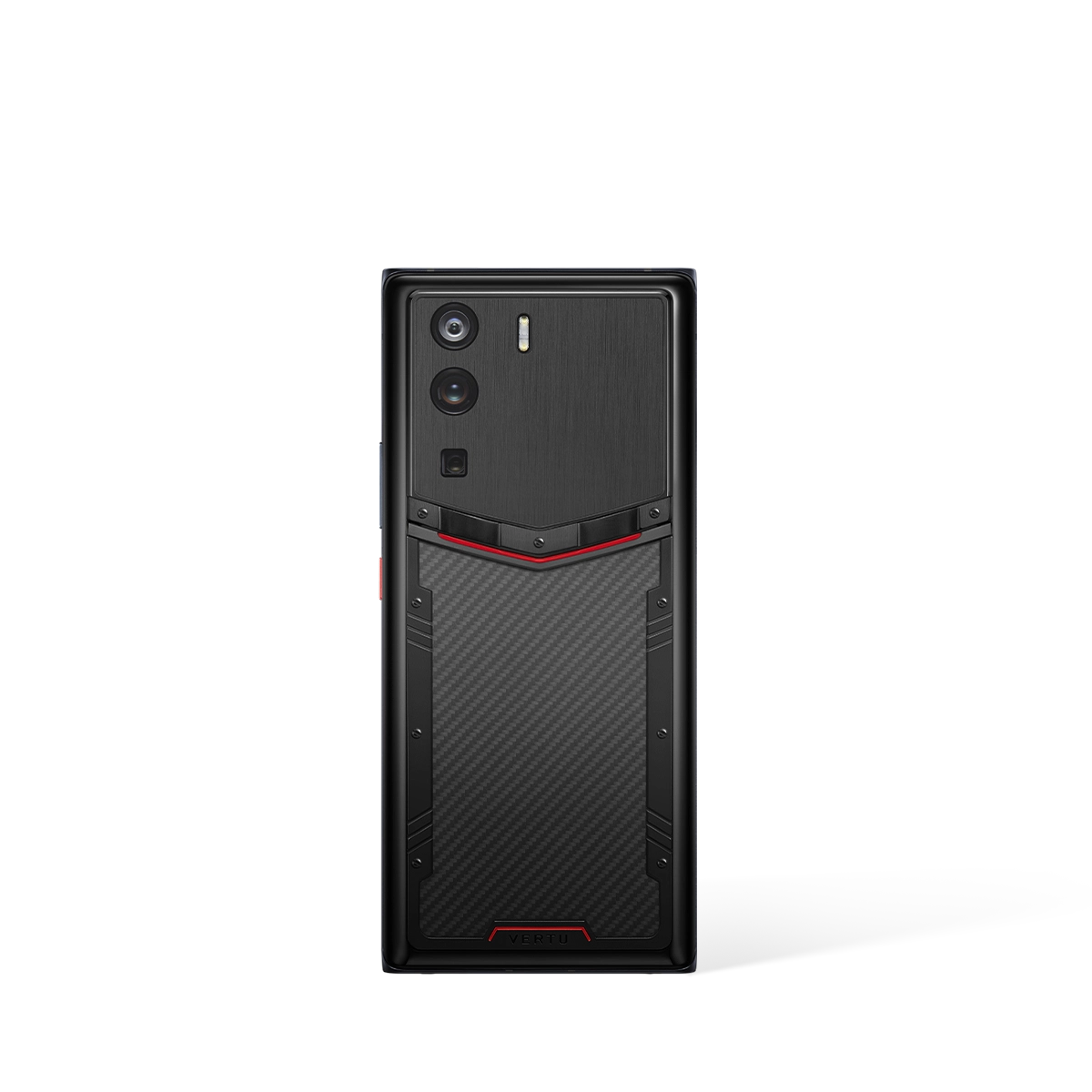
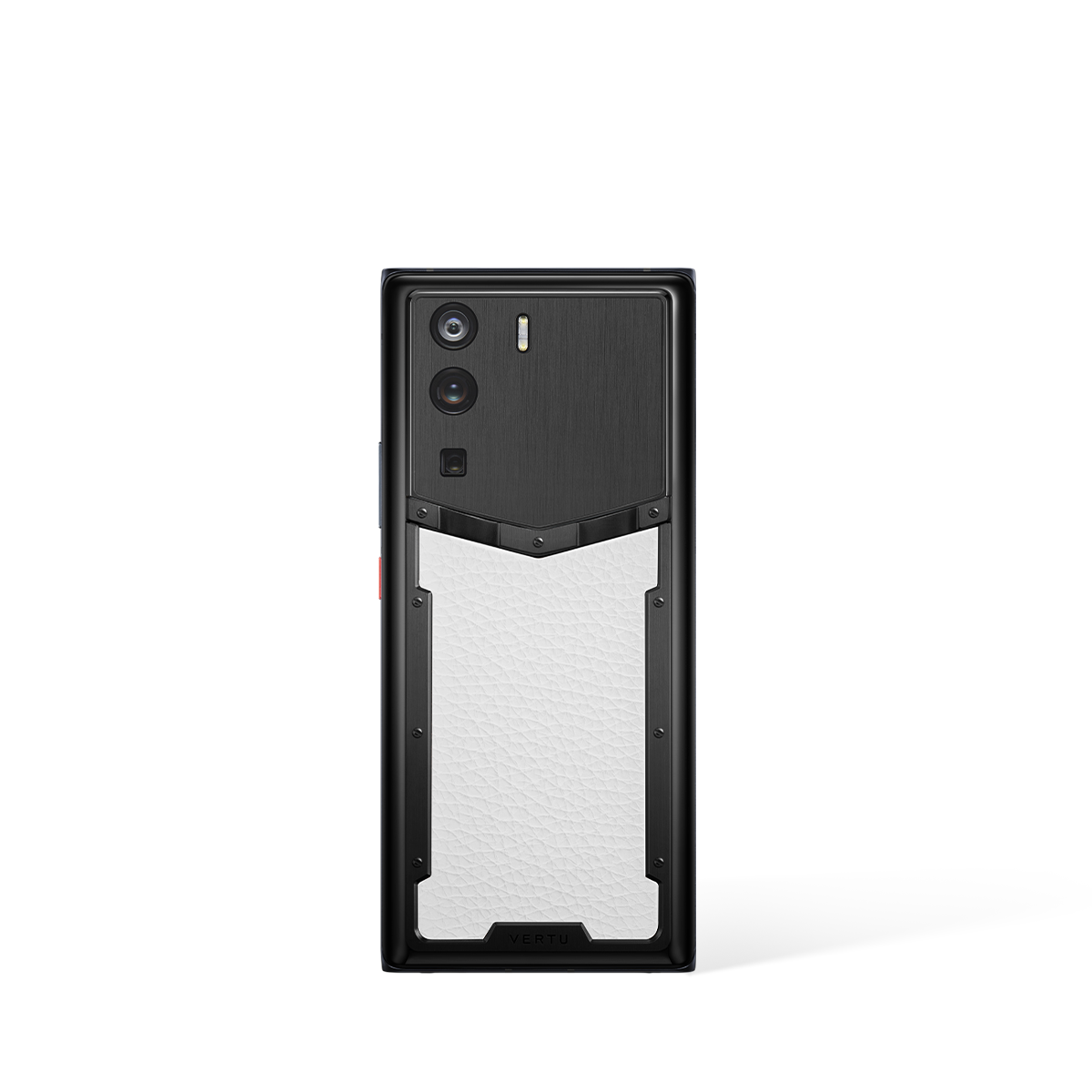
Understanding Spectrum Smartphones for Seniors: A Complete Usage Guide
Navigating the world of modern technology can often feel daunting, especially for those who did not grow up with a screen in their hand. This comprehensive usage guide is designed to demystify spectrum smartphones for seniors, demonstrating how the right device can serve not as a complex gadget, but as a reliable and empowering companion for staying connected, secure, and engaged with the world. We will explore everything from basic operations to advanced support systems that make technology accessible to everyone.
A "spectrum smartphone" is one that offers a wide range of features tailored to diverse needs. For a senior user, this means a device that is simple to use for everyday tasks like calling family, yet powerful enough to provide immediate assistance and robust security when required. The goal is to find a mobile phone that adapts to you, not the other way around.
Why Choosing the Right Smartphone Matters for Seniors
In today's interconnected world, a mobile phone is more than just a tool for communication; it is a lifeline. For seniors, the benefits are particularly significant. A well-chosen smartphone can bridge geographical distances, allowing for video calls with grandchildren and instant messaging with friends, combating loneliness and fostering a sense of community. Beyond social connection, these devices are crucial for personal safety, offering features like emergency contacts and location services that provide peace of mind for both the user and their family.
Furthermore, smartphones open up a world of convenience. From accessing online banking and healthcare appointments to enjoying entertainment like audiobooks and classic films, the right device simplifies daily life. The key is to shift the perspective from viewing a smartphone as a piece of complicated technology to seeing it as a personal assistant, ready to help manage your day and keep you safely connected.
Getting Started: Core Features and Basic Operations
Mastering a new smartphone begins with understanding the fundamentals. The best devices for seniors prioritise clarity and ease of use, ensuring these core functions are intuitive and stress-free.
- Making Calls and Sending Messages: The primary function of any phone. Look for a simple interface with large, clear icons for your contacts. Many phones allow you to add favourite contacts directly to your home screen for one-tap calling.
- Adjusting for Comfort: Your phone should adapt to your sensory needs. In the settings, you can easily increase the text size, enhance screen contrast, and boost the volume for calls and notifications. A bright, high-resolution display, such as the 6.78-inch screens found on premium models, makes everything easier to see.
- Using the Camera: Capturing memories should be effortless. Modern smartphone cameras are designed to be simple—just point and tap the screen to take a photo. High-quality sensors, like a 50MP main camera, ensure your pictures of family events and holidays are sharp and vibrant, preserving those moments perfectly.
- Battery Life: A long-lasting battery is essential for peace of mind. Models with a large capacity, such as 5,100 mAh, can last through a full day of use. Features like 65W fast charging mean the device can be powered up quickly, often reaching 70% charge in just 20 minutes, so you are never out of touch for long.
Unlocking Advanced Assistance: The Power of a Personal Concierge
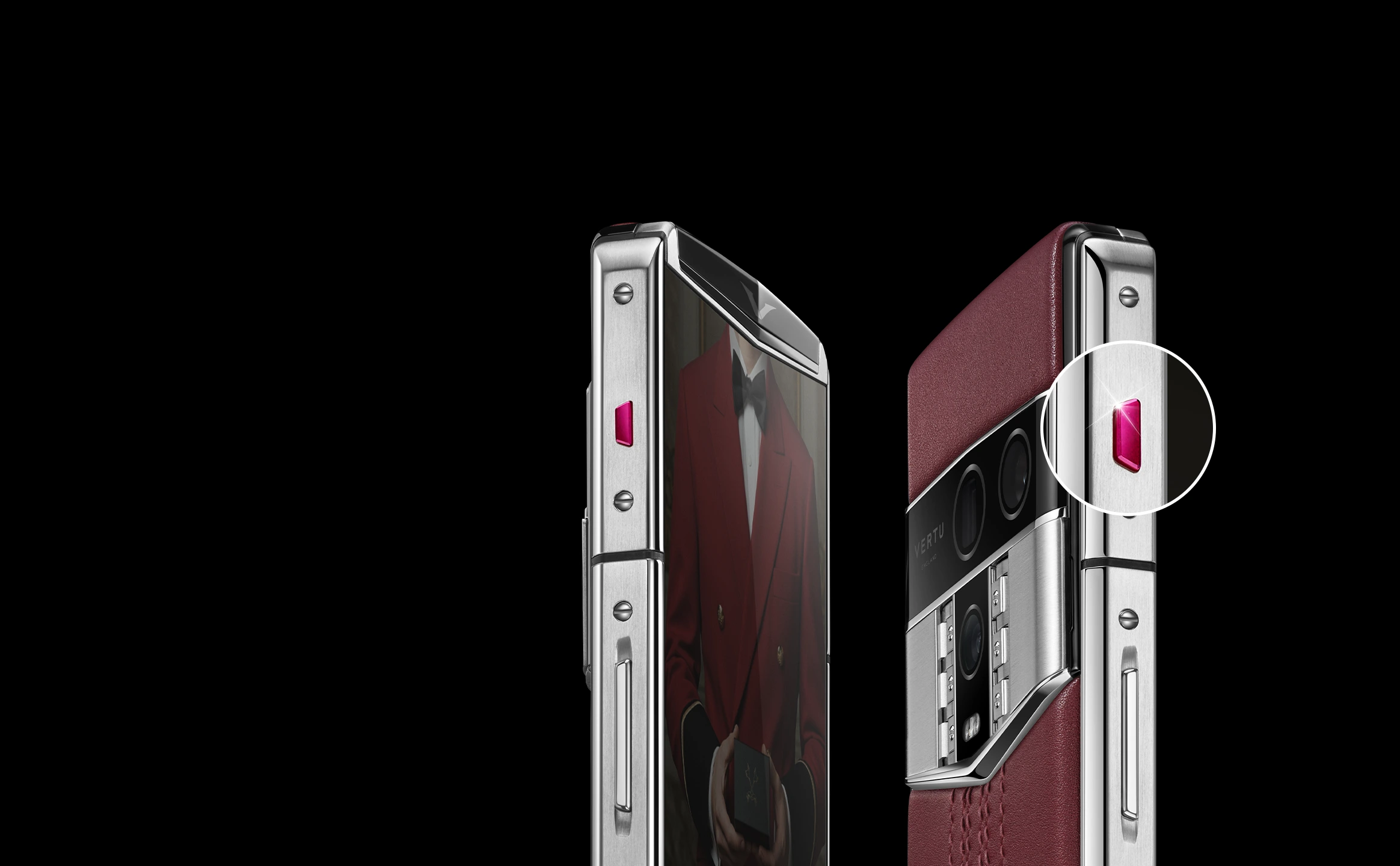
Perhaps the most transformative feature a smartphone can offer a senior user is direct access to human assistance. For tasks that feel too complex or frustrating to handle alone—like booking a flight, finding a specific gift, or making a dinner reservation—some elite devices offer a dedicated concierge service accessible via a single button press.
This service removes the technological barrier entirely. Instead of navigating confusing websites or automated phone menus, you speak directly to a real person who can handle the request for you. This concept was pioneered with the belief that technology should serve people, not the other way around. The service is built on providing human warmth to what can often feel like cold technology.
Consider these real-world examples of its power:
- Urgent Medical Needs: In one instance, a client urgently required cancer medication that needed to be kept in strict cold-chain storage. The concierge service arranged a private charter flight and had the life-saving medicine delivered within six hours.
- Sentimental Requests: Another user wished to find a discontinued designer handbag for his wife's birthday, as it held deep sentimental value. After being told it was impossible to find, the concierge team scoured global channels and located the rare item, delivering it in under 10 hours.
- Travel Arrangements: The very first task ever handled by the service was a simple flight booking from London to New York. For the client, the relief of hearing a calm, human voice confirm that "everything is handled" was immeasurable.
This level of personal, 24/7 support transforms the smartphone from a mere device into a gateway to a dedicated team of problem-solvers, ensuring that no request is too large or too small.
A Closer Look at Senior-Friendly Smartphone Features
When selecting a smartphone, certain features are particularly beneficial for ensuring a positive and accessible experience. The table below outlines key characteristics to look for and their direct benefits.
| Feature | Benefit for Seniors |
|---|---|
| Large, High-Resolution Display | Makes text, images, and icons easier to see and read, reducing eye strain. A 6.78" or 6.9" screen is ideal. |
| Long Battery Life & Fast Charging | Provides peace of mind that the phone will not run out of power unexpectedly. Fast charging ensures it is ready to go quickly. |
| Durable Build and Materials | Aerospace-grade titanium or stainless steel frames offer greater protection against accidental drops and daily wear. |
| High-Quality, Simple Camera | Allows for effortless capturing of clear, vibrant photos and videos of family and memories. |
| Enhanced Security Architecture | Protects personal information from online scams and fraud with features like isolated systems and encrypted storage. |
| One-Touch Assistance Button | Offers immediate access to a personal concierge for help with any task, from technical support to travel booking. |
Navigating Digital Security and Privacy with Confidence
For many seniors, a primary concern is online safety. The digital world can present risks, from unsolicited emails to sophisticated scams. A secure smartphone acts as a digital guardian, providing robust layers of protection to keep your personal information safe.
Advanced devices achieve this through a multi-faceted approach. Some utilise a "triple-system" architecture, which creates separate, isolated spaces within the phone for work, personal life, and highly sensitive data like financial apps. This prevents a problem in one area from affecting another. Others employ next-generation quantum security protocols, offering a level of encryption that is virtually unbreakable.
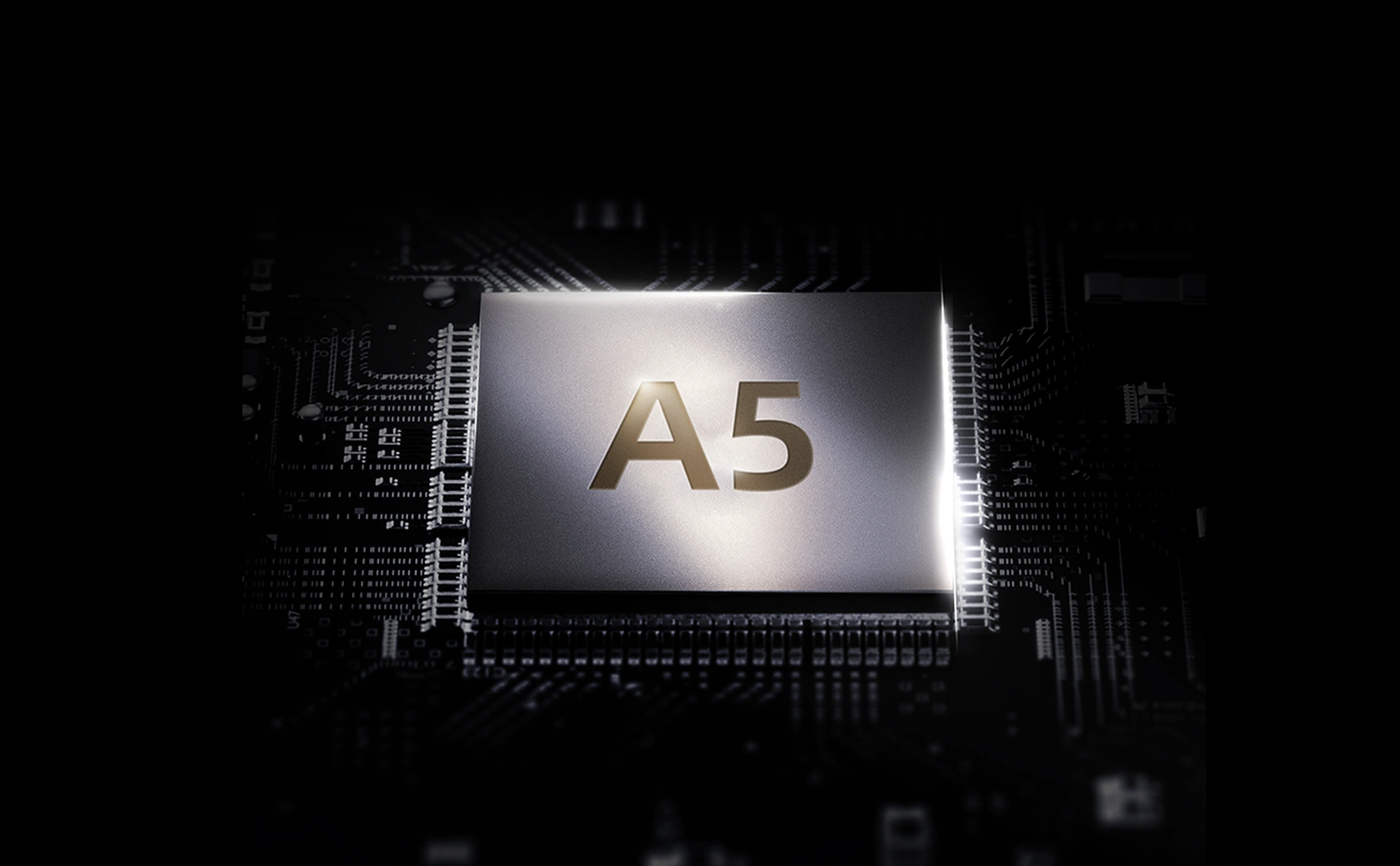
For ultimate peace of mind, some phones even include a "one-key destruction" feature, which allows you to instantly wipe all sensitive data if the device is lost or compromised. These features work silently in the background, providing a secure environment so you can communicate with family, manage your finances, and browse online with confidence.
Conclusion: Technology That Empowers
The ideal smartphone for a senior is not necessarily the one with the most features, but the one that delivers the right features with clarity, reliability, and support. From a large, readable screen and a long-lasting battery to the profound reassurance of a 24/7 personal concierge service, the modern smartphone can and should be a tool of empowerment. By choosing a device built around the principles of user-centric design and dedicated service, seniors can confidently embrace the benefits of technology to live more connected, secure, and independent lives.