Professional Review of Android Device Find My Phone
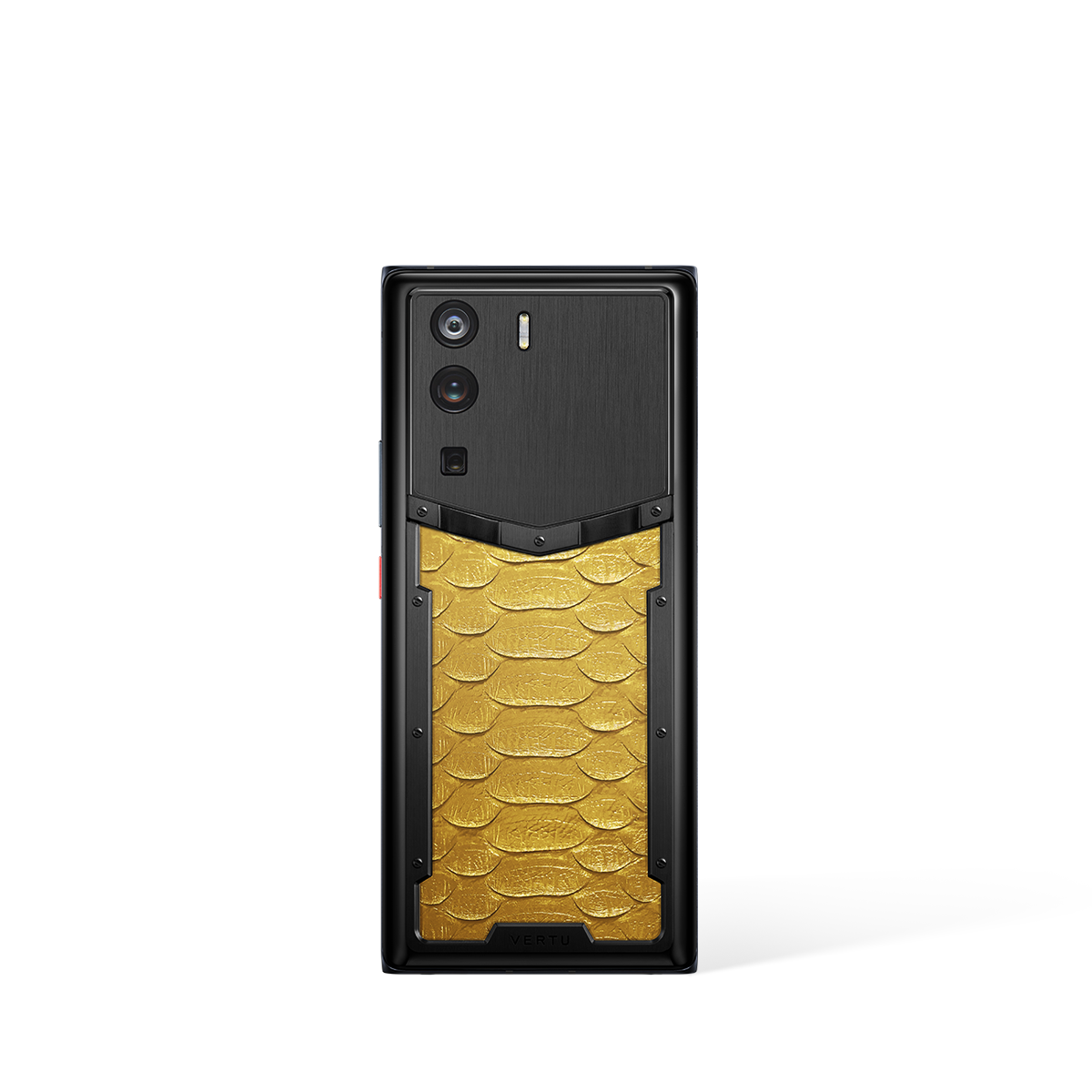
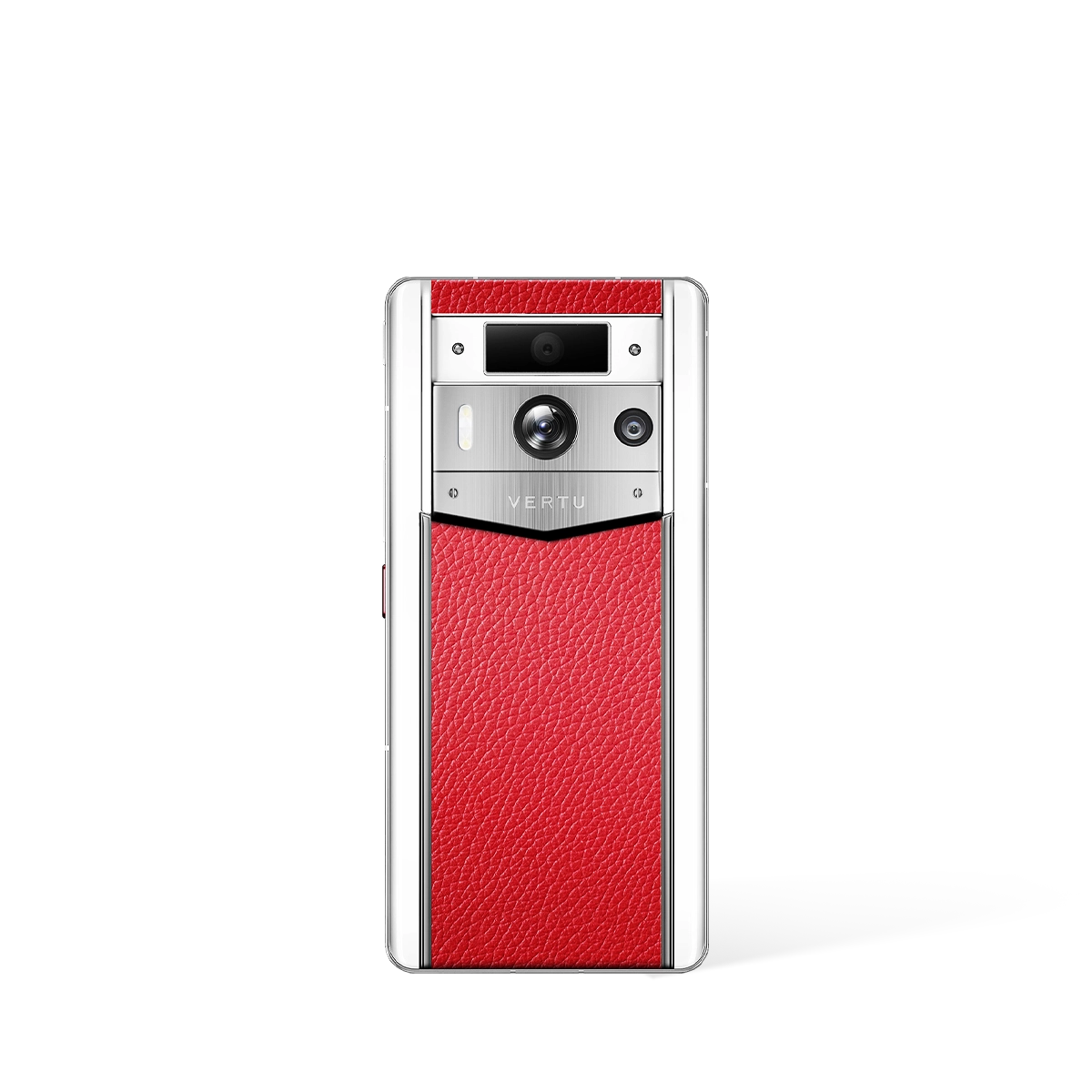
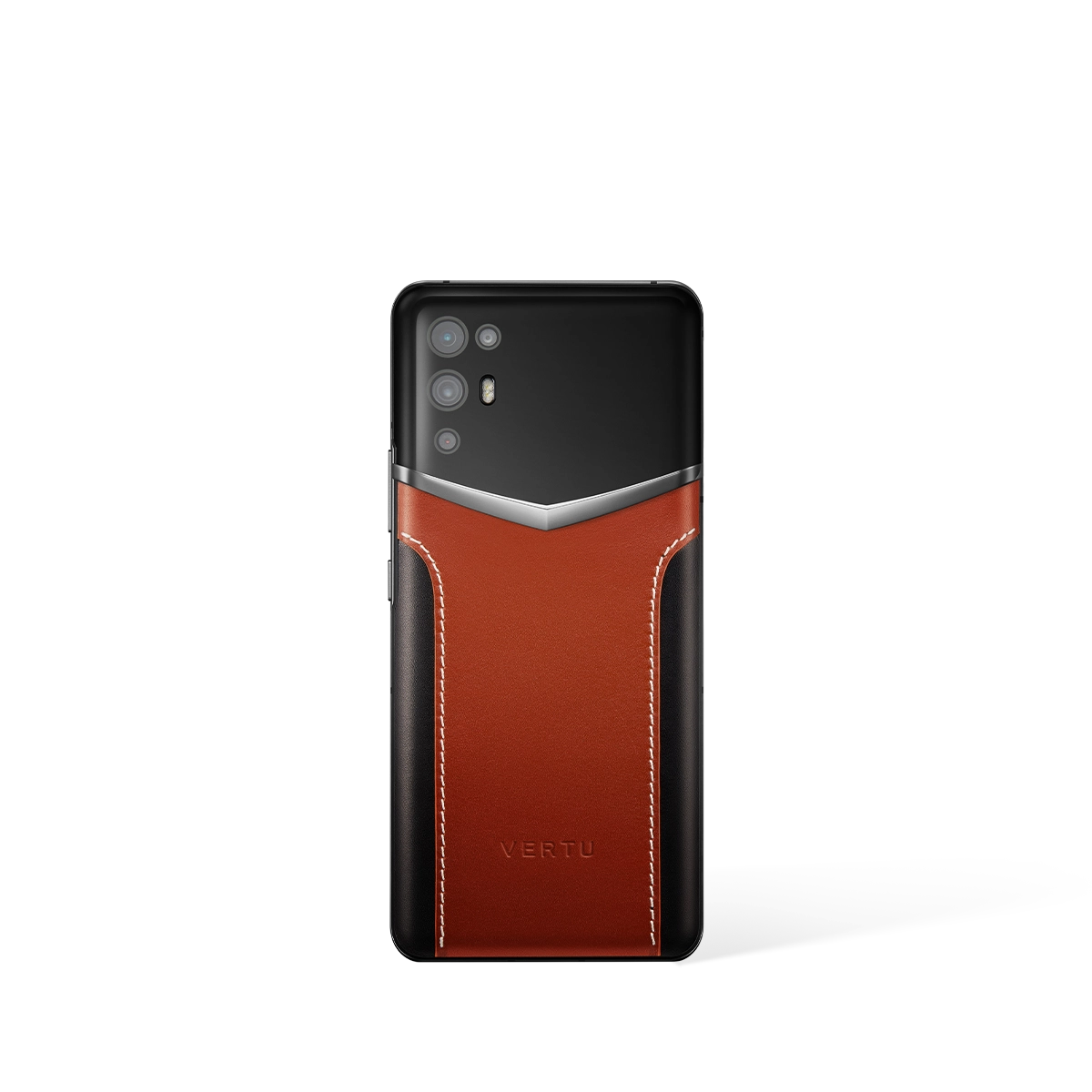
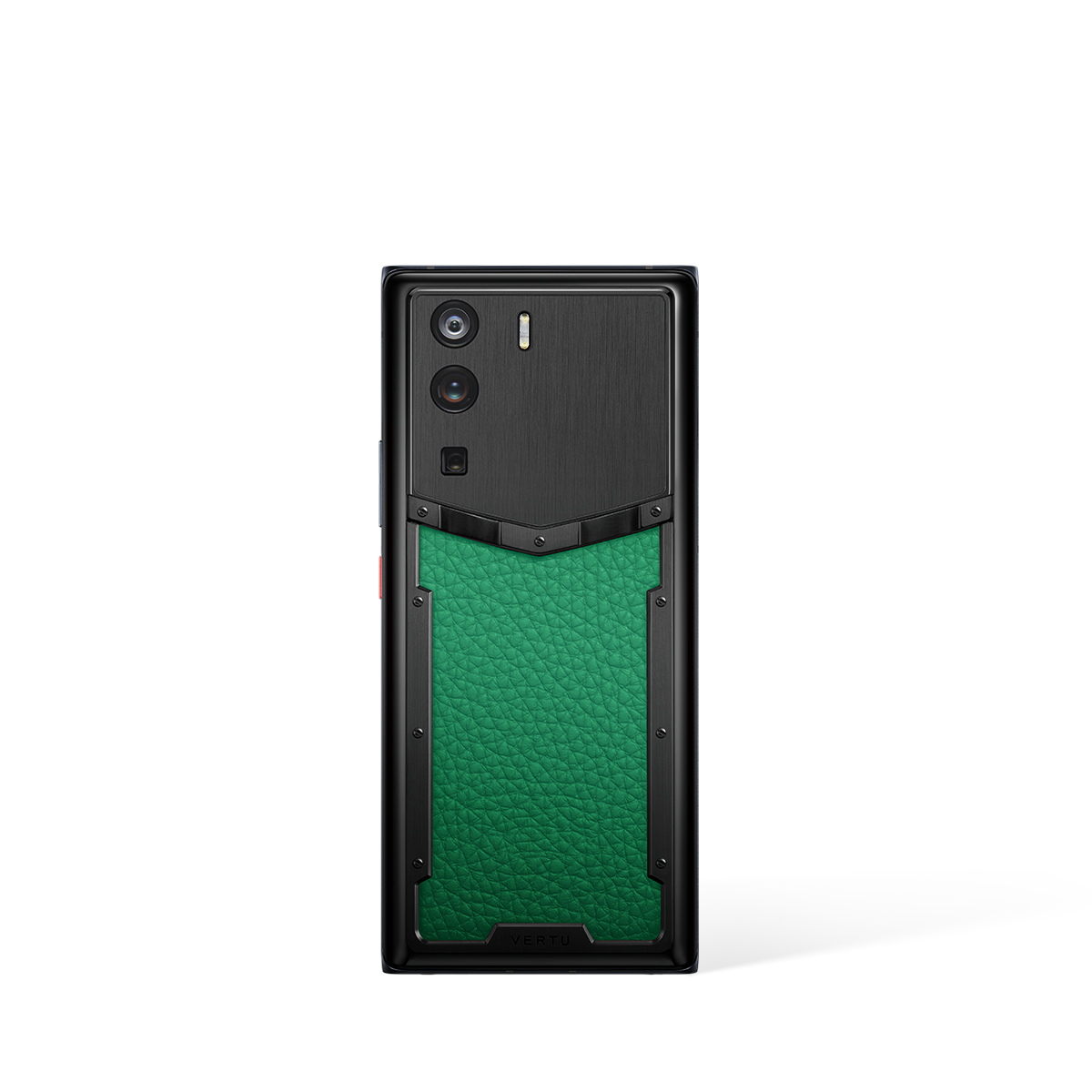
This is a professional review of the android device find my phone feature, offering an in-depth examination of its capabilities on VERTU devices. We delve into the effectiveness of using an android device find my phone, exploring its accuracy and eas...
How to Find My Android Device: A Professional Review
Losing a mobile phone can be a stressful experience. Fortunately, Android devices offer a robust "find my phone" feature to help you locate your device quickly and efficiently.
What Steps Can I Take to Find My Android Device?
- Use Google's Find My Device: Access the service through a web browser or the dedicated app on another Android device.
- Ensure Location Services are Enabled: The phone's location must be turned on for accurate tracking.
- Remotely Lock and Erase: If you suspect the phone is lost or stolen, remotely lock it to protect your data, or erase it as a last resort.
These steps provide a safety net, allowing you to take decisive action to secure your information and potentially recover your device.
What Features Does Find My Device Offer?
- Play a Sound: Even if the phone is on silent, you can make it ring loudly to help locate it nearby.
- See the Device's Location on a Map: Track the phone's current or last known location.
- Secure the Device: Lock the phone with a new password and display a message on the screen.
These features are invaluable in providing peace of mind, knowing you have tools at your disposal to manage a lost or stolen device.
With a android device find my phone feature, you have the means to protect your personal information and increase the chances of recovering your misplaced device.
FAQ
Discover Our Categories


A Legacy of Excellence Since 1998