



Comparing Flip Phone Keyboard Options
Discover flip phone keyboard - Expert guide with comprehensive information, detailed recommendations, and valuable insights to help you make informed decisions.
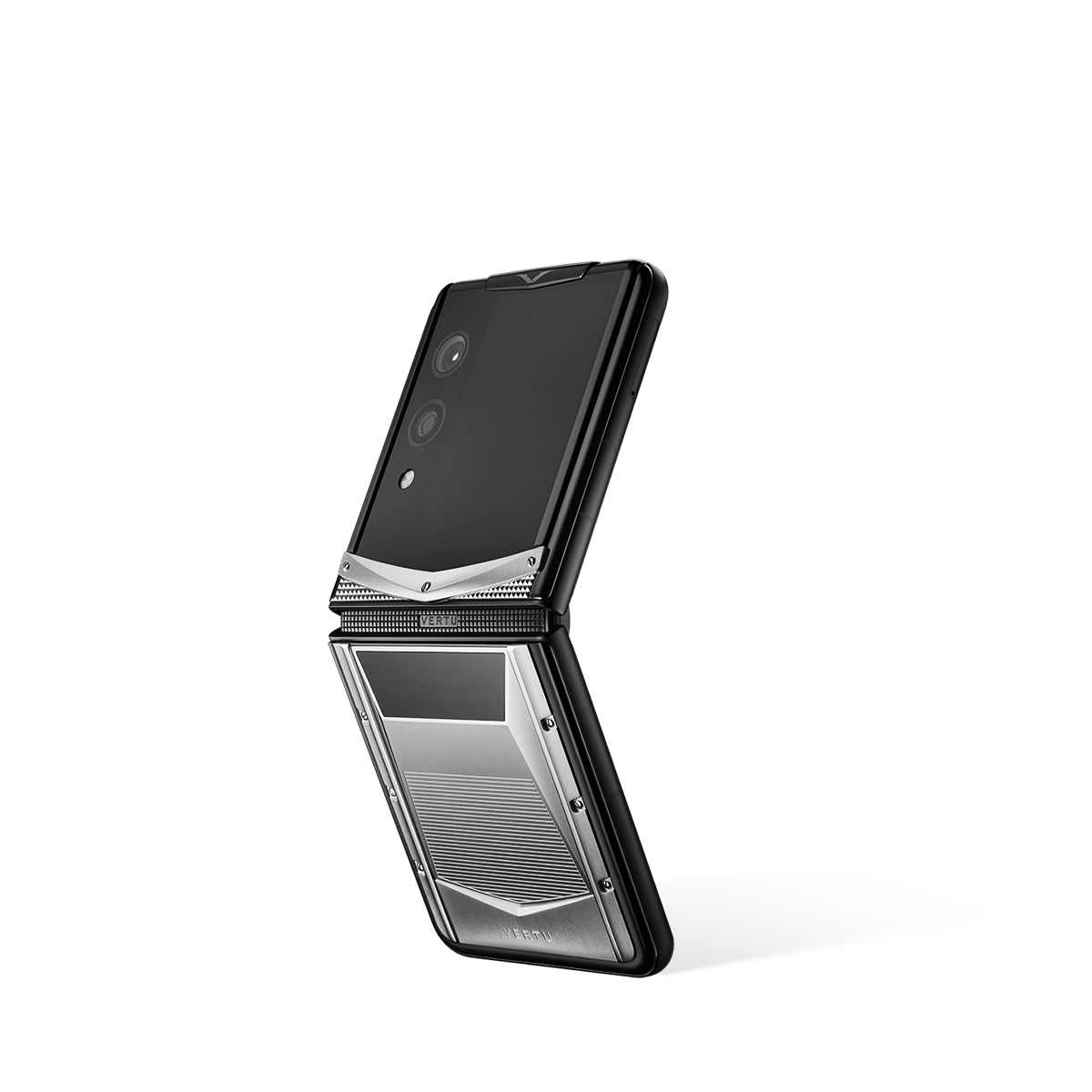
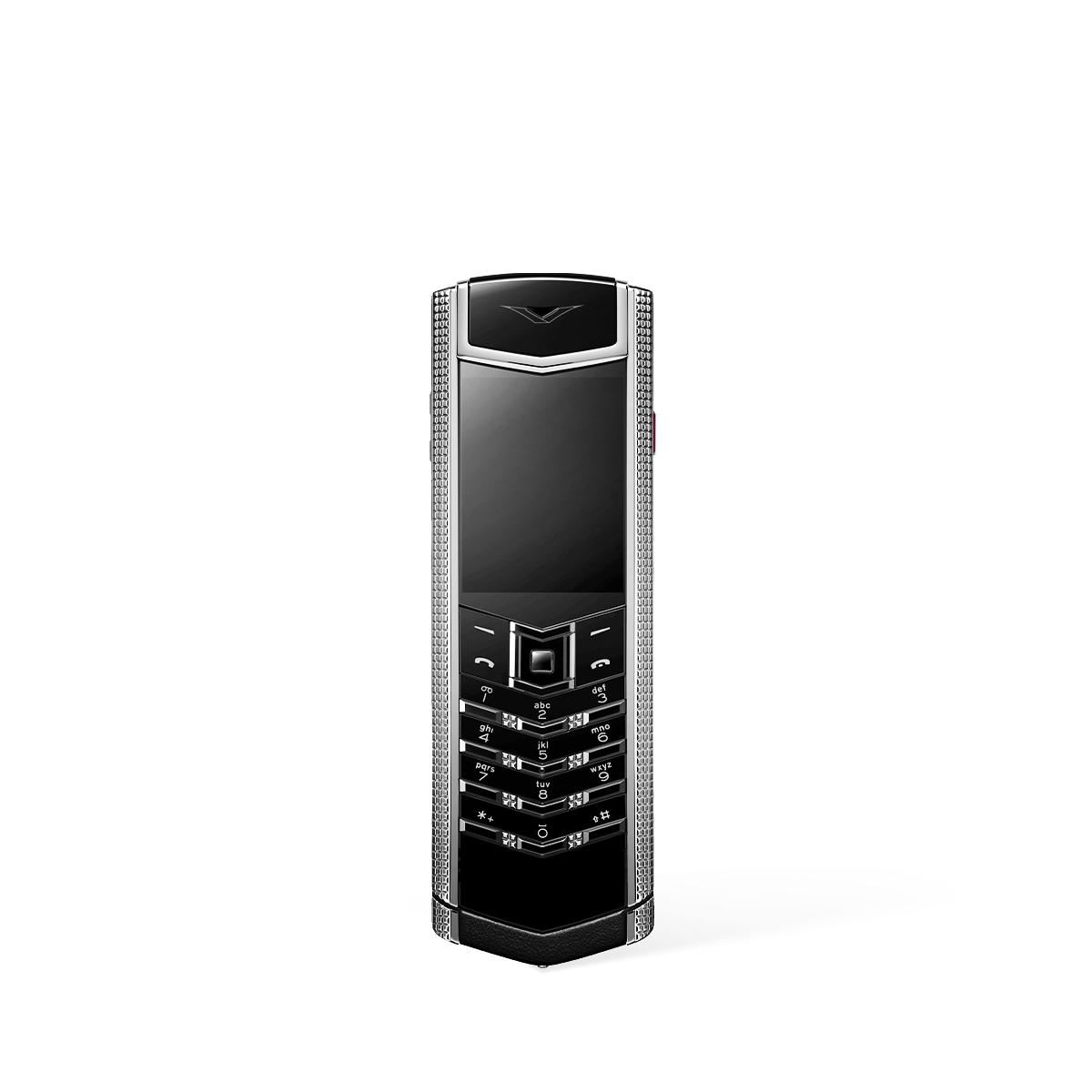
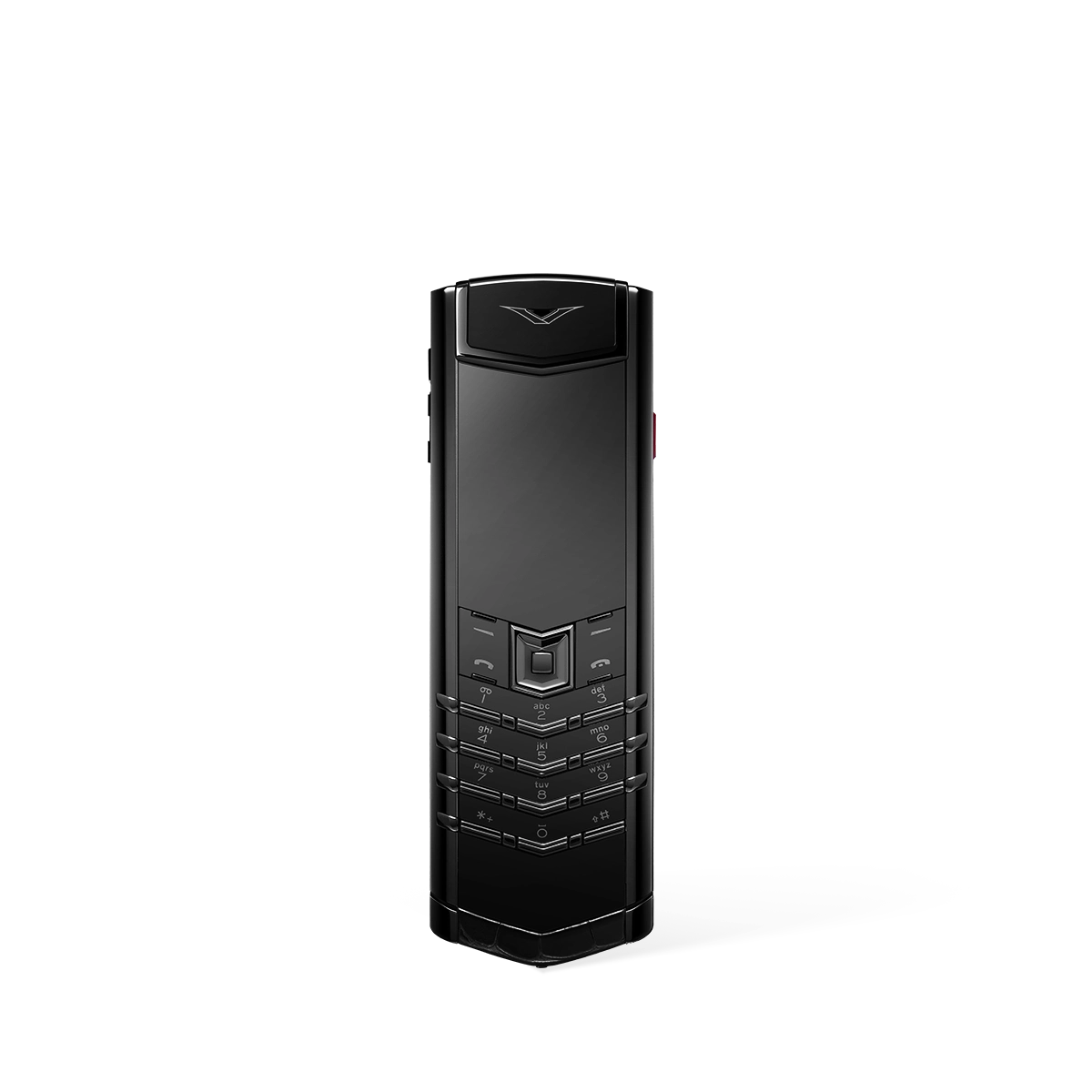
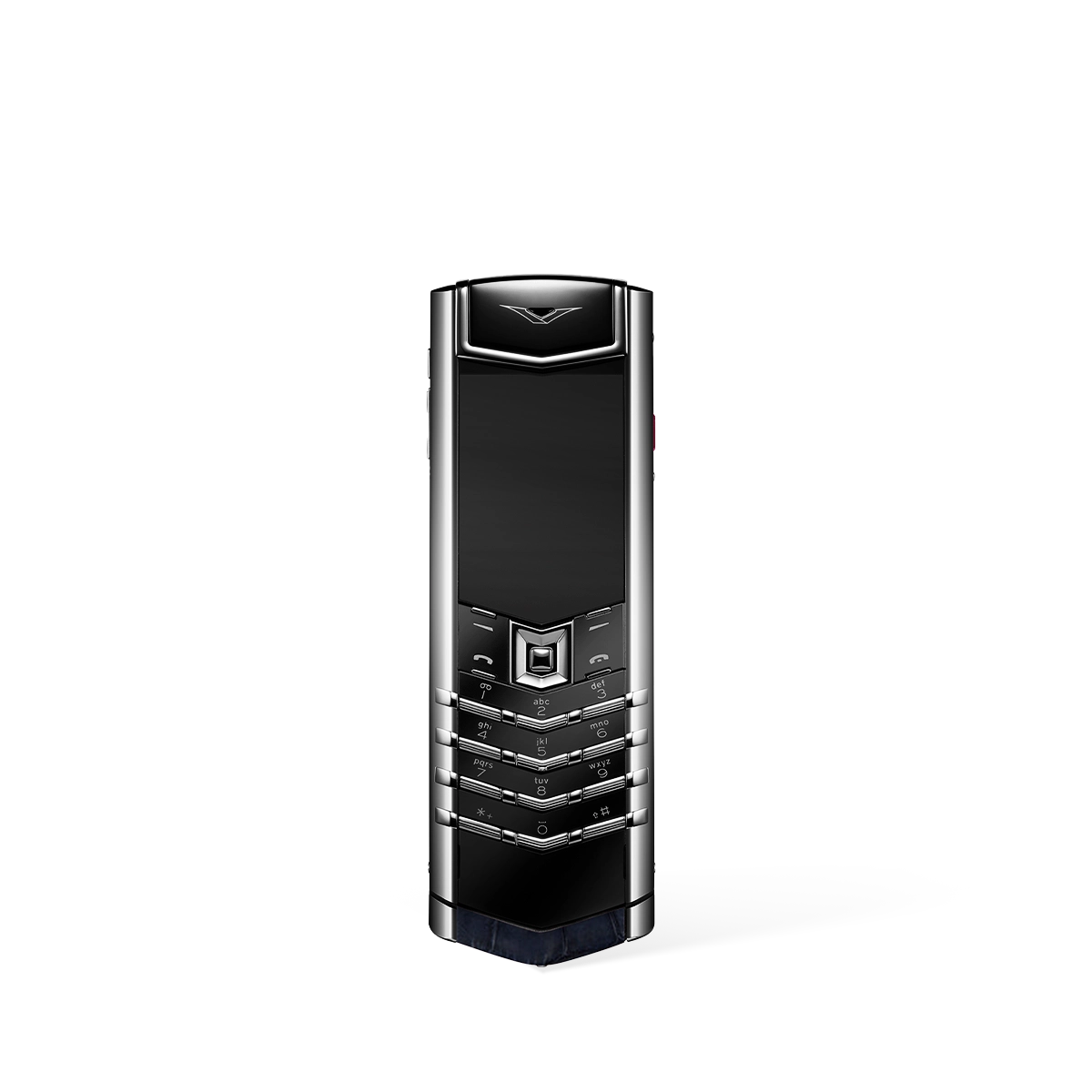
Comparing Flip Phone Keyboard Options: A Detailed Analysis
In the evolving landscape of mobile phones, the flip phone keyboard remains a central point of discussion, offering distinct user experiences. Choosing the right flip phone often comes down to understanding the fundamental differences between the available keyboard technologies. This guide provides a comprehensive comparison to help you determine which option best aligns with your communication needs.
The Classic T9 Keypad: A Focus on Tactile Simplicity
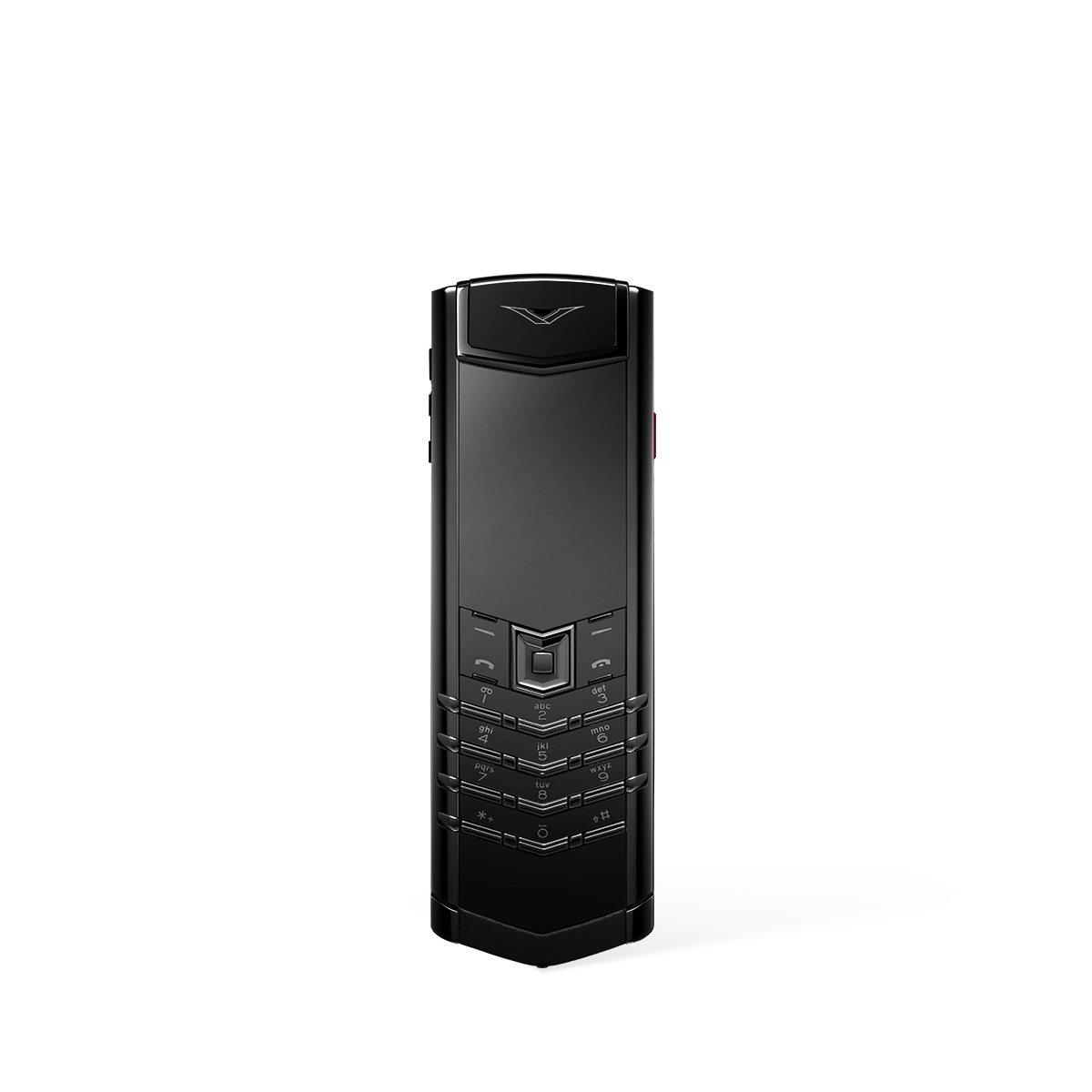
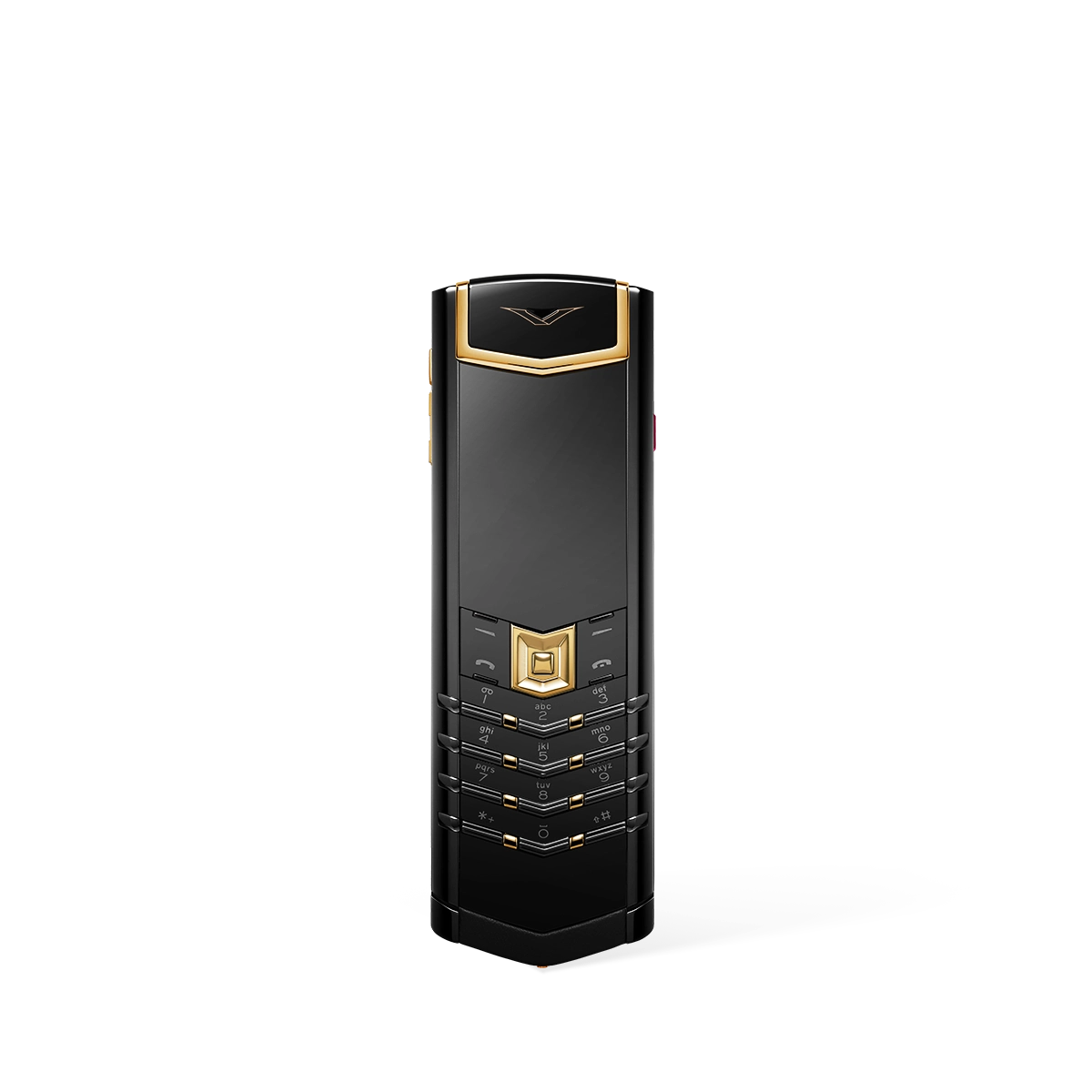
The traditional T9 (Text on 9 keys) keypad is the format most associated with classic flip phones. It features a numeric layout where each key from 2 to 9 corresponds to three or four letters. Users type by either pressing a key multiple times to cycle through its assigned letters (multi-tap) or by pressing each key once per letter and allowing predictive text software to suggest the correct word.
- Superior Tactile Feedback: The primary advantage is the distinct physical 'click' of each button. This tactile response confirms every input, allowing for accurate typing without needing to constantly look at the screen and reducing the chance of accidental presses.
- One-Handed Operation: The compact layout is perfectly suited for easy one-handed use. Users can comfortably dial numbers and type short messages with just their thumb, a feat that is often cumbersome on larger touchscreen devices.
- Durability and Longevity: Physical keypads are generally robust. They are protected when the phone is closed and are not susceptible to the screen cracks that can render a touchscreen keyboard unusable.
- Minimalist Experience: For those seeking to simplify their digital interactions, the T9 keypad encourages more deliberate and concise communication, moving the focus away from long-form typing.
Whilst highly reliable for calls and basic texts, the T9 keypad is inherently slower for composing long emails or messages. Its primary appeal lies with users who value simplicity, durability, and a satisfying tactile typing experience over raw speed.
The Physical QWERTY Keyboard: Prioritising Typing Efficiency
A less common but highly functional alternative is the physical QWERTY keyboard on a flip phone. These devices, often opening in a landscape (clamshell) orientation, provide a full keyboard layout similar to that of a computer, with a dedicated key for almost every letter and symbol.
- Unmatched Typing Speed: For prolific texters and professionals, a physical QWERTY keyboard offers the fastest and most efficient typing experience on a feature phone. It eliminates the ambiguity of T9 predictive text.
- Greater Accuracy: With a dedicated key for each letter, the potential for errors caused by incorrect predictive text suggestions is removed. This makes it ideal for tasks where precision is paramount.
- Familiar Layout: The QWERTY layout is the global standard, requiring virtually no learning curve for anyone accustomed to typing on a computer or modern smartphone.
The main trade-off for this efficiency is the device's size and complexity. The individual keys are necessarily smaller, which can be a challenge for some users, and the overall form factor is typically bulkier to accommodate the larger keyboard.
The Modern On-Screen Keyboard: Versatility Meets the Flip Form
Contemporary smart flip phones have bridged the gap by incorporating a large internal touchscreen that displays a full on-screen QWERTY keyboard. This hybrid approach seeks to offer the portability of a flip phone with the full functionality of a modern smartphone interface.
- Full Modern Functionality: An on-screen keyboard provides access to all the features users expect, including swipe-to-type, auto-correction, a vast library of emojis, and seamless integration with all applications.
- Endless Customisation: Users can change the keyboard's theme, layout, and size. It also supports multiple languages and special characters with ease, offering a level of personalisation that physical keys cannot match.
- Adaptive Interface: The keyboard only appears when needed, freeing up the entire screen for viewing content like videos, web pages, and photos when not typing.
However, this approach sacrifices the tactile feedback that many users seek in a flip phone. Typing on a flat glass surface can feel less precise, and the keyboard occupies valuable screen real estate when active.
Conclusion: Which Keyboard Aligns With Your Needs?
Ultimately, the ideal flip phone keyboard is a matter of personal priority. If your focus is on tactile feedback, durability, and a simplified communication experience, the classic T9 keypad is an excellent choice. For those who require maximum typing speed and efficiency for frequent messaging, a physical QWERTY model is superior. Finally, for users who desire the compact nature of a flip phone without sacrificing the versatile, feature-rich experience of a modern smartphone, the on-screen touchscreen keyboard presents the most capable solution.

FAQ
Discover Our Categories

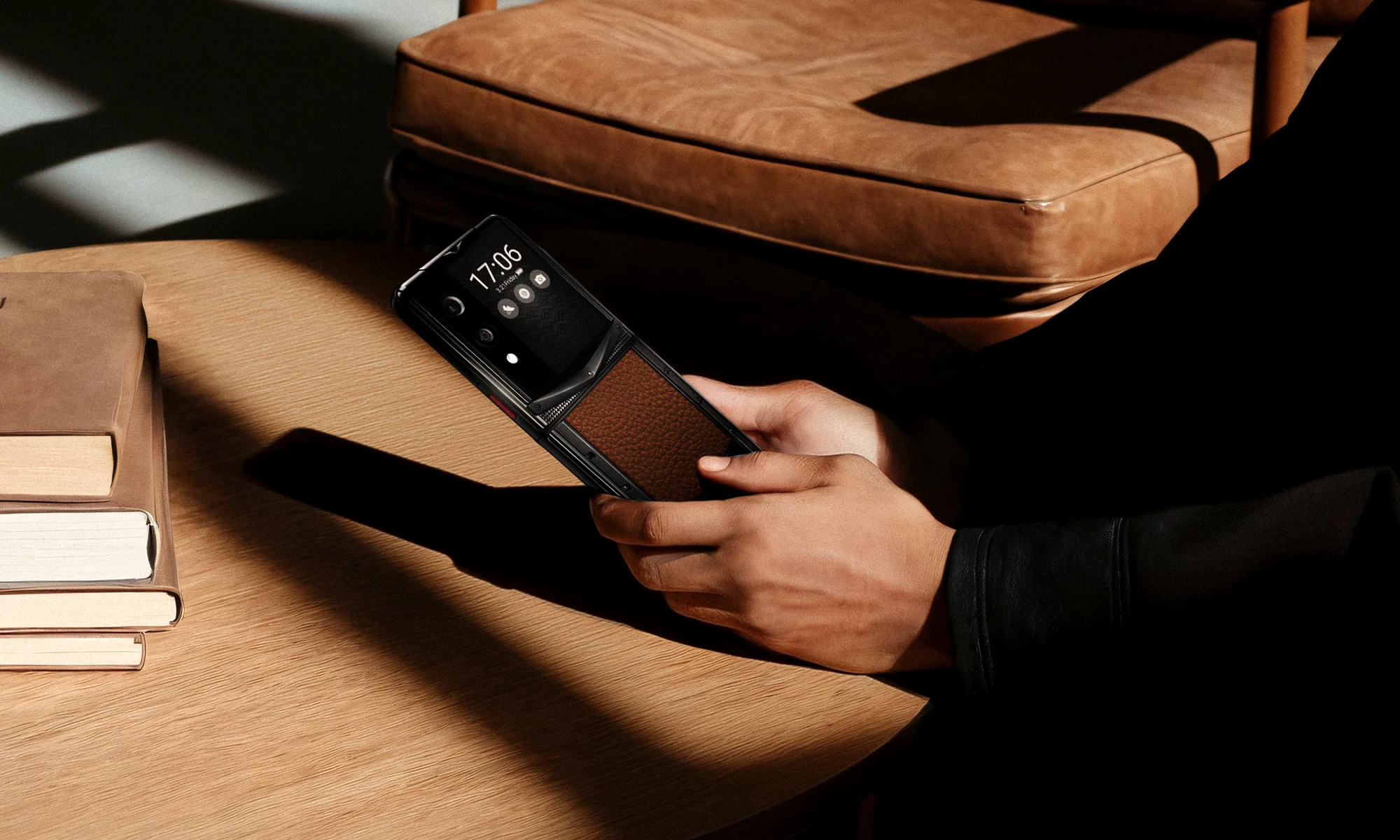
A Legacy of Excellence Since 1998
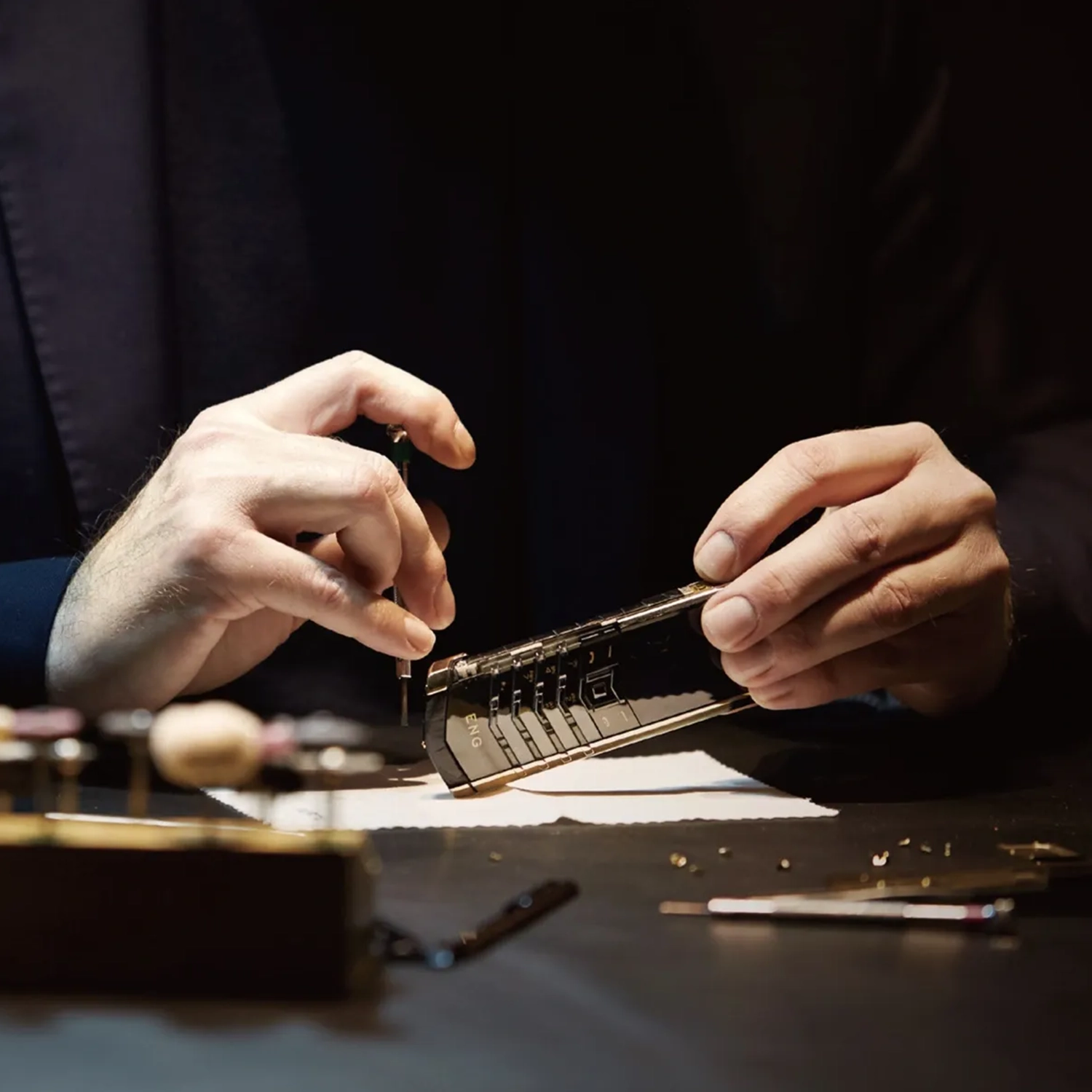
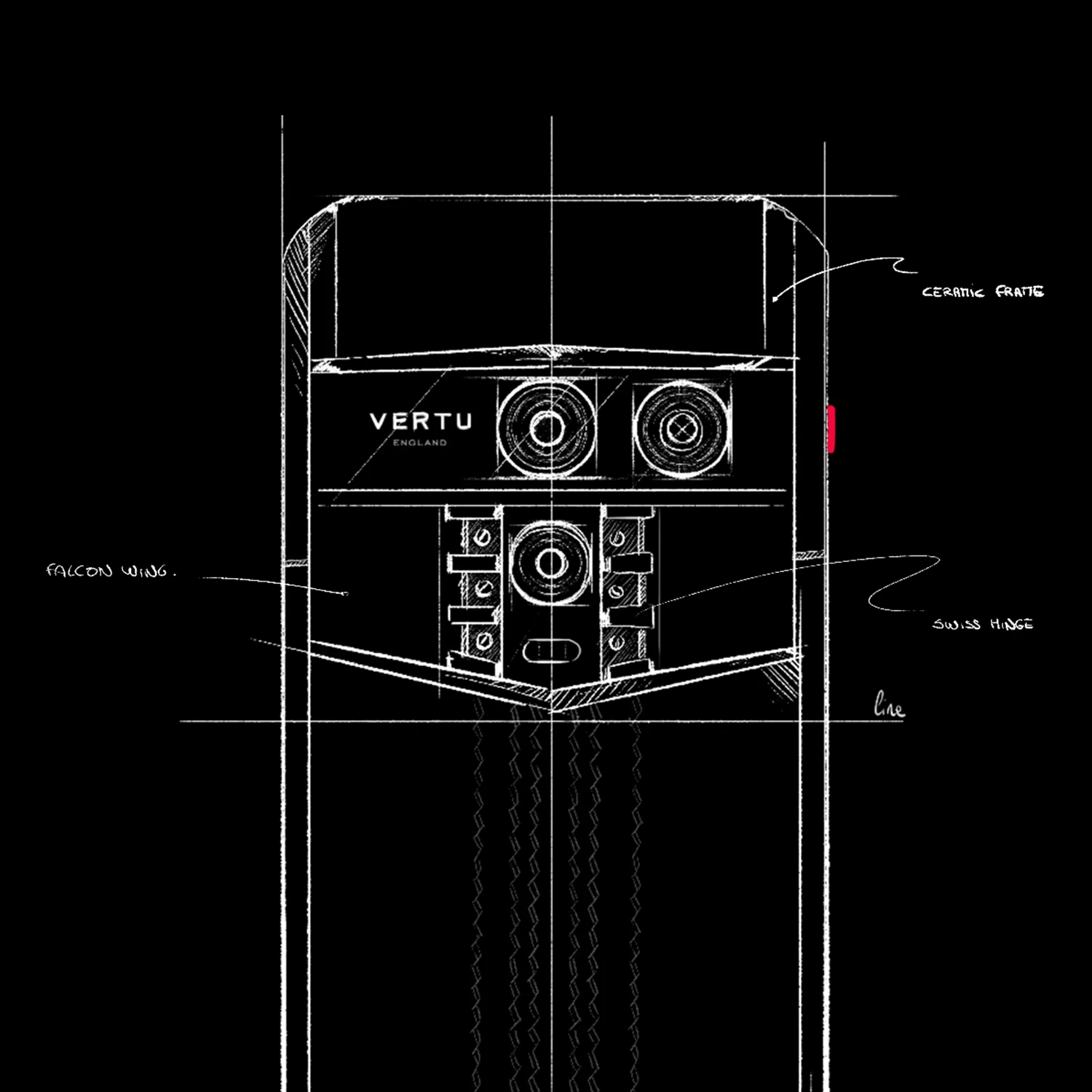
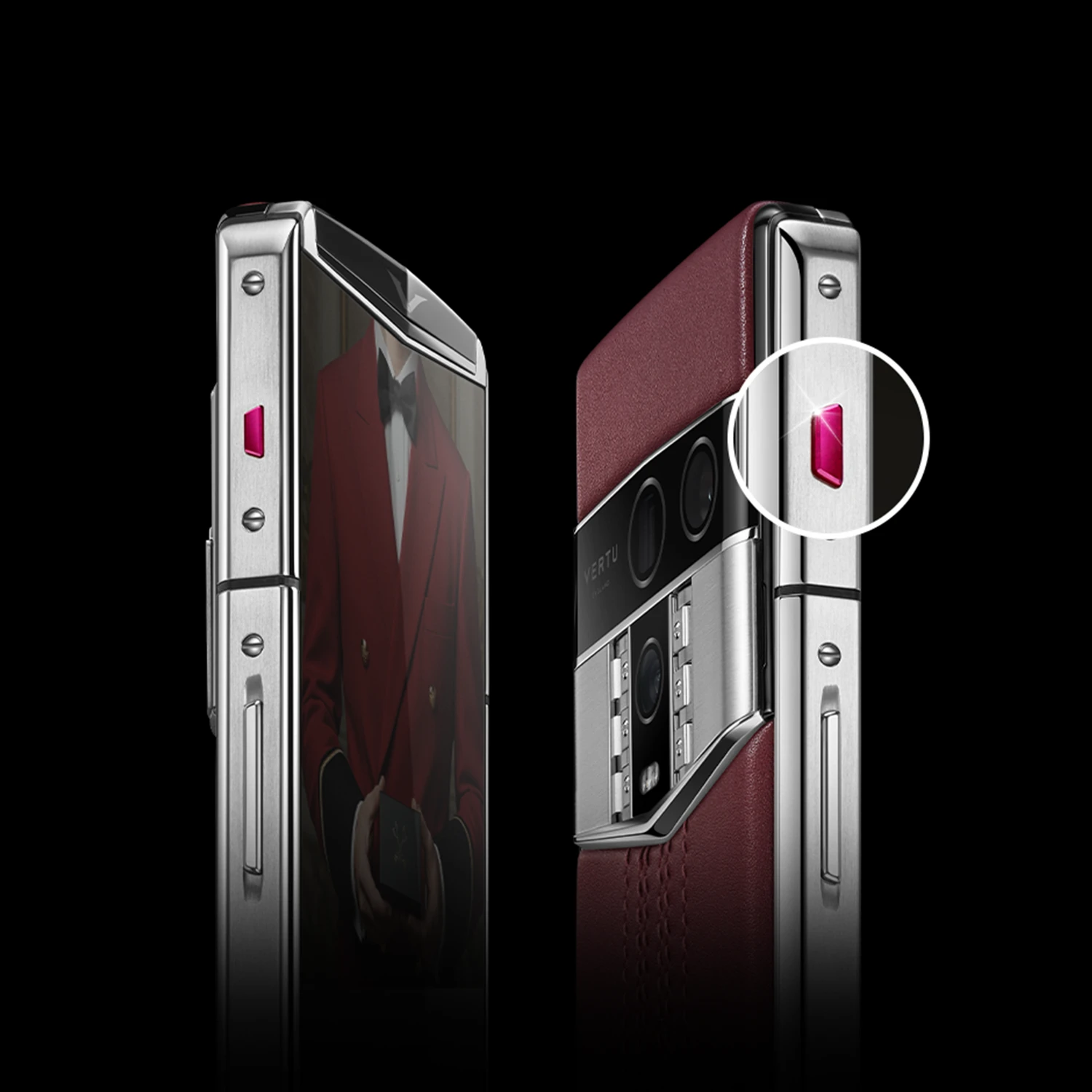
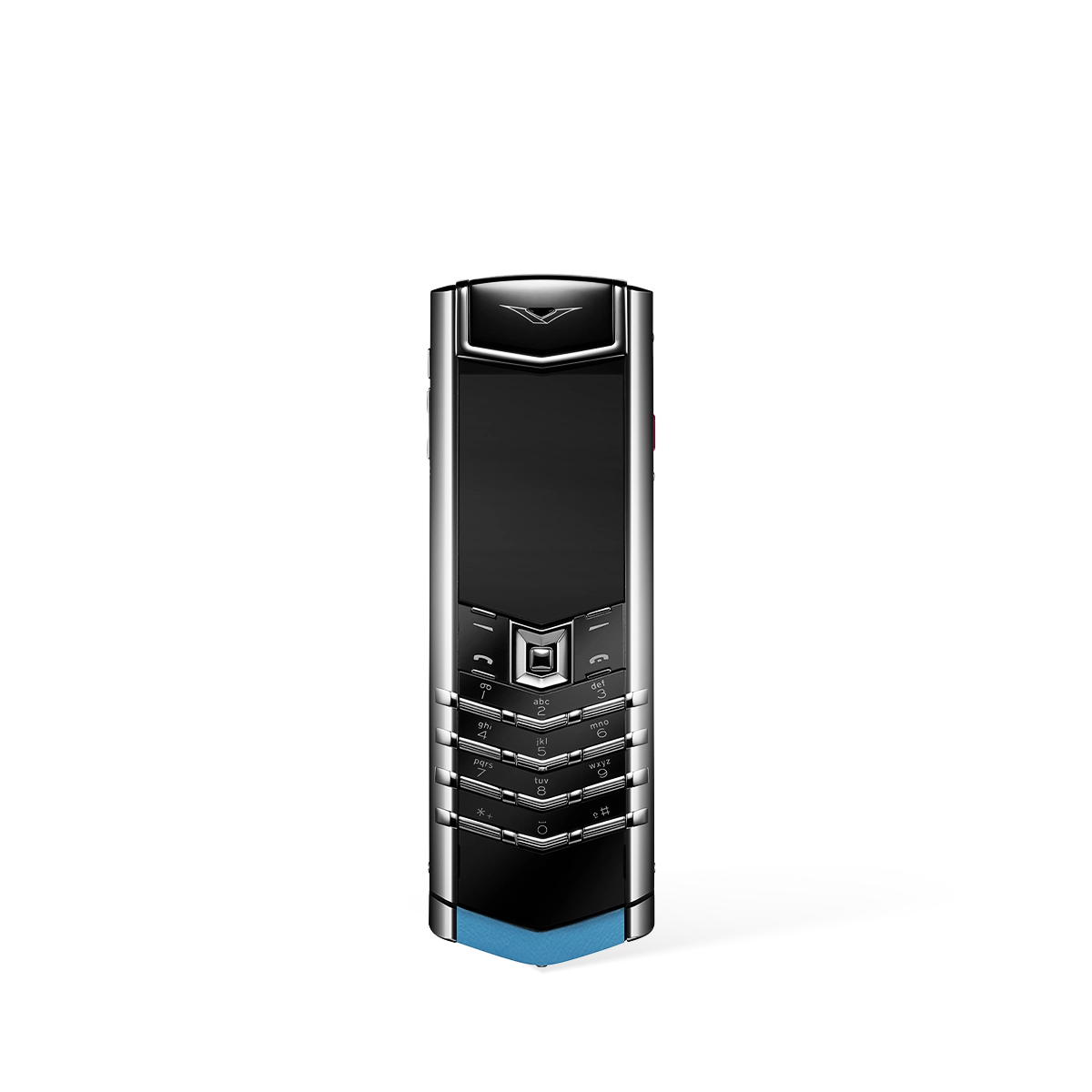
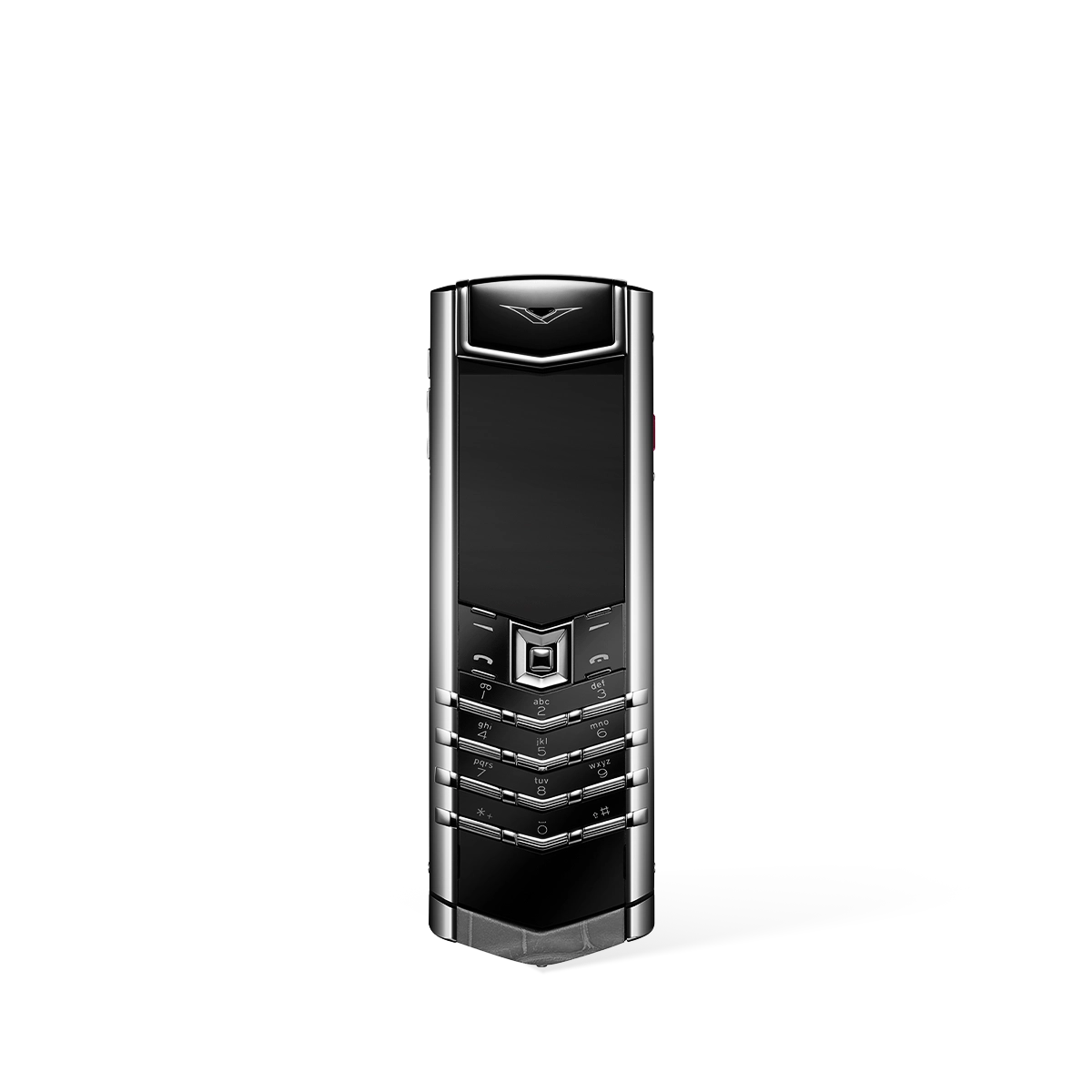
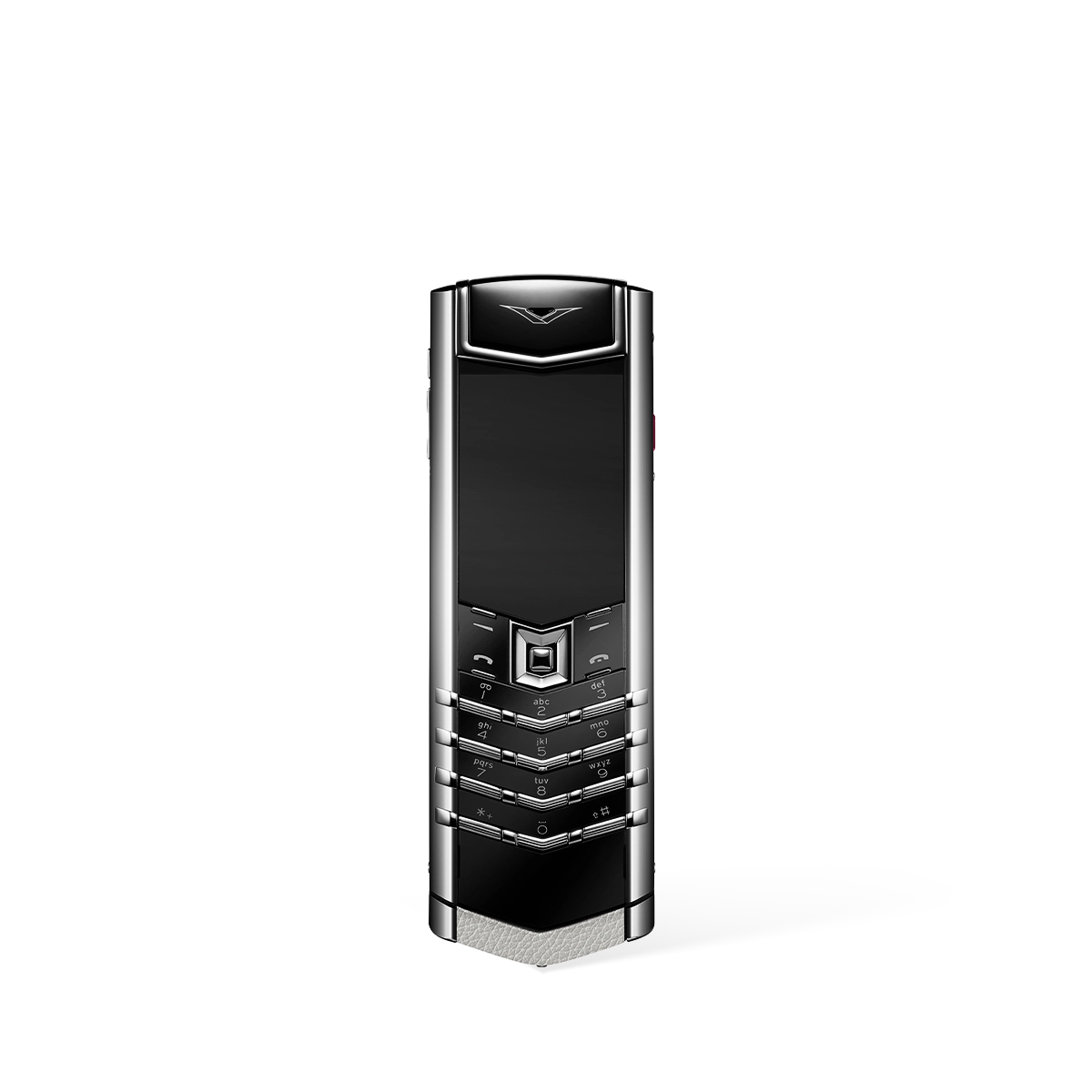
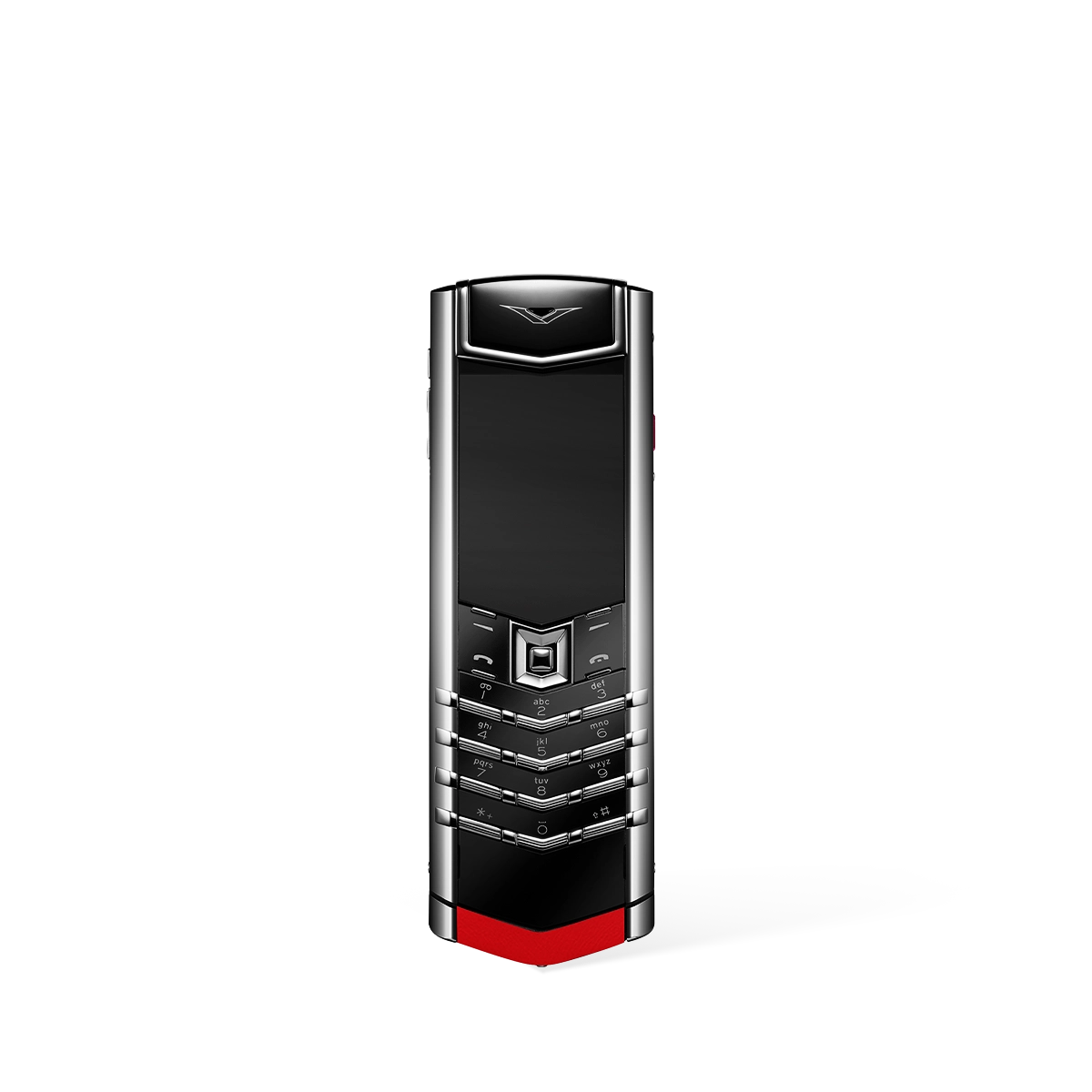
Comparing Flip Phone Keyboard Options
While the modern smartphone market is dominated by touchscreens, the physical keyboard of a flip phone offers a distinct and often preferred user experience. Understanding the nuances between different design philosophies and features is key to appreciating their value. This comparison delves into the core aspects that differentiate flip phone keyboards, focusing on tactile feedback, layout design, and overall usability.
The Enduring Appeal of Tactile Feedback
The primary distinction between a flip phone keyboard and a virtual one is the physical, tactile response. Each press of a button provides a definitive click or depression, confirming the input in a way a flat glass surface cannot replicate. This physical feedback can lead to greater typing accuracy for many users, reducing the frustration of mistyped words and the need for constant correction. It allows for "no-look" dialling and texting once a user develops muscle memory, a significant advantage for those who value efficiency and simplicity. The deliberate nature of pressing a physical key also helps prevent accidental inputs, a common issue on sensitive touchscreens.
Evaluating Keyboard Layout Philosophies
Flip phone keyboards are not all created equal; they are built around different design principles tailored to specific user needs. The primary trade-off is often between compactness and typing speed. Understanding these philosophies helps to clarify their intended purpose.
- Simplicity-Focused Layouts: Many designs prioritise a clean, uncluttered keypad with fewer, larger buttons. This approach is ideal for users whose primary activities are calling and sending occasional short messages. The emphasis is on ease of use and reducing the learning curve, making the device exceptionally straightforward to operate, particularly for single-handed use.
- Text-Centric Layouts: Other keyboards are organised to facilitate faster and more intuitive text entry. These layouts may feature a more condensed arrangement of keys to accommodate a fuller character set, aiming to mirror the experience of a traditional keyboard on a smaller scale. This design is better suited for individuals who engage in more frequent texting or email composition.
Key Factors in Usability and Accessibility
Beyond the fundamental layout, several design elements critically impact a keyboard's day-to-day usability and accessibility. For many, a physical keyboard is not just a preference but a necessity. The separation and design of individual keys are paramount, offering tangible benefits that touchscreens cannot easily replicate for users with specific requirements, such as those with visual impairments or limited motor dexterity. When evaluating a keyboard, consider the following general principles:
- Key Size and Spacing: The dimensions of the buttons and the space between them are crucial. Generous spacing helps to minimise the chance of pressing two keys at once, enhancing accuracy. Larger keys are generally easier to locate and press, benefiting all users.
- Button Shape and Profile: The physical shape of the keys—whether they are flat, domed, or contoured—affects how they feel under the thumb. A well-designed key profile can help to guide the user's fingers naturally to the centre of each button, improving both comfort and speed over extended use.
- Actuation Force: This refers to the amount of pressure required to register a key press. A well-balanced keyboard provides enough resistance to prevent accidental presses while remaining light enough to avoid causing fatigue during longer typing sessions.