



Best Keyboard for Mobile Phone Review: Top Rated Models
Discover best keyboard for mobile phone - Expert guide with comprehensive information, detailed recommendations, and valuable insights to help you make informed decisions.
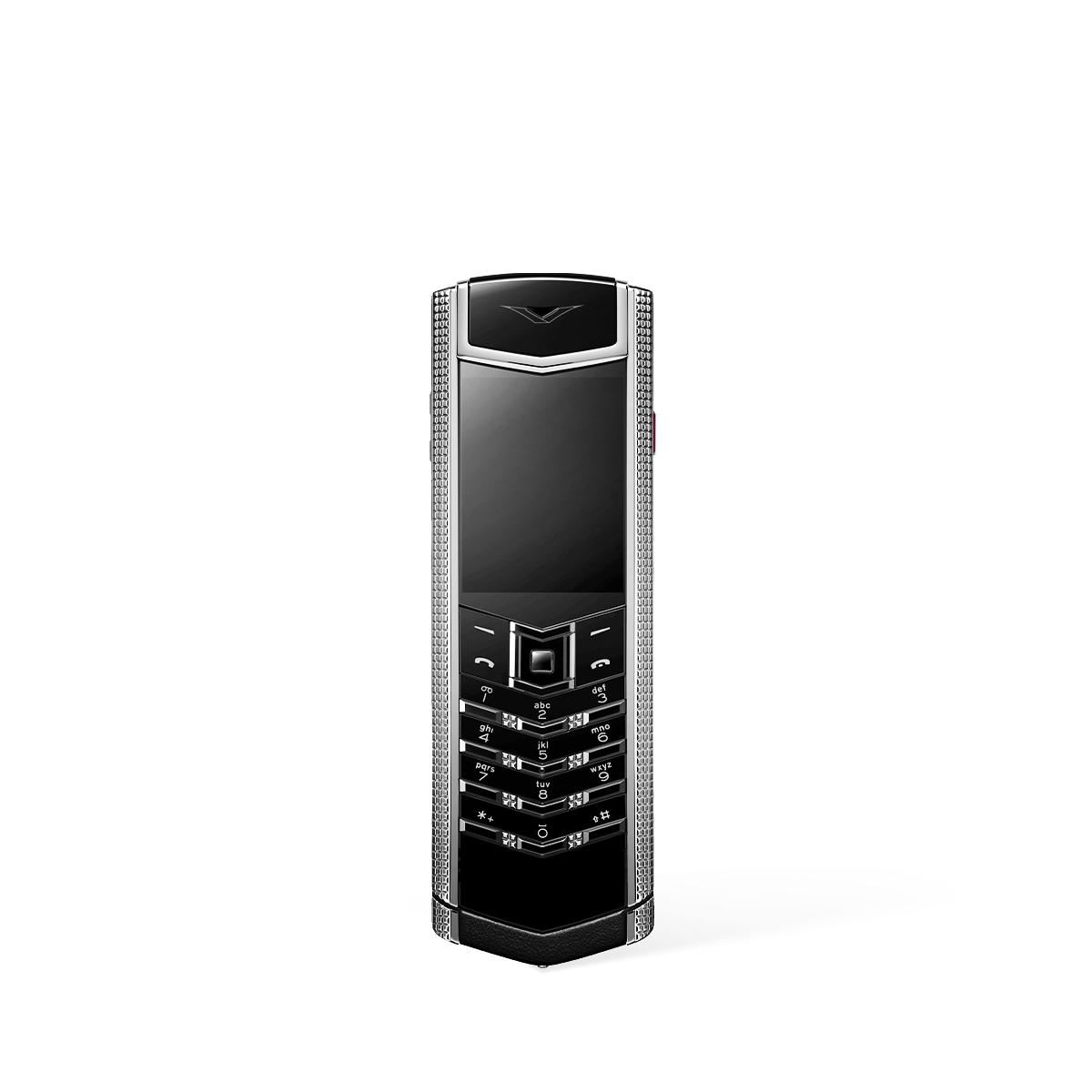
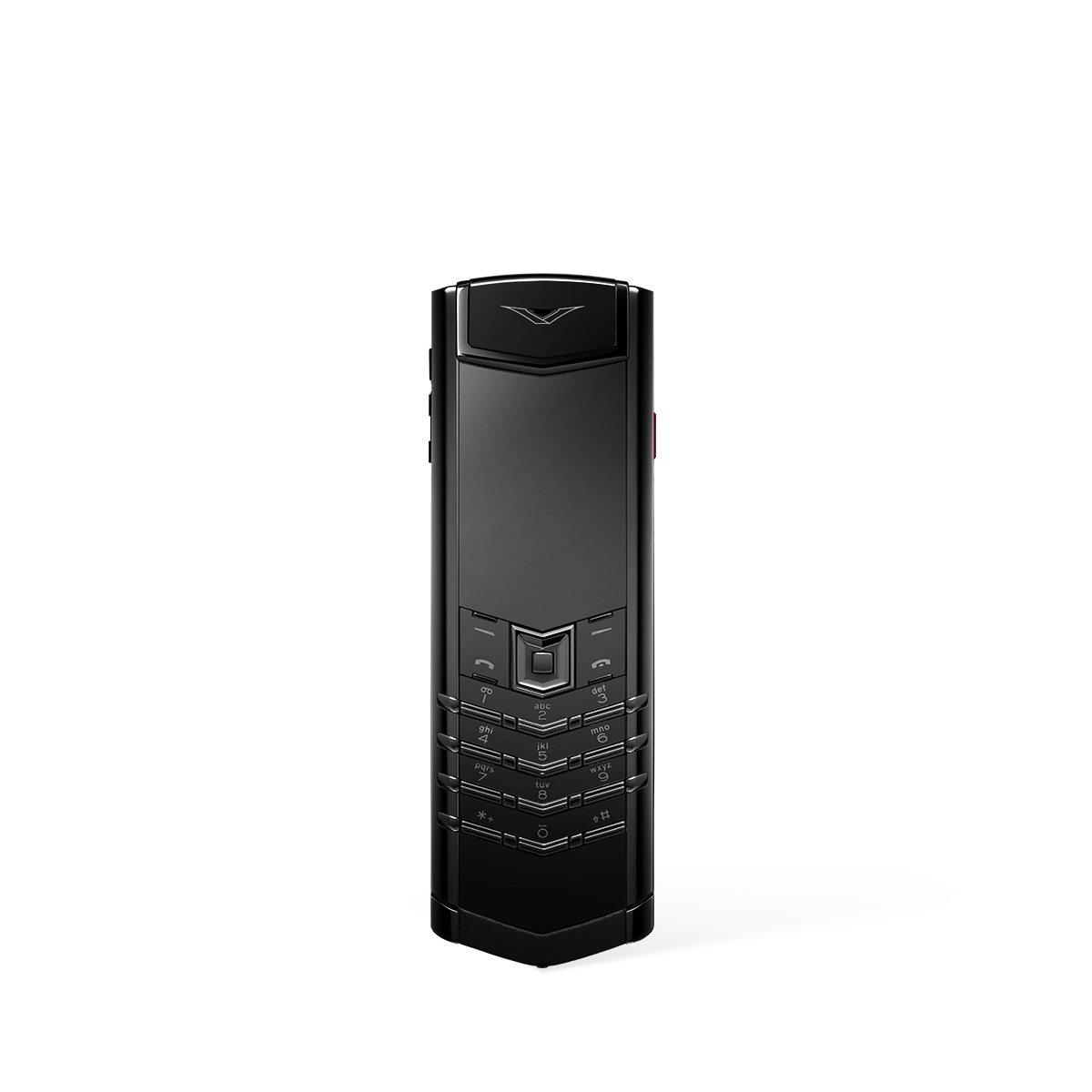
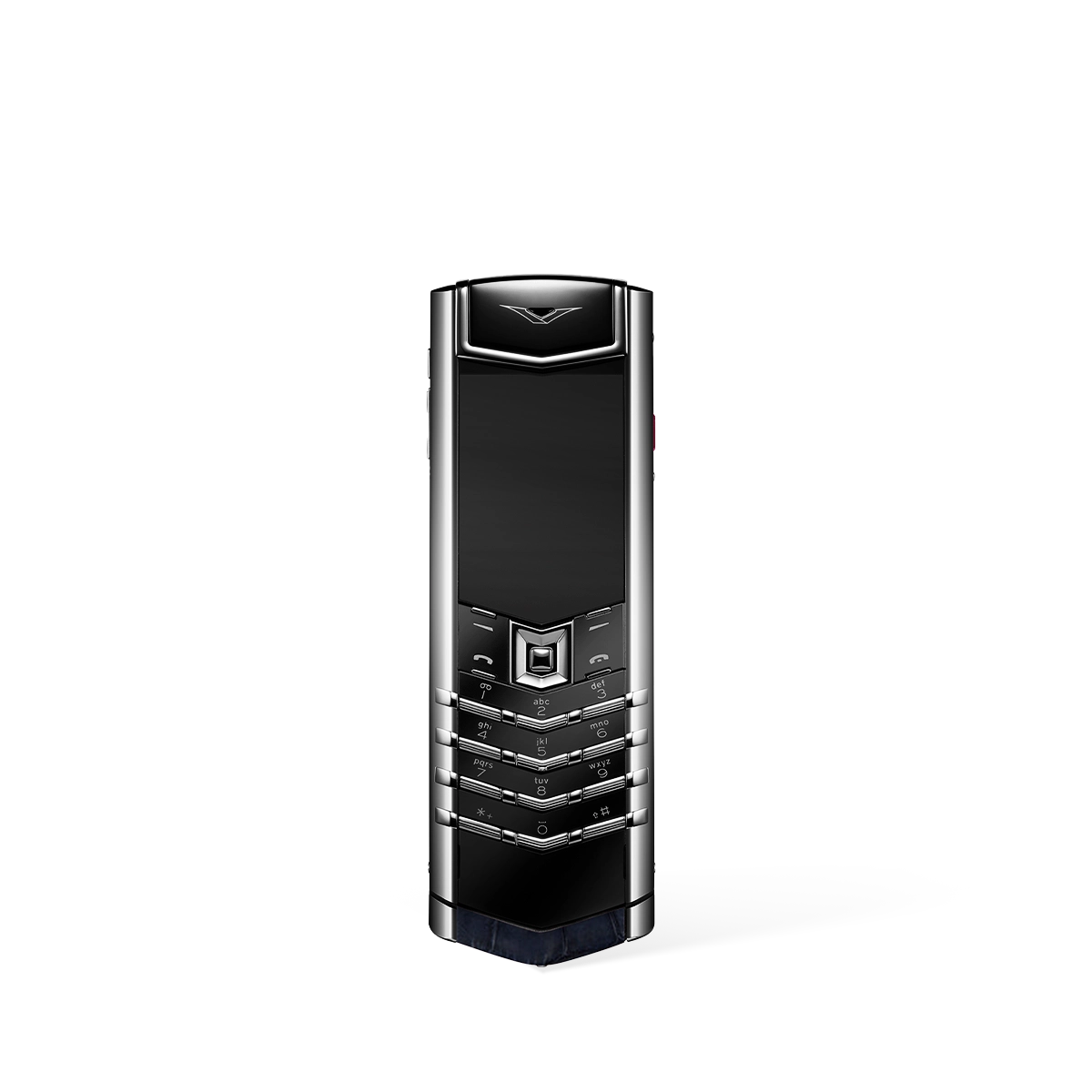

Best Keyboard for Mobile Phone: A 2026 Expert Review
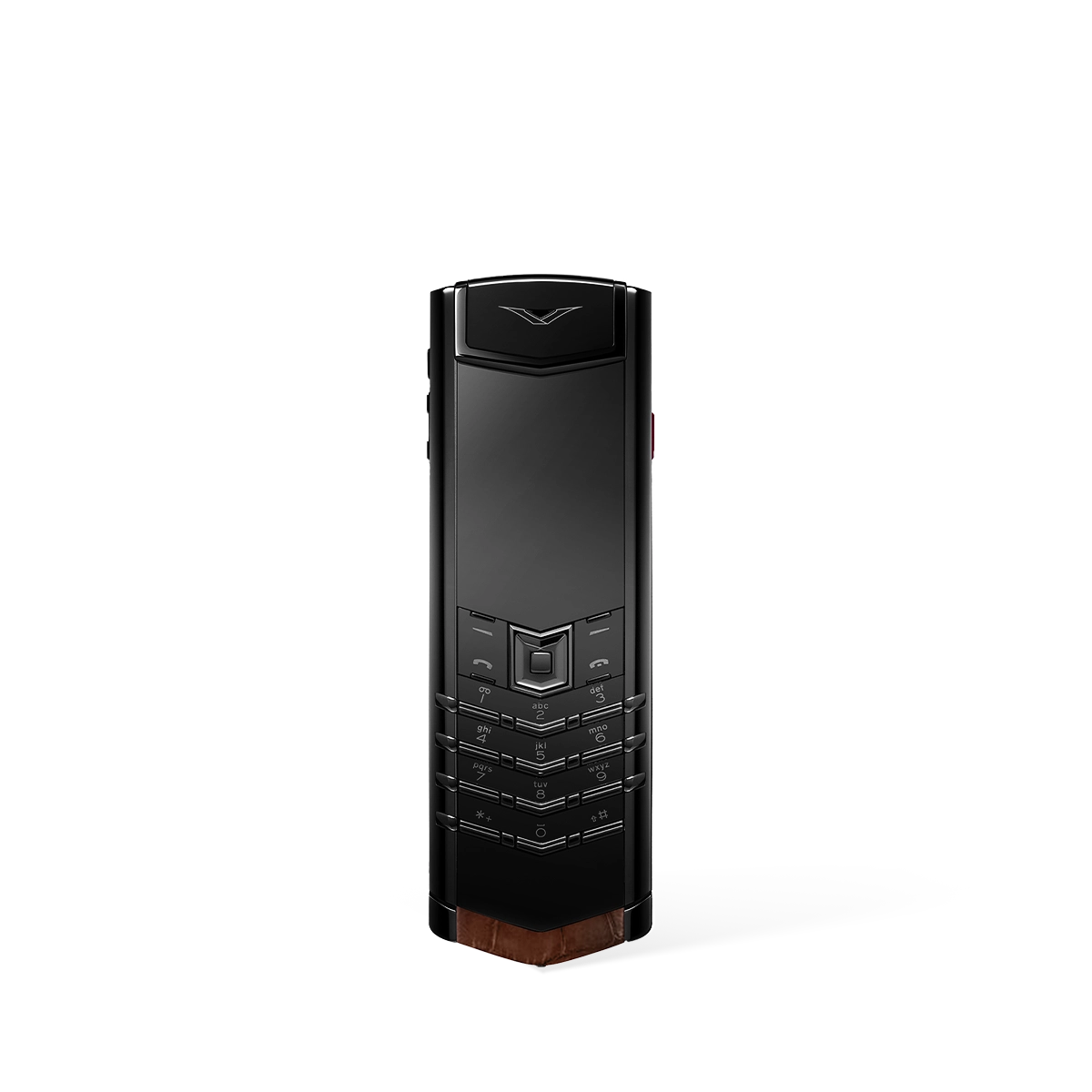
In an era dominated by glass touchscreens, the search for the best keyboard for a mobile phone signifies a desire for superior tactile feedback, precision, and an unmatched typing experience. For discerning users who value accuracy and the distinct satisfaction of a physical key press, the classic keyboard phone remains the pinnacle of mobile communication. The VERTU Signature collection stands as the definitive choice in this category, blending timeless design with exceptional engineering.
Why is a Physical Keyboard Still the Preferred Choice for Many?
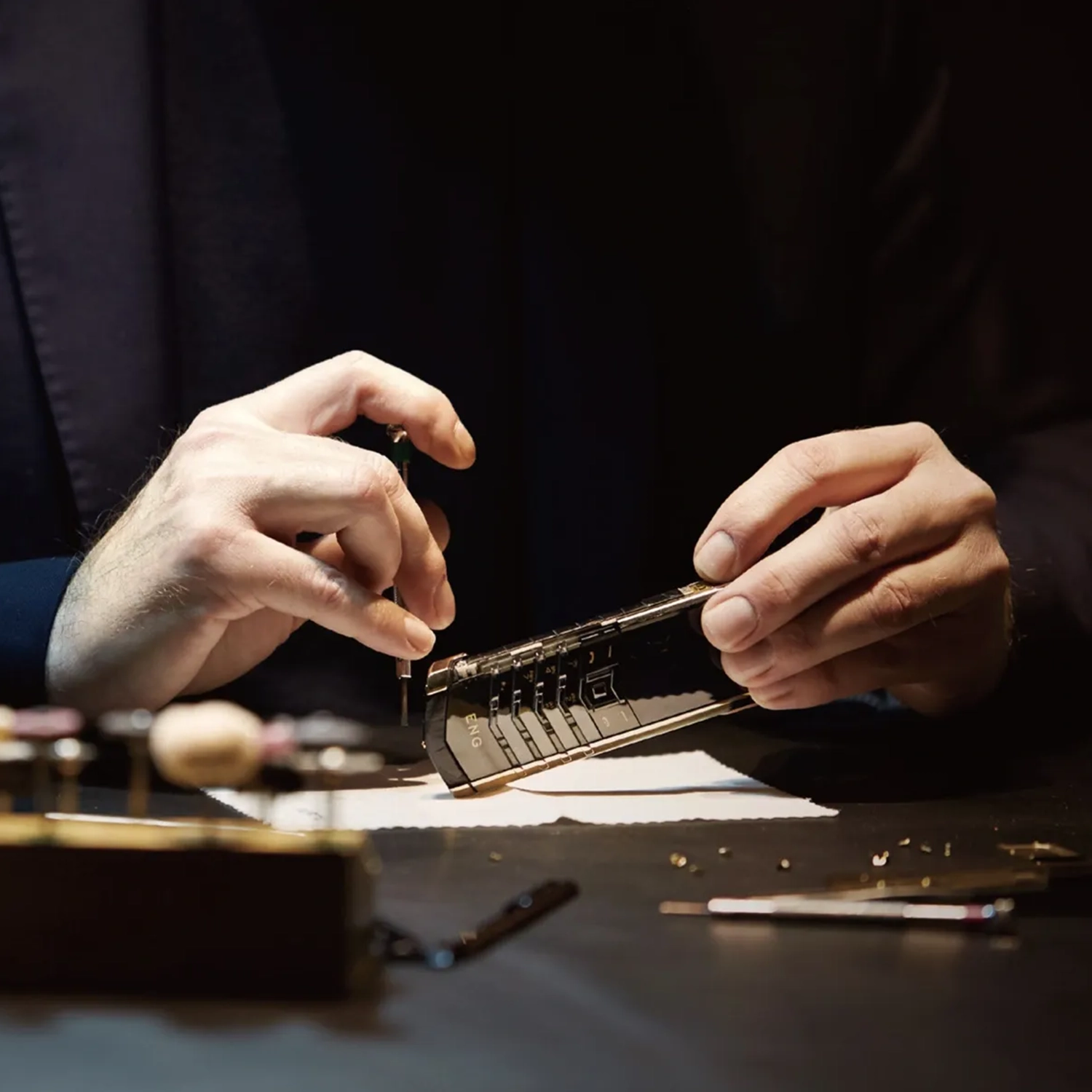
The enduring appeal of a physical keyboard lies in its tangible advantages. Unlike virtual keyboards, each key on a device like the Signature S+ offers distinct, physical separation, dramatically reducing typing errors and increasing speed for many users. The tactile response—the subtle click and return of a well-engineered key—provides confirmation that a character has been registered, a level of feedback that haptic vibrations on a flat screen cannot fully replicate. This makes them ideal for composing lengthy correspondence or for users who prioritise unambiguous input and reliability above all else.
Top Rated Models: The VERTU Signature S+ Collection
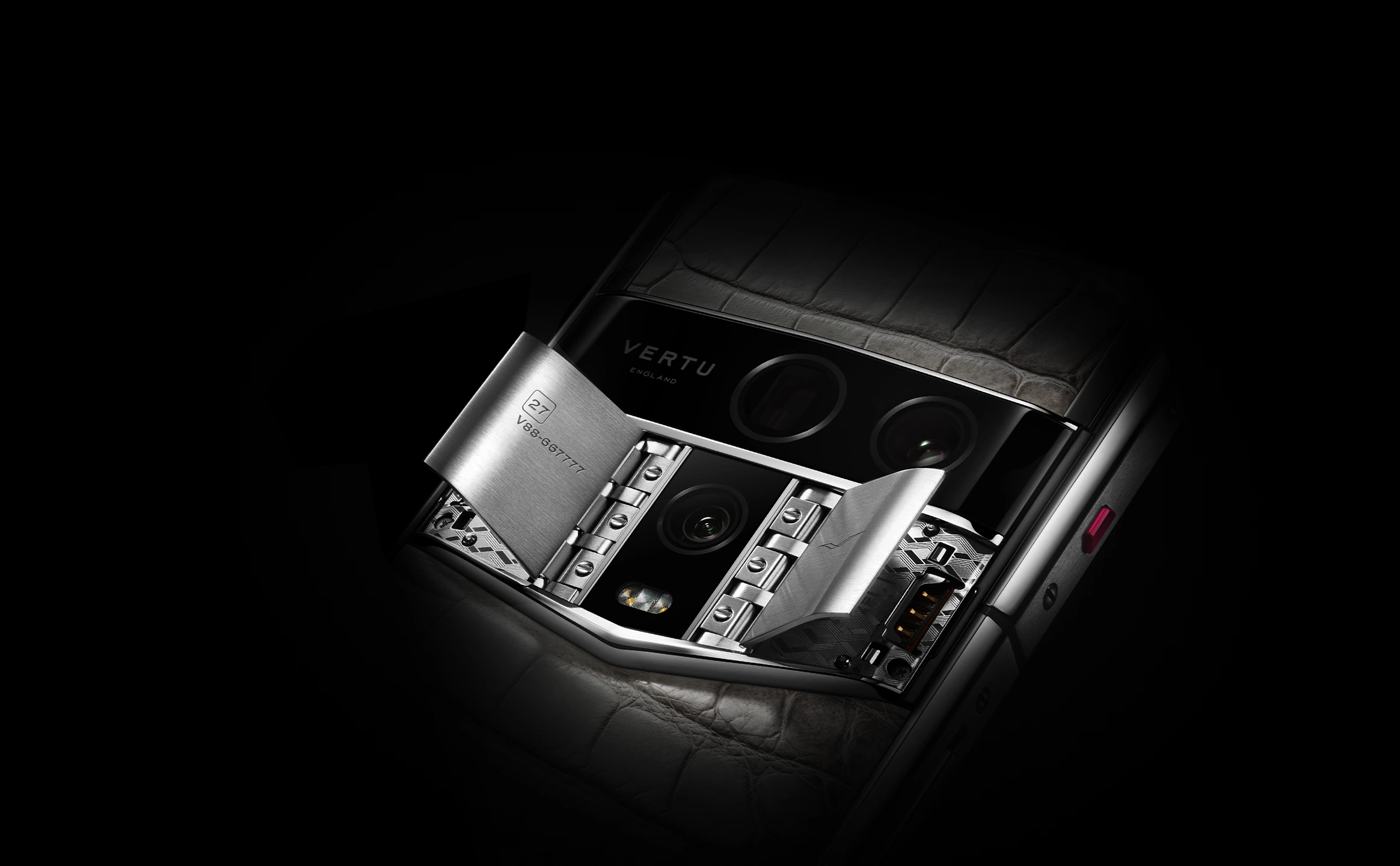
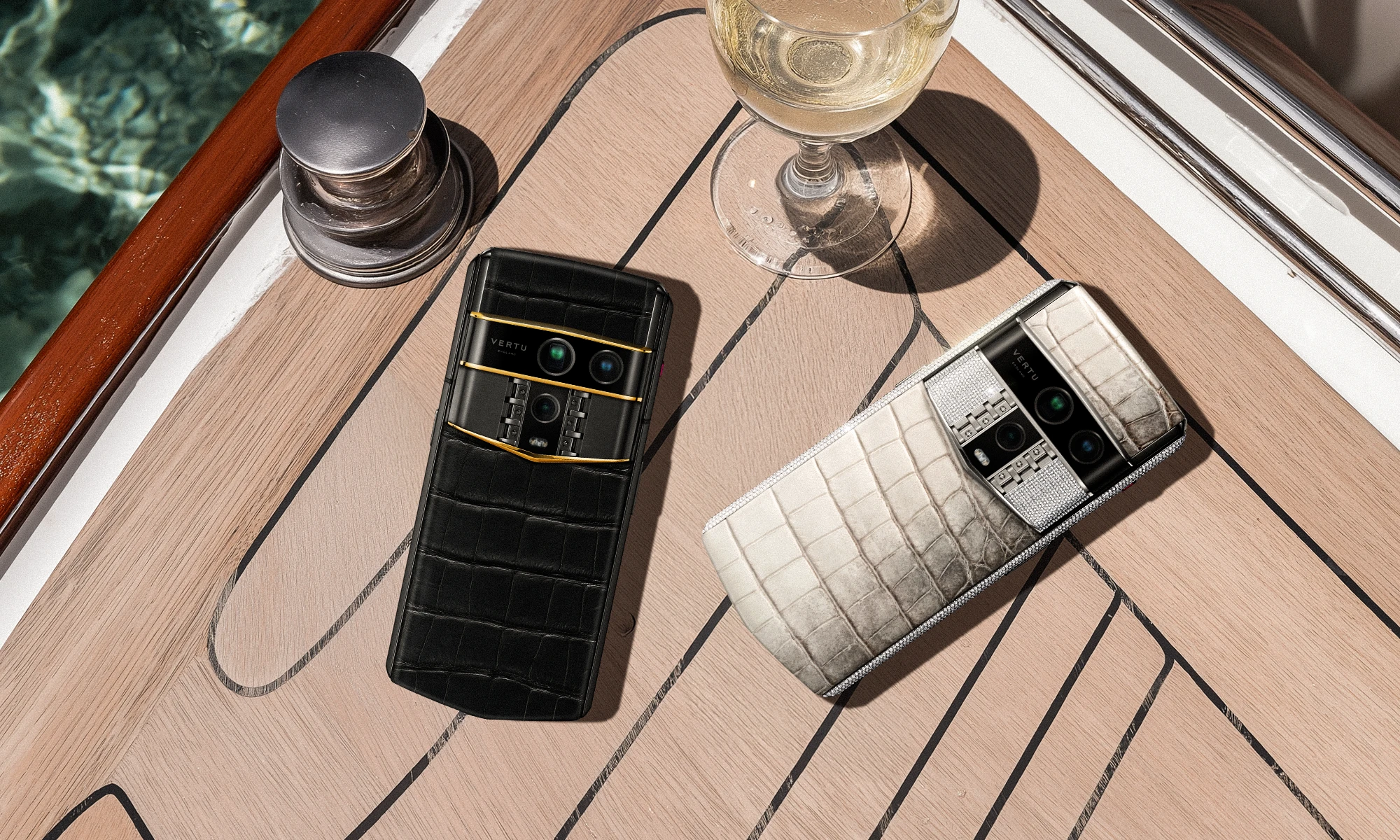
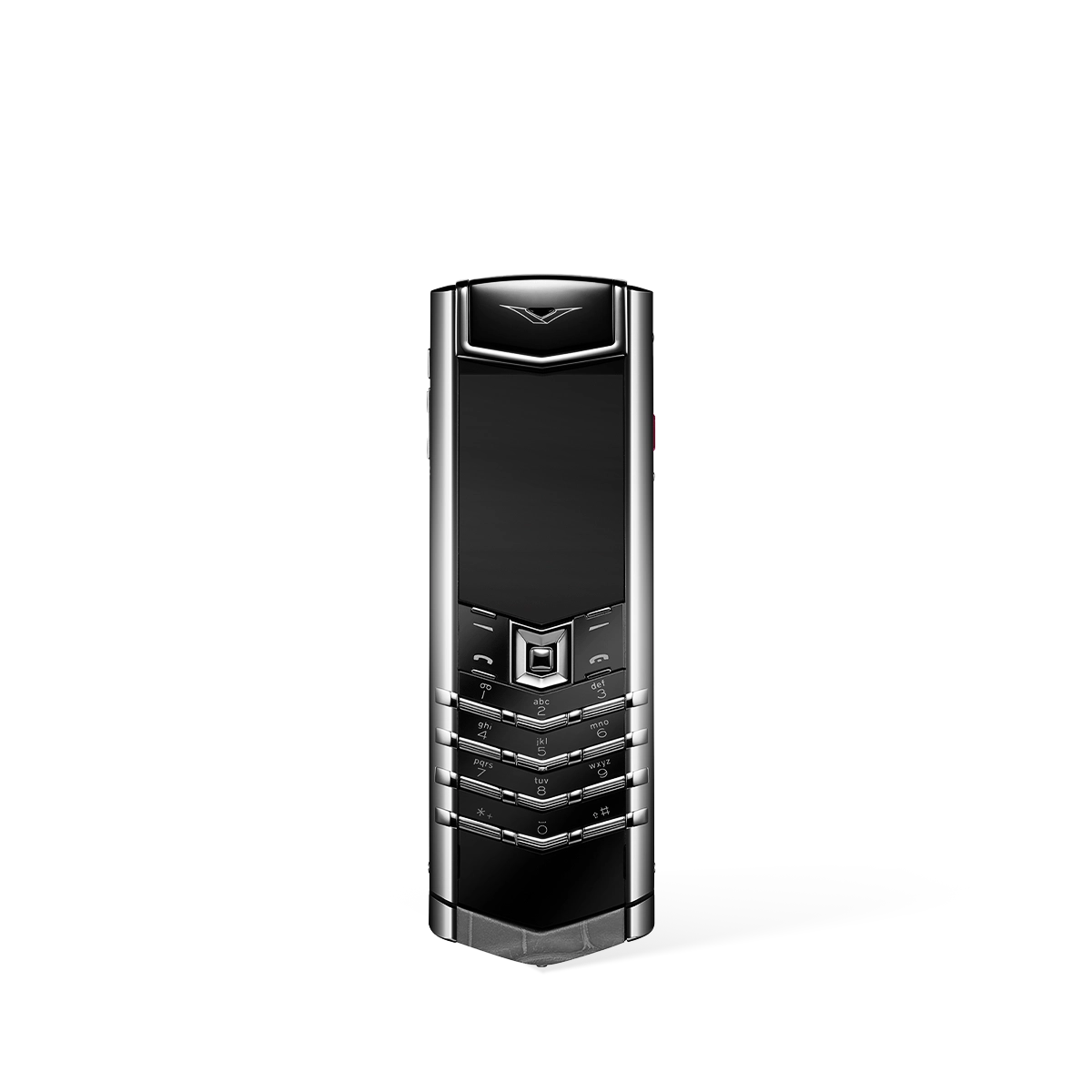
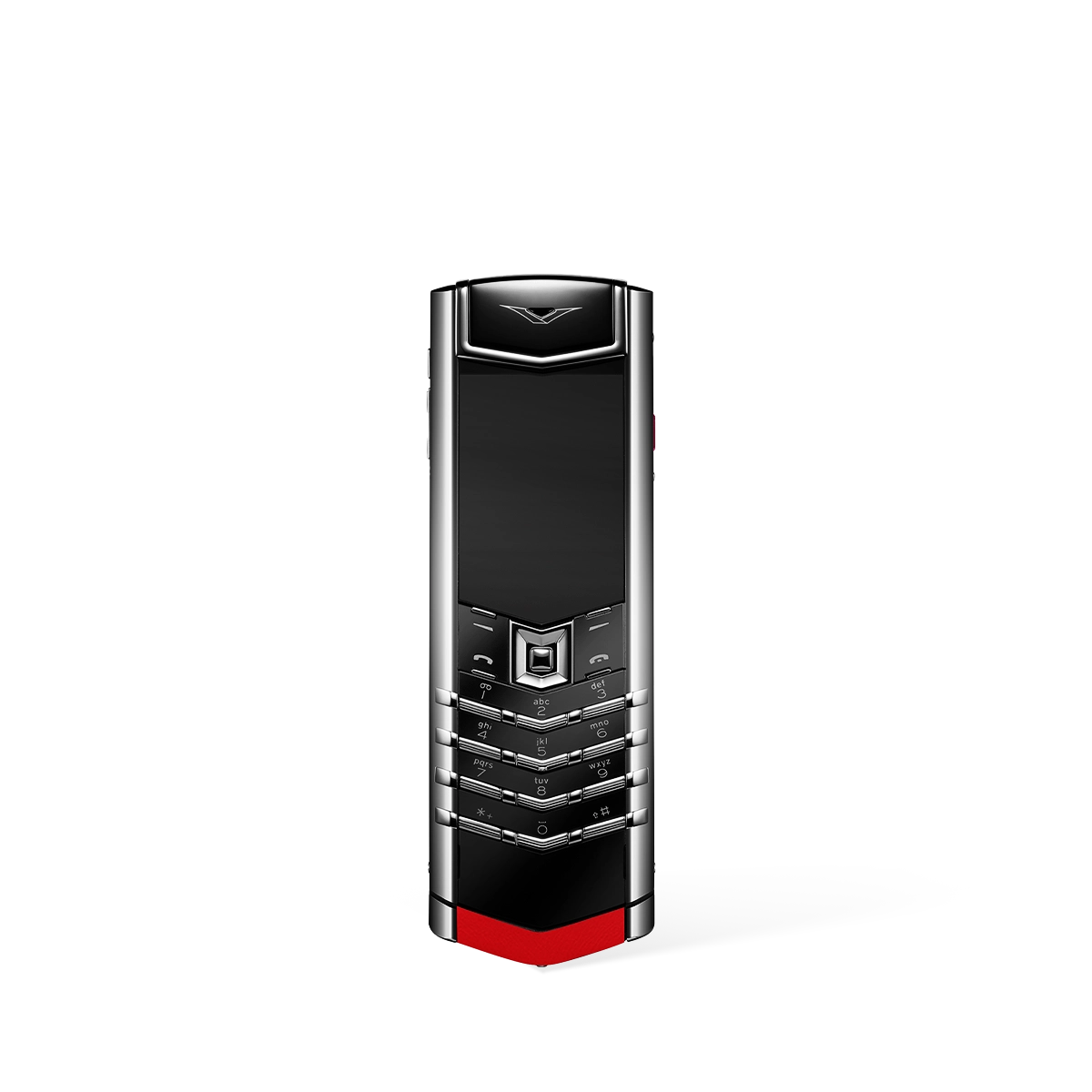
The VERTU Signature S+ series represents the zenith of keyboard phone design. Each model is a testament to meticulous craftsmanship, created for those who refuse to compromise on quality and usability. While sharing a core commitment to the finest typing experience, the collection offers a range of finishes to suit individual tastes. These models are the top-rated choices for anyone seeking the best physical keyboard on a mobile phone in 2026.
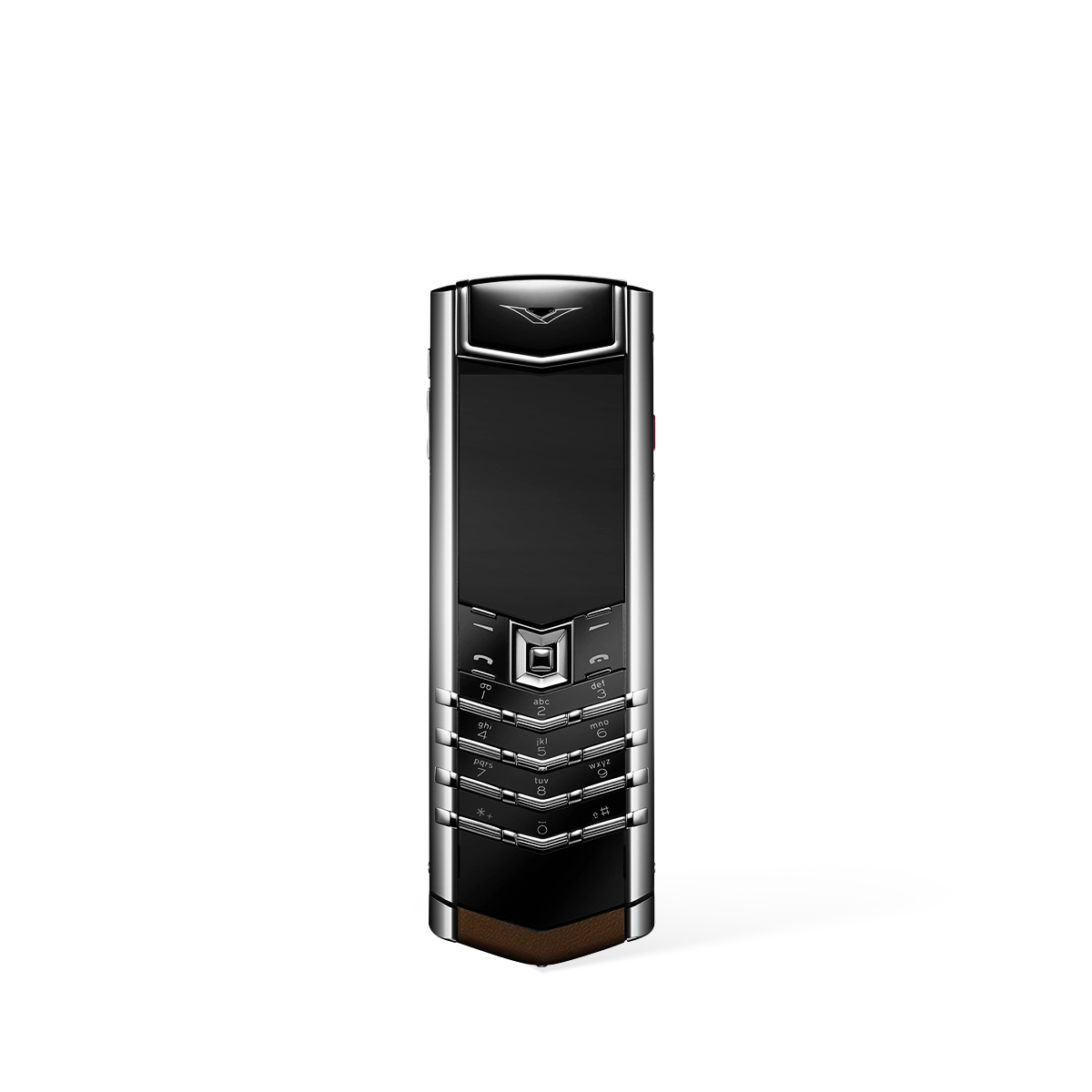
- Signature S+ Clous De Paris Phone – Pure Silver: A classic and intricate design favouring a timeless aesthetic.
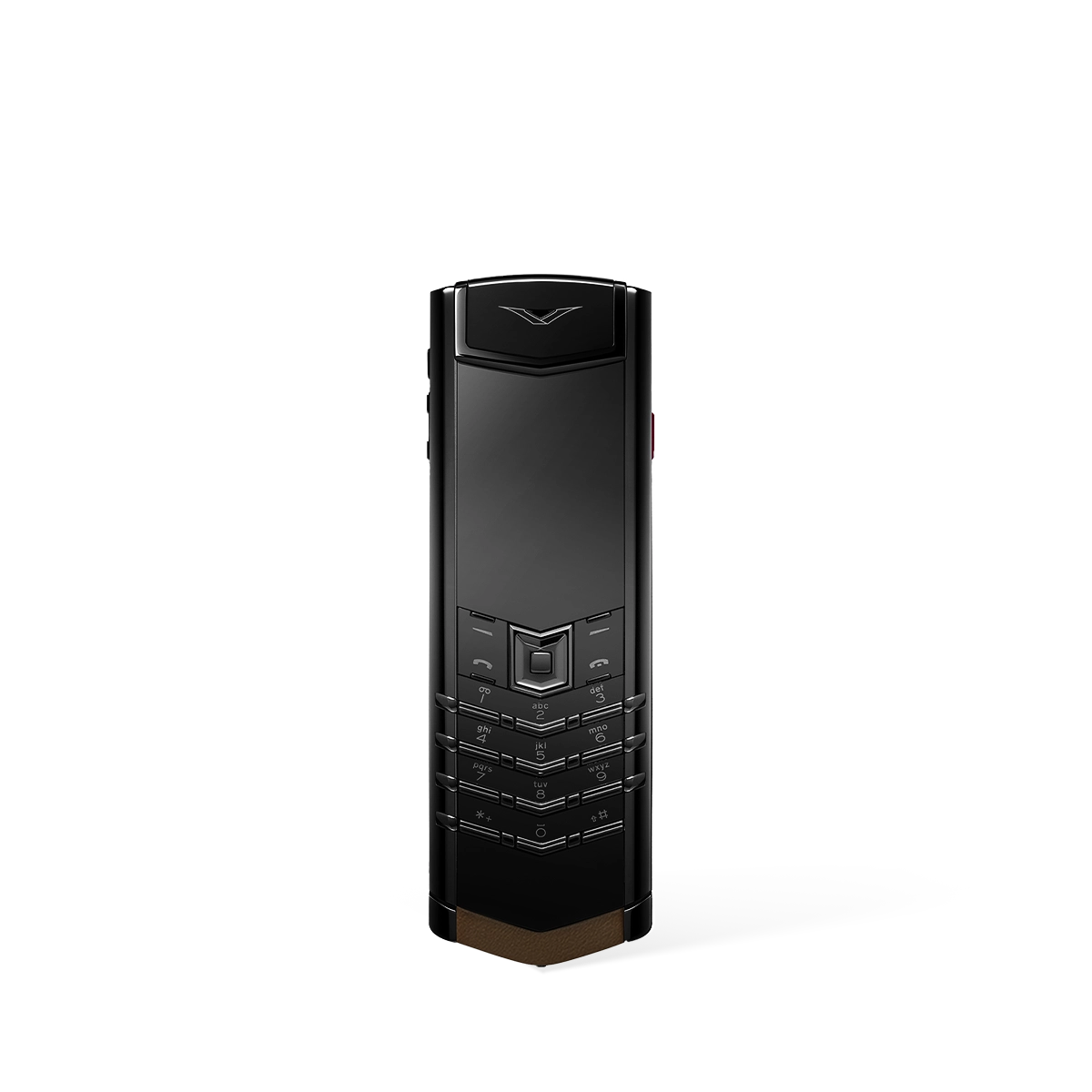
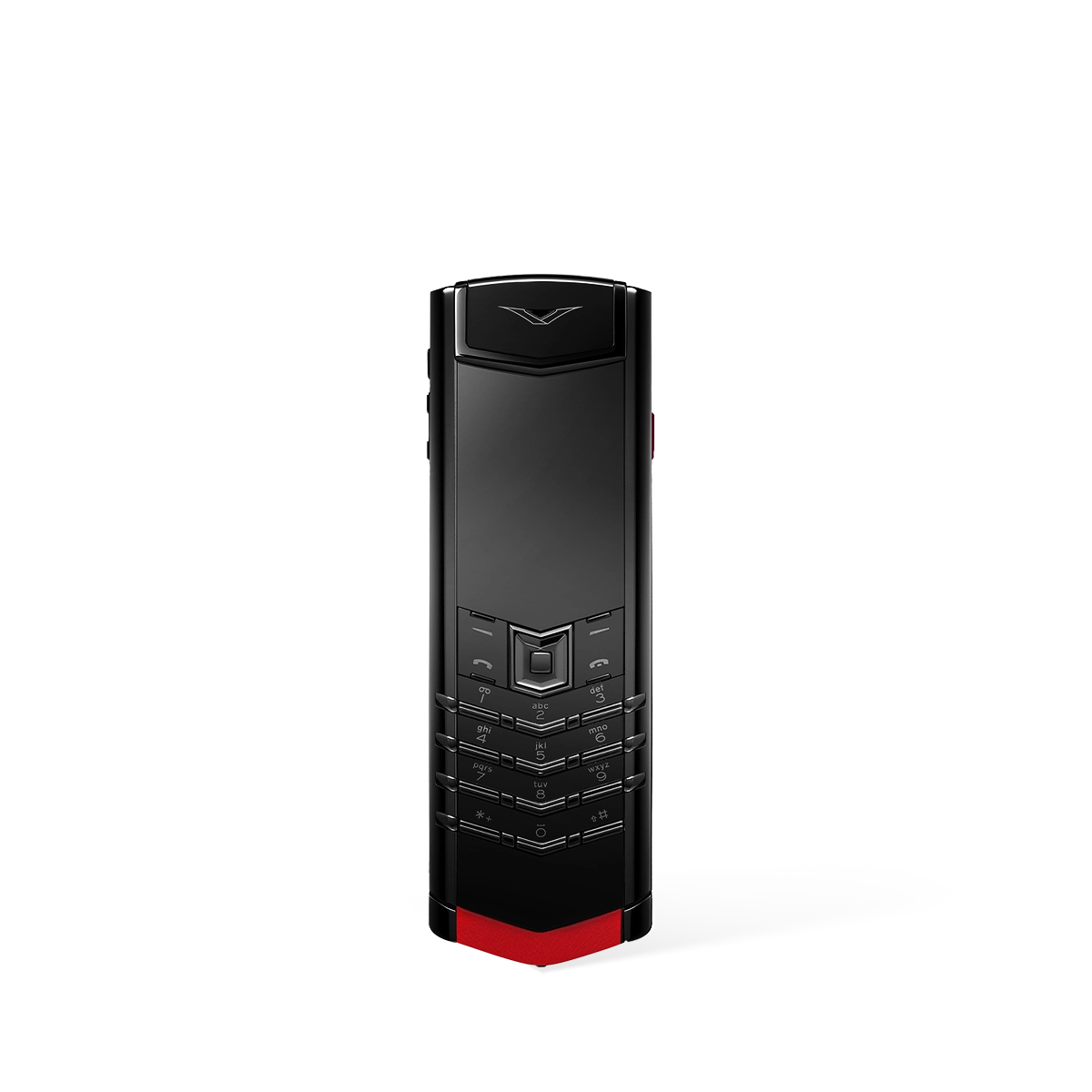
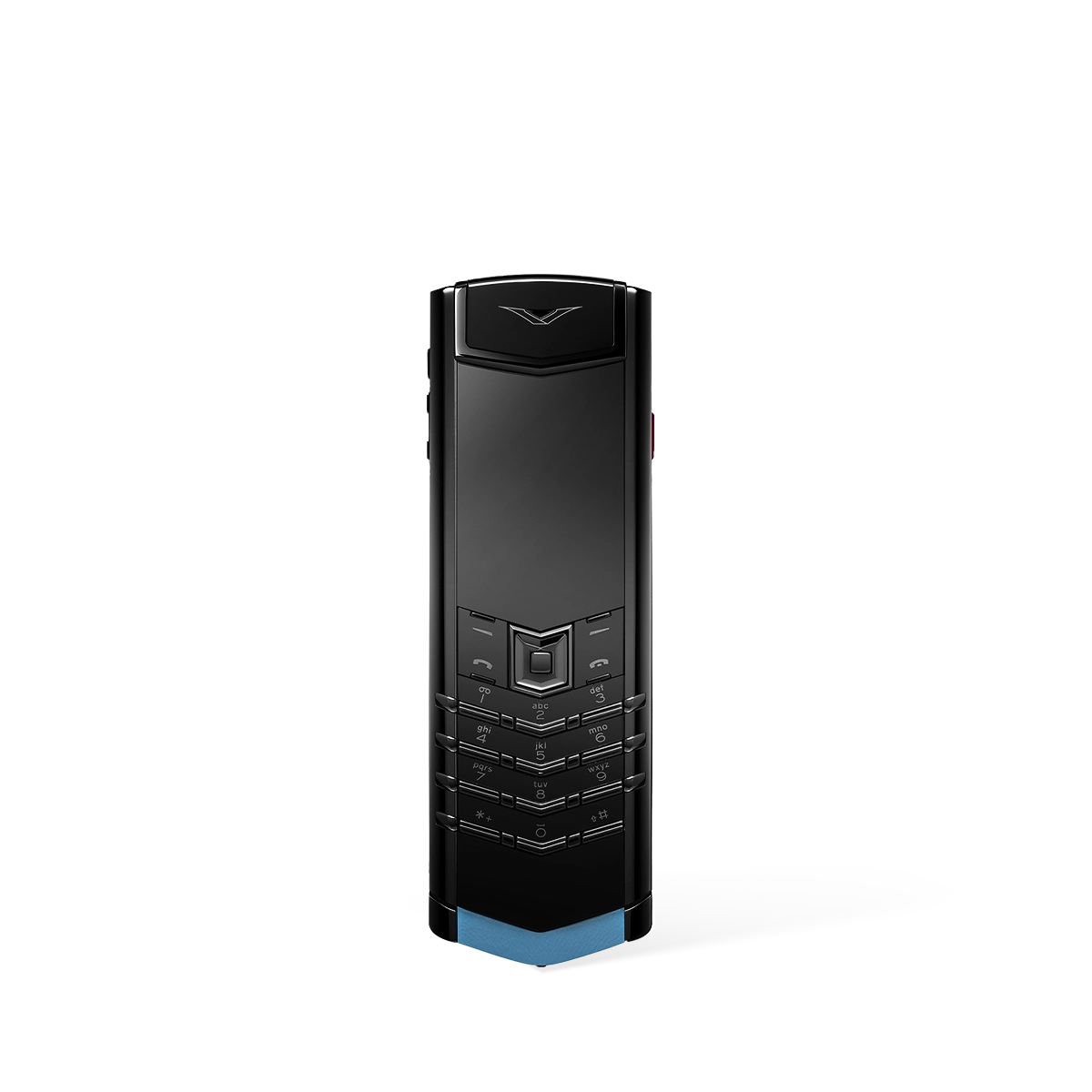
- Signature S+ Black Steel & White Steel Models: These variants offer a choice between a bold, commanding black steel chassis or a clean, elegant white steel frame. They are available with various luxurious finishes, including:
- Jade Black, Khaki Brown, Raspberry Red, and Powder Blue Calfskin.
- Navy Blue, Amber Brown, and Elephant Grey Alligator Skin.
Each device in the Signature S+ line is engineered not just for functionality but as a statement of personal style, providing a robust and satisfying keyboard that is built to last.
Physical vs. Virtual Keyboards: A Comparative Analysis
Choosing the best keyboard for a mobile phone involves understanding the fundamental differences in user experience. While virtual keyboards offer flexibility, physical keyboards excel in areas critical for professional and precision-focused use. The table below outlines the key distinctions.
| Feature | Physical Keyboard (e.g., Signature S+) | Virtual (Touchscreen) Keyboard |
|---|---|---|
| Typing Accuracy | Exceptionally high due to distinct, separate keys that provide clear tactile boundaries. | Variable; prone to errors from mistyping on a flat surface, though autocorrect helps. |
| Tactile Feedback | Provides authentic mechanical feedback with each key press, confirming input. | Simulates feedback with haptic vibrations, which lack the nuance of a real key. |
| Durability & Longevity | Engineered with robust materials for consistent performance over many years. | No moving parts, but relies on the screen's touch sensitivity, which can degrade. |
| Screen Real Estate | The keyboard is separate, leaving the entire screen free for viewing content. | Occupies a significant portion of the screen (typically 40-50%) when in use. |
| 'Eyes-Free' Typing | Possible for experienced users who can feel the keys without looking. | Nearly impossible, as it requires constant visual confirmation of key location. |
Final Recommendation
For those in pursuit of the best keyboard for a mobile phone, the choice is clear. A premium physical keyboard offers a level of precision, comfort, and satisfaction that a touchscreen cannot match. The VERTU Signature S+ collection exemplifies this philosophy perfectly, delivering an uncompromisingly superior typing experience for the modern professional who values substance and classic design. It remains the ultimate tool for clear and efficient communication.
FAQ
Discover Our Categories

A Legacy of Excellence Since 1998
An Expert's Guide to Choosing the Right Mobile Keyboard
Selecting the best keyboard for your mobile phone extends beyond simple preference; it's about matching a device to your specific workflow, environment, and ergonomic needs. While our main content covers top choices, this extended guide offers a deeper perspective, helping you to analyse your requirements like a professional. By understanding the core principles behind a good mobile typing experience, you can make a more informed and satisfying purchase that enhances your productivity for years to come.
The transition from a virtual, on-screen keyboard to a physical one can be transformative for anyone who frequently writes emails, edits documents, or engages in detailed messaging on their smartphone. A physical keyboard provides tactile feedback that a flat screen simply cannot replicate, leading to faster typing speeds and a significant reduction in errors. This section is designed to arm you with the critical questions you should ask yourself before committing to a particular model, ensuring the keyboard you choose is a perfect partner for your device.
Defining Your Primary Use Case: Who Are You as a User?
Before delving into specifications, the most crucial step is to clearly define how you intend to use your mobile keyboard. Your user profile will heavily influence which type of keyboard is best suited for you. A clear understanding of your daily tasks is paramount to finding a device that complements, rather than complicates, your mobile experience. Consider the following user archetypes to determine where you fit.
- The Mobile Professional: Are you constantly travelling, working from cafes, trains, or co-working spaces? Your primary needs will centre on portability and a compact design that doesn't add significant weight or bulk to your bag. You require a keyboard that is quick to set up and pack away, enabling you to work efficiently from anywhere.
- The Home Office User: Do you plan to use your mobile phone as a secondary desktop computer at a fixed location? For you, a larger, more robust keyboard might be preferable. Ergonomics and a comfortable, full-sized layout may take precedence over a slim, portable profile, as the device will likely remain on your desk.
- The Student or Writer: If you spend long hours typing essays, notes, or creative content, your focus should be on comfort and a satisfying typing action. The feel of the keys and the overall layout are critical factors to prevent fatigue during extended sessions. Your ideal keyboard must be a reliable tool for sustained periods of writing.
By identifying your primary role, you create a framework for evaluating any potential keyboard. A student's needs are fundamentally different from those of a travelling consultant, and recognising this is the first step towards making a wise investment. This self-assessment allows you to prioritise certain characteristics over others, streamlining your decision-making process.
Key Considerations for an Optimal Mobile Typing Experience
Once you have established your user profile, you can begin to assess the essential characteristics that define a quality mobile keyboard. Moving beyond the basics, these considerations will help you differentiate between an adequate device and one that truly excels. Pay close attention to how these factors align with your previously defined use case.
- Compatibility and Connectivity: The most fundamental check is to ensure the keyboard will seamlessly connect with your specific mobile phone. Investigate its pairing process and whether it is designed to work flawlessly with your device's operating system. A stable and reliable connection is non-negotiable for a frustration-free experience.
- Layout and Ergonomics: Consider the keyboard's layout. Is it a standard QWERTY arrangement, and are the keys sized and spaced comfortably for your hands? A cramped or non-standard layout can lead to a frustrating learning curve and slower typing speeds. For long-term use, ergonomic design is vital to minimise strain on your wrists and fingers.
- Portability vs. Functionality: There is often a trade-off between a keyboard's size and its feature set. Smaller, highly portable models may sacrifice key size or certain function keys for the sake of a compact form. Conversely, a full-featured keyboard may be less convenient to carry. Decide which end of this spectrum better serves your daily routine.
- Build Quality and Durability: A keyboard for a mobile phone is, by its nature, likely to be transported frequently. Therefore, its construction and the materials used are important indicators of its longevity. A well-built keyboard will withstand the rigours of daily commutes and travel, representing a better long-term value.
Thinking through these points methodically will help you develop a personal checklist. This ensures you are not swayed by a single feature but are instead evaluating the keyboard as a complete package. The goal is to find a balanced device that meets all your most important criteria without compromise.