



Android Phone Charger User Guide
Discover android phone charger - Expert guide with comprehensive information, detailed recommendations, and valuable insights to help you make informed decisions.
A Comprehensive User Guide to Your Android Phone Charger
Selecting the correct Android phone charger is essential for ensuring the safety, longevity, and performance of your mobile device. This guide provides clear, factual information to help you understand the key aspects of charging technology and use your accessories correctly.
How Do I Choose the Right Android Phone Charger?
Choosing a compatible and high-quality charger is the most critical step in maintaining your device's battery health. Pay close attention to the technical specifications to ensure they align with your mobile phone's requirements for both safety and charging efficiency.
- Verify the Connector Type: The vast majority of modern Android phones use the USB-C port, which is an oval-shaped, reversible connector. Older or more basic models might still use the Micro-USB port, which is trapezoidal and can only be inserted one way. Always confirm your device's specific port before purchasing a charger or cable.
- Assess the Power Output (Wattage): A charger's power is measured in watts (W). A higher wattage generally allows for faster charging, but only if your phone is designed to support it. Check your phone's specifications for its maximum supported charging speed (e.g., 25W, 45W, 65W) and select a power adapter that matches or exceeds this rating.
- Check for Fast-Charging Protocol Compatibility: For rapid charging, both the phone and the charger must support the same fast-charging standard. The most common protocol is USB Power Delivery (PD), a universal standard used across many devices. Other standards, such as Qualcomm Quick Charge (QC), also exist. Using an incompatible fast charger will typically result in charging at a much slower, standard speed.
- Prioritise Quality and Certification: It is always recommended to use chargers and cables from the device manufacturer or from reputable third-party brands that hold safety certifications (such as CE and UKCA markings in the United Kingdom). Poorly made accessories can pose a significant risk of overheating, short-circuiting, and damaging your phone's battery or charging port.
Matching the charger's technical profile to your phone's capabilities is paramount. This not only enables optimal charging speeds but also protects your device from potential electrical damage caused by incompatible or substandard equipment.
What Are the Best Practices for Safe Charging?
Adhering to correct charging habits is fundamental to preserving your battery's lifespan and ensuring your personal safety. Simple, consistent practices can prevent common issues like overheating and premature battery degradation.
- Ensure Proper Ventilation: Always charge your device on a hard, flat surface in a well-ventilated area. Avoid placing it on soft furnishings like beds or sofas, and never cover the phone whilst it is charging, as this can trap heat and lead to dangerous overheating.
- Regularly Inspect Your Equipment: Before each use, visually inspect your power adapter and charging cable for any signs of damage, such as frayed wires, cracked casings, or bent connectors. If any damage is discovered, you must cease using the accessory immediately and replace it.
- Avoid Extreme Temperatures: Do not leave your phone to charge in direct sunlight or in excessively cold environments. Extreme temperatures can permanently damage the battery's capacity and internal components.
- Protect from Moisture: Keep all charging components away from liquids to prevent short circuits and the risk of electric shock. If a charger or cable becomes wet, do not use it until it is completely dry.
- Unplug After Charging: Once your device is fully charged, it is good practice to disconnect it from the charger. Although modern phones have built-in protection against overcharging, unplugging the power adapter from the wall socket also helps to conserve a small amount of energy.
By integrating these safety measures into your daily routine, you can significantly enhance the reliability of your charging equipment and safeguard the long-term health of your Android phone's battery.
Understanding Key Charging Terminology
Familiarising yourself with common technical terms will empower you to make more informed decisions when selecting or discussing charging technology. These terms define the standards and materials that dictate performance and efficiency.
- USB-C: The current industry standard for connectors on most Android devices. Its reversible, symmetrical design makes it more user-friendly and robust than its predecessors, and it supports higher power transfer for fast charging as well as faster data speeds.
- USB Power Delivery (PD): A universal fast-charging protocol that uses the USB-C connector. It allows for a flexible and higher-wattage power output, enabling it to charge a wide range of devices, from mobile phones to laptops, with a single compatible charger.
- Gallium Nitride (GaN): A modern semiconductor material used in place of traditional silicon in high-quality power adapters. GaN chargers are more power-efficient, generate less heat, and can be made significantly smaller and more compact than their silicon-based counterparts of the same wattage.
- Watt (W): The unit of measurement for electrical power. In the context of chargers, it is calculated by multiplying the voltage (V) by the amperage (A). A higher wattage indicates a greater amount of power being delivered to the device, resulting in a faster charging time.
A clear understanding of this terminology provides the foundation for selecting advanced charging solutions that are perfectly suited to your specific devices and lifestyle needs.
FAQ
Discover Our Categories
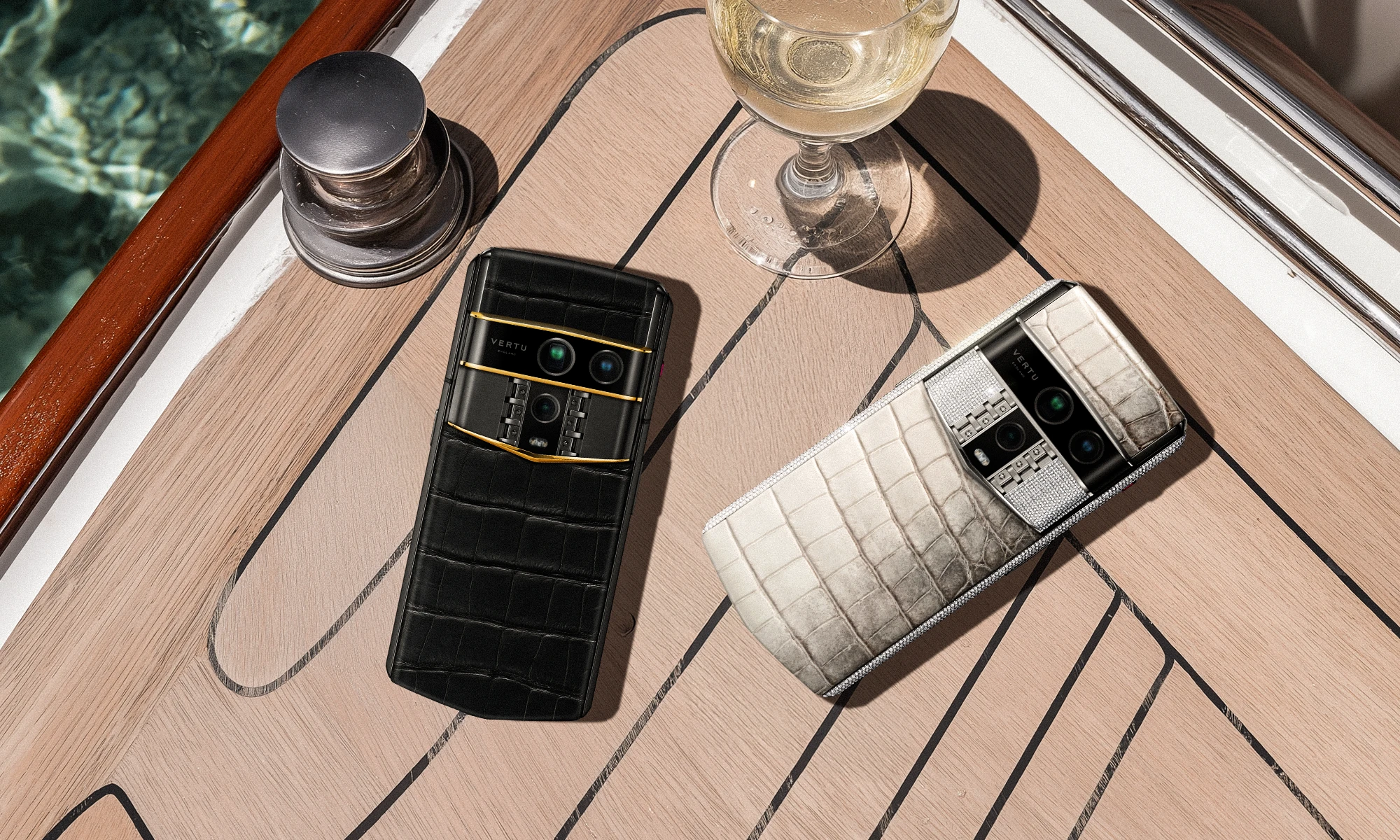

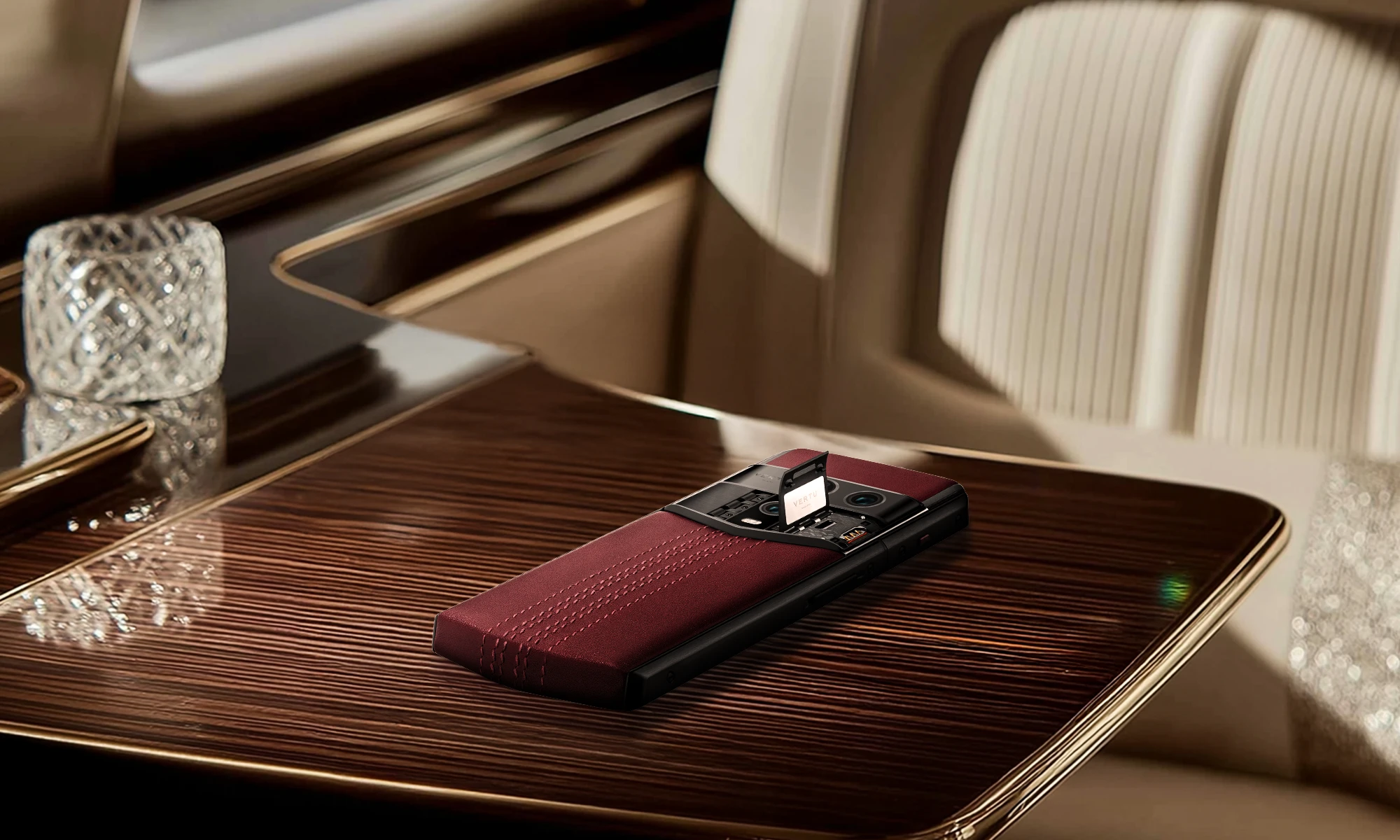
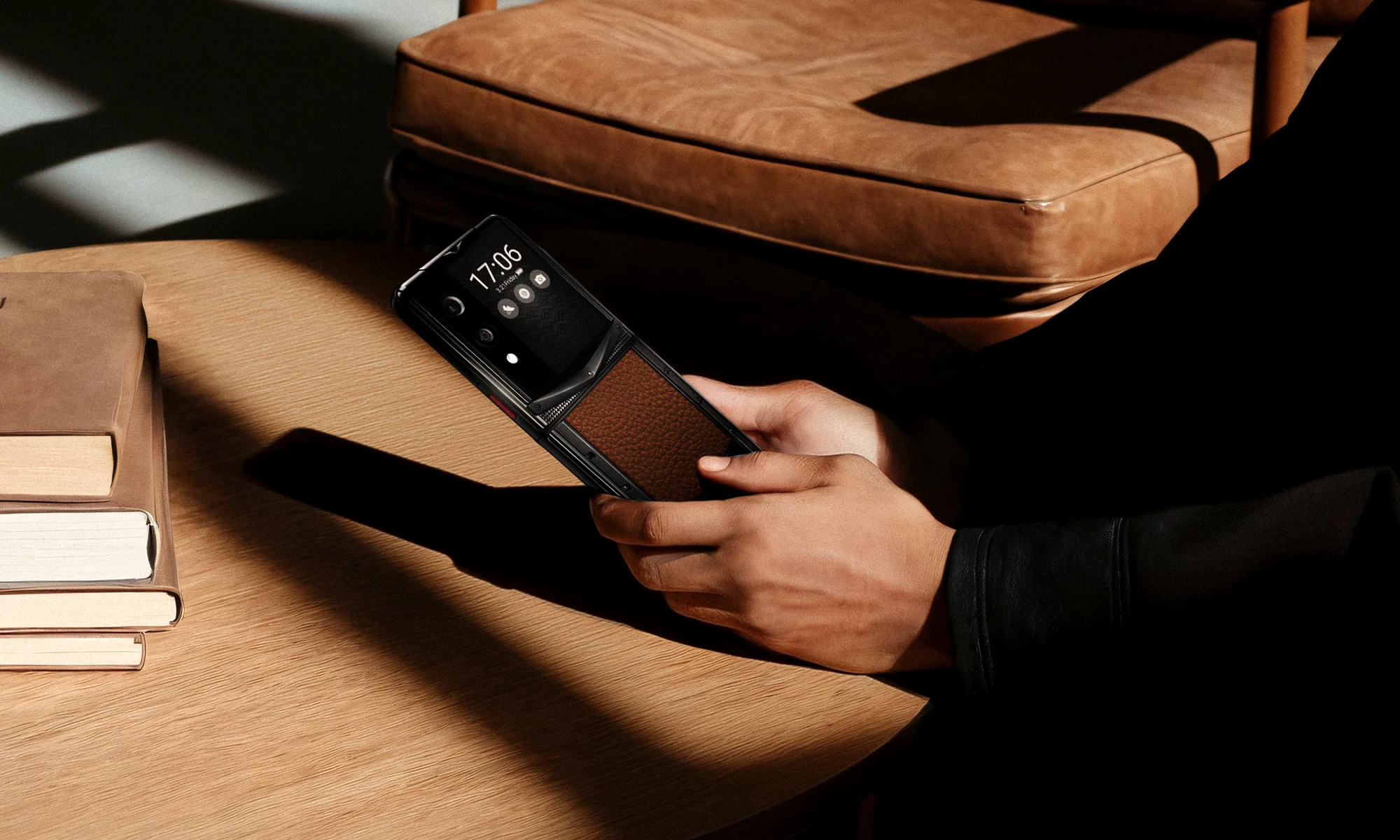
A Legacy of Excellence Since 1998
Android Phone Charger User Guide
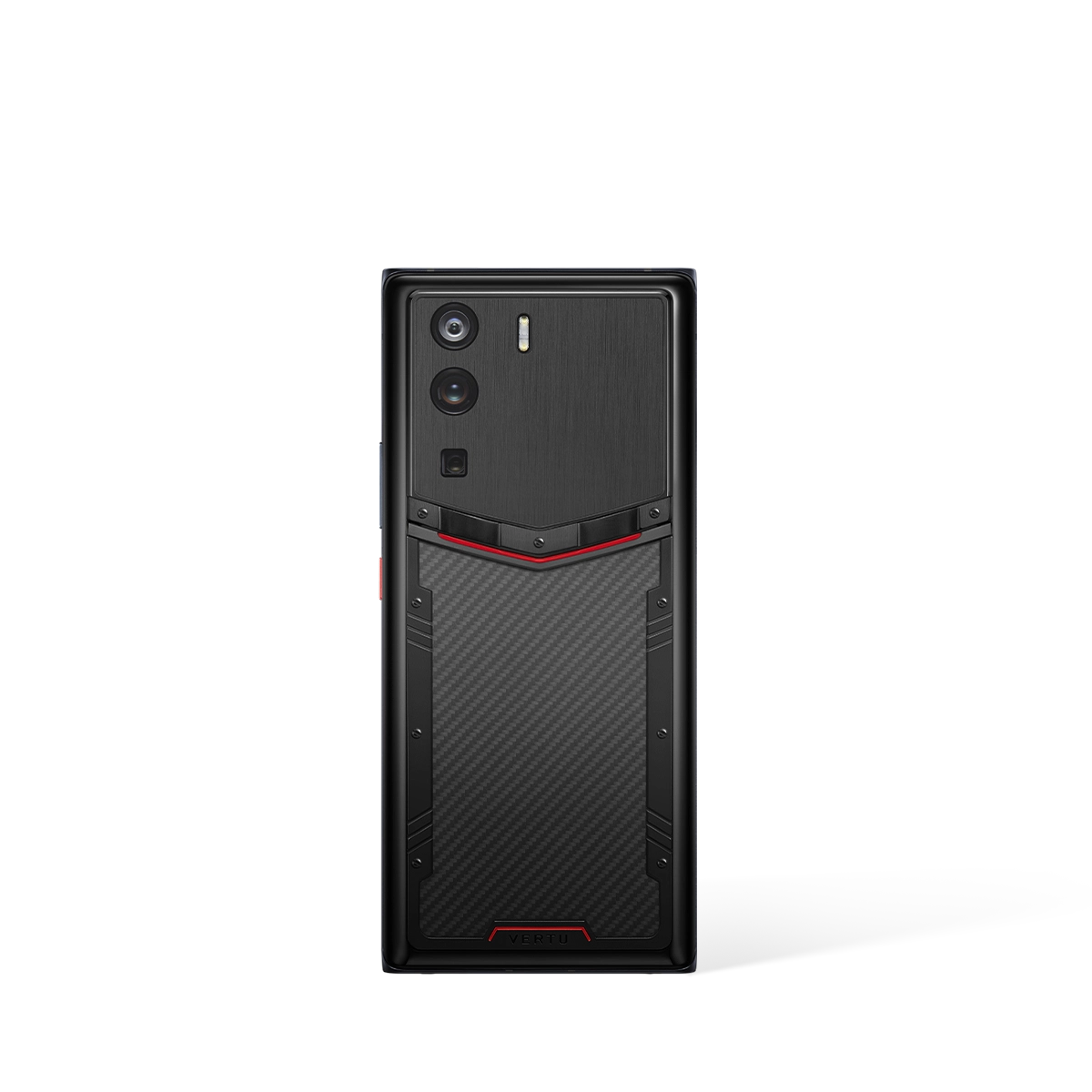
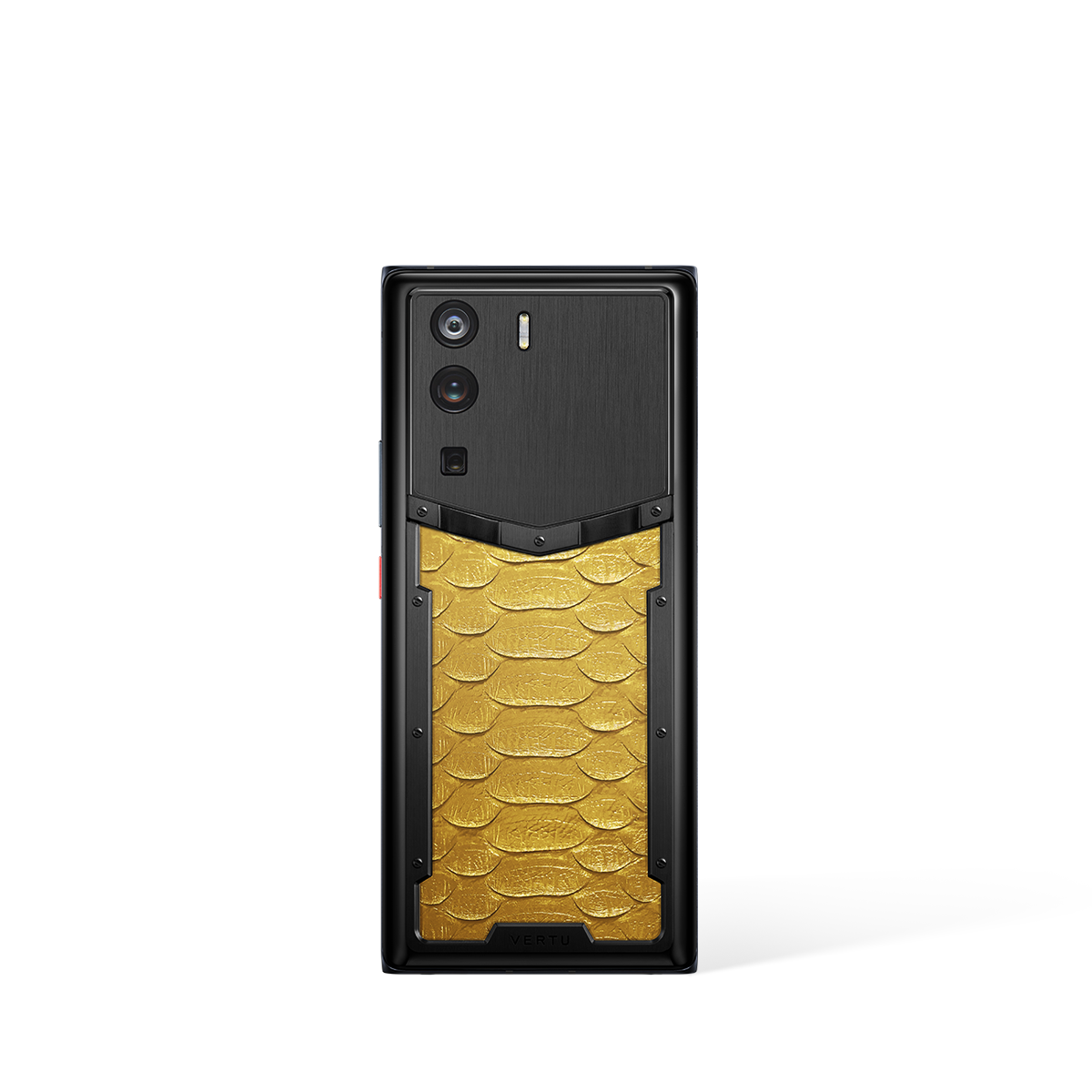
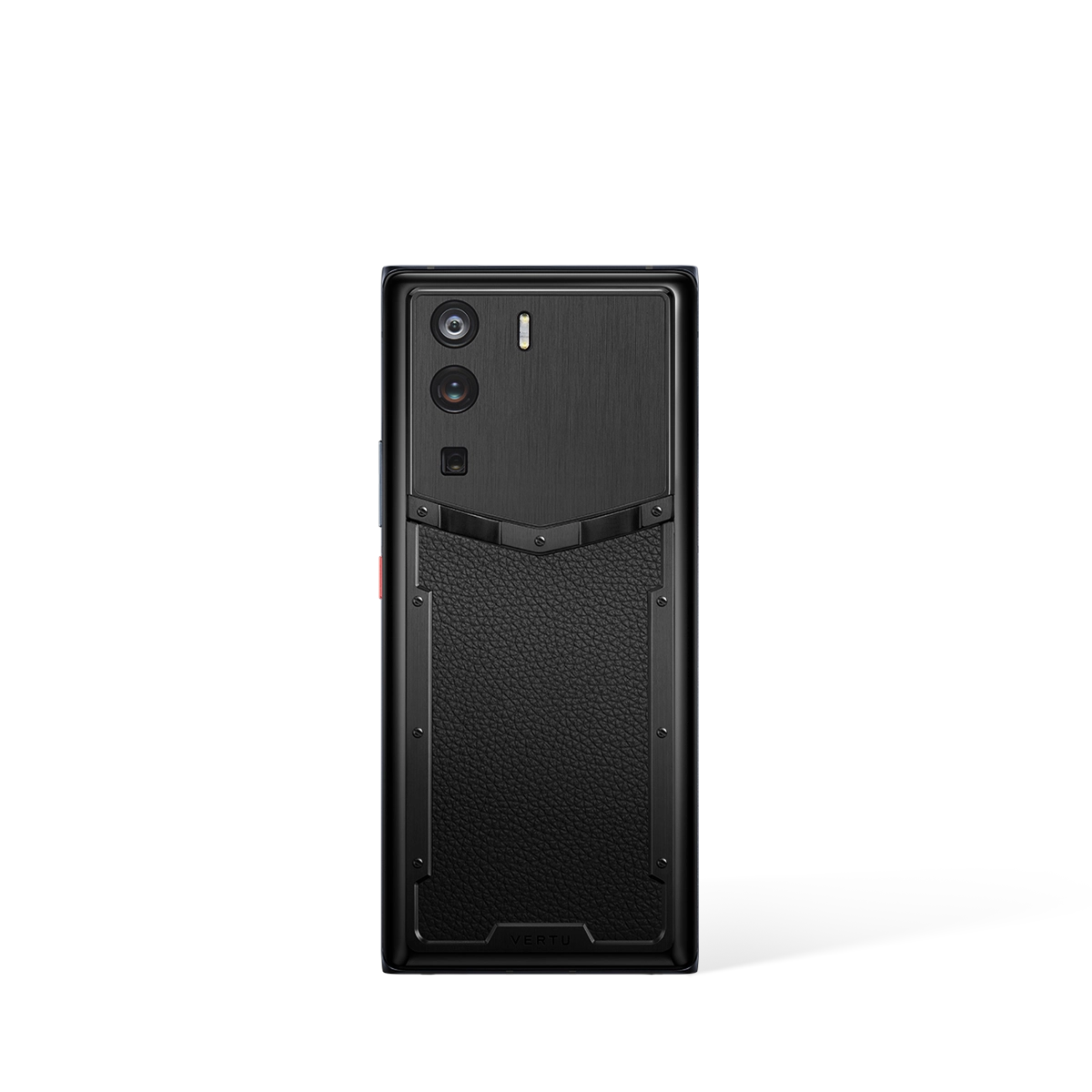
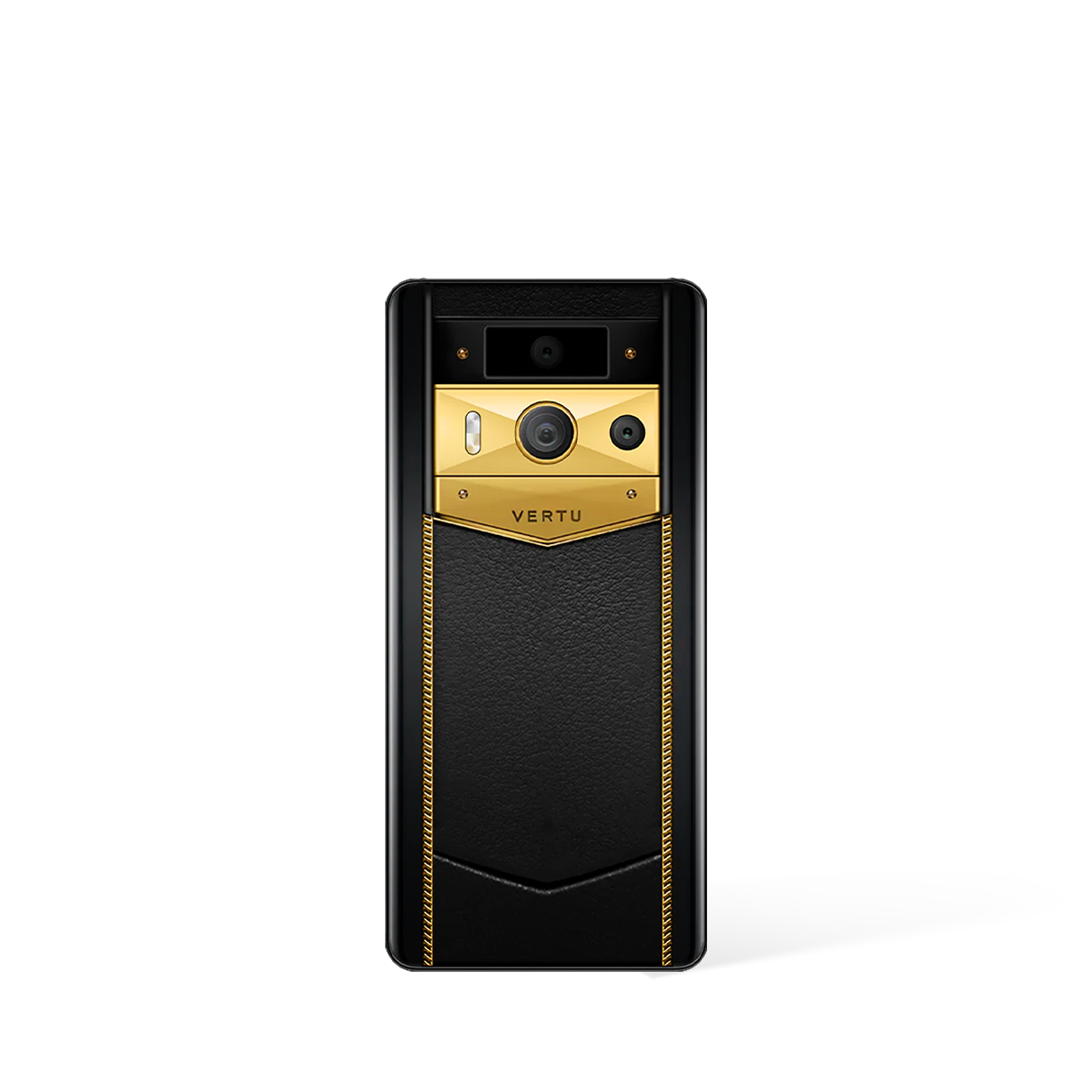
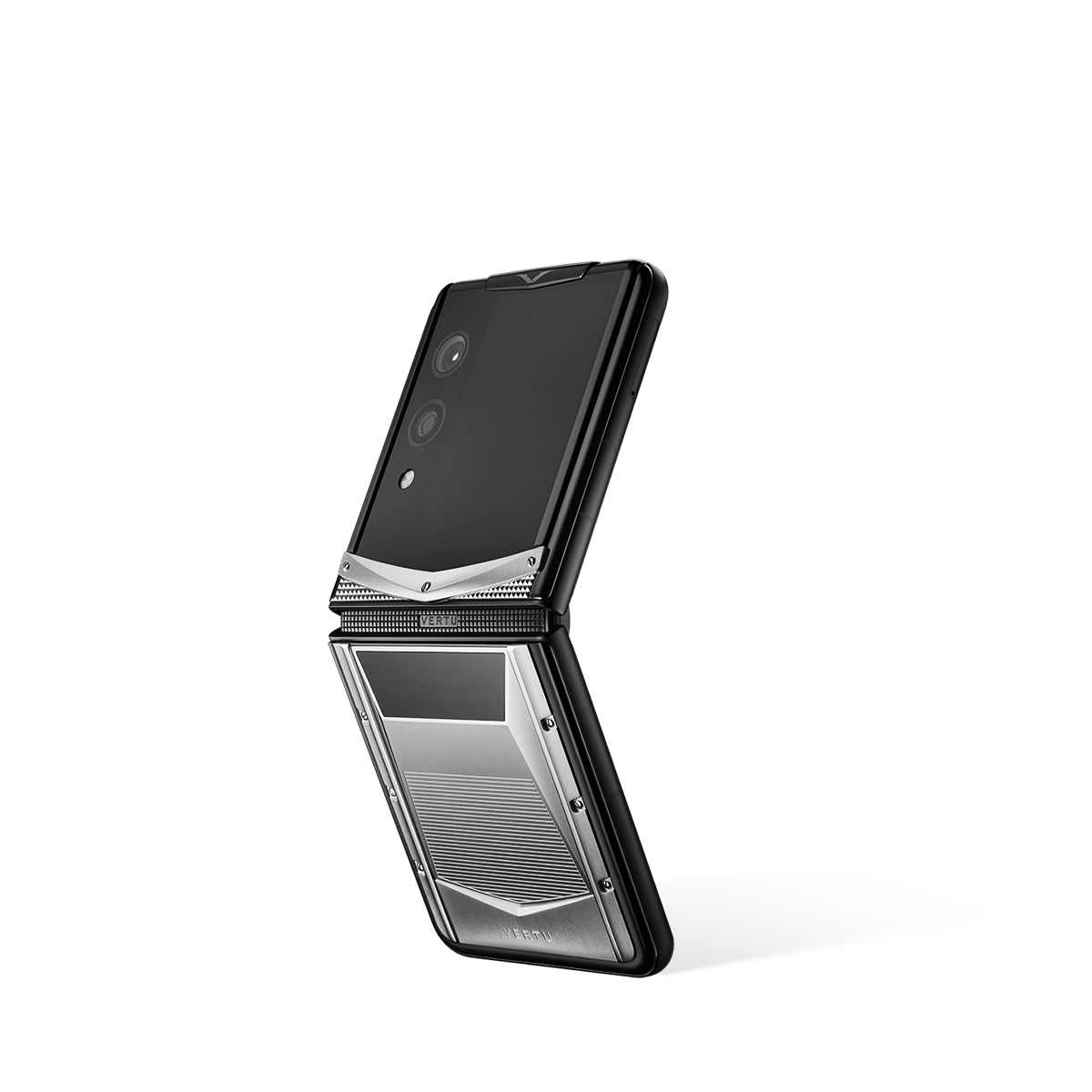
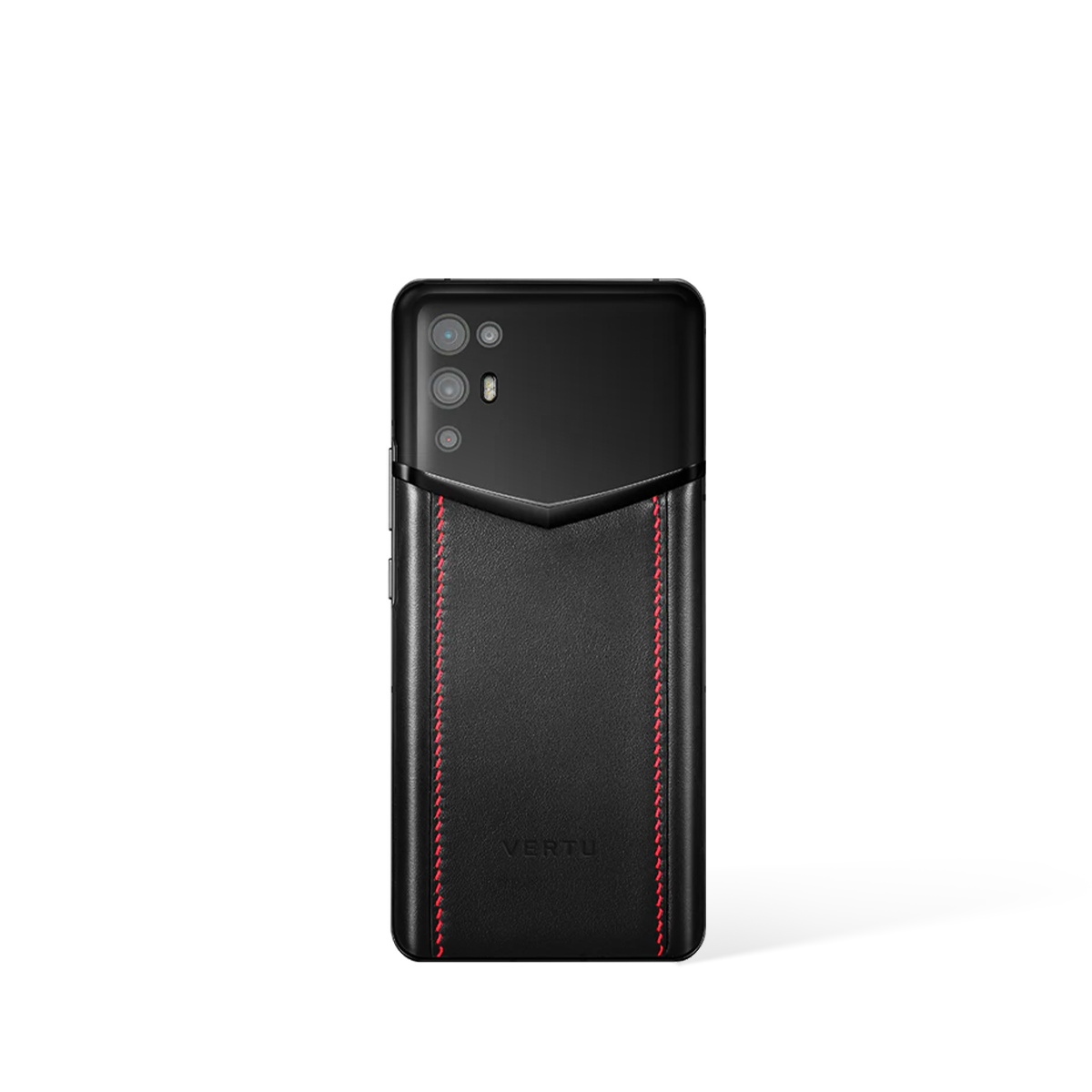
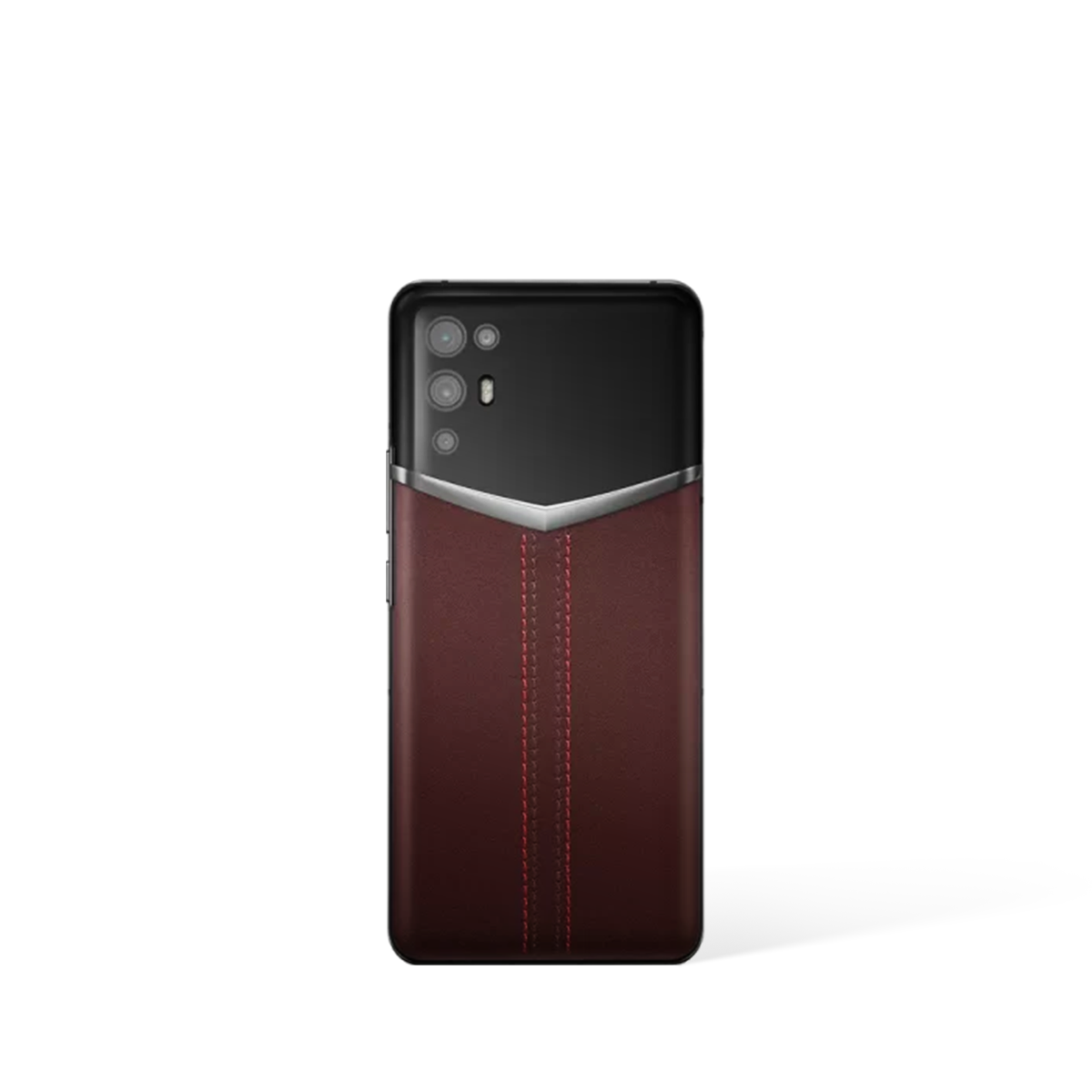
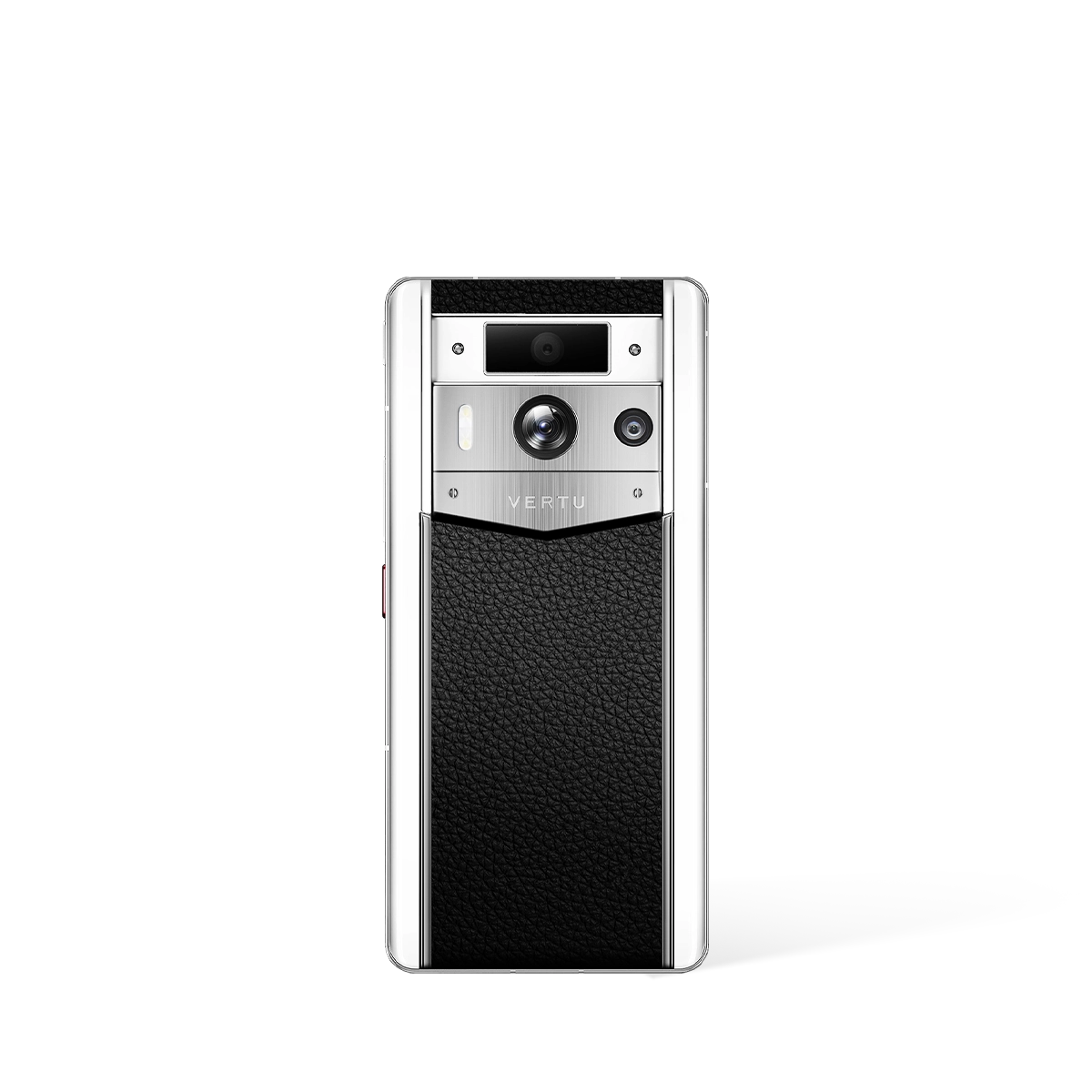
Understanding how to correctly use and maintain your Android phone charger is paramount to ensuring the longevity and optimal performance of your premium device. This guide provides essential information and best practices, focusing on the ecosystem surrounding devices such as the METAVERTU MAX and QUANTUM FLIP. Following these recommendations will help safeguard your investment and ensure a reliable charging experience every time.
Ensuring Optimal Performance for Your Device Charger
The charger supplied with your device is specifically designed to deliver the correct power output for safe and efficient charging. Using the official, designated charging equipment for your METAVERTU MAX or QUANTUM FLIP is crucial for maintaining battery health and overall device integrity. Substituting chargers may lead to slower charging speeds or, in some cases, could compromise the sophisticated internal components of your handset.
To guarantee the best performance, always use the complete charging solution as intended. This includes both the power adapter that plugs into the wall and the accompanying cable that connects to your phone. The synergy between these two components is engineered to provide a stable and optimised power flow, a feature that is essential for high-performance electronics.
- Always prioritise using the charging components that were included with your device from the point of purchase.
- Inspect your charger and cable periodically for any signs of wear or damage to ensure continued safe operation.
- When charging, ensure the connection points at the phone, cable, and power adapter are secure and free from debris.
Acquiring Accessories and Seeking Support
Should you need to replace a lost or damaged charger, it is vital to source an official replacement from an authorised channel. This ensures that you receive a genuine product that meets the precise specifications required by your device. For queries related to purchasing new accessories, the GLOBAL SHOPPING / PAYMENT / SHIPPING / RETURN FAQ section can provide valuable guidance on the ordering and delivery process.
For a more personalised level of assistance, dedicated support services can offer expert advice. Users seeking information or help with their device and its accessories may find that premium services, such as the RUBY KEY concierge service, can provide a bespoke support experience. This level of service ensures that any questions regarding your device's ecosystem are handled with the utmost care and expertise.
General Maintenance and Safe Usage Guidelines
Proper care of your charging equipment is just as important as the care you give your handset. To maintain your charger, store it in a dry, temperate environment and avoid tightly coiling the cable, which can strain the internal wiring over time. When unplugging the cable from your phone or the power adapter, always grip the connector itself rather than pulling on the cord.
For your safety and the health of your device, always charge it on a hard, flat surface where air can circulate freely. Avoid charging on soft surfaces like beds or sofas, as this can trap heat and cause both the charger and your phone to become unnecessarily warm. Adhering to these simple maintenance and safety principles will contribute significantly to the dependable performance of your QUANTUM FLIP or METAVERTU MAX for years to come.