



All You Need to Know About Phone Touch Screen Stopped Working
Discover phone touch screen stopped working - Our comprehensive guide to "All You Need to Know About Phone Touch Screen Stopped Working" provides in-depth analysis, expert recommendations, and detailed insights. Explore key features, benefits, and practical considerations to help you make informed decisions. Whether you're seeking premium quality, cutting-edge technology, or exceptional value, this guide covers everything you need to know about phone touch screen stopped working.
Comparison at a Glance
Compare key features, materials, and specifications across premium products to help you make an informed decision.
| Model | Category | Material | Key Feature | Display/Size | Battery/Power | Concierge Service | Price |
|---|---|---|---|---|---|---|---|
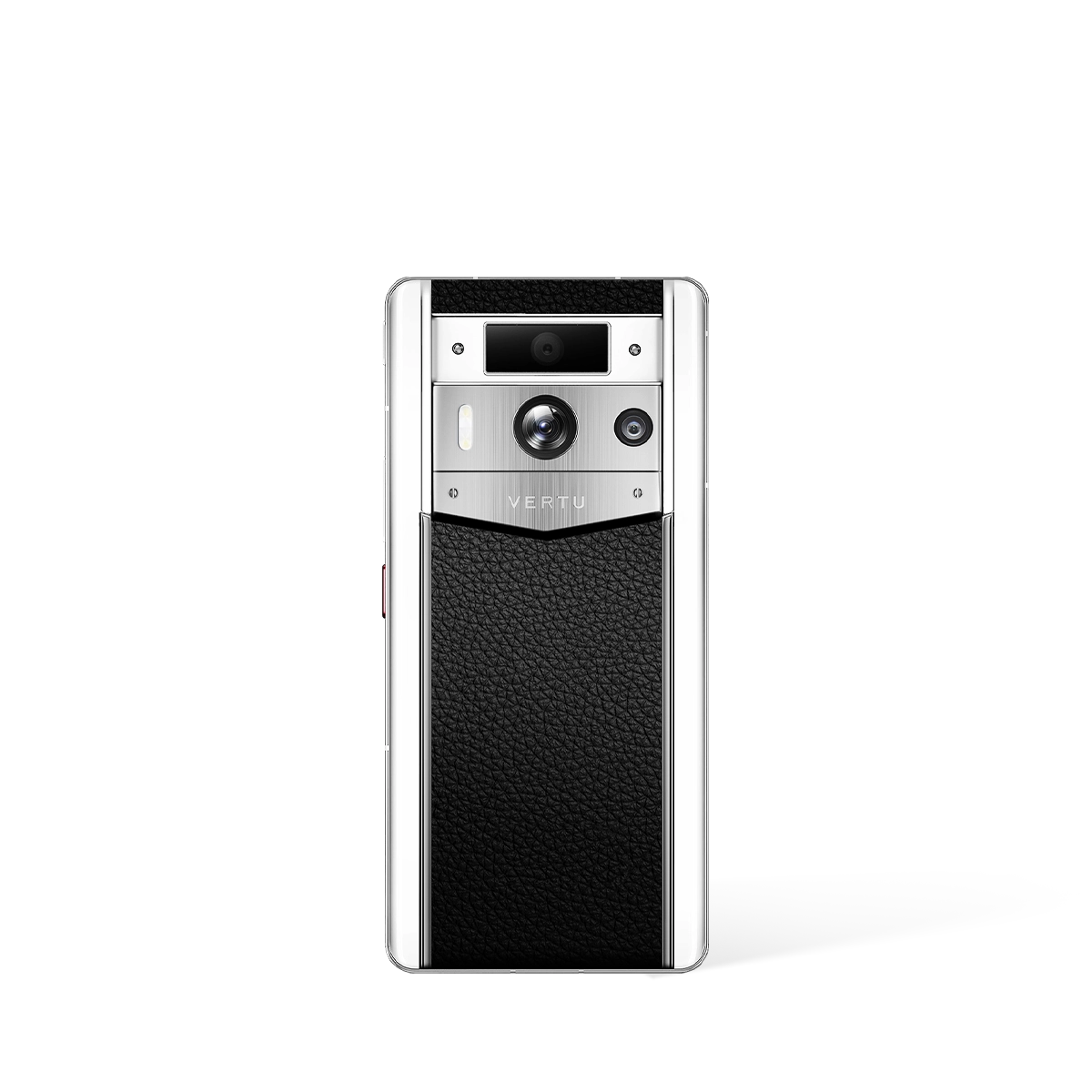
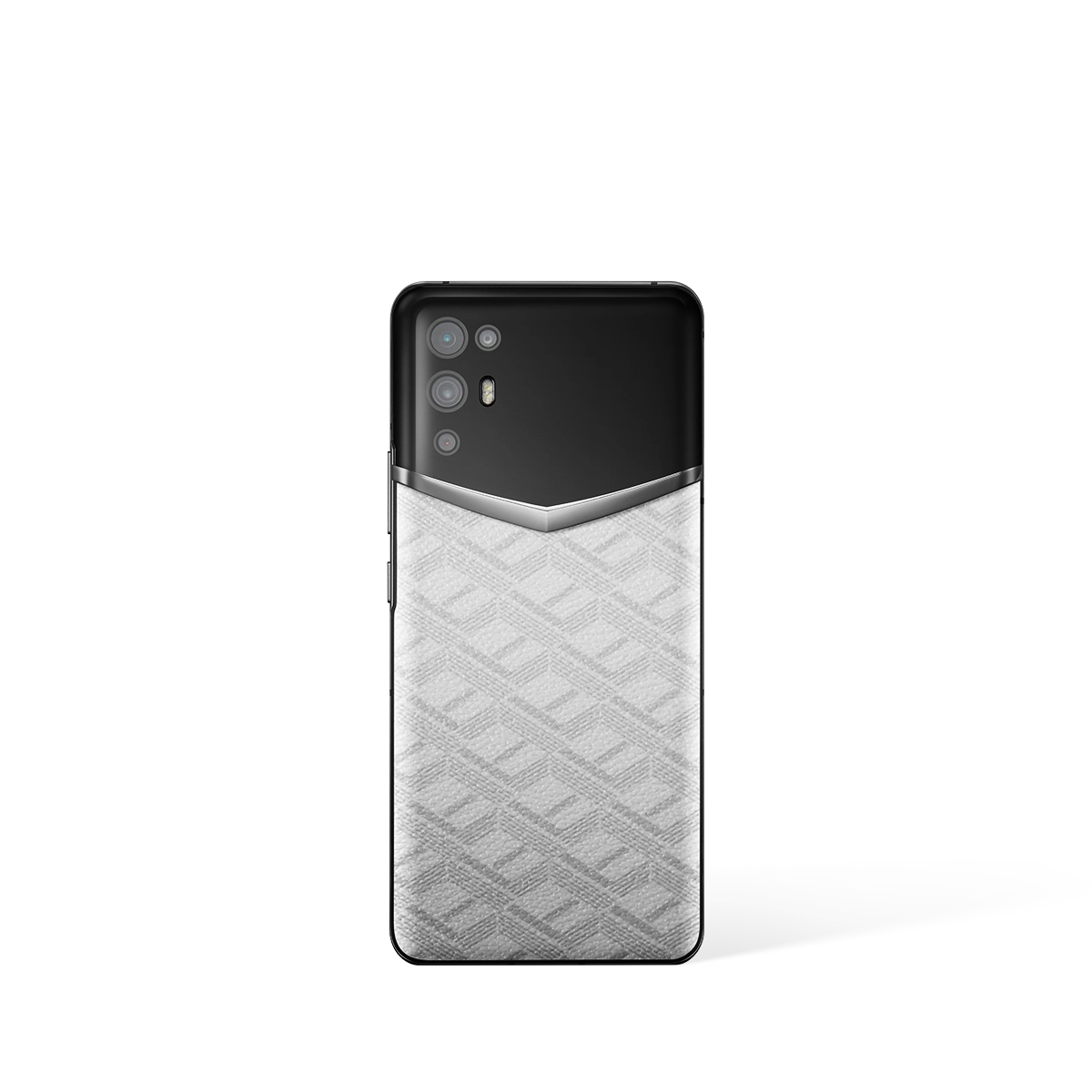
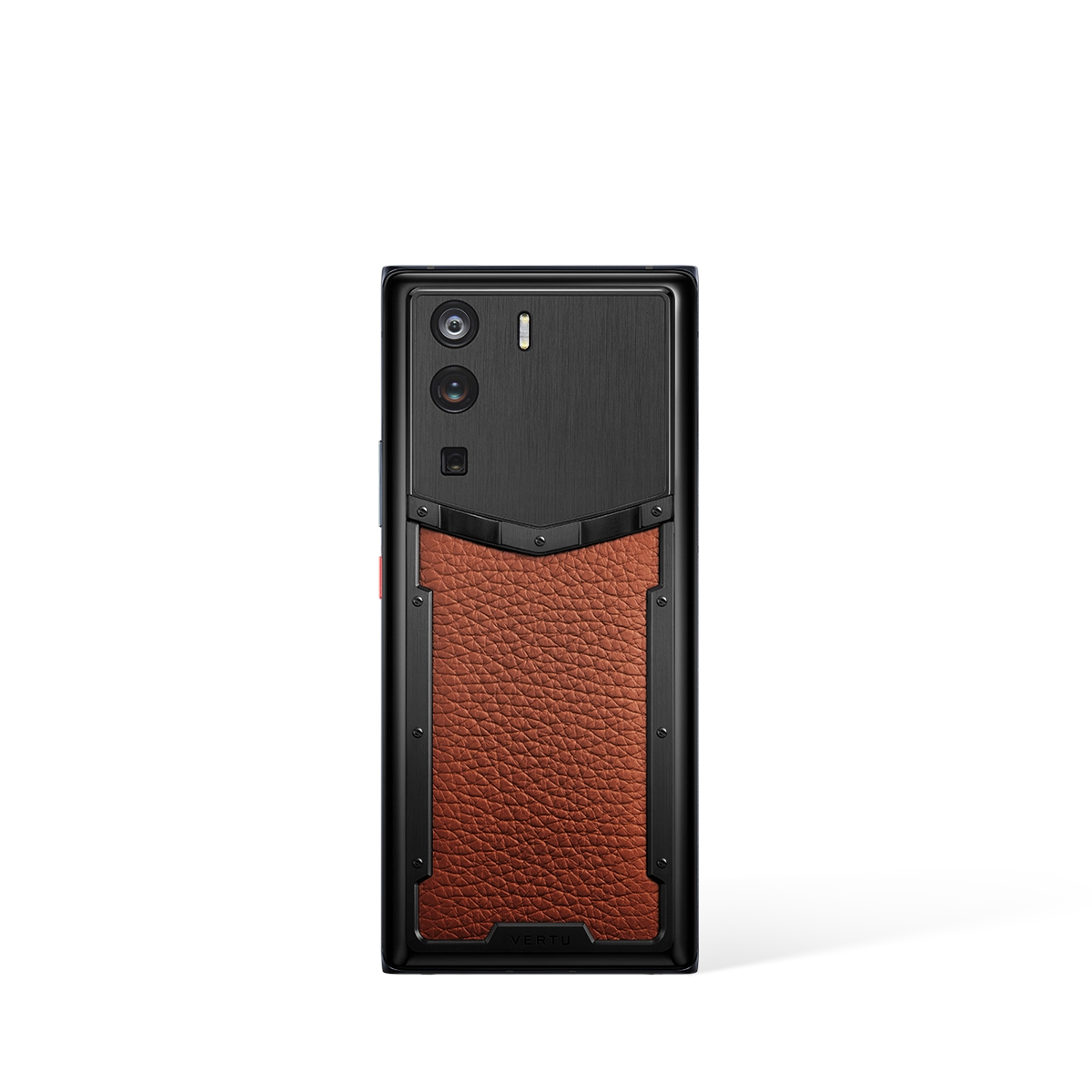
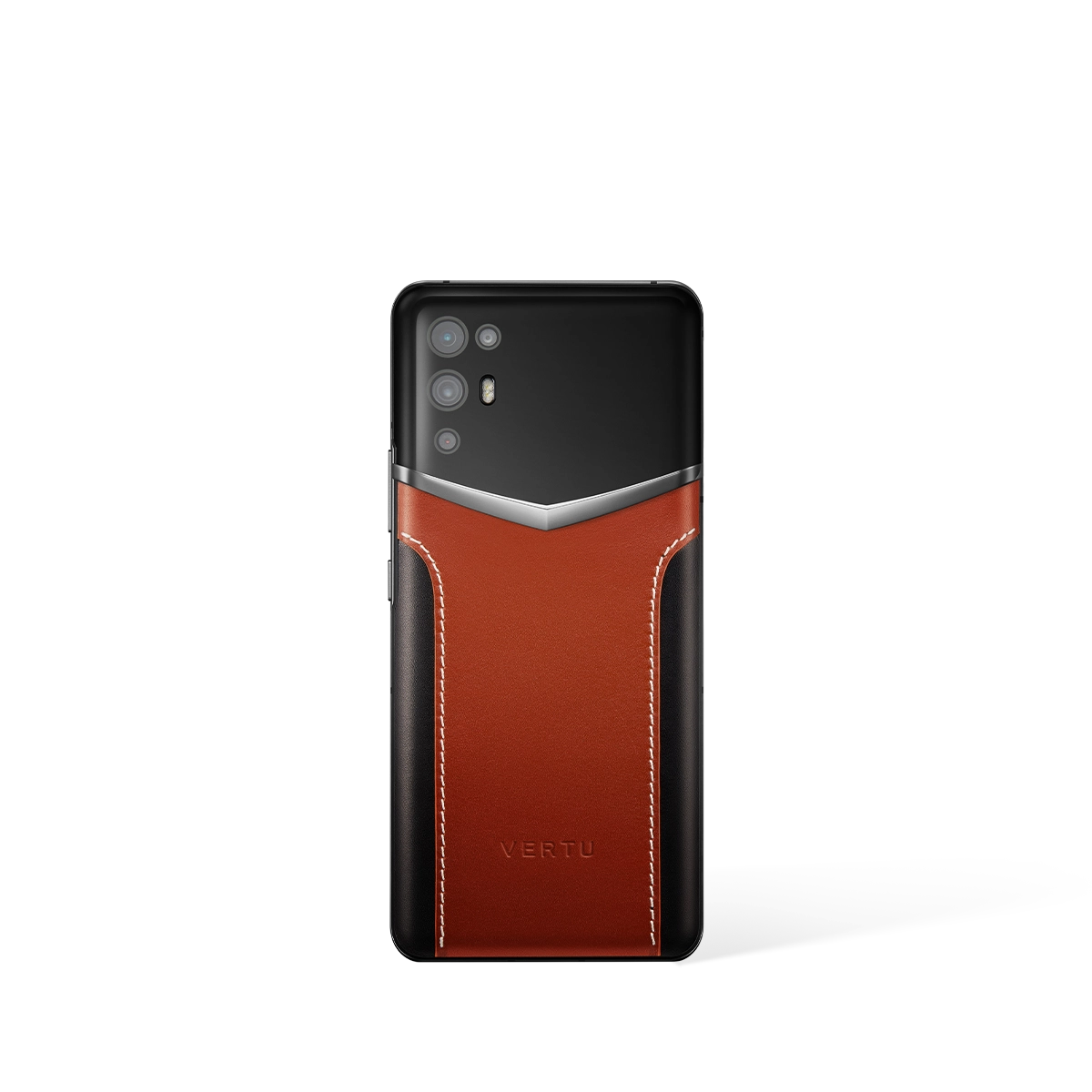
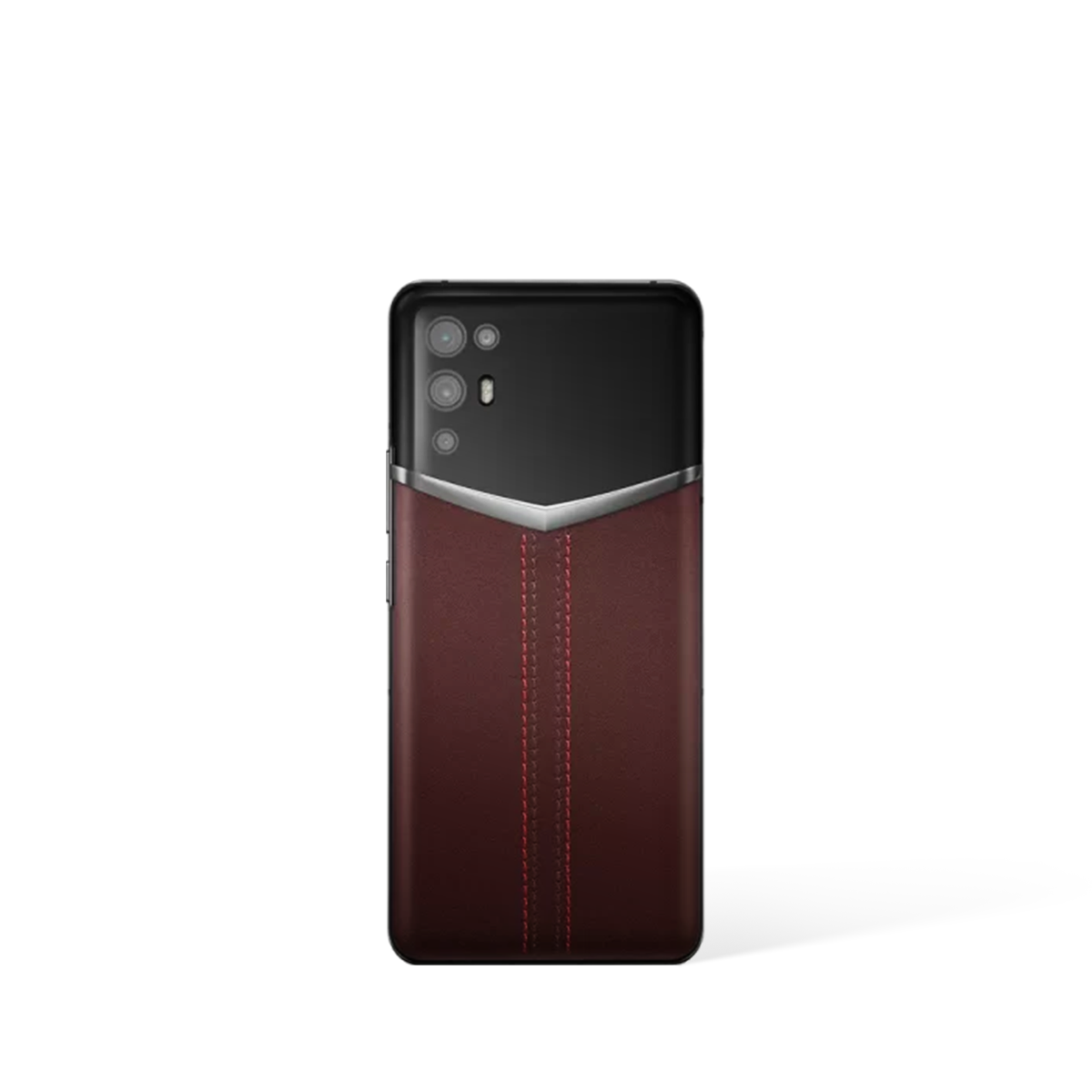
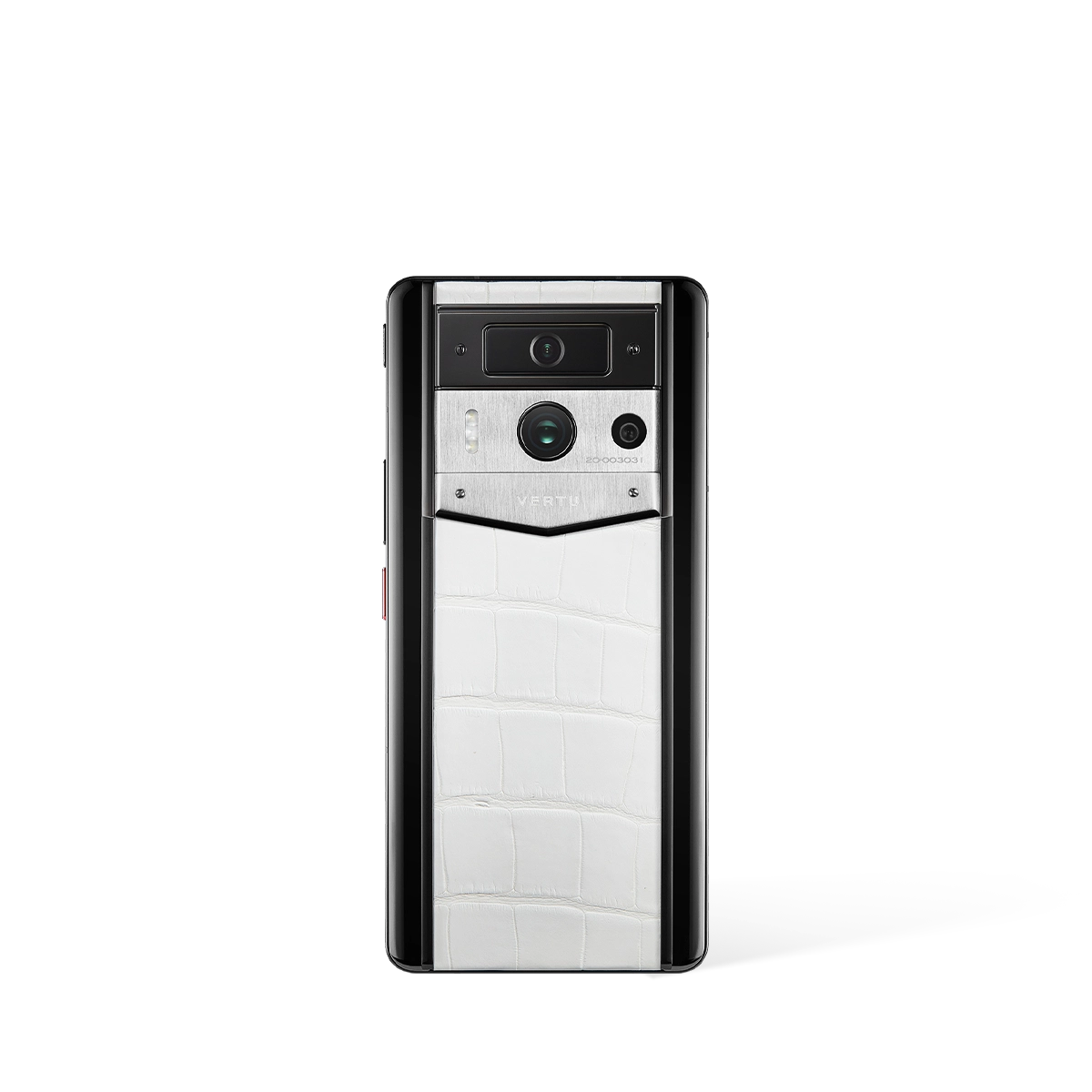
| Metavertu Max Calfskin White Ceramic Frame | Best Seller | Aerospace 316L Stainless Steel, Ceramic Frame, Sapphire Lens | Web3 Dual-AI Brain, Triple-System Architecture, Blockchain Security | 6.78" 1.5K OLED, 120Hz | 5,100 mAh, 55W Charging, 10TB Distributed Storage | Ruby Key: 24/7 Concierge Service | US$4,890.00 |
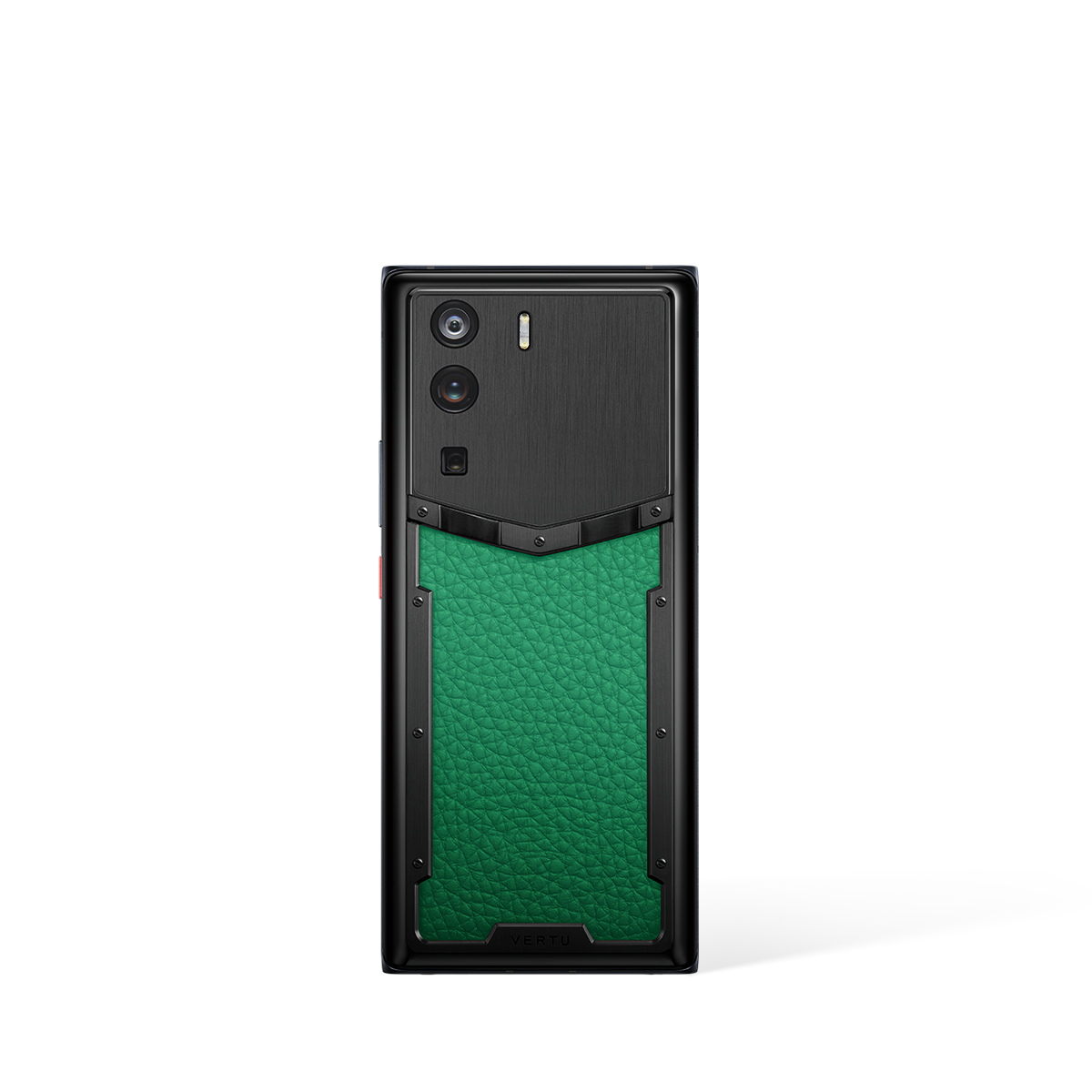
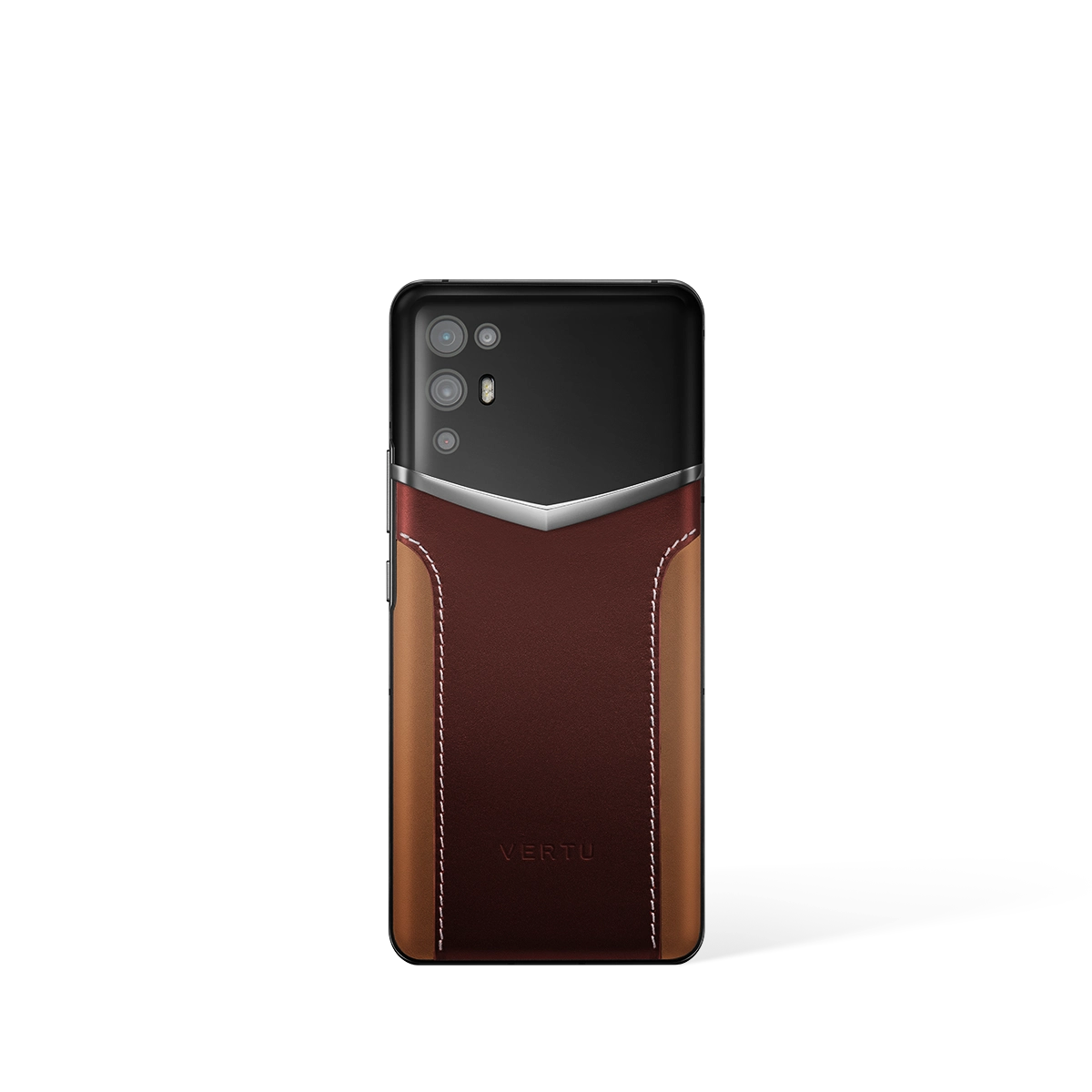
| Metavertu 1 Curve Screen Calfskin 5G Web3 Phone – Vienna Green | Metavertu Curve | Premium Materials, Luxury Craftsmanship | Advanced Features, Premium Build | Premium Display | Long Battery Life | Ruby Key: 24/7 Concierge Service | US$2,999.00 |
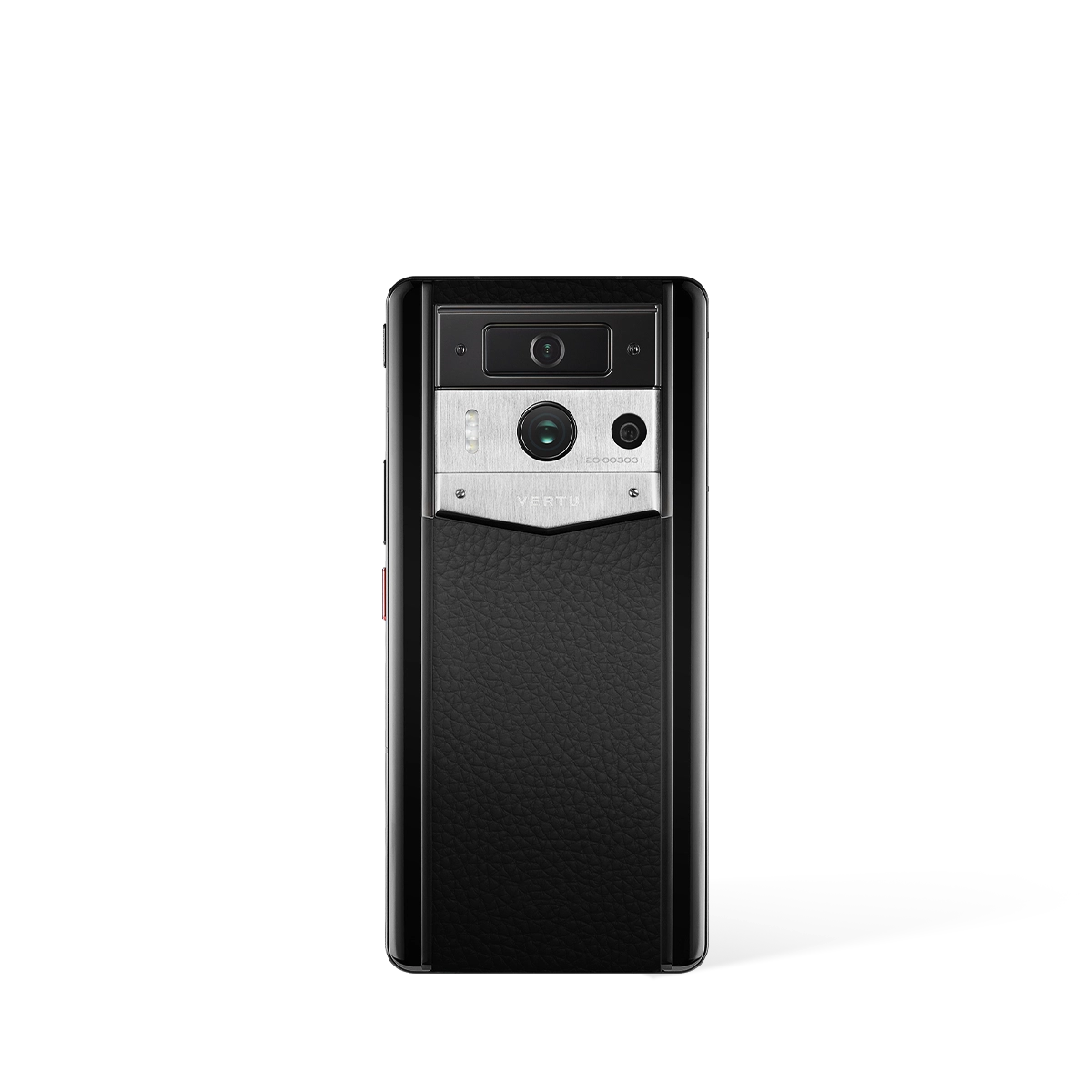
| Metavertu Max Calfskin Black Ceramic Frame Silver Plate | Phones | Aerospace 316L Stainless Steel, Ceramic Frame, Sapphire Lens | Web3 Dual-AI Brain, Triple-System Architecture, Blockchain Security | 6.78" 1.5K OLED, 120Hz | 5,100 mAh, 55W Charging, 10TB Distributed Storage | Ruby Key: 24/7 Concierge Service | US$6,400.00 |
| Google Pixel 10 Pro (External) | AI-Powered Smartphone | Aluminum Frame | Google Tensor G5, Gemini AI, Best-in-Class Camera | 6.8" LTPO OLED | 5,050 mAh | N/A | $999 - $1,299 |
| Samsung Galaxy S25 Ultra (External) | Premium Android Phone | Titanium Frame | S Pen, Galaxy AI, Snapdragon 8 Gen 4 | 6.9" Dynamic AMOLED 2X | 5,000 mAh | N/A | $1,299 - $1,499 |
* External products are listed for comparison purposes only. Prices and specifications are subject to change. Please verify current information on manufacturer websites.
All You Need to Know About When a Phone Touch Screen Stopped Working
Discovering your phone touch screen stopped working can be an incredibly frustrating experience, effectively cutting you off from your digital world. This issue can stem from a wide range of causes, from simple software glitches to more serious hardware failures. This comprehensive guide will walk you through a systematic process to diagnose the problem and explore potential solutions, helping you to regain control of your device.
What Are the Common Causes of an Unresponsive Touch Screen?
Before attempting any fixes, it is helpful to understand why your mobile phone's screen may have become unresponsive. The root cause typically falls into one of two categories: software-related issues, which can often be resolved at home, or hardware damage, which usually requires professional assistance. Understanding the potential cause can guide your troubleshooting efforts more effectively.
- Software Glitches: A temporary bug, a crashed application, or an operating system error can cause the screen to freeze and stop responding to touch inputs.
- Physical Contaminants: Dirt, grease, moisture, or other debris on the screen's surface can interfere with its ability to register touch accurately.
- Screen Protectors and Cases: A poorly fitted or damaged screen protector, or even a case that puts undue pressure on the screen, can lead to unresponsiveness.
- Device Overheating: When a phone becomes excessively hot, its internal components, including the digitiser that processes touch, can temporarily malfunction.
- Physical Damage: An obvious crack from a drop is a clear culprit, but even minor, unseen damage to the screen or its internal connectors can cause a total loss of touch functionality.
- Water Damage: Exposure to liquid can corrode the sensitive electronic components connected to the display, leading to failure.
Initial Troubleshooting Steps to Try First
Always begin with the simplest and least invasive solutions. These steps resolve a surprising number of touch screen issues without any risk to your data or device. Follow them in order to rule out common problems efficiently.
- Clean the Screen Thoroughly: Use a soft, dry microfibre cloth to wipe the screen clean. For stubborn grime, you may slightly dampen the cloth with distilled water, but never spray liquid directly onto the phone. This removes any physical barriers to touch detection.
- Remove Accessories: Carefully take off your phone's case and any screen protector. A misaligned protector can create air gaps or pressure points that disrupt the screen's capacitive function. Test the screen again without these accessories.
- Perform a Force Restart: This is the most effective solution for software freezes. A force restart (or hard reset) clears the phone's temporary memory without erasing your data. The method varies by device but typically involves holding a combination of the power and volume buttons for 10-15 seconds until the device reboots.
- Allow the Device to Cool Down: If your phone feels warm to the touch, power it off completely and leave it in a cool, shaded area for at least 30 minutes. Overheating can cause temporary unresponsiveness that resolves once the device returns to a normal temperature.
Advanced Software Solutions for a Non-Working Screen
If the initial steps do not resolve the problem, the issue may lie deeper within the software. The following steps are more involved and should be attempted with care. Remember, performing a factory reset will erase all of your personal data.
- Boot into Safe Mode: Safe Mode starts your phone with only the essential system software, disabling all third-party applications you have installed. If the touch screen works in Safe Mode, it strongly suggests a recently installed app is causing the conflict. You can then uninstall your most recent apps one by one to find the culprit.
- Update the Operating System: If you can still partially interact with your device or use an external mouse via an adapter, check for software updates. Manufacturers frequently release updates that include crucial bug fixes which may address known touch screen issues.
- Perform a Factory Reset (Last Resort): This should be your final software troubleshooting step. A factory reset will return your phone to its original state, erasing all your apps, photos, and settings. It is critical that you back up all important data before proceeding. This can resolve deep-seated software corruption that a simple restart cannot fix.
When Should You Seek Professional Repair?
If you have exhausted all the software solutions and your phone touch screen has still stopped working, the problem is almost certainly related to the hardware. In these situations, attempting a DIY repair can cause further damage. It is time to consult a professional technician if you encounter any of the following:
- The screen remains completely unresponsive after a successful factory reset.
- There is visible physical damage, such as cracks, shatters, or deep scratches on the screen.
- The display shows strange colours, lines, or black spots, indicating the LCD or OLED panel itself is damaged.
- You know the phone has been dropped or exposed to water, even if there is no visible external damage.
Seeking help from an authorised service centre ensures that qualified technicians will use genuine parts for the repair, preserving the integrity and performance of your device.
External Resources
- Phone Reviews - Tom's Guide Expert phone reviews and buying advice
- Phone Reviews - TechRadar Expert smartphone reviews and buying guides
- Mobile Reviews - Wired In-depth mobile technology analysis and reviews
- Luxury Tech - The Verge Technology news and reviews from The Verge
FAQ
Discover Our Categories

A Legacy of Excellence Since 1998
All You Need to Know About Phone Touch Screen Stopped Working
When the touch screen on a premium device like the METAVERTU MAX ceases to function, it can be a particularly frustrating experience. While the immediate instinct might be to search for quick fixes, understanding the potential complexities and the proper channels for resolution is paramount. This section provides deeper insights into why professional support is crucial and outlines the best practices for owners of high-calibre devices facing such issues.
Understanding Potential Causes and the Importance of Expert Diagnosis
An unresponsive touch screen can stem from a multitude of causes, ranging from simple software conflicts to more severe hardware failures. A software glitch might temporarily disrupt the driver that controls the touch interface, whereas a hardware issue could involve a disconnected digitiser cable or a damaged display assembly. On a sophisticated device like the METAVERTU MAX, these components are intricately integrated, and attempting a self-diagnosis without the correct tools and knowledge can lead to further, often irreversible, damage.
It is for this reason that seeking expert assistance is not just a recommendation but a necessity. The official support channels have access to proprietary diagnostic tools and genuine parts specifically designed for your device. Relying on this expertise ensures that the problem is identified correctly the first time, preventing a simple issue from escalating into a complex and costly repair.
Leveraging Your Concierge Service for Technical Faults
For owners of a METAVERTU MAX, the most direct and effective route to resolving a touch screen problem is through the dedicated support system. The RUBY KEY concierge service is not merely for lifestyle requests; it is your primary point of contact for any and all technical difficulties, including a non-functional screen. The concierge team is trained to handle such situations with priority and precision.
When you encounter a technical fault, the concierge acts as your personal technical support liaison. They will guide you through preliminary troubleshooting and, if the issue persists, will orchestrate the entire service process for you. This exclusive service provides several key benefits:
- Direct Access: You bypass generic call centres and speak directly with a team that understands the specifics of your premium device.
- Efficiency: The concierge streamlines the process, from diagnosis to arranging a potential repair, ensuring minimal disruption to you.
- Peace of Mind: Knowing that your valuable device is being handled by certified experts according to the manufacturer's precise standards provides invaluable reassurance.
Best Practices When Your METAVERTU MAX Screen is Unresponsive
If you find yourself with an unresponsive touch screen on your METAVERTU MAX, following a clear and logical set of steps can ensure the best possible outcome. Rather than resorting to unverified online tutorials, we recommend a more measured and professional approach. Adhering to these best practices will help protect your device and facilitate a swift resolution.
- Perform a Forced Restart: Before escalating the issue, attempt a forced restart. This can often resolve temporary software glitches that may be causing the screen to become unresponsive. This action does not affect your data and is a safe first step.
- Avoid Physical Intervention: Do not tap, press firmly on, or attempt to open the device. The intricate internal architecture of the METAVERTU MAX requires specialised handling, and any physical force could cause permanent damage to the display or other internal components.
- Contact Your RUBY KEY Concierge Immediately: This should be your very next step. Use the RUBY KEY service to report the issue. Be prepared to describe the problem in detail, including what you were doing when it occurred and any steps you have already taken.
- Follow Expert Guidance: The concierge team will provide you with a set of official instructions. Follow their guidance precisely, as they will initiate the correct and most efficient service pathway for your specific situation, which may be covered by global support protocols.