Key Takeaways
- The best mobile phone for business depends on security, software support, ecosystem compatibility, battery life and communication needs.
- iPhone models are strong choices for professionals already using Apple devices and services.
- Samsung Galaxy devices suit users who need multitasking, flexible Android features, enterprise tools or a larger working display.
- Google Pixel and other Android phones can be useful for AI-assisted productivity, clean software and flexible work setups.
- A business-ready smartphone should work with your company’s identity, mobile-device management, collaboration and security policies.
The best mobile phone for business is not necessarily the most expensive or technically advanced model. It is the phone that supports your work securely, connects reliably to your company’s tools, lasts through your working day and fits the way you communicate, travel and manage information.
This guide compares ten business-ready smartphones and explains which type of professional each one may suit. The comparison focuses on security, productivity, battery life, communication, device management, ecosystem compatibility and long-term usability. For professionals who also value design and personalised ownership, explore the official VERTU phone collection.
What Makes a Good Mobile Phone for Business?
A mobile phone for business should support more than email and phone calls. It may be used for video meetings, document review, customer communication, authentication, travel, scheduling, project management and access to company systems.
The most important criteria are:
- Security: biometric authentication, encrypted storage, security updates and account protection.
- Productivity: reliable multitasking, document editing, calendar tools, note-taking and voice input.
- Communication: dependable calls, messaging, video conferencing and business-number support.
- Battery and reliability: sufficient battery life, stable software and dependable network support.
- Device management: compatibility with company policies, mobile-device management and remote security controls.
- Ecosystem: integration with laptops, tablets, cloud storage, collaboration tools and accessories.
- Support lifecycle: software updates, repair options, warranty terms and regional service availability.
Business users should also distinguish between a business smartphone and a business phone system. A smartphone is the physical device. A business phone system may include VoIP, a professional caller ID, call routing, voicemail, CRM integration and team administration. In some cases, the best solution is to use your existing smartphone with the right business communication service.
How We Selected the Best Business Smartphones
This list uses a use-case approach rather than claiming that one phone is universally best. A senior executive may value ecosystem continuity, while a field worker may prioritise battery life and durability. A creative professional may need a large display, while an IT-managed team may focus on security policies and administration.
| Evaluation Area | Why It Matters for Business |
|---|---|
| Security | Protects accounts, documents, messages and customer information. |
| Performance | Supports video calls, multitasking, business applications and document work. |
| Battery life | Reduces charging interruptions during travel, meetings and field work. |
| Software ecosystem | Determines how easily the phone works with existing company devices and services. |
| Management and support | Helps companies control access, deploy policies and maintain devices over time. |
| Communication | Supports calls, video meetings, messaging, email and business-number workflows. |
10 Best Mobile Phones for Business
1. Apple iPhone 16 Pro Max: Best for Apple-Based Executive Workflows
The iPhone 16 Pro Max is a strong mobile phone for business users who already work within the Apple ecosystem. It can suit professionals who use a MacBook, iPad, Apple Watch, iCloud and other Apple services as part of their daily workflow.
Its main business advantage is ecosystem continuity. Files, messages, calendars and other activities can move naturally between compatible Apple devices. Face authentication, a mature application ecosystem and strong integration with common productivity tools also make it suitable for executives and consultants.
The main limitation is that its value is highest when the user or company already relies on Apple devices. Businesses using a predominantly Windows or Android environment should verify compatibility and device-management requirements before standardising on it.
2. Samsung Galaxy S25 Ultra: Best for Multitasking and Flexible Android Productivity
The Samsung Galaxy S25 Ultra is designed for professionals who want a large display, advanced multitasking and the flexibility of Android. It can be especially useful for reviewing documents, working across several applications and managing tasks while travelling.
Samsung’s enterprise-oriented security and management ecosystem can also be relevant for organisations that issue Android devices to employees. The phone may suit executives, sales teams and consultants who need a powerful handset without leaving the Android environment.
Before deployment, companies should confirm compatibility with their mobile-device management platform, authentication tools and business applications.
3. Google Pixel 9 Pro: Best for AI-Assisted Productivity
The Google Pixel 9 Pro is a useful option for professionals interested in AI-assisted features, voice tools and a clean Android experience. It may suit users who rely heavily on Google Workspace, Gmail, Calendar, Drive and Meet.
For business use, the value of AI is practical rather than decorative. Voice transcription, summarisation, search and scheduling tools can reduce routine work when used appropriately.
However, AI features can vary by country, language, software version and account type. Sensitive company information should only be processed through tools approved by the organisation.
4. OnePlus 13: Best for High Performance and Fast Daily Use
The OnePlus 13 may suit professionals who want a responsive Android phone with strong everyday performance and a large display. It is relevant to users who frequently switch between messaging, email, browsers, documents and video meetings.
Its appeal is primarily performance and user experience rather than specialised enterprise identity. Businesses should verify software-support commitments, repair availability, carrier compatibility and mobile-device management support before purchasing in volume.
5. Lenovo ThinkPhone: Best for Lenovo-Centred Work Environments
The Lenovo ThinkPhone is designed around the idea of connecting a smartphone with a professional computing environment. It may be suitable for organisations already using Lenovo hardware or business services.
Its value depends less on individual specifications and more on whether its connectivity and management features fit the company’s existing systems. IT teams should test device enrolment, file transfer, authentication and remote-management workflows before deployment.
6. Samsung Galaxy Z Fold Series: Best for Mobile Document Work
A foldable phone such as the Samsung Galaxy Z Fold series can provide a larger working area without requiring a separate tablet for every task. It may be useful for reviewing documents, comparing information, reading spreadsheets or managing multiple applications.
The trade-off is greater mechanical complexity, a different form factor and potentially higher repair costs than a conventional smartphone. Businesses should assess durability requirements, case options and support arrangements before issuing foldable phones to employees.
7. Apple iPhone 16: Best for a Balanced Business Fleet
The standard iPhone 16 can be a practical choice for organisations that want a consistent Apple platform without selecting the largest or most expensive model. It may suit employees who need dependable access to email, messaging, video meetings and business applications.
For company-wide deployment, standardisation can simplify onboarding, support, security policy configuration and replacement. The best choice will depend on the company’s required storage, battery expectations, camera needs and device-management policy.
8. Samsung Galaxy S25: Best for Mainstream Android Business Deployment
The Samsung Galaxy S25 can suit businesses that prefer Android but do not require the largest display or highest-tier configuration. It offers a more compact approach to business mobility while retaining access to Samsung’s broader ecosystem.
It may be appropriate for sales teams, managers and employees who need a dependable daily smartphone rather than a specialised productivity device. Companies should confirm the exact regional model and supported enterprise features before purchase.
9. Google Pixel 9: Best for Google Workspace Users
The Google Pixel 9 is a suitable option for professionals who use Google’s productivity ecosystem and want a straightforward Android experience. It can support email, meetings, cloud documents, shared calendars and everyday communication without the additional complexity of a heavily customised interface.
Its suitability for business depends on software support, company policy and the availability of required enterprise controls. Google Workspace integration alone does not replace a complete mobile-security strategy.
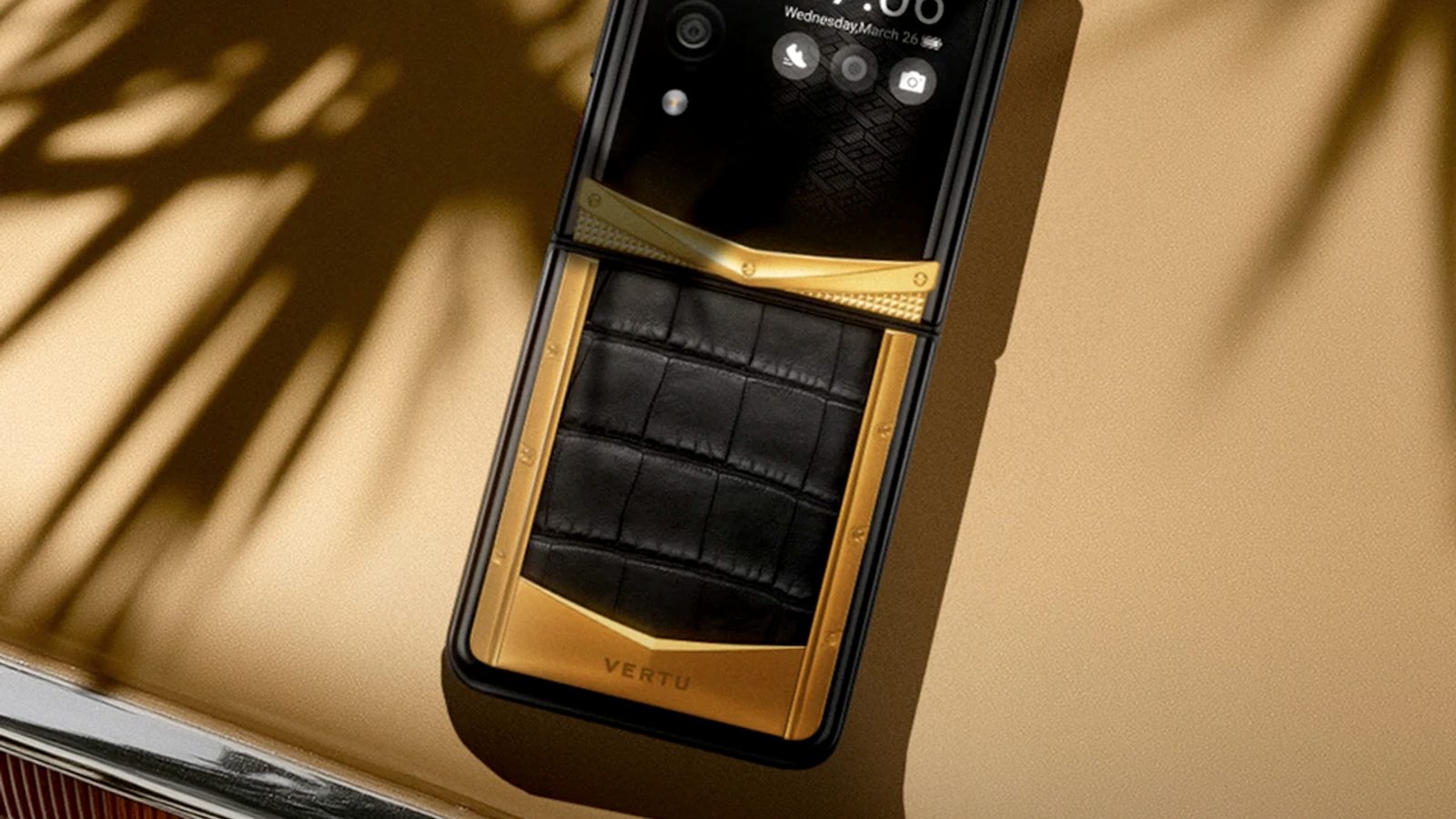
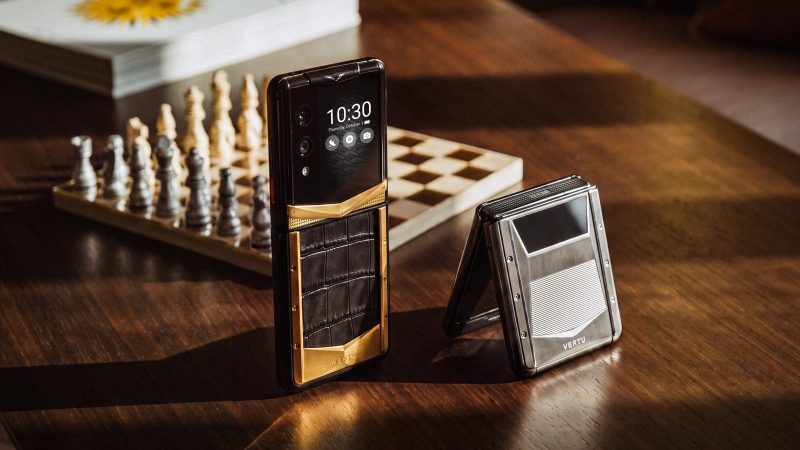
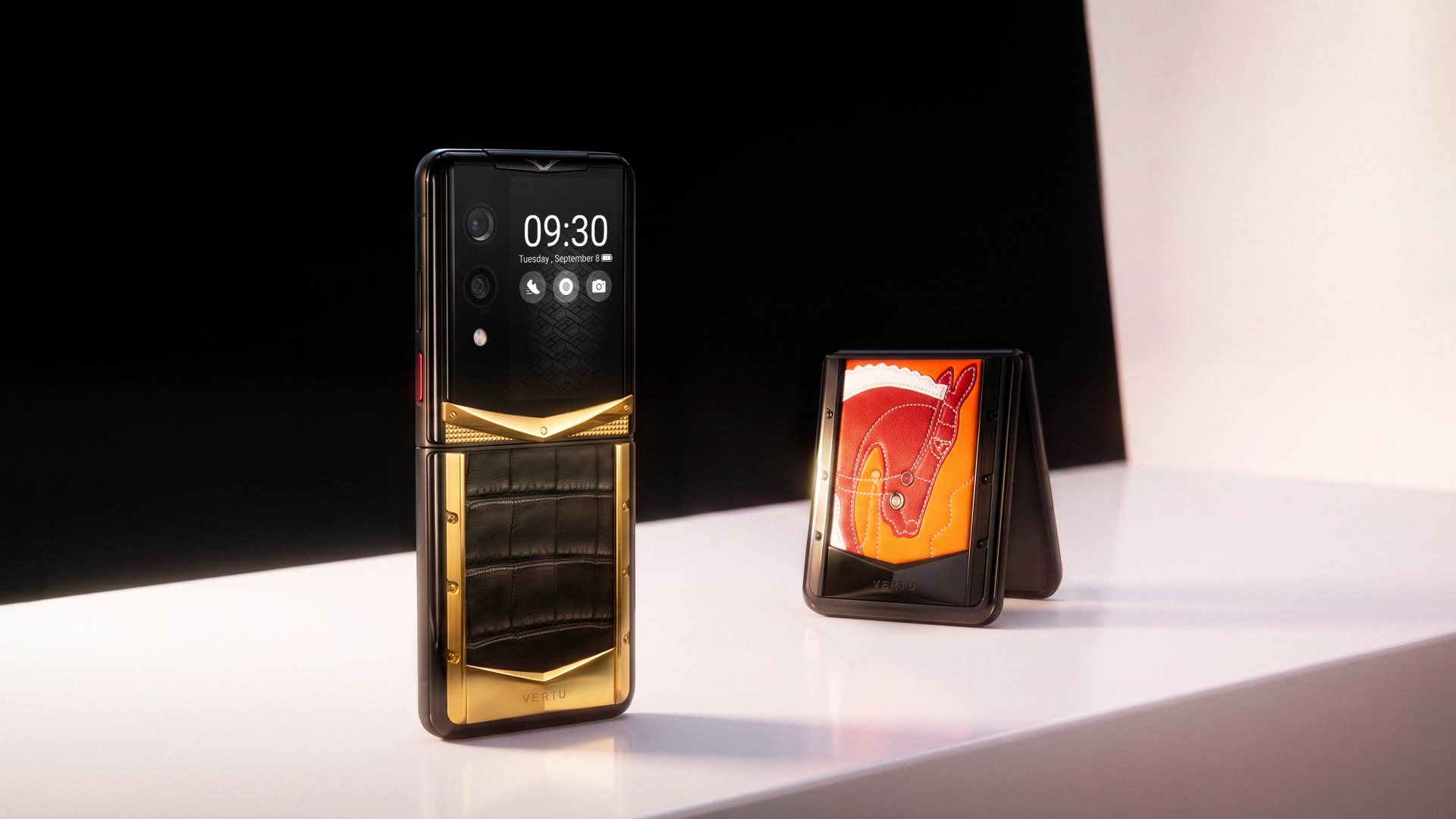
10. VERTU Smartphones: Best for Design-Conscious Professional Ownership
VERTU offers a different interpretation of a mobile phone for business. Rather than competing only through mass-market specifications, VERTU combines smartphone technology with distinctive design, materials and a more personal ownership experience.
This may appeal to founders, executives and client-facing professionals who want a phone that reflects personal taste while still supporting modern communication and productivity needs. VERTU’s current range includes AI-oriented phones and other luxury mobile products, but exact features, configurations, availability and services vary by model and market.
Professionals considering a VERTU phone should verify the required applications, network compatibility, software support, data-management expectations and after-sales terms before purchase.
Business Smartphone Comparison Table
| Phone Type | Best For | Main Strength | Important Check |
|---|---|---|---|
| iPhone 16 Pro Max | Apple-based executives | Device and service ecosystem | Compatibility with company systems |
| Samsung Galaxy S25 Ultra | Multitasking professionals | Large display and flexible productivity | Management and security policies |
| Google Pixel 9 Pro | AI and Google Workspace users | AI-assisted tools and clean Android | Regional AI and account availability |
| OnePlus 13 | Performance-focused users | Fast daily operation | Long-term support and repair access |
| Lenovo ThinkPhone | Lenovo-centred organisations | Professional device integration | Enterprise enrolment and compatibility |
| Galaxy Z Fold series | Mobile document work | Large foldable working display | Repair and durability requirements |
| iPhone 16 | Standardised Apple fleets | Balanced business usability | Storage and battery requirements |
| Samsung Galaxy S25 | Android business fleets | Compact flagship experience | Regional model and enterprise support |
| Google Pixel 9 | Google Workspace users | Simple Google-centred workflow | Required company security controls |
| VERTU smartphones | Design-conscious executives | Luxury design and personal ownership | Model-specific software and service terms |
How to Choose the Best Mobile Phone for Business
Choose the Right Ecosystem
Start with the tools your company already uses. If employees rely on Mac, iPad and Apple services, an iPhone may reduce friction. If the organisation uses Windows, Android, Google Workspace or Microsoft services, Samsung, Pixel, Lenovo and other Android phones may offer a more suitable fit.
Check Company Security Requirements
A business smartphone should support the company’s authentication, device-management, application-control and data-protection policies. A phone with biometric unlocking is useful, but it does not replace strong passwords, multi-factor authentication, software updates and access controls.
Separate Personal and Business Use
Some employees use one phone for everything, while others require separate profiles, numbers or devices. Before selecting a handset, decide how business calls, messaging, files and accounts will be separated from personal activity.
Consider Travel and Remote Work
Frequent travellers should check network compatibility, eSIM support, battery performance, roaming arrangements and repair access in their main destinations. A phone that performs well in one country may not provide the same convenience internationally.
Evaluate the Total Cost of Ownership
The purchase price is only one part of business-phone cost. Companies should also consider accessories, support, repairs, software lifecycle, mobile plans, device management and employee replacement time.
What Is the Best Mobile Phone for Business?
The best mobile phone for business is the one that matches your company’s ecosystem, security policy and daily working style. The iPhone is often a strong choice for Apple-based organisations, Samsung suits flexible Android productivity, Pixel is useful for Google-centred workflows, and specialised devices such as VERTU may appeal to executives who value design and personalised ownership alongside business functionality.
There is no universal winner. The right decision should be based on the work employees actually do, the systems they need to access and the support the company can provide.
FAQ
What Is the Best Mobile Phone for Business?
The best mobile phone for business depends on your ecosystem and work requirements. iPhone models suit Apple-based workflows, Samsung supports flexible Android productivity, Pixel works well with Google services, and other phones may be better for specific budgets, deployments or professional needs.
What Are the Best Mobile Phones for Business Use?
Strong business options include the iPhone 16 Pro Max, Samsung Galaxy S25 Ultra, Google Pixel 9 Pro, OnePlus 13, Lenovo ThinkPhone, Samsung Galaxy Z Fold models and selected VERTU smartphones. The final choice should be based on security, device management, software support and company compatibility.
Is an iPhone or Android Better for Business?
Neither platform is universally better. iPhone may be easier for companies already using Apple hardware and services, while Android offers more device variety, flexible form factors and manufacturer-specific enterprise tools.
What Features Should a Business Phone Have?
A business phone should provide strong authentication, regular security updates, dependable battery life, reliable network support, useful productivity tools, compatibility with company applications and suitable device-management controls.
Can I Use My Personal Phone for Business?
Yes, but only if company policy allows it and the device can protect business information appropriately. Businesses should consider separate accounts, work profiles, mobile-device management, remote-wipe capability and clear rules for personal-device use.
Conclusion
The best mobile phone for business is not simply the phone with the highest specifications. It is the device that helps people communicate, access information, protect company data and complete work without unnecessary friction.
For most organisations, the decision begins with ecosystem and security requirements. From there, businesses can compare performance, battery life, productivity tools, device management and support. For professionals who also want a more distinctive device and ownership experience, the VERTU phone collection offers an alternative to conventional business smartphones.
Before purchasing, confirm the current model, software support, network compatibility, configuration, warranty and regional availability through the official VERTU contact page.