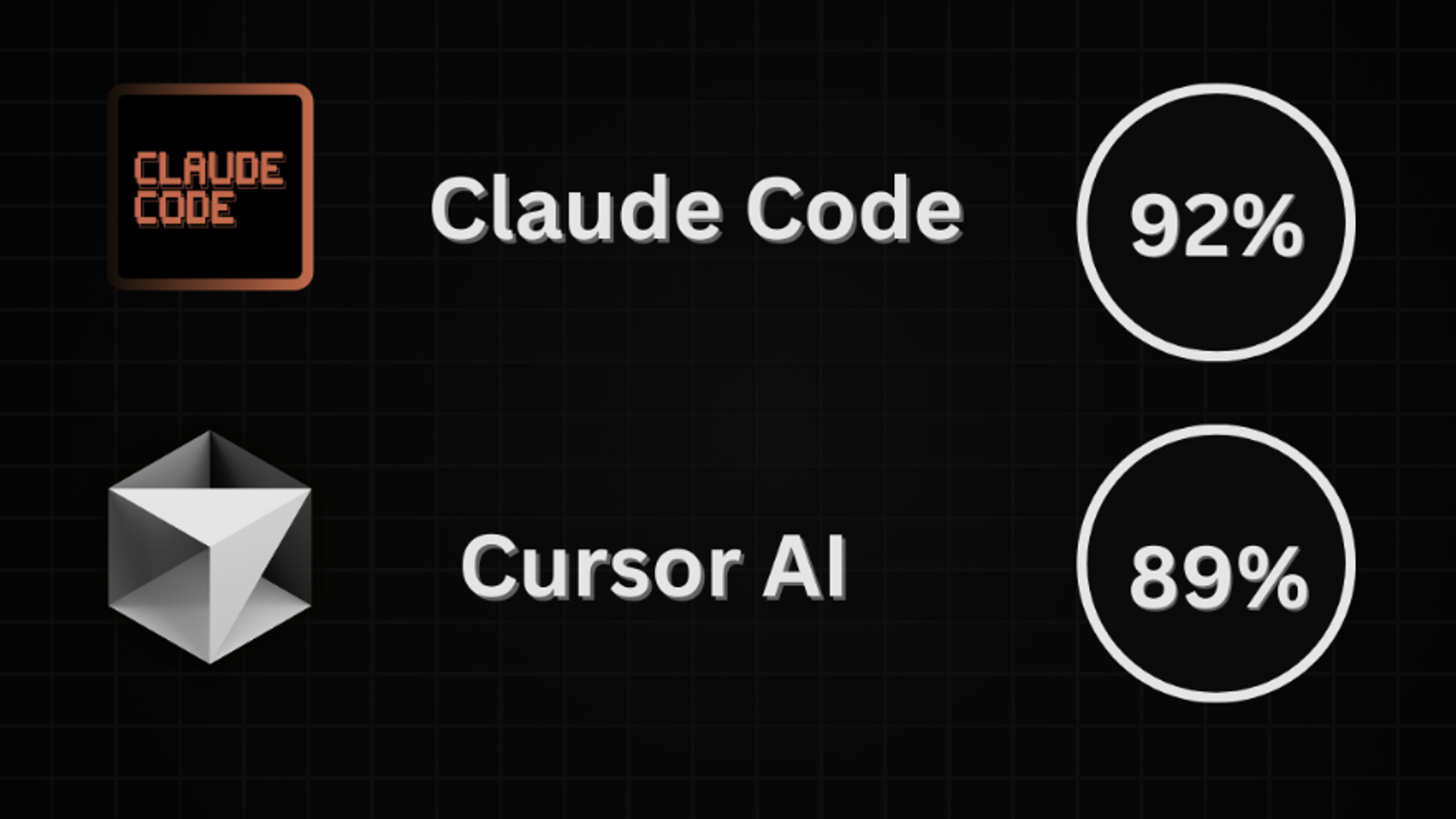
| Feature | Claude Code 2.0.71 | Cursor (2025 Edition) |
|---|---|---|
| Primary Interface | Terminal / CLI. You converse via text commands in your shell. | IDE (GUI). Chat sidebars, inline edits ( Cmd+K ), and visual tools. |
| Workflow Style | Agentic & Autonomous. "Claude, fix the tests and refactor the auth logic." It goes away, runs commands, and reports back. | Interactive & Iterative. "Here, change this function." You review diffs in real-time as you type. |
| Intelligence | Deep Reasoning. Best for complex, multi-file architectural changes where planning is required. | Context-Aware Speed. Best for rapid feature implementation, UI work, and staying in the flow state. |
| Safety | Strict Git Rules. Built-in safeguards prevent it from destroying repo history. | User Review. You are the safety net; you must accept/reject diffs manually. |
| Pricing Model | Pay-per-token. Can get expensive ($5+/session) if using "Deep Thinking" frequently. | Subscription. Flat monthly fee for unlimited "slow" queries and a quota for "fast" ones. |
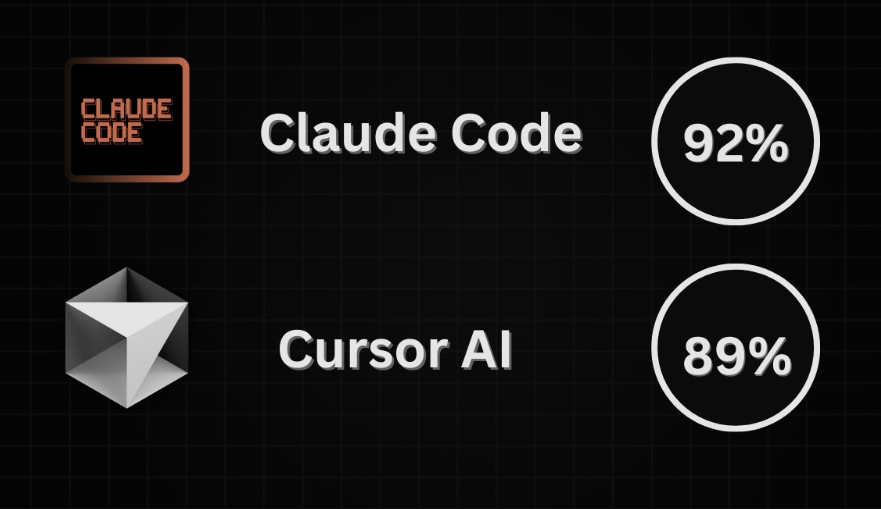
The landscape of AI-assisted software development has just shifted again. With Anthropic's official release of Claude Code 2.0.71 , powered by the formidable Claude 3.7 Sonnet , developers are facing a new dilemma. Should you stick with the polished, IDE-integrated experience of Cursor , or embrace the terminal-centric, agentic power of the new Claude Code ?
Based on the latest community discussions—including the buzzing "Official: Anthropic just released Claude Code 2.0.71" thread on Reddit—and the official changelogs, this article breaks down the features, workflows, and "vibe" differences between these two heavyweights.
The Challenger: What is Claude Code 2.0.71?
Claude Code isn't just an autocomplete plugin; it's an agentic CLI (Command Line Interface) tool designed to live where power users live: the terminal. The 2.0.71 update represents a move from experimental "vibe coding" to serious "agentic engineering."
Key Features of the 2.0.71 Update:
- The Power of Claude 3.7 Sonnet: At its core runs Anthropic's "hybrid reasoning" model. It can toggle between fast responses and a "Deep Thinking" mode, allowing it to plan complex architectural changes before writing a single line of code.
- askUserQuestion Capability: A standout feature mentioned in the community logs. Unlike previous agents that would guess blindly when stuck, Claude Code now has a dedicated tool to pause and ask the user for clarification. It presents 2–4 options, making the workflow collaborative rather than just automated.
- Git Safety Rails: The Reddit thread highlighted a major safety upgrade. Claude is now restricted from "force pushing" or amending commits unless explicitly authorized. If a pre-commit hook fails, Claude must fix the issue and create a new commit rather than rewriting history—a huge win for team stability.
- Granular Control: New commands like /config allow users to enable or disable prompt suggestions, giving developers control over how "chatty" the AI is during the coding process.
The Incumbent: Why Cursor is Still King of Flow
Cursor (a fork of VS Code) has dominated the conversation in 2025 by offering a seamless "vibe coding" experience. It doesn't ask you to change your environment; it is your environment.
Why Developers Love Cursor:
- The "Composer" & Visual Editor: Cursor’s "Composer" feature allows for multi-file edits in a single pane, and its new Visual Editor lets you build UI components by simply dragging, dropping, and prompting.
- Native Integration: Because it’s a full IDE, Cursor indexes your entire codebase locally, offering RAG (Retrieval-Augmented Generation) that feels instantaneous.
- Tab-Completion on Steroids: Cursor’s prediction engine (Copilot++) anticipates your next edit, not just your next word. It feels less like asking a bot for help and more like telepathy.
Head-to-Head Comparison
The "Vibe Coding" vs. "Engineering" Debate
A fascinating distinction emerged in the Reddit discussions. Cursor is often championed as the ultimate tool for "vibe coding" —where you rapidly prototype ideas, iterate on UIs, and build apps from scratch without getting bogged down in syntax.
Claude Code , conversely, is positioning itself as an "Engineering Agent." With the 2.0.71 update, the focus on git safety, clarifying questions, and deep reasoning suggests it's built for maintainability and complex refactoring tasks that require a "senior engineer" level of thought, rather than just speed.
User Sentiment: What Reddit is Saying
The community reaction to 2.0.71 has been cautiously optimistic:
- The Good: Users appreciate the askUserQuestion flow. Instead of hallucinating a bad solution, Claude now says, "I see three ways to fix this API. Do you prefer A, B, or C?"
- The Bad: Some users noted CLI interface issues (such as flickering on certain terminals due to the ink library), highlighting that the terminal UX still has room for polish compared to Cursor's smooth GUI.
- The Verdict: Many developers are now using both . They use Cursor for writing code and Claude Code for heavy lifting, documentation, or fixing test suites in the background.
Conclusion: Which Tool is for You?
- Choose Cursor if: You want a polished, all-in-one editor that makes writing code faster and more fun. If you are a visual thinker or love the "flow state," Cursor is unbeatable.
- Choose Claude Code 2.0.71 if: You are a terminal power user who wants an agent to act as a partner. If you need to refactor 50 files, fix a complex bug that requires "thinking," or automate git operations safely, Claude Code is your best bet.
Pro Tip: You don't have to choose. Install the Claude Code CLI inside the Cursor terminal. Use Cursor for the UI and flow, and summon Claude when you need a senior engineer to solve a hard problem.