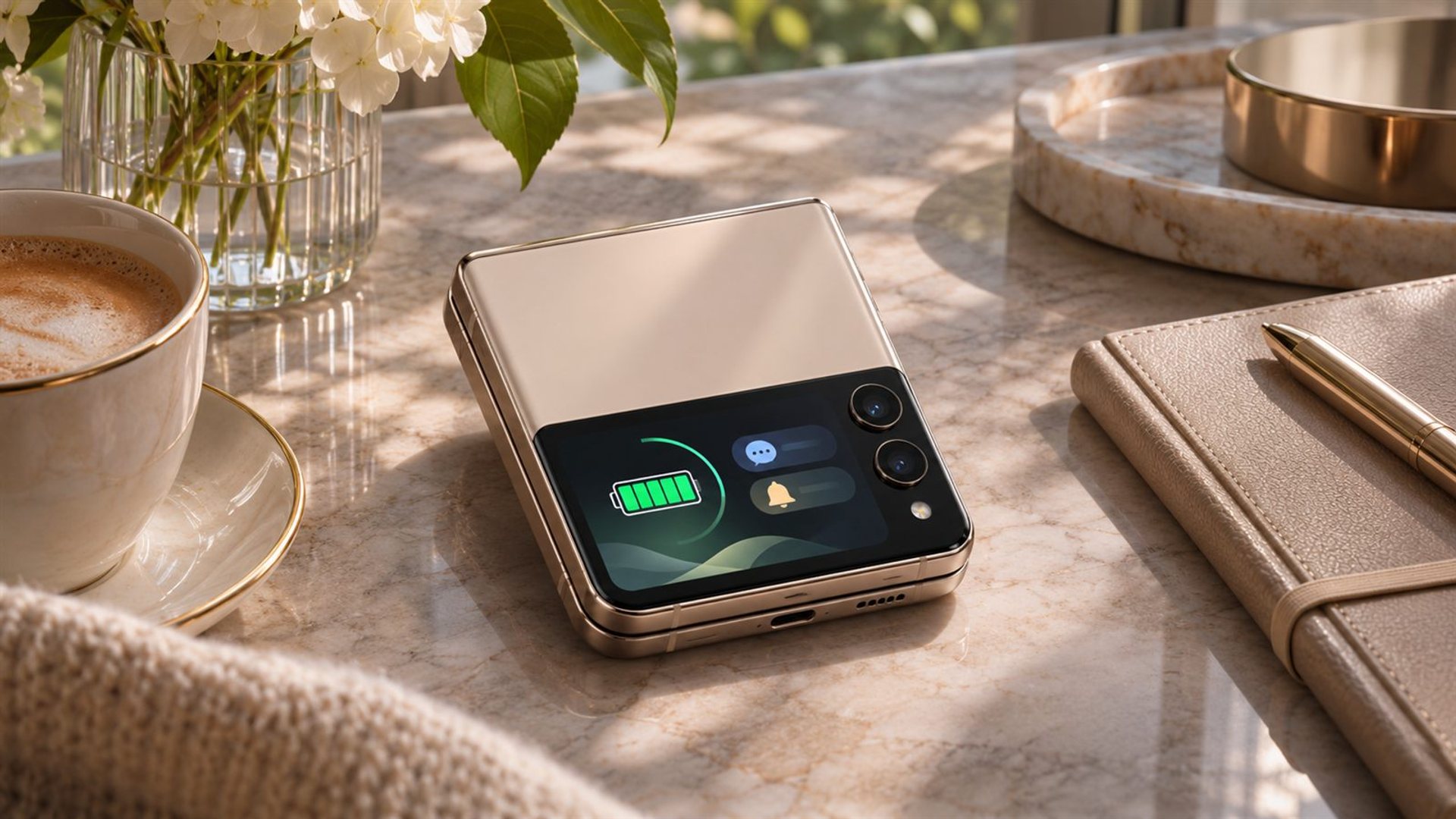
Flip phone battery life can benefit when the cover screen lets you complete a short task without opening and lighting the larger display. A quick glance at a notification, timer or call may use less screen time than a full interaction. The saving depends on brightness, duration, apps and how often you check; a smaller screen alone does not guarantee longer runtime.
The useful question is whether the outer display changes your behaviour. If it helps you dismiss an unimportant alert in two seconds, the main screen stays off. If it invites frequent checking or starts a task that continues inside, the effect may be small. This guide explains how to assess that trade-off on an actual flip phone.
Why does the cover screen matter for battery use?
A phone display consumes power while active, and a larger illuminated panel can add to the workload of a longer interaction. A cover screen offers a shorter route to certain information without unfolding the handset. That can reduce time spent on the main screen, provided the task truly ends there. It is a behavioural opportunity, not a fixed battery-life multiplier.
Samsung's Galaxy Z Flip cover-screen guidance shows the exterior display being used for basic information such as time, date and battery status. Those functions illustrate the kind of quick check that may avoid opening a flip. The exact widgets and actions available on another model will differ, so inspect your own device rather than assuming feature parity.
Google notes that phone battery life depends on many factors. Other parts of the phone continue using energy while the cover screen is off. Cellular signal, background syncing, navigation, camera processing and Bluetooth accessories may dominate a particular day. A cover-screen strategy cannot overcome an app that runs constantly or poor reception on a journey.
Which tasks are good candidates for a quick glance?
Choose tasks that can be finished in one or two steps: checking the time, seeing who called, confirming a calendar reminder, pausing audio or reading a short notification. If the content requires a long reply, map or document, open the main display and do the job properly. Trying to force a complex task onto a small screen can take longer and become frustrating.
Arrange the cover screen so the information you use most is easy to reach. Remove widgets you never use if the model permits it. Keep notification previews appropriate to your privacy needs; convenience should not expose sensitive messages when the phone lies face-up on a table. Decide which apps deserve alerts, since each alert may prompt another screen wake.
Evaluate the outcome, not the intention. If checking a notification leads you to open the phone every time, the cover screen is not actually shortening that interaction. If it filters routine alerts and leaves the main screen dark, it is doing useful work.
Can frequent cover-screen checks cancel the benefit?
Yes. A small display used many times can consume meaningful power and attention. Always-on features, bright animations and repeated manual wakes may narrow any saving. A quick check is helpful only when it replaces a longer action rather than adding another action to the day.
Try a simple observation over several comparable days. Record the battery level at the start and end, approximate screen time, main-display use, navigation, camera activity and signal conditions. One day can be misleading because travel, updates and background tasks vary. Look for a pattern rather than announcing a percentage saving from a single trial.
Do not compare a calm workday using the cover screen with a travel day full of photos and poor mobile coverage. Keep the task mix as similar as practical. Even then, your observation reflects your habits and device condition, not a universal lab result for all flip phones.
What settings are worth reviewing?
Start with screen brightness and timeout on both displays. Use a readable level rather than the maximum by default. Review always-on display settings, notification frequency and background activity for apps you do not need all day. The available controls vary with software and model; use the device's settings descriptions rather than copying a menu path from a different flip.
Check battery usage by app to see whether the display is even the main source of drain. A navigation app, weak network signal or frequent video capture may outweigh differences between cover and main displays. If an app stands out, address that behaviour before buying accessories or changing your interaction pattern.
Update software through official channels and assess battery health if runtime deteriorates over time. A degraded battery may make an otherwise sensible cover-screen habit seem ineffective. Avoid closing every background app as a ritual without evidence that those apps cause the problem.
How should buyers compare two flip phones?
Battery capacity is a starting specification, not the final answer. Cover-screen size, refresh behaviour, software functions and main-display efficiency also influence usage. Compare independent tests with a similar task mix and note whether they include outer-screen use. An advertised “all-day” figure without conditions cannot establish that one phone will last longer for your routine.
Try the outer display in person if possible. Can it finish the tasks you check frequently? Is text legible at a sensible brightness? Does it allow a call or message preview without opening the phone? A more capable cover screen can save openings for one user and encourage more screen time for another. The fit between the interface and your habits matters.
Look beyond a headline number. Consider how easy it is to charge during your day, whether compatible chargers are available, and how the phone behaves after a long trip. Do not assume that a rapid charger can deliver its maximum rate in every temperature or battery state.
What is verified about Quantum Flip?
VERTU's Quantum Flip is a flip-phone family. VERTU's Quantum Flip Calfskin product page describes a 3-inch outer display for notifications and tools alongside a 6.9-inch main screen. An official VERTU launch article lists a 4,300 mAh battery for the model it describes. These specifications help frame the choice, but no published, controlled comparison in these sources quantifies how many hours cover-screen use adds.
Check the exact Quantum Flip edition and its current collection listing before relying on a particular specification. Then test your everyday tasks on the outer display. The advantage, if any, comes from the interactions you avoid on the main screen. It should be assessed alongside signal, applications and battery condition rather than attributed to the small panel alone.
A useful rule is to let the outer screen answer small questions and reserve the main screen for work that genuinely needs it. This can reduce interruptions as well as screen time. Whether it extends your day is something to observe on your own device under comparable conditions.
Frequently asked questions
Does a cover screen always save battery?
No. It may save screen time if it replaces opening the larger display for a short task. Frequent wakes or demanding background apps can reduce or erase that benefit.
Is a smaller cover screen automatically more efficient?
Not necessarily. Display technology, brightness, refresh behaviour and how long it stays on all matter. Compare actual use rather than size alone.
Will a larger battery guarantee longer flip-phone runtime?
No. Capacity matters, but software, displays, signal and workload affect the result. Use comparable tests and your own usage record.
How can I test my cover-screen habit?
Compare several similar days, noting start and end charge, main-screen time, outer-screen checks and demanding tasks. Look for a consistent pattern rather than a one-day percentage claim.