



Simplest Smartphone for Seniors Vs Alternatives
Discover simplest smartphone for seniors - Expert guide with comprehensive information, detailed recommendations, and valuable insights to help you make informed decisions.
Choosing the Simplest Smartphone for Seniors: A 2025 Comparison
Finding the simplest smartphone for seniors involves balancing ease of use with essential functionality. The ideal device should empower, not overwhelm, making communication straightforward and accessible. This guide compares purpose-built simple smartphones against standard models with accessibility features to help you make an informed choice.
What Defines a Purpose-Built Smartphone for Seniors?
These mobile phones are designed from the ground up with simplicity as their core principle. They prioritise clarity and ease of access over having the latest complex features, making them an excellent starting point for those new to smartphones or with specific accessibility needs.
- Simplified User Interface: The home screen typically features large, clearly labelled icons for core functions like 'Call', 'Messages', and 'Camera'. There are fewer menus to navigate, reducing potential confusion.
- Physical Buttons: Many models retain physical buttons for critical actions such as answering calls, returning to the home screen, or going back, providing reassuring tactile feedback.
- Dedicated Emergency Features: A prominent SOS or assistance button is a common feature. When pressed, it can automatically call or send a message to pre-selected emergency contacts, offering peace of mind.
- Enhanced Audio and Visuals: These phones often boast extra-loud speakers, hearing aid compatibility (HAC), and high-contrast screens to cater for common age-related hearing and vision impairments.
A purpose-built device focuses entirely on removing barriers, offering a direct and uncomplicated path to essential digital communication.
How Do Standard Smartphones Compare as an Alternative?
Modern flagship smartphones from major brands are not inherently simple, but they contain powerful, built-in accessibility tools that can be customised to create a very user-friendly experience. This approach offers greater long-term flexibility and functionality.
- Comprehensive Accessibility Suites: Both major mobile operating systems include extensive settings to assist users. These allow you to increase text size, magnify parts of the screen, enable high-contrast modes, and utilise voice-to-text for messaging.
- Powerful Voice Assistants: Voice commands can handle many tasks, from making calls and sending messages to checking the weather or setting reminders. For users with dexterity challenges, this can be a transformative feature.
- Access to a Wider World of Apps: A standard smartphone opens the door to applications for banking, video calls with family (like FaceTime or WhatsApp), health monitoring, and hobbies, which are often unavailable on simpler devices.
- Customisable Home Screens: You can heavily simplify the interface by removing all non-essential apps from the main screen, leaving only a few large widgets or shortcuts for key contacts and functions.
This alternative provides a more powerful and versatile tool that can be adapted as the user's confidence and needs evolve.
Verdict: Which Approach is Genuinely Simplest?
The "simplest" choice is entirely dependent on the individual user. There is no single correct answer, only the most suitable fit for a person's technical confidence, physical needs, and what they want to achieve with their device.
- Choose a Purpose-Built Senior Smartphone if: The user has no previous smartphone experience, has significant visual or dexterity limitations, and primarily needs a reliable device for calls, texts, and emergencies. Simplicity from the moment it is unboxed is the key advantage.
- Choose a Standard Smartphone if: The user is willing to learn, wishes to engage with a wider range of digital services like video calling and online banking, or may have used a tablet or computer before. The initial setup requires more effort, but the long-term potential is far greater.
Ultimately, the best decision is made by considering the senior’s personal comfort level and lifestyle. A phone that feels intuitive and helpful to the person using it will always be the simplest and most effective choice.

FAQ
Discover Our Categories

A Legacy of Excellence Since 1998


Simplest Smartphone for Seniors Vs Alternatives
While the primary goal is often to find the single simplest smartphone, it's crucial to realise that 'simple' means different things to different people. For some, it's a streamlined interface; for others, it's a familiar physical design or robust, accessible support. Understanding the alternatives to a standard, simplified smartphone allows you to make a more informed decision that truly caters to the user's comfort, confidence, and specific needs. This section explores key alternatives and considerations beyond the basic handset.
Evaluating Core Needs: Simplicity vs. Advanced Capability
The first step is to assess the true requirements of the user. A common mistake is to assume that fewer features automatically equals a better experience. It is vital to consider a balance between ease of use and the capabilities the user might wish to explore. A phone that is too basic may prevent a senior from enjoying video calls with family or browsing hobbies online, while one that is too complex can cause frustration. The key is to find the right equilibrium for the individual.
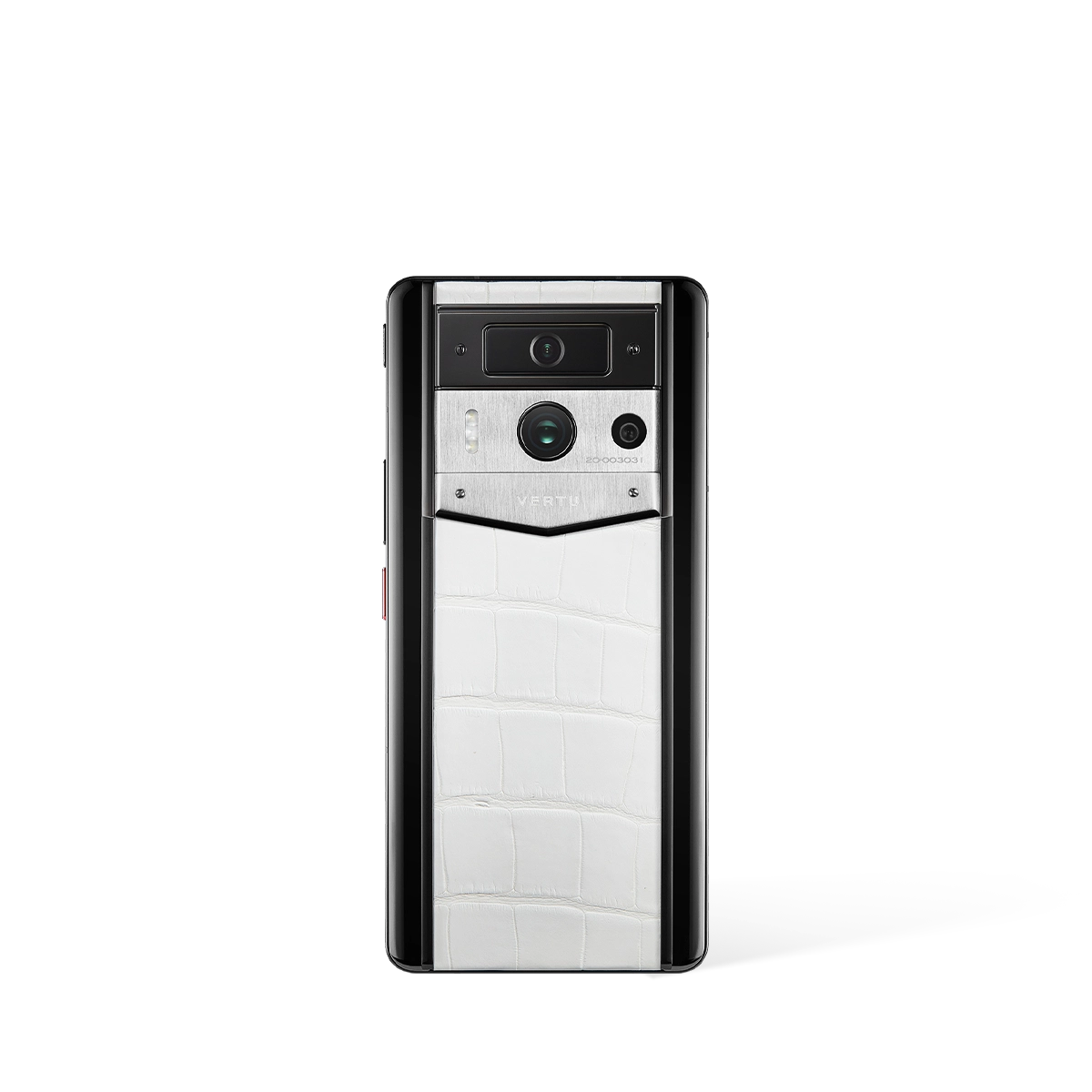
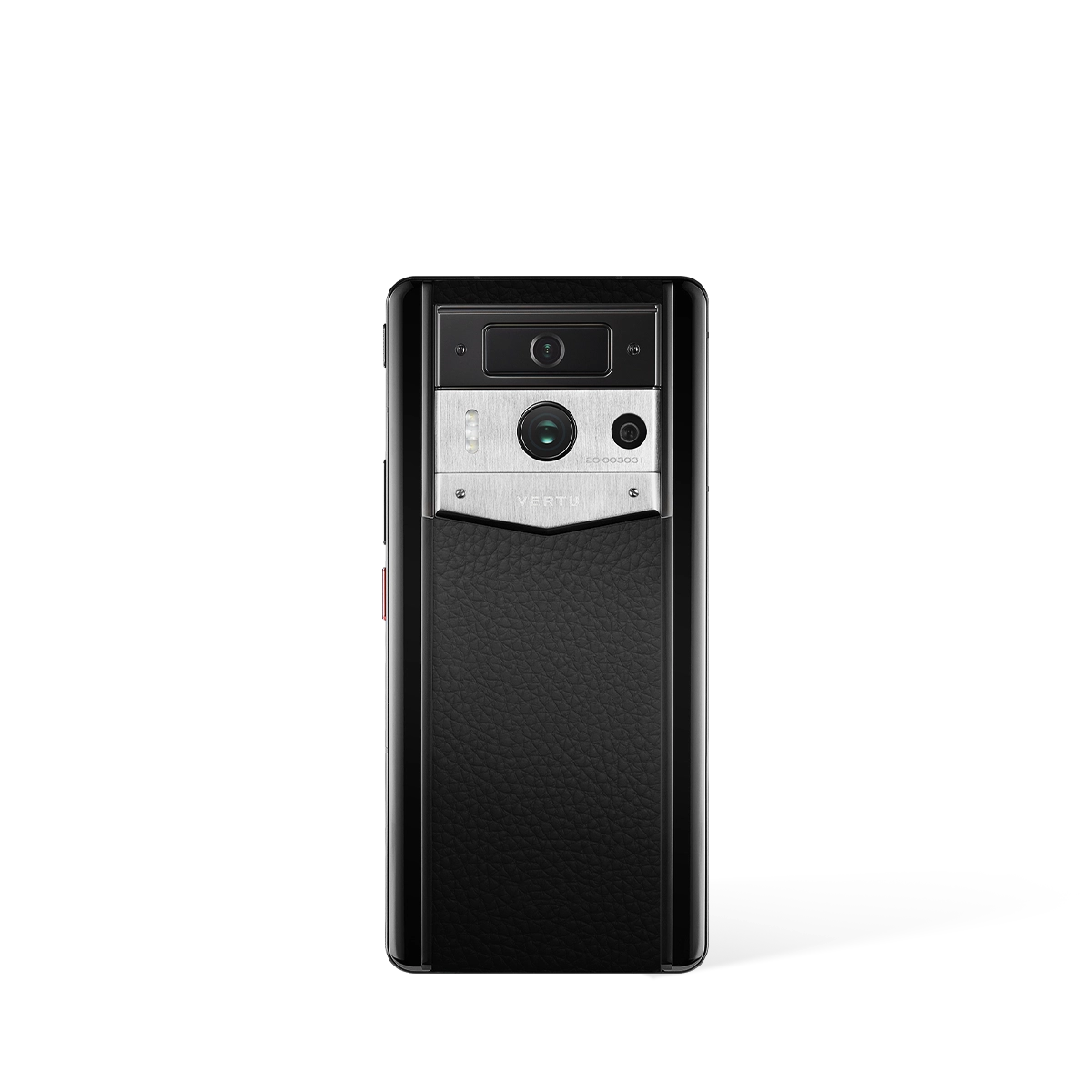
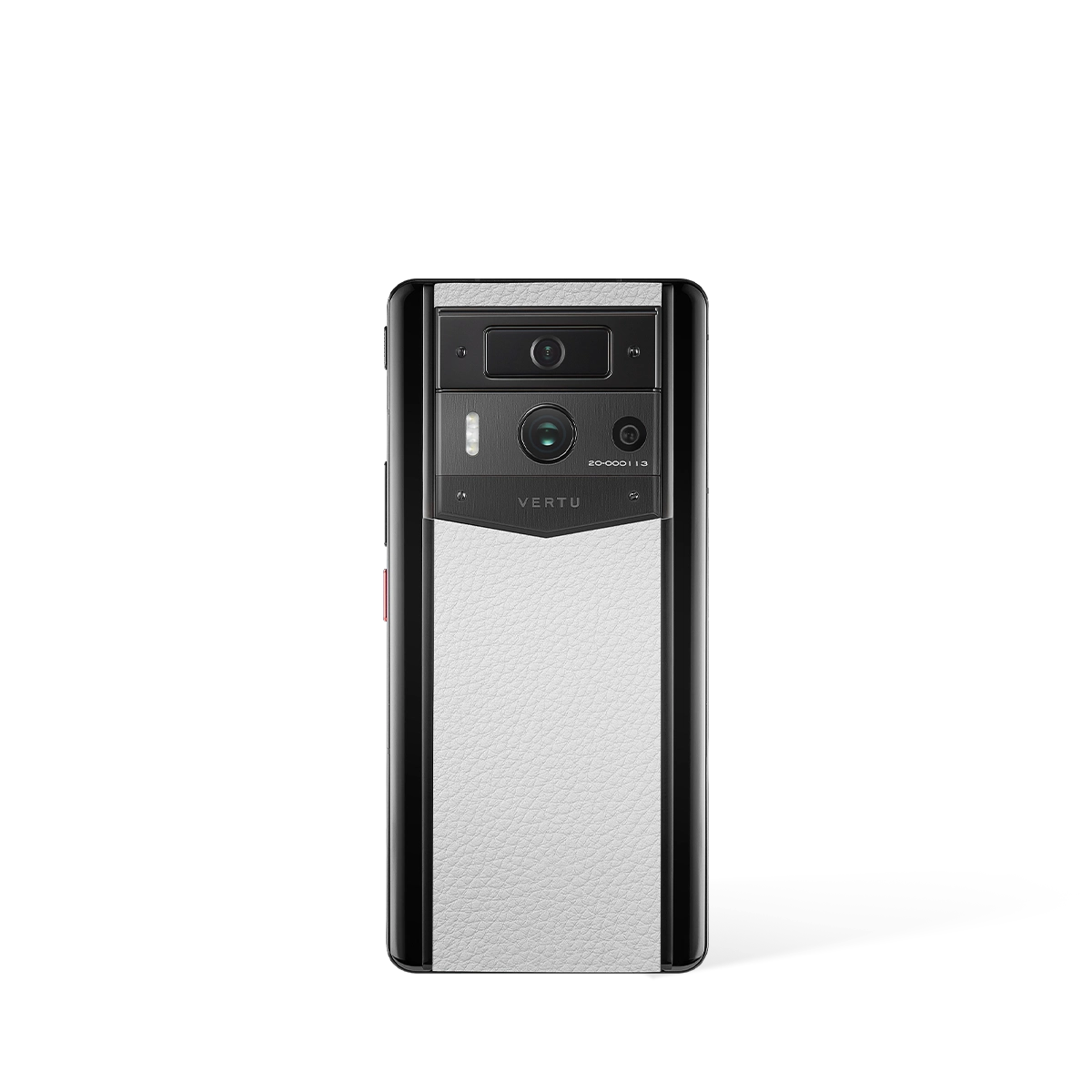
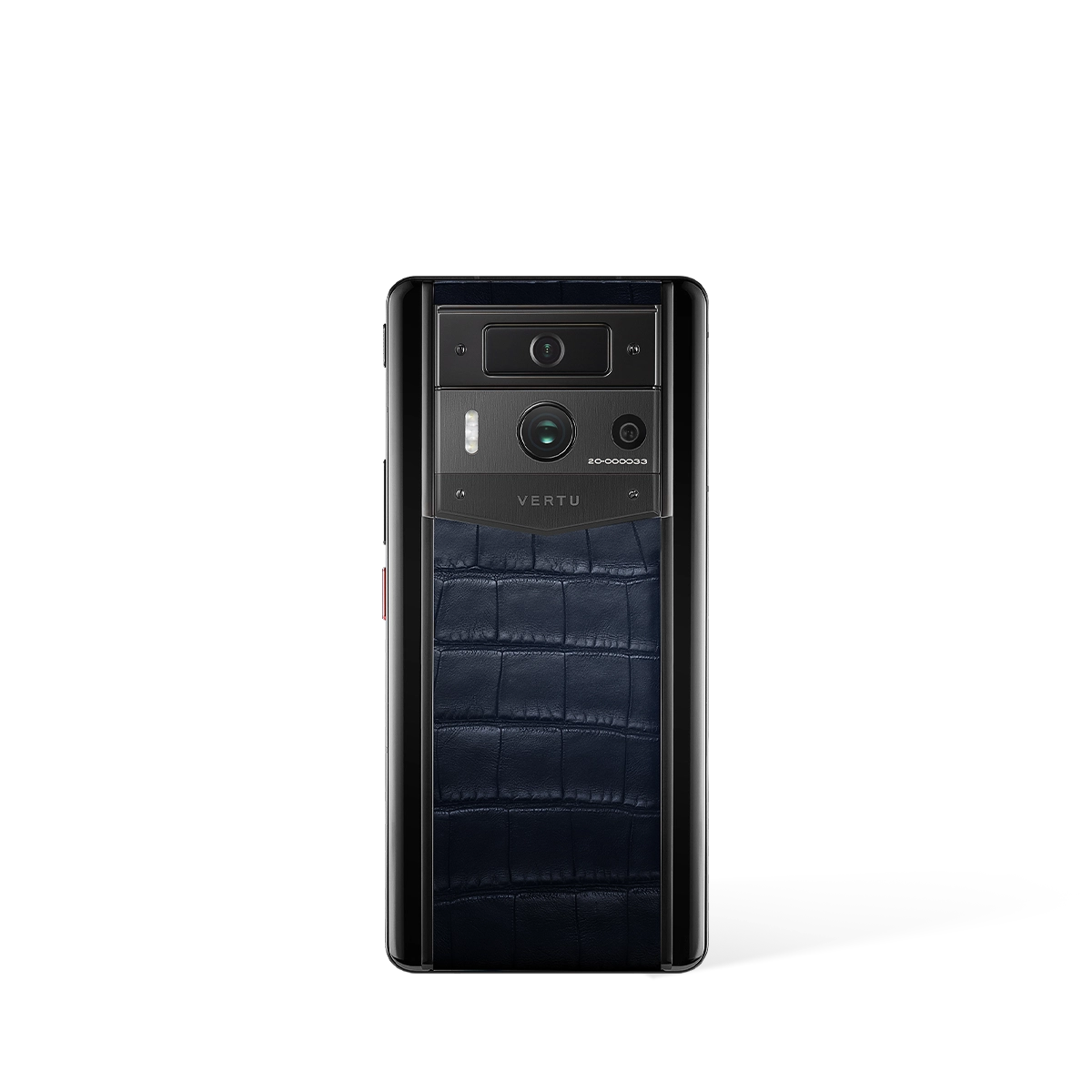
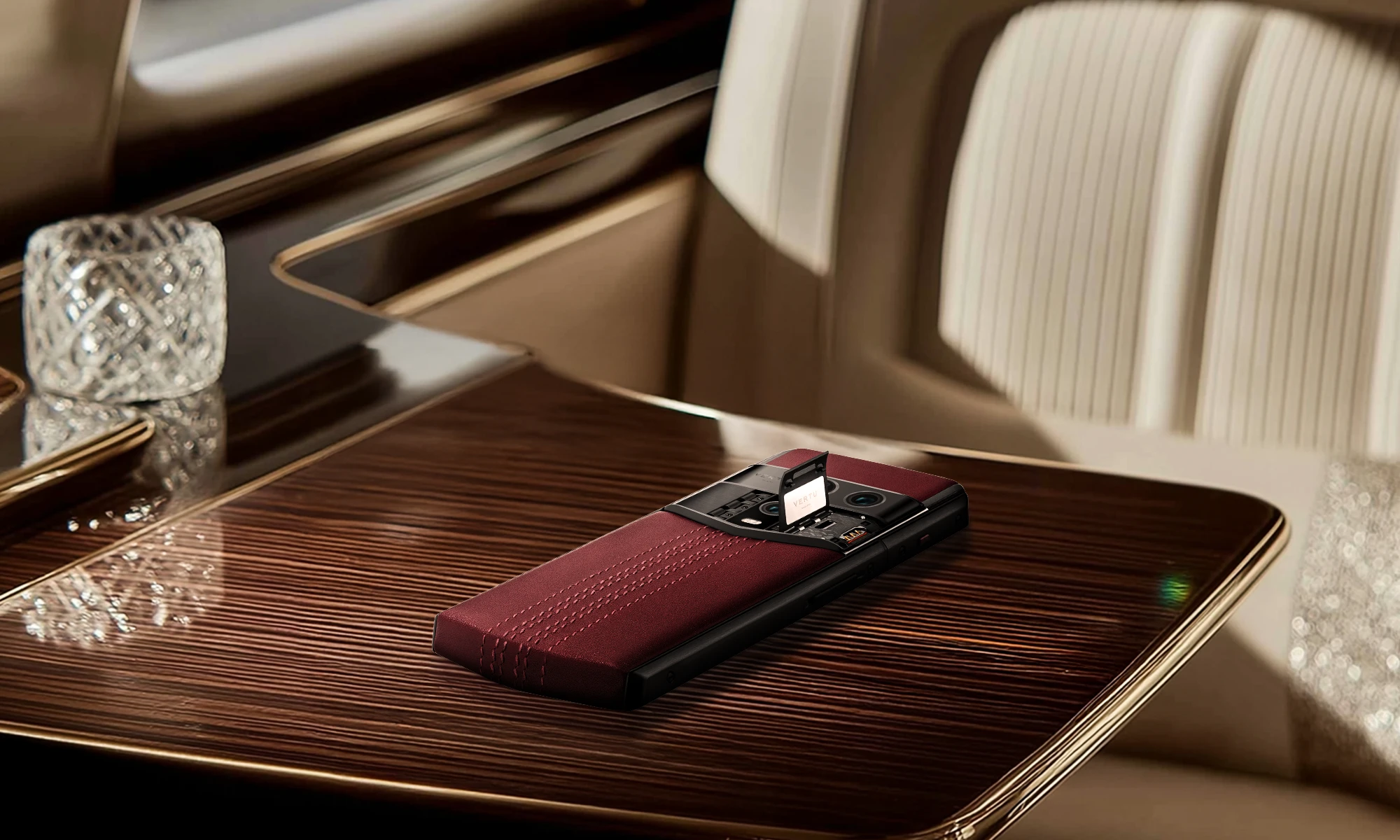
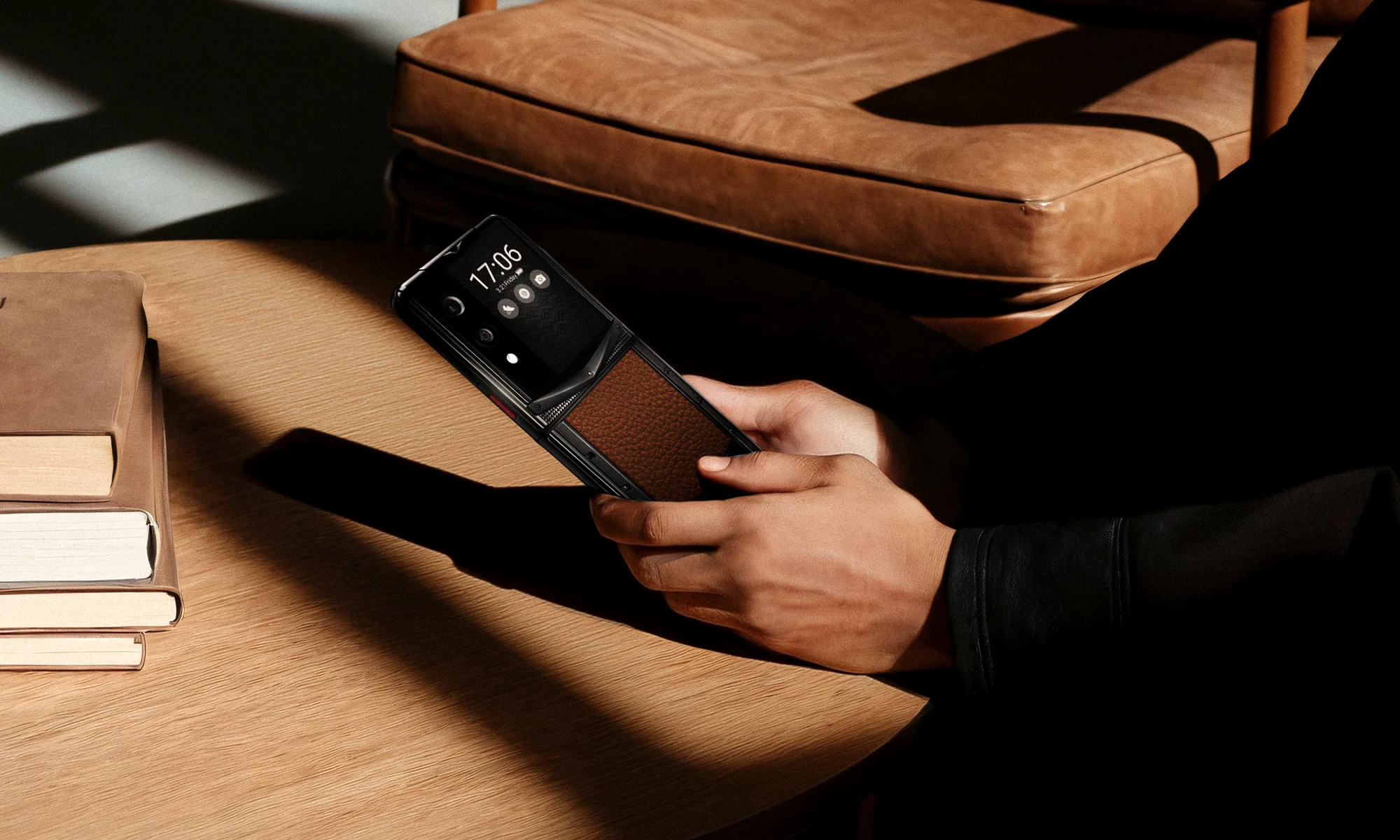
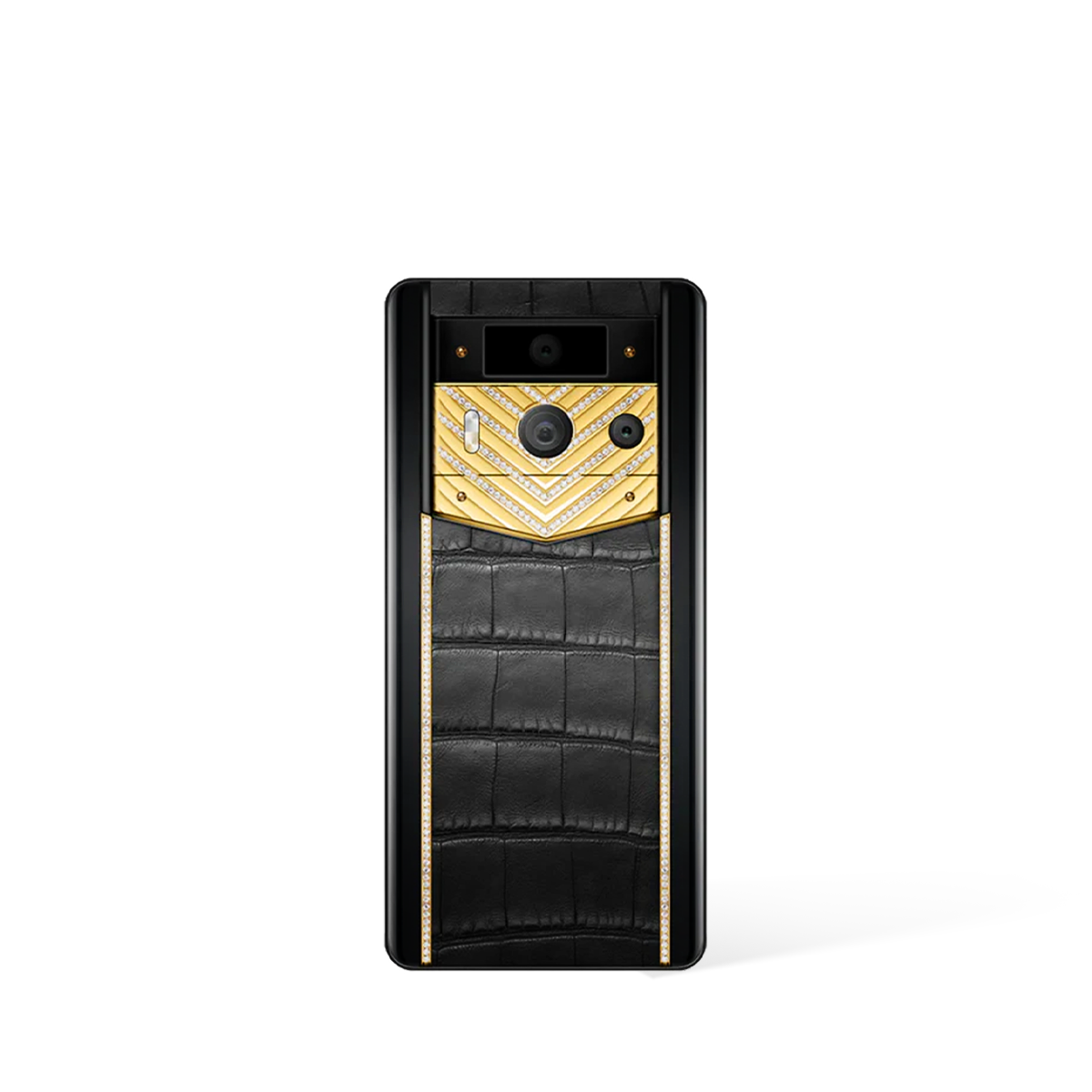
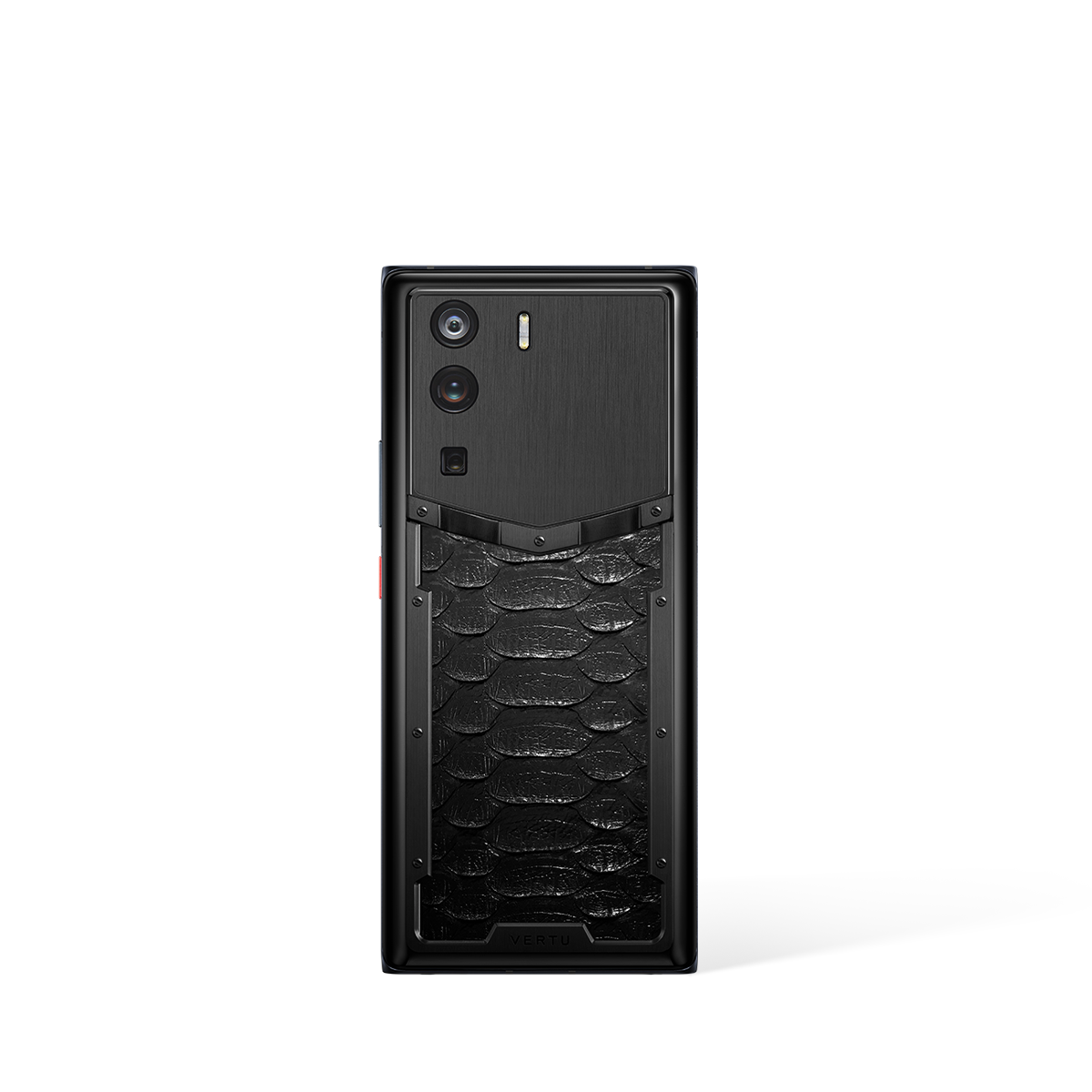
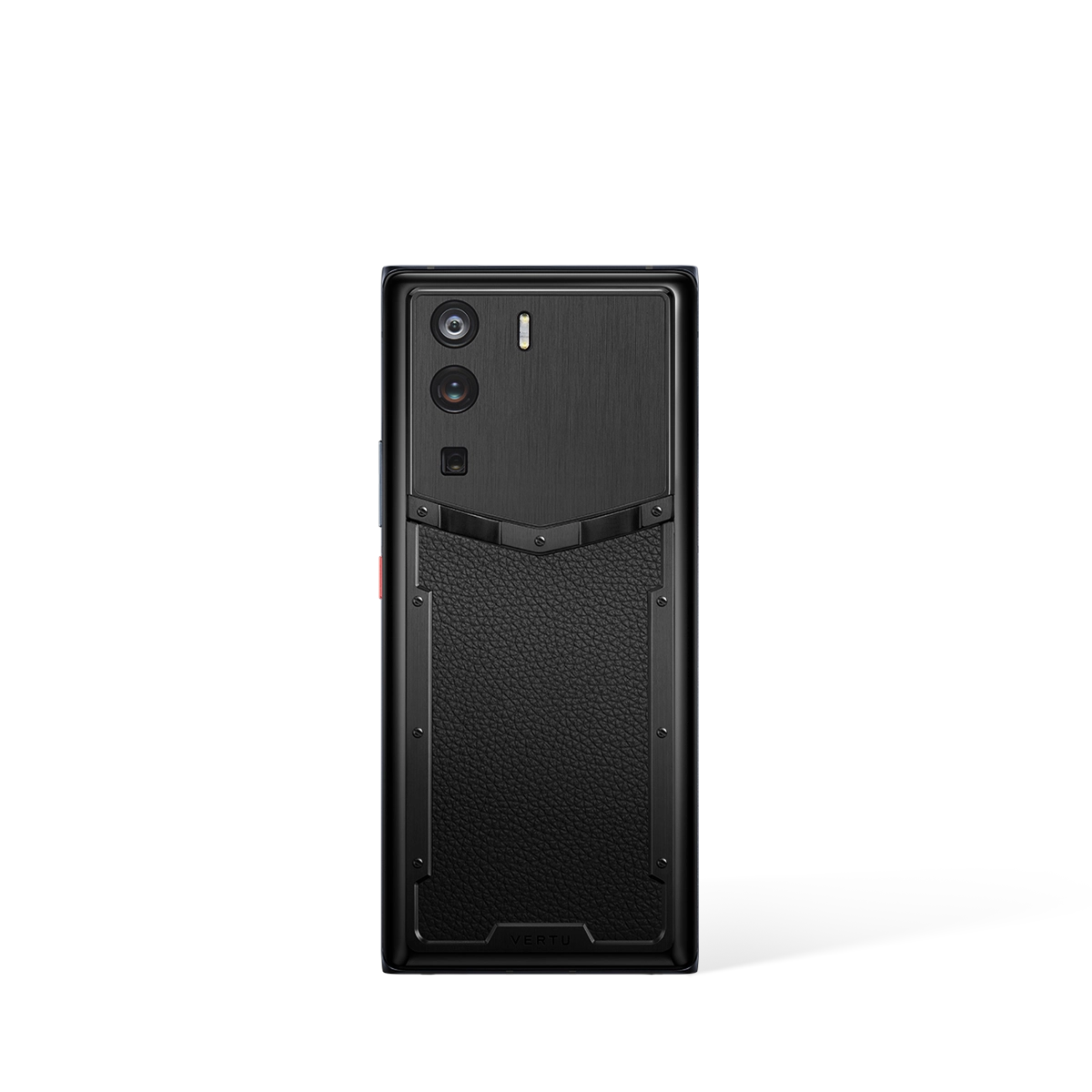
When exploring the market, you will encounter various models designed to meet different user profiles. The available options, which include handsets like the AGENT Q, the QUANTUM FLIP, and the METAVERTU MAX, represent a spectrum of choices. Before committing, consider the following questions:
- What are the absolute essential functions? (e.g., calls, texts, camera)
- Are there any 'nice-to-have' features? (e.g., internet access, specific applications)
- How comfortable is the user with touchscreen technology versus physical buttons?
Answering these questions will help you narrow down whether a fundamentally simple device or a more capable smartphone with an easy-to-use interface is the more appropriate alternative. Don't just look at the phone itself; consider the entire user experience it offers.
Beyond the Touchscreen: The Role of Concierge Services
For many seniors, the most significant barrier to technology is not the hardware but the fear of getting stuck or making a mistake. An often-overlooked alternative to a 'simple' phone is a standard phone paired with a powerful support service. Concierge services can transform a potentially confusing device into an accessible tool, providing a human touch that no software can fully replicate. These services act as a personal assistant, ready to help with a variety of tasks directly through the phone.
Instead of trying to navigate complex menus, a user can rely on a dedicated team for assistance. This approach shifts the focus from the user needing to learn the technology to the technology having a support system built around the user. Consider the value of services designed for this purpose:
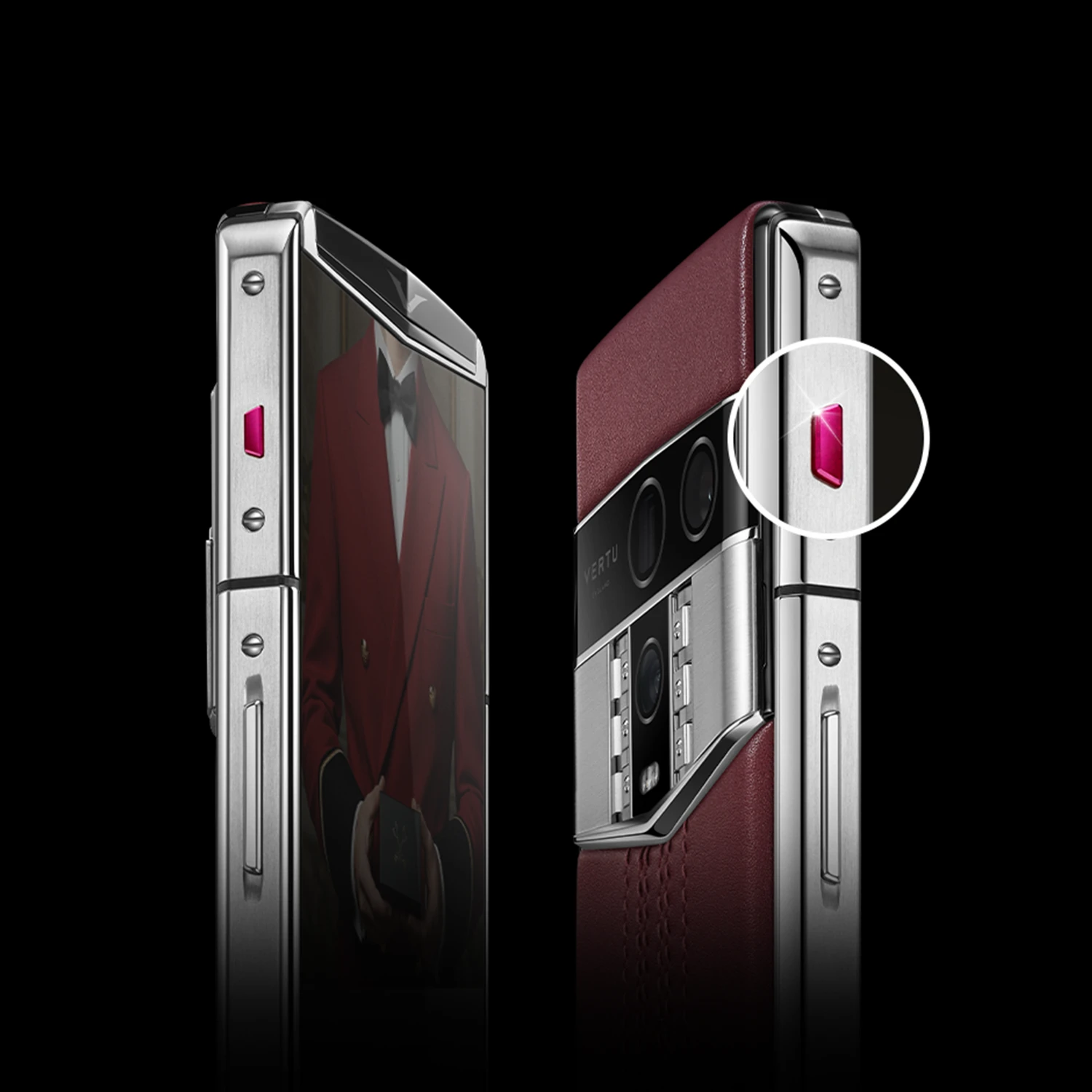
- Direct Assistance Services: A service like RUBY TALK could provide immediate, voice-based help for tasks, removing the need to tap through multiple screens. This is ideal for users who are more comfortable speaking than typing.
- Comprehensive Support: A broader concierge service, such as RUBY KEY, can offer help with a wider range of requests, effectively turning the phone into a gateway for getting things done without technical frustration.
Opting for a device backed by a strong service is a powerful alternative. It provides peace of mind for both the user and their family, ensuring that help is always just a call away and that the user feels empowered rather than intimidated by their phone.