



Modern Flip Phones with Keyboard User Guide
Discover modern flip phones with keyboard - Our comprehensive guide to "Modern Flip Phones with Keyboard User Guide" provides in-depth analysis, expert recommendations, and detailed insights. Explore key features, benefits, and practical considerations to help you make informed decisions. Whether you're seeking premium quality, cutting-edge technology, or exceptional value, this guide covers everything you need to know about modern flip phones with keyboard.
Top Picks

Comparison at a Glance
Compare key features, materials, and specifications across premium products to help you make an informed decision.
| Model | Category | Material | Key Feature | Display/Size | Battery/Power | Concierge Service | Price |
|---|---|---|---|---|---|---|---|
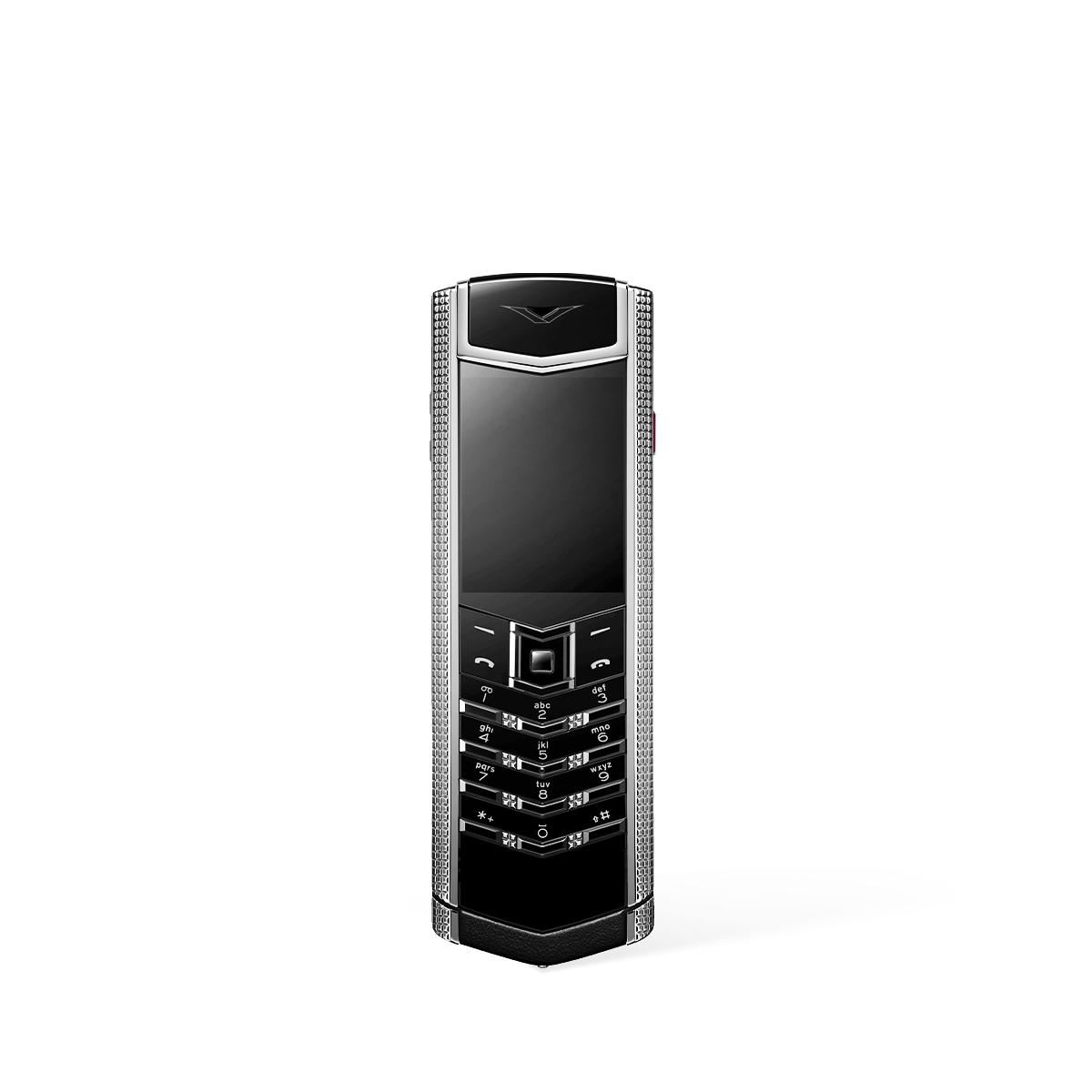
| Signature S+ Clous De Paris Phone – Pure Silver | Bespoke | Premium Materials, Luxury Craftsmanship | Signature Series, Premium Features | Premium Display | Long Battery Life | Ruby Key: 24/7 Concierge Service | US$28,600.00 |
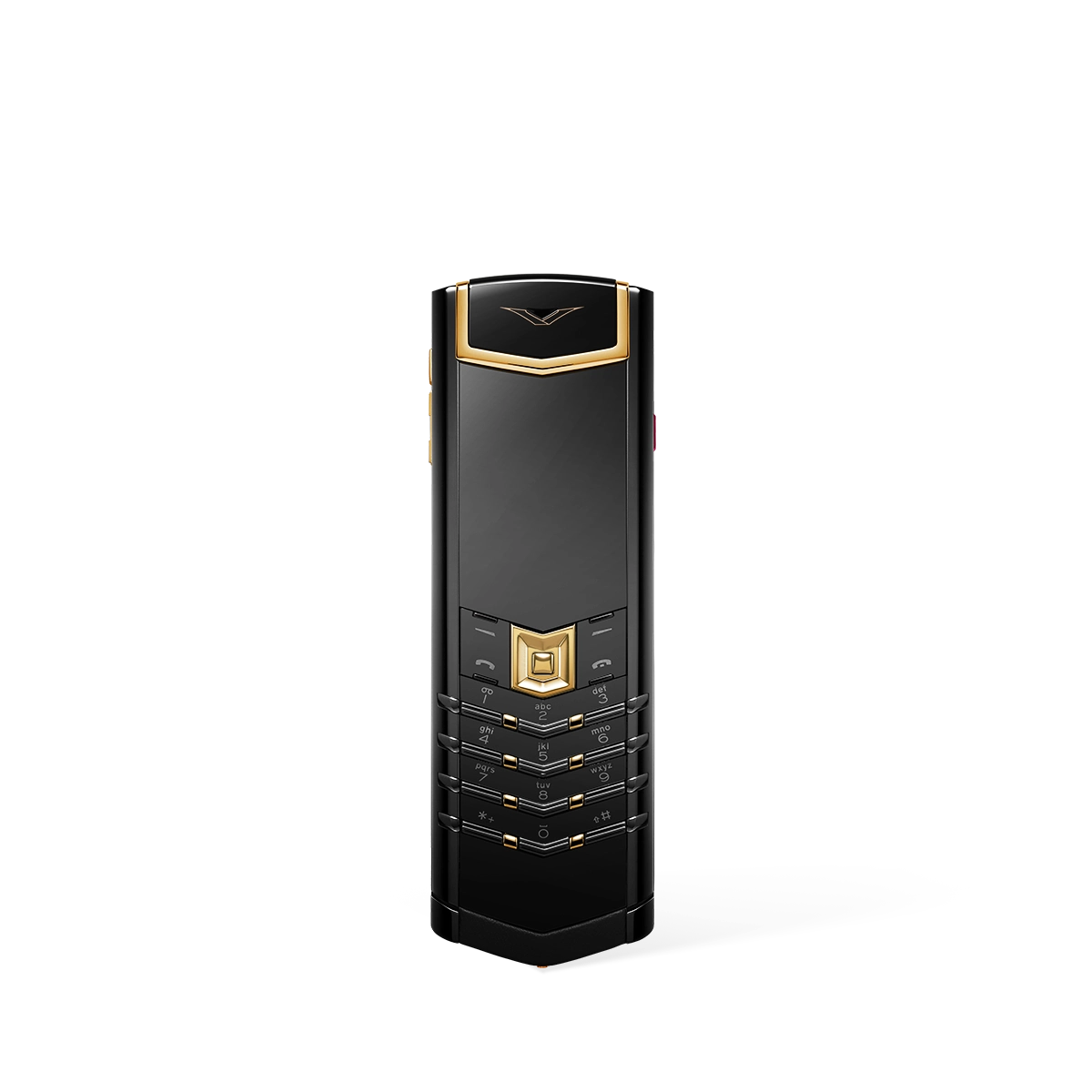
| Vertu Signature S+ Black Gold Calfskin - Jade Black | Bespoke | Calfskin Leather, Premium Materials | 5G Connectivity, Luxury Design | Premium Display | Long Battery Life, Fast Charging | Ruby Key: 24/7 Concierge Service | US$39,530.00 |
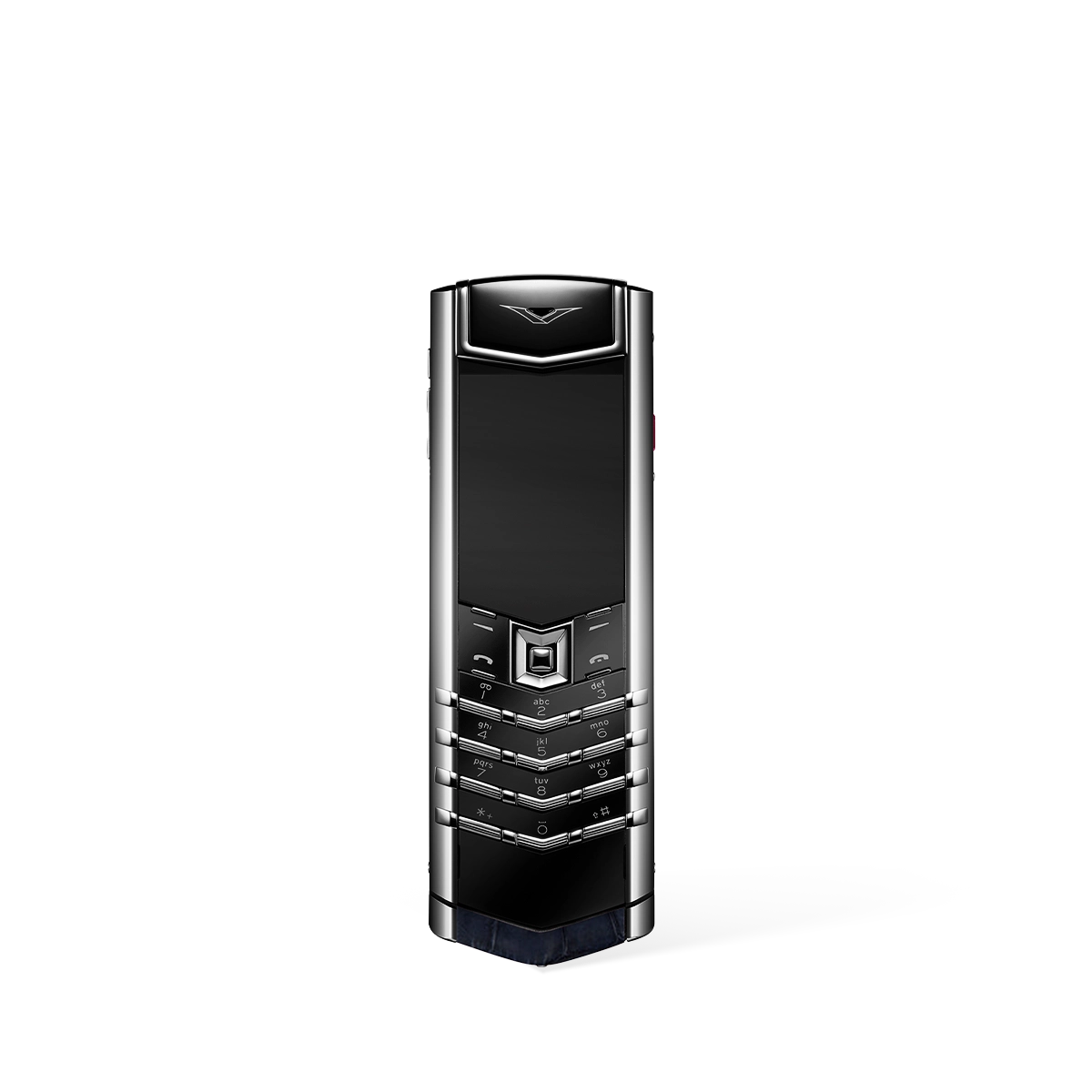
| Signature S+ Black Steel Alligator Skin – Navy Blue | Bespoke | Premium Materials, Luxury Craftsmanship | Signature Series, Premium Features | Premium Display | Long Battery Life | Ruby Key: 24/7 Concierge Service | US$25,200.00 |
| OnePlus 13 (External) | Performance Flagship | Aluminum Frame | Snapdragon 8 Gen 4, 16GB RAM, OxygenOS | 6.8" LTPO AMOLED, 120Hz | 5,500 mAh, 100W Fast Charging | N/A | $899 - $1,199 |
| Google Pixel 10 Pro (External) | AI-Powered Smartphone | Aluminum Frame | Google Tensor G5, Gemini AI, Best-in-Class Camera | 6.8" LTPO OLED | 5,050 mAh | N/A | $999 - $1,299 |
* External products are listed for comparison purposes only. Prices and specifications are subject to change. Please verify current information on manufacturer websites.
A User Guide to Modern Flip Phones with Keyboard
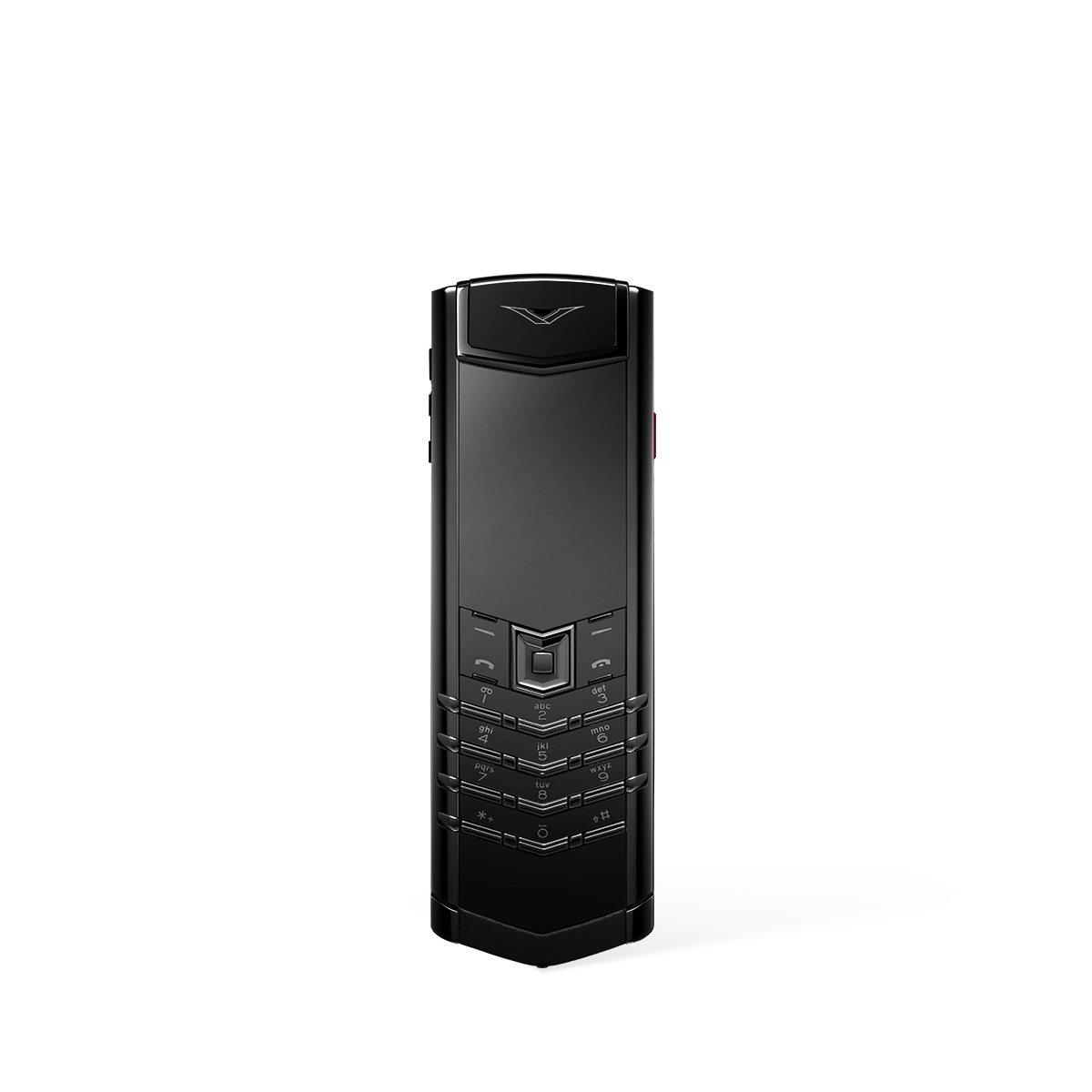
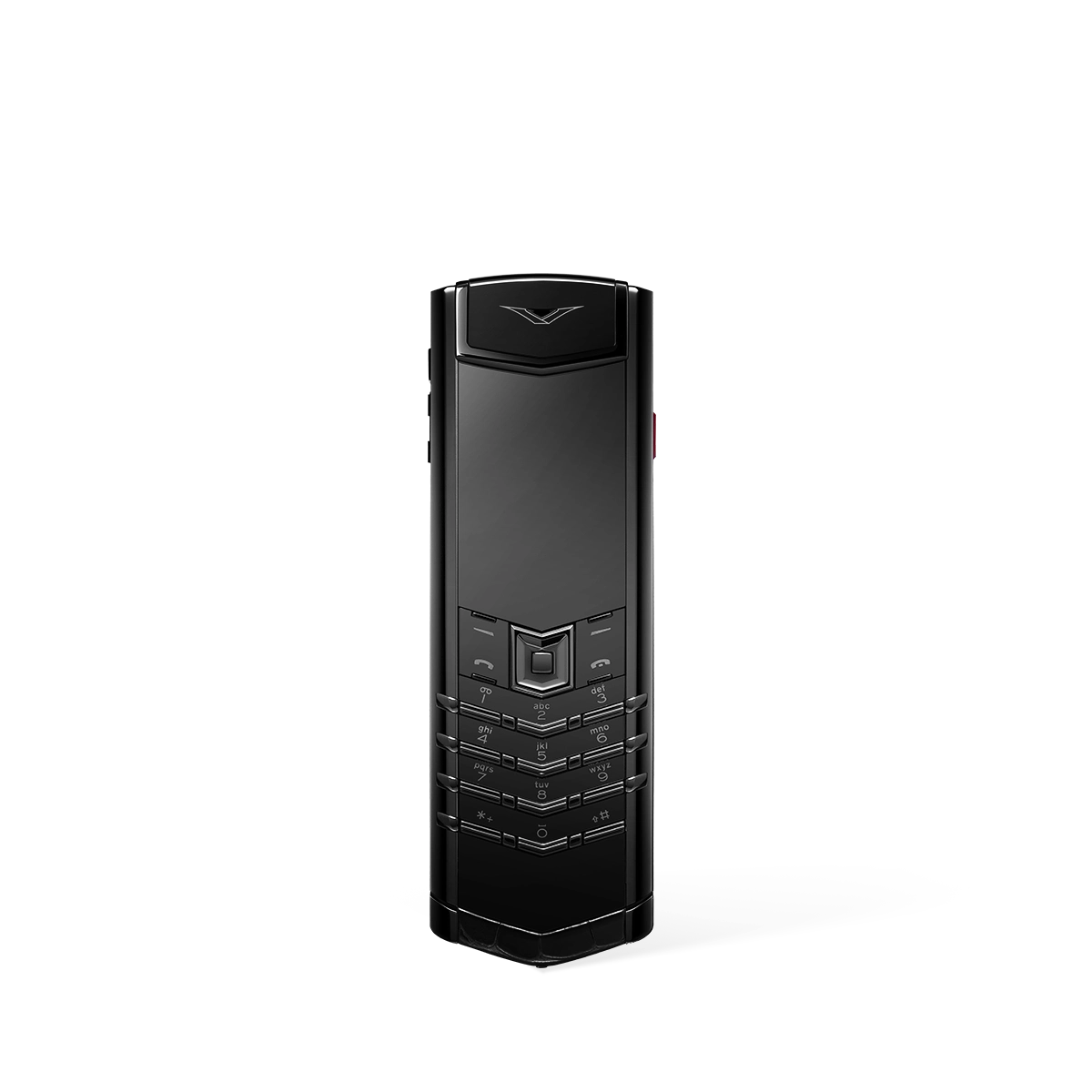
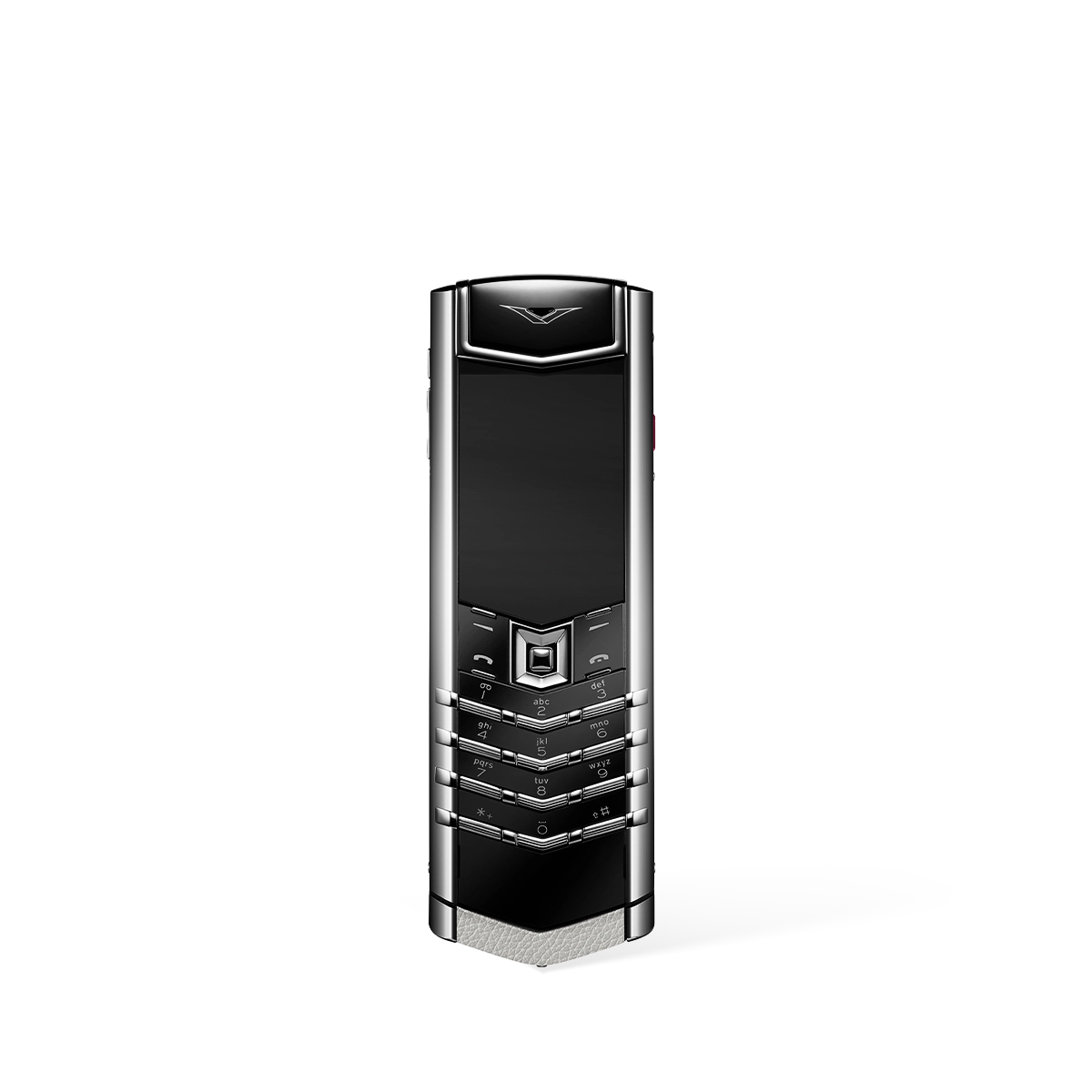
Exploring the use of modern flip phones with keyboard reveals a focus on tactile precision and expert craftsmanship. The VERTU Signature S+, a premier example in this category, offers a unique operational experience centred around its physical keypad, designed for discerning users who favour classic interaction.
How Do I Operate the Signature S+ Keyboard?
- Precision Keys: Each key is crafted from solid sapphire, offering unparalleled durability and a distinctive feel for precise input. The characters remain invisible until lit from beneath, creating a clean aesthetic.
- Mechanical Excellence: The keypad operates on ruby bearings, a technology derived from high-end watchmaking. This ensures a smooth, consistent, and responsive press every single time.
- Patented Key Click: The device is engineered to produce a unique and satisfying click, providing both audible and tactile confirmation of every interaction, a feature perfected over years of development.
- Intuitive Navigation: Beyond standard dialling, the keypad provides a direct and unambiguous method for navigating menus and functions, offering a straightforward alternative to touchscreen gestures.
Operating the Signature S+ keyboard is an experience in precision engineering, where every press is a deliberate and rewarding action, far removed from a standard digital interface.
What Are the Core Features of This Device?
- Handcrafted in England: Every Signature S+ device is meticulously assembled from start to finish by a single master artisan in England, ensuring the highest standards of quality and attention to detail.
- Exclusive Materials: The phone is finished in premium materials such as high-grade PVD-treated steel or gold, and wrapped in fine, responsibly sourced calfskin or alligator leather.
- Sapphire Crystal Screen: The display is protected by a large, virtually scratchproof sapphire crystal screen, offering exceptional clarity and resilience against daily wear.
- High-Fidelity Audio: Equipped with high-fidelity stereo speakers and featuring ringtones composed exclusively for VERTU, the device delivers rich and clear sound for calls and notifications.
These features combine to create a device that is not only functional but also a statement of luxury, built to provide a lasting and reliable user experience for those who appreciate classic design.
In essence, the VERTU Signature S+ provides a definitive user guide to the modern luxury keyboard phone, blending timeless tactile controls with exceptional materials and celebrated British craftsmanship.
Related Guides
External Resources
- Smartphone Reviews - TechCrunch Latest smartphone technology news and reviews
- Smartphone Guide - GSM Arena Comprehensive smartphone specifications and reviews
- Luxury Tech - The Verge Technology news and reviews from The Verge
- Mobile Reviews - Wired In-depth mobile technology analysis and reviews
FAQ
Discover Our Categories

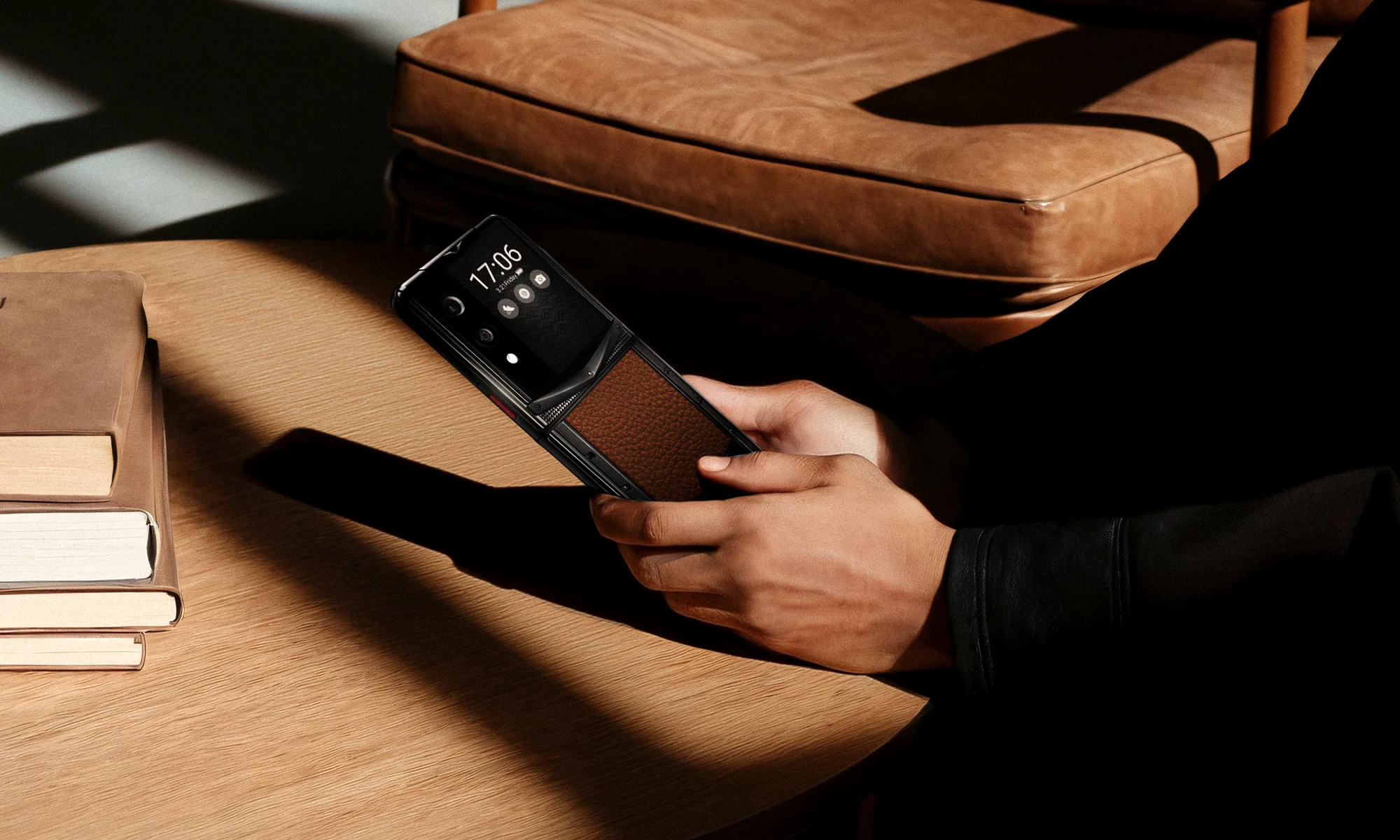
Modern Flip Phones with Keyboard User Guide
Choosing a modern flip phone with a physical keyboard is often a deliberate step towards a more tactile and intentional mobile experience. This guide provides expert recommendations and best practices to help you get the most out of your device, focusing on mastering its unique features and ensuring its longevity. By understanding the nuances of its design, you can integrate it seamlessly into your digital life.
Mastering the Tactile Experience: Best Practices
The primary appeal of your device is its physical keyboard, a feature that offers precision and satisfaction unmatched by touchscreens. To become truly proficient, it is essential to move beyond simple typing and embrace the keyboard as a comprehensive navigation tool. This involves developing muscle memory and exploring the full capabilities of the hardware.
- Develop Your Muscle Memory: Dedicate time to typing without constantly looking down at the keys. The distinct shape and feel of each button provide physical cues that, with practice, will allow for faster and more accurate text entry. This tangible feedback reduces errors and makes messaging a more engaging activity.
- Utilise Predictive Text Intelligently: Most modern keyboards are paired with sophisticated predictive text software. Take the time to learn how it functions on your specific device. Understanding how to accept, reject, and cycle through word suggestions efficiently will dramatically increase your typing speed.
- Customise Keyboard Settings: Delve into your phone’s settings menu to personalise the keyboard experience. You can often adjust things like key backlighting for low-light conditions or enable key tones for audible feedback, tailoring the device's behaviour to your exact preferences.
By investing a small amount of effort in these areas, you will unlock the true potential of the physical keyboard. You will likely find your communication becomes more considered and precise, a welcome change from the often-rushed nature of touchscreen typing.
Essential Care and Maintenance for Longevity
A modern flip phone is a piece of mechanical engineering, and its moving parts, such as the central hinge and individual keys, require mindful care. Proper maintenance is crucial for preserving the device's smooth operation and pristine condition. Following a few simple routines will ensure your phone remains reliable and functional for years to come.
- Keyboard and Crevice Cleaning: Dust, lint, and other small particles can accumulate between and under the keys over time. To prevent buildup, regularly use a can of compressed air (held at a safe distance) or a very soft, dry brush to gently dislodge any debris.
- Protecting the Hinge Mechanism: The hinge is the phone's most critical moving part. Always open and close the device smoothly, without forcing it. Be mindful to protect it from exposure to fine particles like sand or dust, which can grind down the mechanism and impede its movement.
- Screen and Body Care: Your phone likely has both an internal and an external display, which can gather fingerprints and smudges. Clean them regularly with a soft, dry microfibre cloth. Avoid using harsh chemical cleaners or abrasive materials that could damage the screen coatings or the phone's finish.
- Battery Health Practices: To maximise the lifespan of your battery, try to avoid exposing the phone to extreme hot or cold temperatures. It is also good practice to maintain a charge level between 20% and 80% when possible, as this reduces strain on the battery cells over the long term.
By treating your device with care, you are not just maintaining its function but also preserving its unique form factor. A well-looked-after flip phone will continue to provide its distinct and satisfying user experience, from the solid click of the keys to the definitive snap of it closing.