

| Tool | Platform | Primary Function | Best For |
|---|---|---|---|
| Wondershare Filmora | Cross-Platform | Text-to-GIF AI | Professional Video |
| GIPHY GIF Maker | Web | Library & Sharing | Social Media |
| ScreenToGif | Windows | Screen Capture | Tutorials/Demos |
| Photoshop | Desktop | Layer Control | Detailed Editing |
| Cloudinary API | API | Automated Transform | Developers |
In the hyper-competitive digital landscape of 2026, relying solely on static images simply isn't enough to capture attention. To truly engage your audience, you need dynamic visuals that demand to be seen. However, nothing hurts your brand's professional image more than sharing grainy, pixelated animations that lack definition.
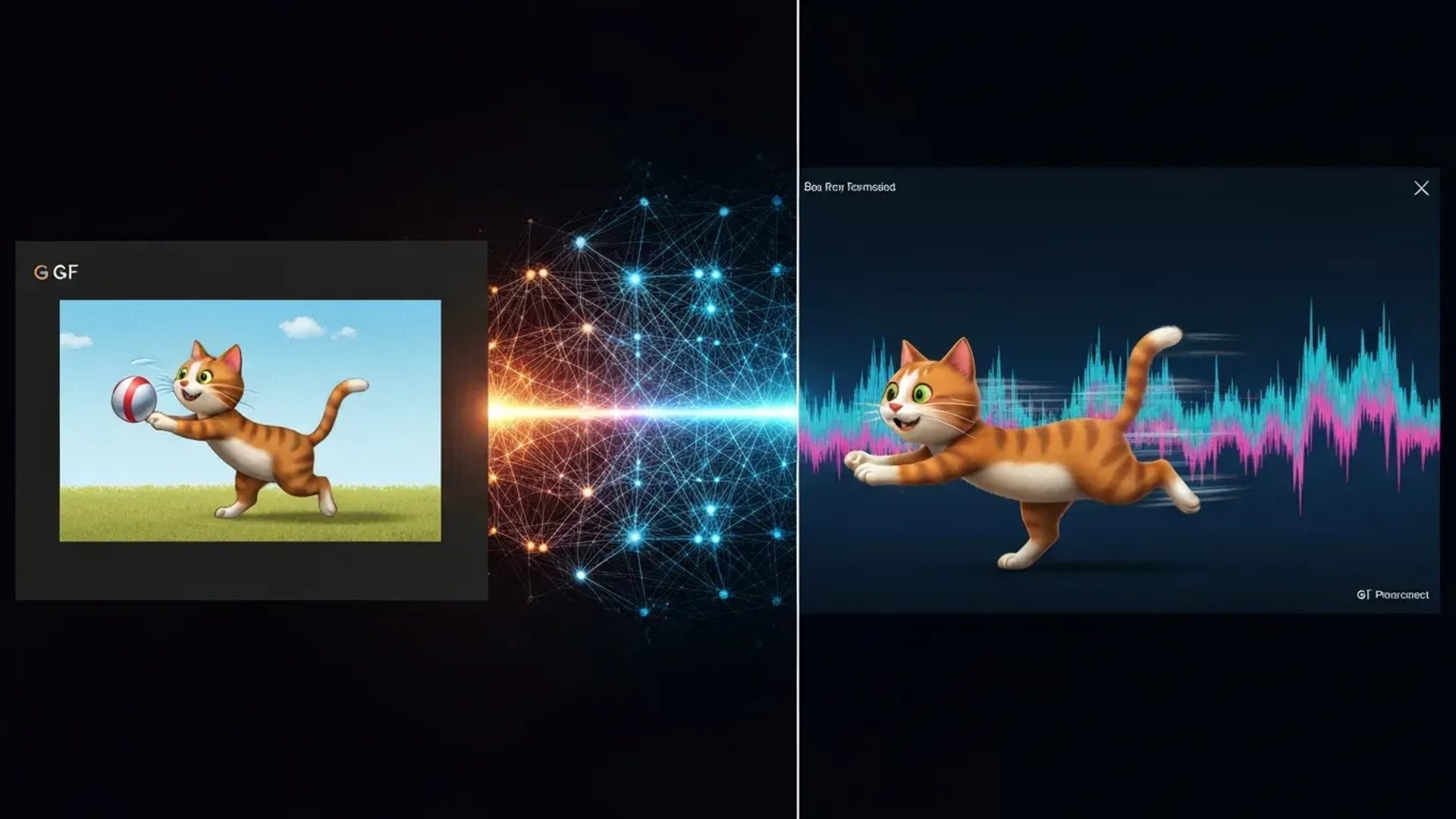
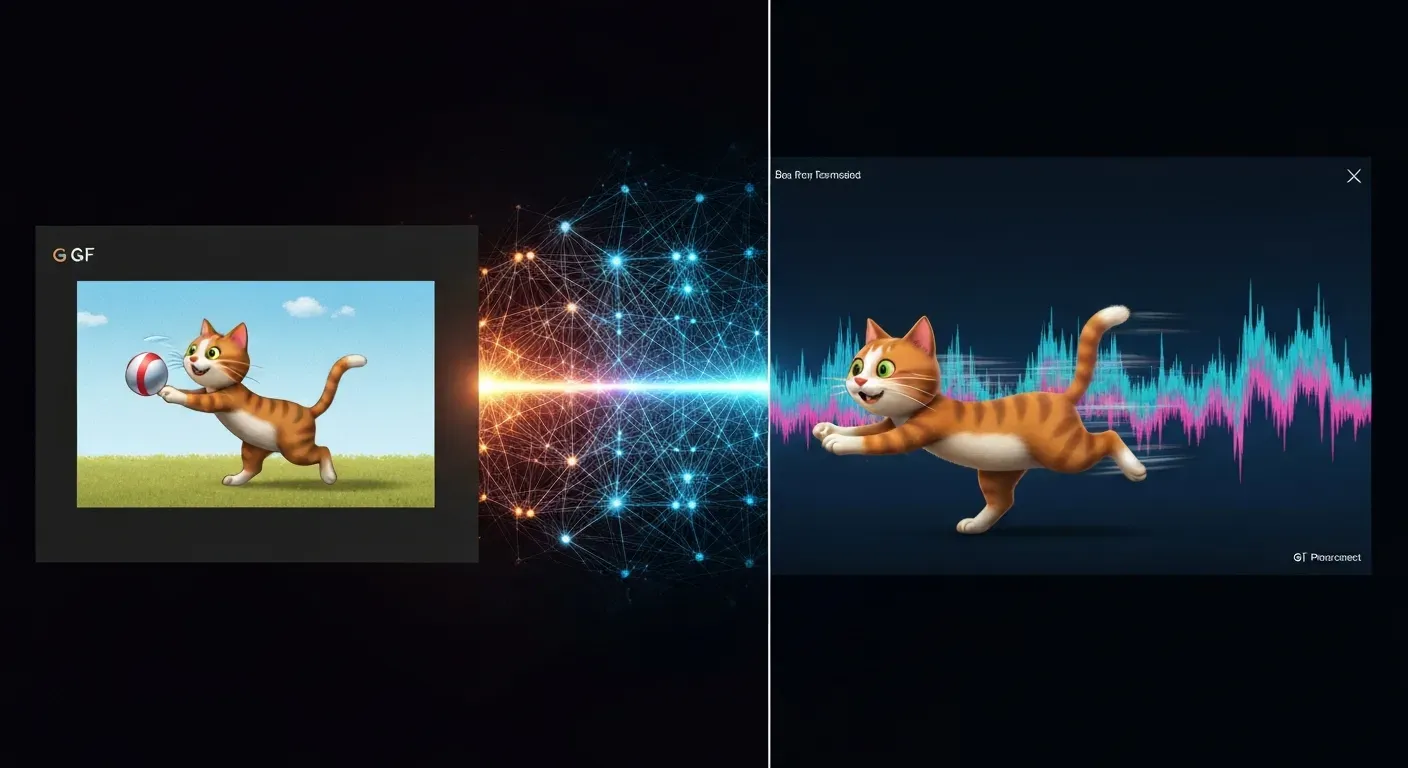
Fortunately, the latest video technology makes it easier than ever to fix these quality issues. By leveraging a dedicated AI gif enhancer , you can effortlessly upscale blurry footage into high-definition masterpieces. These intelligent tools automatically refine edges, reduce noise, and boost resolution, ensuring your visuals look crisp on every device.
Are you ready to transform your marketing assets with unparalleled image quality? In this guide, we will explore the top 7 enhancers, covering industry leaders like Wondershare Filmora and Photoshop. Read on to discover the perfect tool that will help you create captivating, crystal clear animations that stand out.
Top 7 AI GIF Enhancers for Crystal Clear Animations in 2026
Visual content in 2026 requires absolute clarity. An AI gif enhancer upgrades low-resolution animations into sharp, professional assets. Creators use these tools to fix blur, adjust frame rates, and optimize file sizes.
The following list highlights seven top solutions for generating and refining GIFs. These range from powerful desktop software to versatile API integrations.
1. Wondershare Filmora
In 2026, Wondershare Filmora functions as a premier all-in-one creator. It integrates advanced AI tools for detailed editing, layering, and styling. Users can even generate animations directly from text prompts, streamlining the creative process.
The software supports cross-platform compatibility and exports high-quality files. It is a versatile choice for professional video projects. The system handles complex layering tasks efficiently, suiting creators who need a robust, standalone application.
2. GIPHY GIF Maker
GIPHY GIF Maker operates as a premier online platform and community hub. Its intuitive interface allows for instant creation, enabling users to enhance content with a vast library of animation effects.
The platform provides specific editing tools designed for social media marketing . It streamlines the sharing process across networks. Marketers can access and remix trending content quickly.
3. ScreenToGif
ScreenToGif runs as a free, open-source Windows program. It captures screen activity or webcam feeds efficiently, converting these recordings into editable files instantly.
Its built-in editor supports precise trimming and text overlays. This lightweight tool handles specific animation requirements effectively. It serves users who need to document software processes or create clear tutorials.
4. Photoshop
Adobe Photoshop offers professionals ultimate control over production. It provides comprehensive tools for manipulating colors, layers, and timing. The timeline panel manages frame-by-frame details with precision.
The 'Save for Web' feature optimizes high-quality visual assets. It remains a standard for professional video production. Designers can fine-tune every pixel within an animation for maximum clarity.
5. GIF Maker: Meme & GIF Creator
This mobile app utilizes AI for smart generation and supports distinctive 3D-style animations . The application simplifies complex tasks like background removal. It is ideal for on-the-go editing.
Users can create short looped video clips easily. It facilitates quick social sharing for business purposes. The app targets mobile-first content creators requiring speed and portability.
6. Image to GIF Converter
This free online tool simplifies format conversion in 2026. It accepts JPG, PSD, PNG, WEBP, TIFF, and HEIC files. The process ensures lossless conversion to high-quality outputs.
Users enjoy a secure, ad-free environment where drag-and-drop functionality increases photo editing efficiency. It provides a quick solution for static image transformation. No software installation is required.
7. Cloudinary API
The Cloudinary API provides a programmatic interface that manages automated and advanced enhancements. The system performs sophisticated image and video transformations suitable for enterprise needs.
Features include AI-powered improvements and format conversion. These integrate seamlessly into larger marketing workflows. Developers use this API to automate asset optimization at scale.
Choosing the Right AI GIF Enhancer for Your Business in 2026
Selecting the correct software determines your workflow efficiency. Businesses must evaluate specific requirements before purchasing. Whether you need assets for social media or high-resolution displays, the market offers distinct tiers of software.
You must match the tool's capabilities to your production goals. Consider the complexity of your projects and your team's technical skills.
Consider Your Needs: Simple Animations vs. Complex Edits
Define your primary output goal. Marketing teams often require quick, simple animated GIFs for social media platforms like X or Instagram. These assets prioritize speed and file size over intricate detail.
Conversely, video production departments need robust solutions for professional videos. They require high image resolution and precise control. Identify if you need rapid content generation or pixel-level control for 4K displays.
AI Features: What to Look For
Modern tools utilize specific AI capabilities. Look for an AI gif enhancer that supports AI GIF generation directly from text prompts. This feature automates asset creation and saves valuable time.
Essential features include AI image enhancement to fix blurry photos. Look for AI upscaling capabilities to increase resolution by 200% or 400%. These functions ensure visual assets remain sharp on large screens.
Ease of Use and Learning Curve
Evaluate the user interface against your team's skills. Platforms like GIPHY or dedicated meme creators suit beginners requiring immediate results. Adobe Photoshop provides advanced control but demands significant training time.
| Feature | GIPHY / Meme Creators | Adobe Photoshop |
|---|---|---|
| Target User | Beginners | Professionals |
| Learning Time | < 1 Hour | 10+ Hours |
| Control Level | Preset Templates | Pixel-Level Edit |
| Primary Use | Quick Social Posts | High-Res Assets |
Platform Compatibility and Integration
Verify operating system support. Most software runs on Windows or macOS. Some offer web-based tools or mobile apps for remote editing.
Check for integration with existing design or video creation software. Direct connections allow you to export files between programs without manual saving. This streamlines your workflow and reduces project turnaround time.
FAQ (Frequently Asked Questions)
Q1: What is the best free AI GIF enhancer in 2026?
A1: ScreenToGif and the online Image to GIF Converter are excellent free choices. They offer robust recording, editing, and optimization features without cost. These tools allow precise frame adjustments and resizing for efficient workflows.
Q2: Can AI tools improve the quality of blurry photos for GIFs?
A2: Yes, AI image enhancers specifically target low-resolution data to reconstruct details. These algorithms sharpen edges and improve resolution significantly. This ensures your animations look crisp and professional on any device.
Q3: How do AI video generators differ from AI GIF makers?
A3: AI video generators create long-form content with audio, while GIF makers focus on short, looping animations. Video generators handle complex storylines. GIF tools prioritize lightweight, silent clips for quick engagement.
Q4: What are the advantages of using an AI upscaler?
A4: An AI upscaler adds pixels to increase definition without quality loss. This results in clearer visual assets suitable for high-density displays. It prevents pixelation, ensuring marketing materials remain sharp and professional.
Q5: Is it possible to create professional videos using only GIF tools?
A5: No, professional videos usually require comprehensive editing software for timelines and audio. GIF tools are best for short, supplementary elements. Combining both toolsets yields the best results for complex projects.
Conclusion
Utilizing a robust AI gif enhancer is essential for producing high-quality marketing assets in 2026. These tools transform blurry animations into crystal-clear visuals, ensuring professional communication. Elevate your standard GIFs into powerful business tools that drive engagement today.
To maximize these benefits, explore the top tools we have reviewed. Experiment with specific upscaling features to support your video creation needs. Testing capabilities like photo restoration will help identify the best software for your workflow.
Do not settle for low-quality visuals when professional animations are within reach. Start enhancing your assets now to capture audience attention and boost your strategy. Download a top-rated enhancer today and transform your digital presence.



