

| Feature | Systweak PDF Editor | Advanced PDF Editor (High-End Tools) | Basic Free PDF Tools |
|---|---|---|---|
| Ease of Use | Very user-friendly, suitable for beginners | Feature-rich but can feel complex | Simple, but limited |
| PDF Editing | Edit text, images, fonts, and layout | Advanced editing with design-level control | Very limited or not available |
| Formatting Features | Adjust font style, font size, text color, alignment, and spacing | Extensive formatting and design tools | Basic or no formatting control |
| Annotation Tools | Highlights, notes, shapes, drawings | Extensive annotation options | Basic highlighting only |
| PDF Conversion | Converts to and from many formats (Word, Excel, PPT, Image, HTML, EPUB, etc.) | Wide format support | Usually limited formats |
| OCR Support | Yes, for scanned PDFs | Yes, often more advanced | Mostly unavailable |
| Merge & Split PDFs | Yes | Yes | Sometimes limited |
| Digital Signatures | Electronic signatures supported | Full signature and validation tools | Rarely available |
| Document Security | Password protection and basic security | Advanced permission and security controls | Minimal or none |
| Batch Processing | Supported for selected tasks | Fully supported | Not supported |
| Offline Use | Fully offline | Fully offline | Often online-only |
| Pricing | Affordable and value-focused | Expensive subscriptions | Free but restricted |
| Best For | Students, professionals, and everyday users | Enterprises and power users | Occasional, light use |
PDFs have become the standard file format in academia, business, and government. Because they maintain the format of the original document regardless of the platform being used to view it. Unfortunately, working with them isn’t always simple, particularly when many tools for editing PDFs are either too complicated or require uploading your document to the cloud. In addition to privacy concerns, users have other reasons for wanting to use an offline PDF editor, including usability, reliability, and price.
This article will provide a practical look at an offline PDF editor for everyday use. It will evaluate the ease of use, value for money, and user experience of editing PDF files with this product.
Understanding the tool and its Purpose
This offline tool is a Windows-based application that provides assistance to users in efficiently working with PDF files. Systweak PDF Editor is for those users who are involved in working with PDF files on a daily basis.
The software provides various features to its users for performing different functions concerning PDF files, such as editing PDF files, annotating PDF files, converting PDF files, securing PDF files, and working with scanned PDF files using the OCR feature of this application.
User Interface and Ease of Use
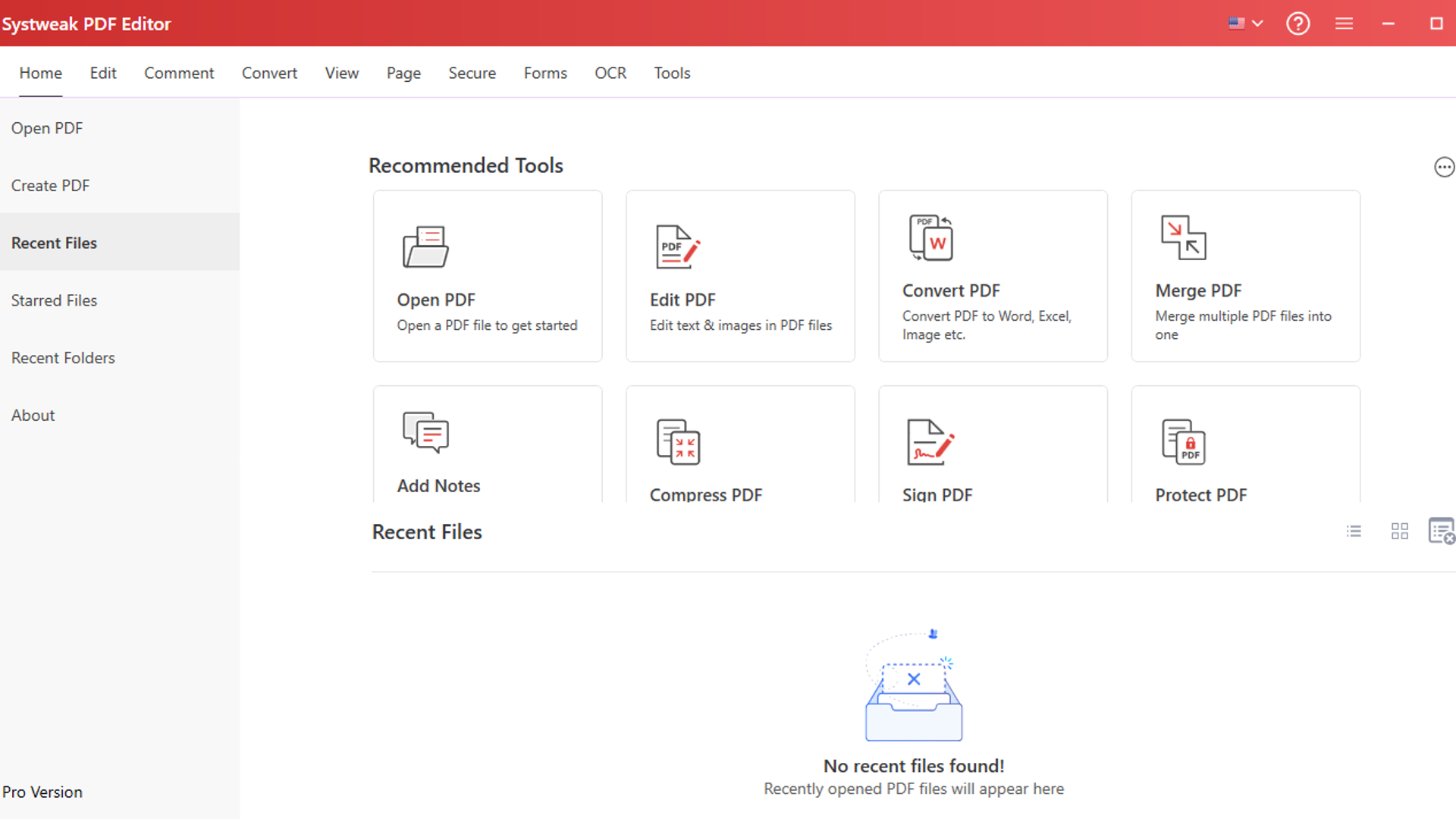
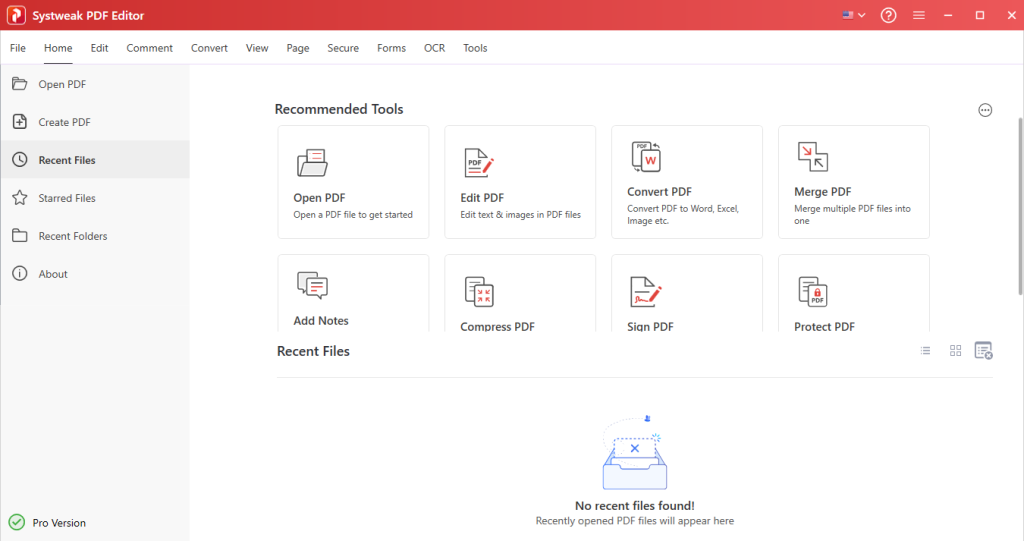
Systweak PDF Editor has a very simple and easy-to-use interface. The interface is designed in such a way that the tools are placed in a proper manner so that it becomes easy to access.
The features of editing, annotation, and conversion are also made easily accessible to the user. So you do not need to search for them in the complex interface.
This makes the tool a very good option for first-time users as well as those who want a simple experience of PDF editing.
Editing PDFs According to Your Needs
Systweak PDF Editor is a reliable PDF editor that assists users in editing PDF files according to their requirements. You can change text in a PDF file through direct editing because the PDF file needs no conversion to another format.
The software allows users to change font styles, font size, and text alignment to create a professional appearance for their PDFs. The software enables users to correct mistakes, modify information, and make small changes to document text.
In addition to this, it also offers to add images to PDFs and position them wherever they want. You can also crop or change PDF pages to remove unnecessary details from the PDF.
Signing PDFs and Adding Watermarks
This tool also comes with the functionality of supporting the feature of electronically signing PDF files. This feature is very useful and can be used for approval, internal, and basic signing purposes.
Another feature is adding watermarks to PDF files. Watermarks can be employed to identify documents as confidential, drafts, or official. Both text and image watermarks can be incorporated for the protection of the identity of the documents.
Annotation Tools for Reviewing Documents
Users can highlight text, underline important lines, or strike out text. Users can also make use of the sticky notes feature to add their comments or descriptions regarding the document. The software also allows users to add stamps, text boxes, shapes, and comments.
To add more flexibility, users can use freehand or squiggly lines. Which is a good feature for temporary annotations or highlighting some areas of the document.
PDF Conversion
The tool offers the feature to convert PDF files to and from different file formats. The users can convert their PDF files into different file formats like Word, Excel, PPT, images, text documents, and many more.
The software also has the feature to convert different file formats into a PDF file, like Word, Excel, PPT, images, text documents, and so on. You can also create PDF files from scanned images.
Merge and Split PDF Documents
There is no problem being faced by the user while working with multiple PDF files. This software provides the option for the user to merge multiple PDF files into one PDF file. This is a very useful option for the user who wants to merge multiple reports, assignments, etc., into one file. The software provides the option of splitting a large PDF file into smaller files.
Securing and Protecting PDF Documents
If you are working with sensitive documents, then it is important to keep them secure. This tool provides users with an opportunity to secure their PDF files by setting passwords on them.
It offers users the chance to restrict their PDF file, along with setting security settings to avoid any unwanted modifications to the file. It also offers users the chance to add digital signatures to their PDF files.
Digital Signatures for Document Validation
It has an electronic signature feature. With this feature, the user can sign PDF files electronically. This feature helps reduce paperwork. Digital signatures can be used to secure the entire file and also to authenticate the approval of the file.
OCR Technology for Scanned PDFs
The scanned PDFs may have images instead of text that can be edited. This tool has an OCR feature that you can use on scanned PDFs. OCR helps to edit the scanned documents or images. It makes the text editable after interpreting it. After the process, the text can be edited, and the document can be made searchable.
The software can be used for editing old documents, scanned documents, or printed forms.
Form Creation and Filling
Systweak PDF Editor also provides the feature for form management of PDF files, which helps in paperwork management. It allows the user to fill out PDF forms and sign PDF files electronically, thus clearing out the need to print documents manually.
The form management of PDF files is ideal for users who manage applications, registrations, or other documents.
Batch Processing for Time-Saving Tasks
This tool is capable of managing multiple files efficiently, if supported. You can manage files in bulk in relation to operations like converting, watermarking, encrypting, and compressing the files.
Performance and System Impact
The software can work perfectly well on a Windows operating system since it uses very few system resources. The files can open quickly, and there is no delay in using them. This makes Systweak PDF Editor a very useful tool to have on normal computers.
Pricing and Overall Value
This pdf editor is a reasonably priced option when compared to other PDF editors that are available in the market. This software is a great choice for people who are looking for a reliable PDF editor without spending a lot of money on an expensive subscription.
Quick Comparison: Systweak PDF Editor vs Other PDF Editors
Final Words
Systweak PDF Editor is a reliable PDF management tool that emphasizes simplicity and practicality. This PDF editor has all the features needed for PDF management.
This tool can be considered a good choice for users who want a PDF editor that is simple and free of complications.



