

Some teachers, professors, and students cannot imagine how to transform the study content into the form of an interesting video. Just the reading of notes or slides is not interesting and can not make students memorise important points.
Transforming a text into a visual story is both time and effort consuming and it may be overwhelming to plan each scene. Using the CapCut Desktop Video Editor, it is possible to create a visual story flow out of your study material within just a few easy steps.
AI Writers can also be used to putting together your script by writing fast. This guide will demonstrate to you how to use AI Storyboard to create learning videos that are easy to watch, entertaining, and straightforward.
Educational Videos AI Storyboard
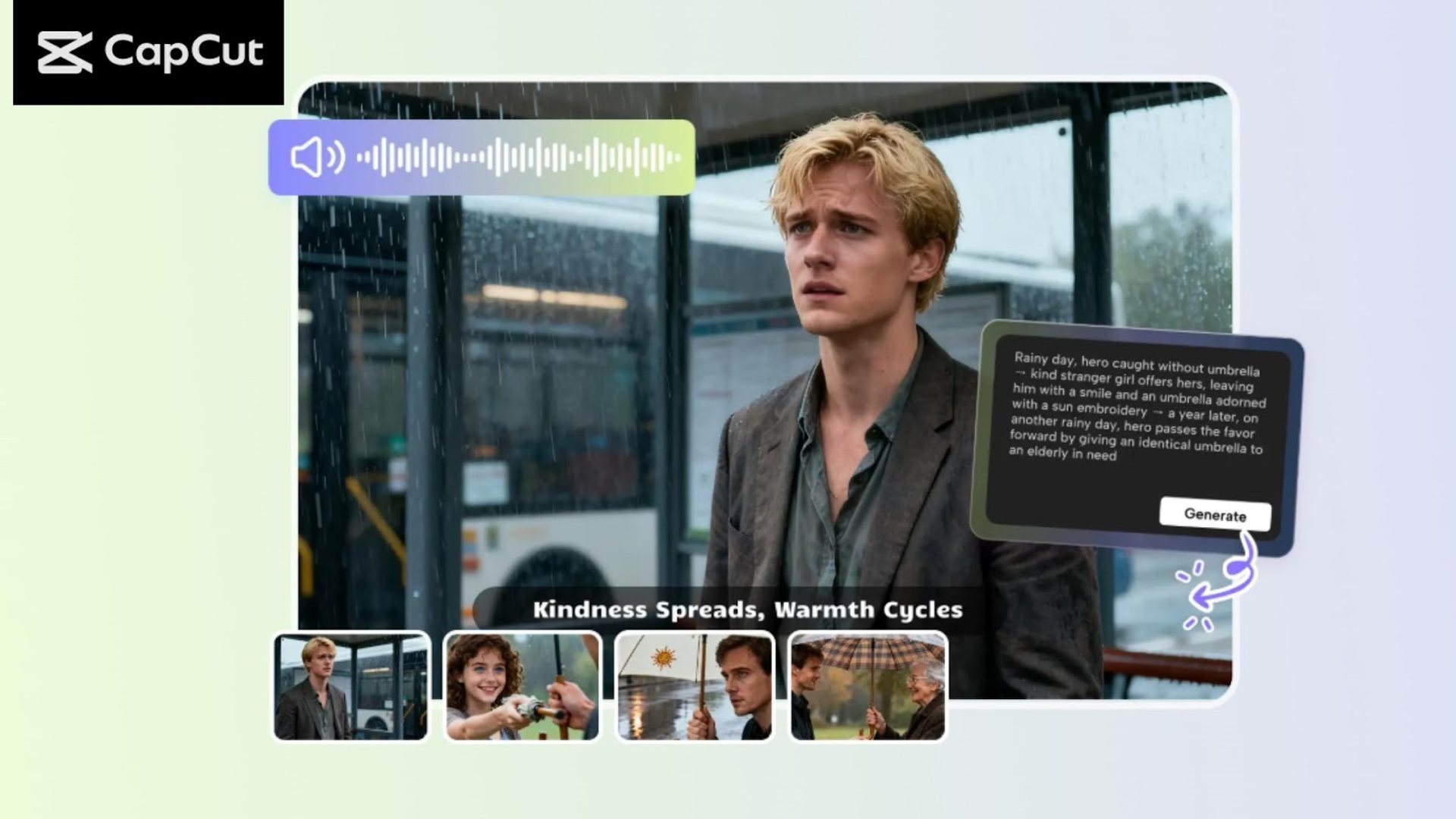
AI Storyboard in the CapCut Desktop Video Editor assists in creating a visual story out of your research in a short period. You do not have to plan one scene in front of another; you can produce a video that reveals major points in an understandable manner. This tool can be handy to convert notes, slides or lesson plans into a story that is easy to follow by the students.
AI Storyboard is a tool that allows you to create visual stories out of complex subjects. This will save time, unlike when each scene has to be created by hand. It also enables learning to be more interactive because students are able to view the ideas and not read them.
As an example, a biology lesson on the human body or a history lesson on what happened during the World War can be transformed into a storyboard video that presents the key information step-by-step.
It is even easy when you combine script writing using AI Writer with storyboard creation using AI Storyboard. CapCut Desktop comes with a large number of features which include advanced features that might require a paid subscription.
Nevertheless, the simplest functions enable you to produce educational videos that appear to be professional in several minutes.
Reasons Why AI Storyboards Can be Used By Teachers and Students
Visual storytelling enables the students to memorize lessons and learn more easily. Using the AI Storyboard of CapCut Desktop Video Editor, teachers and students do not have to plan out each scene. The tool itself arranges the study material automatically in a story flow, saving time and effort.
It is also possible to write captions, stickers, and effects to emphasize key points. This makes videos more engaging and assists students to concentrate on the important points. The transitioning of scenes is also very smooth, and the video can be associated with the speed of the lesson.
The AI capabilities of CapCut Desktop allow you to make a storyboard within several seconds. It is easy to convert your notes or slides into a video ready to share.
Certain more advanced templates or effects will require a paid subscription, yet even the free features will enable you to create coherent and attractive educational videos with a stroll.
How to Turn Study Material into Visual Story Flow.
Step 1: Install CapCut Desktop VideoEditor
Install CapCut Desktop Video Editor through its own webpage. Installing it in your PC follows the instructions on the screen. Ensure that your computer has the system requirements to perform well.
There are free and paid features of CapCut PC. It is important to pay attention to the fact that AI Storyboard has some features that can be paid only with the help of subscription.
Step 2: Post Study Material or Program with AI
Open CapCut Desktop Video Editor and choose AI Video Maker from the main menu and then click on Instant AI Video. You are able to add your study material to the section of enter script. If you do not have a prepared script, you can use an AI writer to generate one.
On the right panel, select a storyboard style which may be cartoon, 3D, or modern and an aspect ratio suitable to your video. Choose a voiceover and change the size of your storyboard to your lesson.
Once you are ready, press Create and CapCut PC will create you a visual storyboard using your study material in a matter of seconds.
Step 3: Storyboard Scenes Customization
The left panel of Desktop Video Editor CapCut can be used to make your video more exciting. When you are using Elements, it is possible to add captions, stickers or annotations to emphasize important points. Highlight words or ideas with Use Effects.
Change scene length and transitions in order to make the video flow in a manner that fits your lesson speed. Test-read the storyboard to ensure that it is easy to understand. The paid subscription can be needed to use some more sophisticated templates, captions, or effects.
More AI editing features are also available in AI Storyboard to make the story more dynamic and attractive. These alternatives will allow you to produce effective educational videos that appear professional without taking hours to do it manually.
Step 4: Add Music and Final Finishing Touches
Access the Music section and go through or find background music. Change the volume of the music to ensure that the music is not too loud to mix with the voiceover. The capabilities of AI can help you to suggest music that suits the mood of your video.
Ensure that graphics, captions, and audios are synchronized to enable the students to easily follow along. Minor adjustments in timing or effects can go a long way in ensuring that students are on track and occupied.
Step 5: Export or Edit More
Click Export, select the resolution, to 4K, and a file name and output options. Want to make additional changes, then click Edit More to get access to advanced editing tools. When you are ready, put your video online and send it to students via email, learning sites, or social media.
Conclusion
AI Storyboard in CapCut Desktop Video Editor allows one to quickly convert the study material into a simple and interesting visual narrative.
You save time, make videos that facilitate meanings among students of lessons. It is important to remember that CapCut PC is simple to work with, though there are certain sophisticated functions that might be paid for.
Begin to use this tool today and transform your notes, slides, or lesson plans with professional educational videos. Get CapCut Desktop Video Editor on the official site and with a few clicks of your mouse you can make your first AI-based storyboard video with your students.



