| Year | Data Breach Incidents | Global Ranking |
|---|---|---|
| 2018 | Second highest | 2nd |
| 2025 | Major breaches noted | N/A |
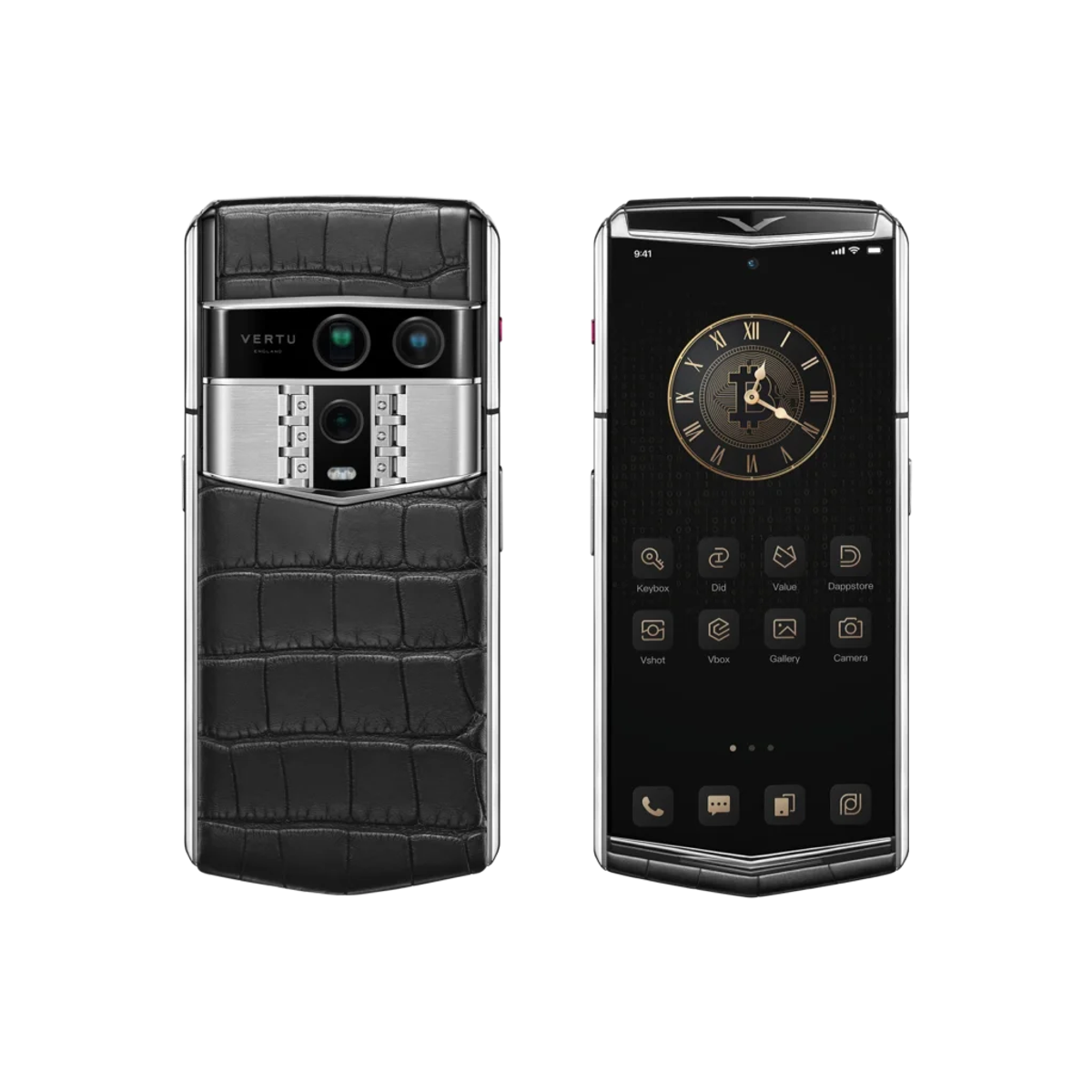
You want high-security phones that keep your information safe in India. These are the top phones for privacy and security:
- Purism Librem 5
- Blackberry PRIVY 2.0
- Samsung Galaxy S23 Ultra
- Google Pixel 6 Pro
- Apple iPhone 14 Pro Max
- OnePlus 10 Pro
- Katim R01
- Bittium Tough Mobile 2C
- Apple iPhone 13 Pro
- Samsung Galaxy S21 Ultra
India finds 761 cyber threats every minute. Phishing attacks on banks went up by 175% in 2024. You need a high-security phone that protects your privacy and keeps your device safe.
Picking a privacy-focused phone helps you stay safe. The most secure phones give strong protection for your needs.
Key Takeaways
- Picking a high-security smartphone is important to keep your personal data safe from more cyber threats in India. - Check for things like strong encryption, regular software updates, and privacy tools to make sure your phone protects your information. - Try helpful tips like turning on two-factor authentication, using a VPN on public Wi-Fi, and checking app permissions often to make your phone safer.
Why High-Security Phones Matter
Data Privacy Threats
Every day, your smartphone can face many dangers. High-security phones help keep your private data safe. Experts say mobile scams in India have gone up a lot. You use your phone for work and personal things. This gives hackers more chances to attack. Since 2020, cyber attacks in India have grown by 300%. Data breaches hit banks and shopping apps. This puts your money details at risk. The Aadhaar data leak and Cambridge Analytica scandal show how easy it is to steal private info. Bad network security and weak encryption make things worse. Many banks have been attacked. This puts your privacy and safety in danger.
Tip: Pick secure smartphones with always-on vpn to guard your data from hackers.
User Concerns in India
You want your phone to keep your data safe. Almost 60% of people in India worry about hacking or tracking. Over 87% of people feel worried about their private data. Less than 5% of users change their phone settings. This makes it easier for hackers to attack. Secure phones let you control privacy settings and protect your info. When shopping online, 77% of people fear data leaks. About 73% worry about sharing personal details. You want features that keep your private info safe. Secure smartphones help you feel calm and avoid network security problems.
Selection Criteria for Most Secure Phones
If you want a phone that keeps your data safe, you need to know what makes it secure. Experts look at a few main things to decide which phones are best for privacy. These things help you pick a phone that protects your private information and keeps you safe.
Encryption & Privacy Tools
Encryption is very important for keeping phones safe. You should look for military-grade encryption and disk encryption to protect your data. Many phones use strong encryption for calls and messages. Some privacy tools you should use are:
- Signal, WhatsApp, and Viber help keep your chats and calls private.
- Silent Phone and Wickr let you send files safely and delete messages after sending.
- VPN services like Proton VPN and Mullvad keep your internet safe all the time.
- Password managers and special browsers stop trackers from following you.
These tools help keep your data locked and your information secret.
OS & Updates
The operating system and updates are important for security. You need regular updates to stop new threats. Look at how long companies give updates:
| Manufacturer | Upgrade Commitment | Security Patch Commitment |
|---|---|---|
| Apple | 5-6 years | 5-6 years |
| Xiaomi | 3-4 upgrades | 2-6 years |
| HONOR | Up to 3 upgrades | Up to 7 years |
Phones that get updates for more years stay safer longer. This helps keep your privacy strong.
Hardware Security
Hardware features give extra safety to your phone. Secure booting makes sure only safe software runs. Trusted execution environments keep your important data safe. Posture checking warns you if someone tries to change your phone.
| Feature | Description |
|---|---|
| Secure Booting | Only lets safe software start so hackers can't attack. |
| Trusted Execution Environment | Keeps important data in a special safe place. |
| Posture Checking | Checks your phone's health and tells you if something is wrong. |
You need these hardware features to keep your phone safe from deep threats.
Tip: Always look for biometric locks, privacy dashboards, and app permission controls when picking a secure phone.
1. Apple iPhone 15 Pro Max
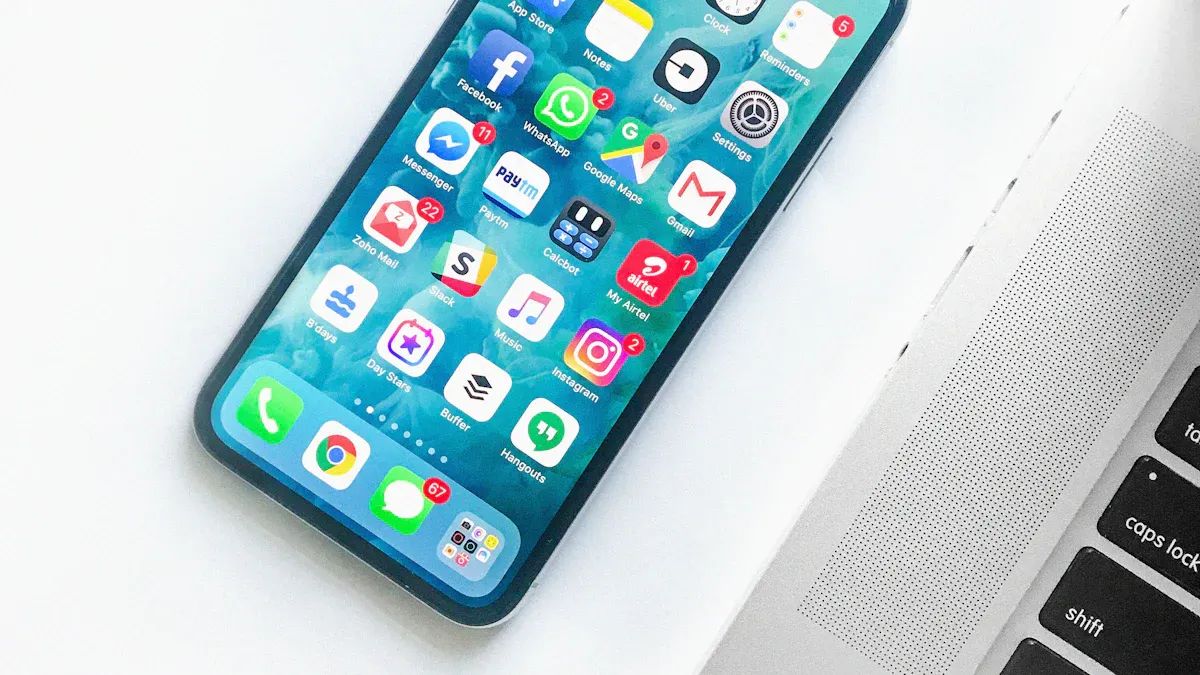
Image Source: unsplash
Security Features
The Apple iPhone 15 Pro Max is one of the safest phones you can buy. Apple makes iOS to keep your privacy safe. This operating system is known for being very secure. You can use security keys for two-factor authentication. These keys help stop phishing and protect your accounts.
The iPhone 15 Pro Max has many strong security features. It uses Face ID and biometrics to unlock your phone safely. Your data is protected with strong encryption. Messages and FaceTime calls are end-to-end encrypted. You can control what apps can see with privacy app permissions. There are extra safety tools like Communication Safety, Sensitive Content Warning, and Lockdown Mode.
This phone is also tough against physical damage. Consumer Reports says it can survive many drops and hard hits. After lots of drops, it only gets small scratches. Your private information stays safe even if you drop your phone.
Pros & Cons
Pros:
- You get regular updates that keep your phone safe.
- The phone has strong hardware and software security.
- Apple lets you control your privacy settings.
Cons:
- The price is higher than most other phones.
- Some apps do not let you change many settings.
Tip: If you want a very secure phone for your private data, the iPhone 15 Pro Max is a great pick.
2. Samsung Galaxy S23 Ultra
Security Features
You want a phone that keeps your data safe. The Samsung Galaxy S23 Ultra is one of the most secure phones. It has strong security features to protect your information. The Knox Security Platform gives extra protection from malware and hackers. You can use Secure Folder to lock files, photos, and documents. This vault hides your private stuff from others.
Here are the main security features:
| Feature | Description |
|---|---|
| Secure Folder | A vault for keeping photos and documents safe. |
| Knox Security Platform | A security system that stops hackers and malware. |
| Enhanced Privacy Controls | Tools to help you control app permissions and personal info. |
| Secure Communications | Encrypted messaging and video calls for private chats. |
Samsung gives you software support for many years. You get four years of updates and five years of security patches. This keeps your phone safe and current.
| Feature | Samsung Galaxy S23 Ultra | Other Flagship Phones |
|---|---|---|
| Major Android Updates | 4 years | Varies |
| Security Patches | 5 years | Varies |
Tip: Use Secure Folder for your private files and turn on privacy controls for more safety.
Pros & Cons
Pros:
- You get security updates for five years.
- Knox Security Platform protects your phone.
- Secure Folder keeps your files safe.
- Privacy controls help you manage apps.
Cons:
- The phone costs more than others.
- Some privacy tools need extra setup.
If you want a secure phone with strong encryption and privacy tools, the Galaxy S23 Ultra is a smart pick for privacy-focused users.
3. Google Pixel 9 Pro XL
Security Features
You want a phone that keeps your sensitive data safe. The Google Pixel 9 Pro XL is made for privacy. It uses many layers of security to protect your information. Your files and messages have strong encryption. Machine learning helps keep your data private and safe. You can change privacy settings for downloads, browsing, and sharing. The phone has personal safety features for emergencies. Only you can unlock your phone with built-in authentication.
Here are the main security features:
| Feature | Description |
|---|---|
| Secure to the core | Many layers of security protect user data. |
| Private by design | Machine learning helps keep your data private. |
| Protection and controls | You can manage privacy for downloads, browsing, and sharing. |
| Personal safety | The phone helps you in emergencies. |
| Built-in authentication | Only you can unlock the phone. |
You get security updates for at least seven years. Google sends regular Android OS updates and new features. This keeps your device safe. The phone has Google Safe Browsing to block bad websites. Call Screen helps you stop unwanted calls.
Tip: Use the privacy dashboard to see which apps use your sensitive information.
Pros & Cons
Pros:
- You get security updates for seven years.
- The phone has advanced privacy controls.
- Google Safe Browsing and Call Screen protect you.
Cons:
- Some features need a Google account.
- The phone may cost more than others.
If you want a secure phone with strong privacy tools, the Pixel 9 Pro XL is a smart choice.
4. VERTU Agent Q
Security Features
You want a phone that keeps your information safe. The VERTU Agent Q is made for people who care about privacy. It uses special technology to keep your data safe.
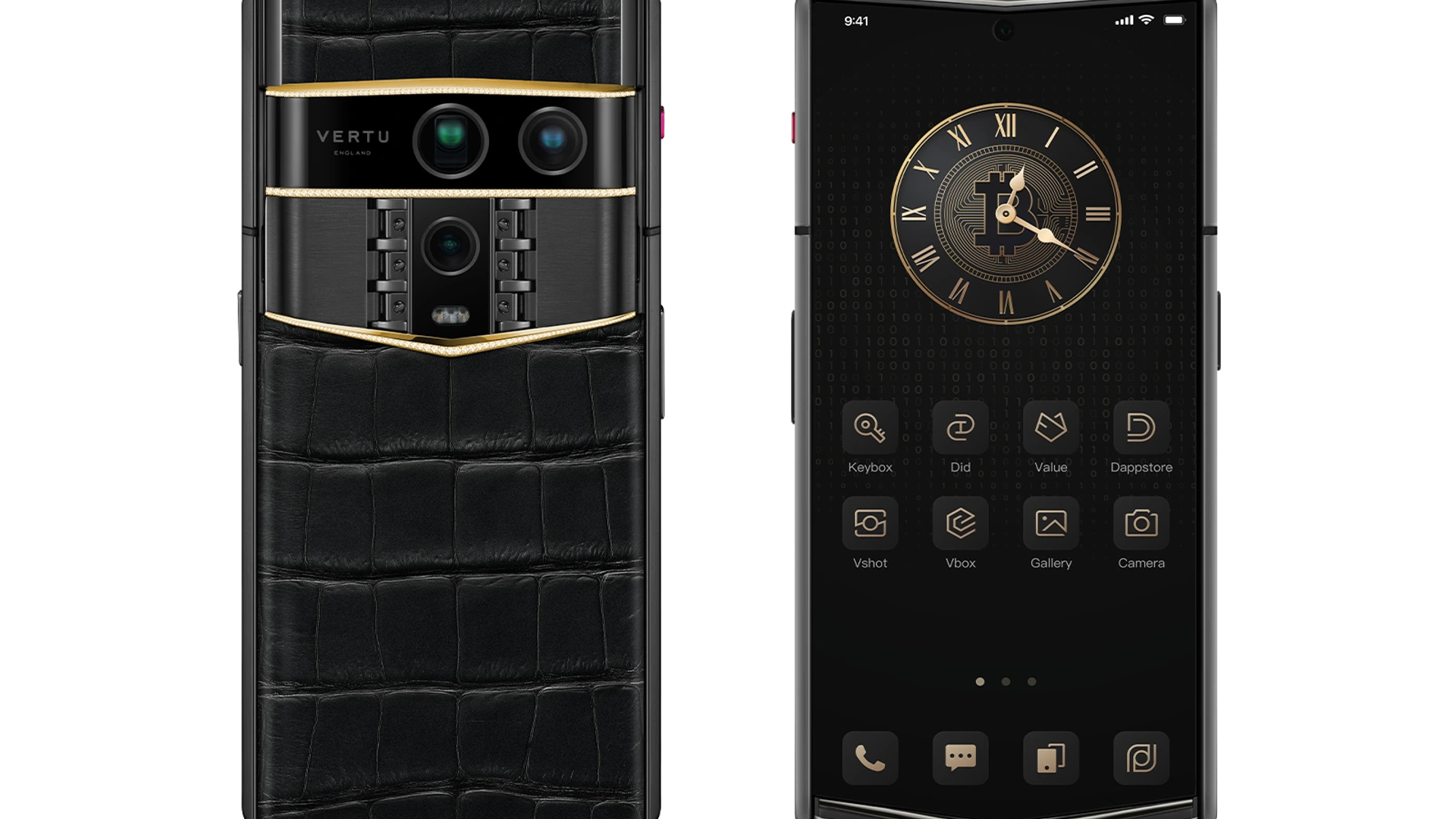
The VERTU Agent Q is built for people who want privacy. It has a hardware chip for encryption and gives you 10TB of cloud storage.
This phone has a hardware chip that does encryption. The chip keeps your files and messages safe all the time. You get 10TB of cloud storage for your important documents. You can use simple tools to control your privacy settings. The Agent Q lets you make secure calls and send safe messages. It is one of the best phones for people who want privacy.
You can unlock the phone with biometric authentication. This makes your phone even safer. The phone gets regular security updates to stop new threats. The VERTU Agent Q is made for people who want strong privacy and security.
Pros & Cons
Pros:
- Hardware chip for encryption
- 10TB secure cloud storage
- Biometric authentication for more safety
- Regular security updates
- Privacy-focused design
Cons:
- High price
Tip: If you want a phone that keeps your data safe and helps you feel calm, the VERTU Agent Q is a good pick.
5. VERTU Quantum Flip
Security Features
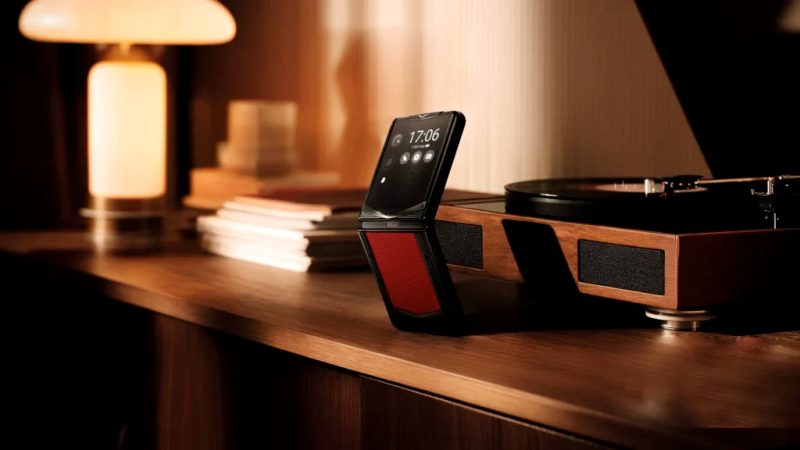
You want a phone that keeps your privacy safe every day. The VERTU Quantum Flip is made for people who care about privacy. It uses special security features to keep your information safe. There is a secure hardware chip inside the phone. This chip locks your data with strong encryption. It helps keep your files and messages private. You can use biometric authentication to unlock your phone. Only you can open it with your fingerprint or face. The Quantum Flip gives you safe cloud storage for your important documents. You also get updates often to protect your phone from new dangers.
Tip: Check the privacy dashboard to see which apps use your data.
Here is what you get with this phone:
| Feature | Benefit |
|---|---|
| Secure hardware chip | Uses strong encryption to lock your data |
| Biometric authentication | Lets only you unlock your phone |
| Secure cloud storage | Keeps your files safe |
| Regular updates | Protects you from new threats |
Pros & Cons
Pros:
- The phone has strong encryption for your safety.
- It protects your private information well.
- Updates help keep your phone safe.
- The phone looks and feels special.
Cons:
- It costs more than many other phones.
If you want a phone that is very secure and cares about privacy, the VERTU Quantum Flip is a good choice for you.
6. Purism Librem 5
Security Features
You want a phone that keeps your privacy safe. The Purism Librem 5 is made for people who care about privacy. This phone lets you control your data and helps you stay safe online. It has hardware isolation, so the cellular modem is not connected to the main CPU. This makes it harder for someone to get your information through the carrier.
The Librem 5 has physical kill switches. You can turn off cellular, WiFi, Bluetooth, camera, and microphone with a switch. This stops anyone from using these parts without your okay. The phone uses PureOS, which is open-source. People in the community check the code for problems. The phone does not collect much data, so your private information stays safe.
Here are the main security features:
| Feature | Description |
|---|---|
| Hardware Isolation | The modem and CPU are kept apart for safety. |
| Kill Switches | You can turn off cellular, WiFi, Bluetooth, camera, and mic. |
| Open-Source Software | PureOS lets you see and trust the code. |
| Privacy by Design | The phone collects and shares very little data. |
| Security Updates | Updates come often to keep your phone safe. |
| Ethical Considerations | The phone cares about your rights and control. |
Note: Use the kill switches when you want extra protection for your phone’s most secure features.
Pros & Cons
Pros:
- You can control privacy with switches.
- Open-source software helps you trust the phone.
- Updates help keep your device safe.
Cons:
- The phone may not look as fancy as other brands.
- Some apps may not work as well as on other phones.
If you want a phone that is secure and cares about privacy, the Purism Librem 5 is a good choice for keeping your sensitive data safe.
7. Katim R01
Security Features
You want a phone that works in hard places and keeps your data safe. The Katim R01 is made for people who need the most secure phone. This phone uses special security features to protect your important information. If someone tries to open the phone or change its parts, it reacts right away. There is a secure switch that lets you turn the microphone and camera on or off. You get to choose when they work.
The Katim R01 is very strong and safe. It has many certifications that show how tough and secure it is:
| Certification/Standard | Description |
|---|---|
| IP68 | Water resistant, can be under water for 30 minutes |
| MIL-STD 810G | Built to handle drops and rough weather |
| MIL-STD 461G | Can work near strong electric signals |
| Data Protection | Stops tampering and lets you control mic and camera |
You can use the Katim R01 in rain or if you drop it. The phone keeps working in tough places. It gets updates often to stay safe. Your calls and messages are protected with strong encryption.
Tip: Flip the secure switch to turn off your camera and microphone for more privacy.
Pros & Cons
Pros:
- Has strong security for important data
- Works well in hard places and bad weather
- Lets you control privacy with hardware switches
Cons:
- Heavier than most other phones
- Has fewer apps than popular phones
8. Bittium Tough Mobile 2C
Security Features
You want a phone that keeps your data very safe. The Bittium Tough Mobile 2C is made for strong protection. This phone lets you use two operating systems. One is for your personal life. The other is for secret work. Each system keeps its own data. Your personal and work information do not mix.
The phone is built to stop tampering. If someone tries to open it or change parts, your data stays safe. Secure boot checks the phone every time you turn it on. Only trusted software can run on the phone.
Bittium Tough Mobile 2C meets NATO rules. Many people in the military and government use this phone. It has disk encryption with a secure element. This keeps your files and messages locked.
| Feature | Description |
|---|---|
| Dual-boot functionality | Two separate operating systems with full data separation |
| Tamper-proof design | Stops data theft and hardware manipulation |
| Compliance with NATO standards | Meets high-security needs for military and government use |
| Secure boot | Checks hardware and software integrity |
| Disk encryption | Protects data with secure element authentication |
Tip: Use confidential mode for secret work. Switch to personal mode for daily things.
Pros & Cons
Pros:
- Dual-boot keeps work and personal data apart
- Tamper-proof build stops physical attacks
- Meets tough military and government rules
- Secure boot and disk encryption give more safety
Cons:
- The phone is heavier than most other smartphones
If you want a phone with military-grade security , the Bittium Tough Mobile 2C is a smart pick.
9. Sirin Labs Finney U1
Security Features
You want a phone that keeps your digital life safe . The Sirin Labs Finney U1 is made for privacy and security. This phone uses blockchain to protect your data. Blockchain makes transactions safe and clear. It is very hard for hackers to break in.
The Finney U1 has a special chip inside. This chip keeps your private keys and biometric data safe. You do not need to worry about someone stealing your sensitive information. The phone uses strong encryption for calls, messages , and files. Your personal details stay private.
You also get decentralized technology. Your data does not stay on one server. It spreads out, so it is harder for anyone to hack or steal your information.
| Feature | Description |
|---|---|
| Blockchain Integration | Keeps transactions secure, transparent, and unchangeable |
| Secure Hardware Element | Stores private keys and biometrics in a safe chip |
| Advanced Encryption Techniques | Protects calls, messages, and files |
| Decentralized Technologies | Spreads data out to lower the risk of hacking |
Tip: Use the built-in wallet to keep your crypto safe and make secure transactions.
Pros & Cons
Pros:
- Uses blockchain for strong privacy
- Special chip keeps sensitive data safe
- Strong encryption protects your calls and messages
- Decentralized storage makes hacking harder
Cons:
- Not many popular apps use blockchain features
- The phone may feel different than regular Android phones
If you want a phone that puts privacy first, the Sirin Labs Finney U1 gives you strong tools to protect your digital world.
10. Blackberry PRIVY 2.0
Security Features
You want a phone that keeps your calls and files safe. The Blackberry PRIVY 2.0 gives strong security for daily use. This phone uses encrypted communication to keep chats private. You can talk and send messages without worry. The device runs on Silent OS, a special Android version. Silent OS blocks malware and keeps your apps safe. Every time you use your phone, you get a secure space.
You can make different spaces for work and personal life. This helps keep your data separate and safe. The phone uses ZRTP technology for calls. Your voice calls stay private and safe from people listening in. Subscription security services add more protection.
| Feature | Description |
|---|---|
| Encrypted Communication | Keeps your calls and messages private with end-to-end encryption. |
| Secure Operating System | Silent OS protects you from malware and threats. |
| Multiple Spaces Management | Lets you separate work and personal data for better security. |
Tip: Use the multiple spaces feature to keep your work and personal information apart.
Pros & Cons
Pros:
- You get encrypted calls and messages.
- Silent OS gives you a safe phone experience.
- You can keep work and personal data in different spaces.
- Subscription services help keep your phone secure.
Cons:
- The phone costs more than regular smartphones.
- Some popular apps may not work on Silent OS.
If you want a phone that puts privacy first, the Blackberry PRIVY 2.0 is a smart pick for secure communication.
Comparison: Most Secure Cell Phones
Features Table
You want a phone that keeps your data safe. This table lets you compare the most secure phones. You can check how each phone uses encryption to protect your information. The table also shows which operating system each phone uses for security. You can see what hardware features help keep your phone safe. Update policies tell you how long your phone will get new security updates. Privacy tools are special features that help protect your private data.
| Smartphone Model | Encryption Standards | OS Security Features | Hardware Protection Features | Update Frequency | Unique Privacy Tools |
|---|---|---|---|---|---|
| Apple iPhone 15 Pro Max | End-to-end encryption | iOS with privacy controls | Secure enclave, Face ID | 5-6 years | Lockdown Mode, Communication Safety |
| Samsung Galaxy S23 Ultra | Knox encryption | One UI with privacy tools | Secure Folder, biometric lock | 4-5 years | Secure Folder, Enhanced Privacy |
| Google Pixel 9 Pro XL | Titan M2 secure chip | Android with privacy dashboard | Hardware memory tagging | 7 years | Call Screen, Safe Browsing |
| VERTU Agent Q | Hardware chip encryption | Custom OS | Biometric authentication | Regular updates | 10TB secure cloud storage |
| VERTU Quantum Flip | Hardware chip encryption | Custom OS | Biometric authentication | Regular updates | Secure cloud storage |
| Purism Librem 5 | Disk encryption | PureOS (open-source) | Hardware kill switches | Frequent updates | Physical kill switches |
| Katim R01 | Military-grade encryption | Hardened Android | Tamper sensors, Shield Mode | Regular updates | Sensor cut-off switch |
| Bittium Tough Mobile 2C | Dedicated encryption chip | Hardened Android | Tamper-proof, dual-boot system | N/A | Dual OS, NATO certified |
| Sirin Labs Finney U1 | Blockchain encryption | Android fork | Secure hardware element | Regular updates | Crypto wallet, decentralized storage |
| Blackberry PRIVY 2.0 | ZRTP encrypted calls | Silent OS | Multiple spaces, secure boot | Subscription updates | Multiple spaces, Silent OS |
Tip: Look at the table to find the security features you want. Pick a phone that matches your privacy needs.
How to Choose a Privacy-Focused Phone
Balancing Security & Usability
When you pick a privacy phone , you want it safe and easy. Some phones have strong security, but they can be hard to use. Other phones are simple, but may not keep your data safe. You should find a phone that fits your life and keeps you safe.
Here are some things to think about:
- You can control what apps can see on your phone.
- Updates help protect your phone from new dangers.
- Encryption keeps your saved information safe.
- Open-source software lets you check how privacy works.
A good privacy phone should be safe and comfortable to use. You do not have to pick just one.
Matching Features to Needs
You need to pick a phone that fits your daily life. Think about what dangers you want to avoid. The table below shows different threats and what they mean:
| Threat Category | Description |
|---|---|
| Linkability | Someone can connect your data to make a profile about you |
| Identifiability | Your actions can be linked to who you are |
| Non-repudiation | Logs can prove you used a service |
| Detectability | Others can see your data exists, even if it is locked |
| Data Disclosure | Companies may store or share your information |
| Unawareness | You may not know how your data is used |
| Non-compliance | Companies may not follow privacy rules |
Tip: Write down your biggest privacy worries before you buy. This helps you pick a phone that keeps you safe.
If you want a phone for work, look for things like two operating systems or switches that turn off parts. For personal use, choose phones with easy app controls and updates. The best privacy phone helps you feel safe and fits your life.
Tips for Most Secure Phone Use
You want your phone to stay safe and private. Here are the best ways to keep your device and data protected:
- Lock your device Always use a strong passcode, fingerprint, or facial ID. This basic step keeps others from getting into your phone if you lose it.
- Enable two-factor authentication Add an extra layer of protection to your accounts. This makes it much harder for someone to break in.
- Use a VPN on public Wi-Fi A VPN hides your internet activity from others. This is important when you use Wi-Fi in places like airports or cafes.
- Stick to official app stores Download apps only from trusted sources like Google Play or Apple’s App Store. This helps you avoid harmful software.
- Audit app permissions Check which apps can see your contacts, photos, or location. Remove permissions that are not needed.
- Update apps and your phone regularly Updates fix security problems. Turn on automatic updates to keep your device safe.
- Back up your data Save your photos and files in a secure cloud or on your computer. If you lose your phone, you can get your data back.
- Learn to lock or wipe your phone remotely Set up Find My Device or a similar tool. If your phone is lost or stolen, you can erase your data from anywhere.
Tip: Keep sensitive notifications off your lock screen. This stops others from seeing private information.
By following these steps, you make your phone more secure and protect your personal information every day.
Picking a high-security phone in India helps keep your privacy safe. It also helps you feel calm and less worried. You get many good things for a long time:
- Biometric security makes it tough for others to steal your identity.
- You can unlock your phone fast with your fingerprint or face.
- Your daily tasks are easier and safer.
Check the comparison table and tips to pick the best phone for you. Always pay attention and protect your data.
FAQ
What makes a smartphone secure?
Phones are safe when they use strong encryption. Regular updates help keep your phone protected. Privacy tools also make your phone safer. Hardware protection is important for security. You should be able to control privacy settings.
Can you improve your phone’s privacy?
Yes! You can use a VPN to hide your internet activity. Update your phone often to fix problems. Check app permissions to see what apps can do. These steps help keep your data safe every day.
Which phone is best for privacy in India?
Pick a phone that gets regular updates. Make sure it has strong encryption and privacy features . The comparison table above helps you choose the best one.