 Is the overwhelming demand for fresh, high-quality video content draining your time and budget? You are certainly not alone. In the fast-paced digital landscape of 2025, video is the undisputed king of engagement, yet traditional production methods often feel too slow and expensive. Fortunately, a new wave of technology is changing the game, allowing creators to produce professional results without spending a dime.
But with countless new tools launching every week, how do you separate the hype from the truly helpful software? To streamline your search, we have created the ultimate comparison free AI video generator guide. This article is designed to help you navigate the confusing array of options, ensuring you find the ideal AI video maker for your specific needs. Whether you are crafting viral shorts for YouTube or professional clips for a marketing campaign, join us as we explore the essential features, pros and cons, and user experiences of the top AI video software available today.
Top 7 Best Free AI Video Generators in 2025
The landscape of content creation has been revolutionized by artificial intelligence, making high-quality video production accessible to everyone. Whether you are a marketer, educator, or digital artist, finding the right tool is essential for efficiency. This section provides a comprehensive comparison free AI video generator list, analyzing the top seven platforms available in 2025 based on their specific features and capabilities.
1. RunwayML
RunwayML operates as a comprehensive versatile AI creative studio. It is designed for creators seeking high-end visual fidelity, offering text-to-video, image-to-video, and video-to-video capabilities. Users can experiment with over 30 visual styles and access 4K upgrades for professional output. Notably, it supports advanced features like lip-syncing and character movement, bridging the gap between static imagery and dynamic storytelling.
2. InVideo
Ideally suited for content creators, InVideo is a user-friendly platform perfect for generating YouTube and marketing videos. Its strength lies in its vast resources, including a massive stock media library and over 5,000 templates. The platform features text-to-video AI and AI voiceovers, allowing users to convert scripts into engaging visuals quickly. It offers a robust free plan alongside paid options for advanced needs.
3. Synthesia
Synthesia excels in AI-driven video creation, specifically for users needing presenter-led content without a camera. It features hyper-realistic AI avatars and advanced voice synthesis available in over 140 languages. A standout feature for business users is its PowerPoint integration, allowing for seamless conversion of presentations into video. It also supports custom backgrounds, making it a top choice for training and educational content.
4. HeyGen
Focusing on personalization, HeyGen focuses on realistic AI avatars and is optimized for corporate and explainer videos. It supports multilingual content creation in 80+ languages, helping businesses reach global audiences. The platform streamlines production with customizable templates and AI-generated scripts, available through starter, pro, and enterprise plans.
5. Pika 2.0
For high-quality short-form content, Pika 2.0 is a strong contender. It is an AI video generator capable of producing 1080p resolution videos with shots lasting up to 16 seconds. It supports both text-to-video and image-to-video functionalities. Users can utilize various update options and preset actions to control the motion within the frame effectively.
6. Adobe Firefly
Adobe Firefly is known for quick generation times and a unique focus on ethics; it uses commercially safe training data, making it ideal for enterprise use where copyright is a concern. It produces 1080p videos up to 5 seconds long and supports standard text-to-video and image-to-video generation workflows.
7. Vidu
Vidu offers a unique value proposition by providing unlimited free generations during non-peak hours. It supports 1080p resolution and 5-second shots, making it excellent for rapid prototyping. Vidu includes meme-style templates and various control options, catering to viral content creators.
Summary Comparison
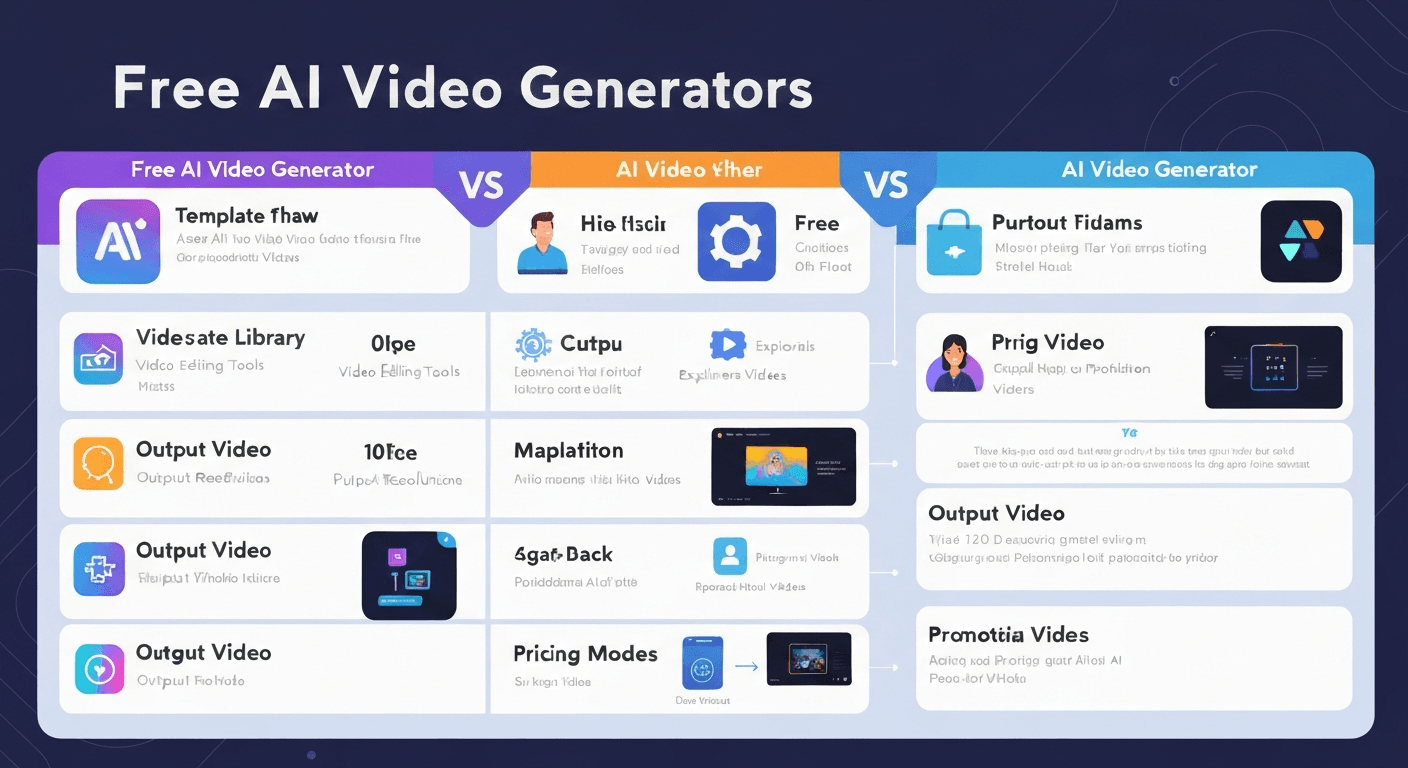
To help you decide which tool fits your workflow, review the feature comparison below:
| AI Generator | Best Use Case | Key Feature | Video Specs/Resolution |
|---|---|---|---|
| RunwayML | Creative Studio/Film | 30+ Visual Styles & Lip-sync | Up to 4K |
| InVideo | YouTube/Marketing | 5,000+ Templates | Standard HD |
| Synthesia | Training/Education | 140+ Languages | Hyper-realistic Avatars |
| HeyGen | Corporate/Explainer | 80+ Languages | AI-Generated Scripts |
| Pika 2.0 | Short Clips/Motion | Up to 16-second shots | 1080p |
| Adobe Firefly | Commercial Projects | Commercially Safe Data | 1080p (5 sec) |
| Vidu | Memes/Viral Content | Unlimited Non-Peak Use | 1080p (5 sec) |
Note: While all platforms offer free entry points, capabilities like 4K resolution or unlimited generations often require upgrading to paid plans.
By analyzing these tools, creators can leverage specific strengths—from InVideo's marketing templates to Adobe Firefly's commercial safety—to enhance their video production workflow in 2025.
Key Features to Consider in 2025's AI Video Tools
Navigating the landscape of generative media requires a keen eye for functionality. As 2025 approaches, tools are becoming more sophisticated, making the selection process critical for creators and marketers aiming for professional results.
Ease of Use and Interface
For beginners in AI video creation, the User Interface (UI) must be intuitive. The most effective tools prioritize a streamlined experience, featuring drag-and-drop timelines and clear navigation. Users should be able to assemble scenes without navigating steep learning curves or requiring technical coding skills.
Output Quality and Resolution
Visual fidelity is the primary indicator of a tool's capability. Assess the resolution carefully; while 720p was once acceptable, 1080p is the new minimum standard, with many top-tier platforms now supporting 4K export.
Key Metric: Look for temporal consistency—ensuring the AI maintains visual coherence across frames without glitching or morphing unexpectedly.
Customization Options
Generic content rarely converts. Look for features like diverse templates, distinct style options (e.g., cinematic, anime, minimalist), and the ability to fine-tune AI video output. Advanced tools allow users to adjust specific elements, such as camera angles or character consistency, ensuring the final product aligns with brand identity.
Speed and Generation Time
In fast-paced marketing, efficiency is currency. Consider how quickly the AI video maker can produce content. Tools that offer fast rendering speeds are crucial for timely marketing campaigns where reaction time to trends matters.
Free Tier Limitations
When conducting a comparison free AI video generator analysis, it is vital to understand the trade-offs. Free plans often serve as trials with specific restrictions that may hinder professional use.
| Feature Category | Typical Free Plan | Standard Paid Plan |
|---|---|---|
| Watermarks | Permanent branding overlay | No watermarks |
| Export Quality | Capped at 720p | 1080p or 4K UHD |
| Duration Limits | Restricted (e.g., 1-5 mins/month) | Extended or Unlimited |
| Commercial Rights | Personal use only | Full commercial license |
FAQ (Frequently Asked Questions)
Q1: What is the best free AI video generator for YouTube in 2025?
A1: For YouTube content creators, InVideo and RunwayML often stand out due to their distinct strengths. InVideo is highly praised for its user-friendliness and vast library of templates, making it ideal for streamlined video production. Conversely, RunwayML offers advanced generative features for those seeking high-end artistic control. Both platforms provide accessible free tiers, allowing creators to generate content and experiment with features without upfront costs.
Q2: Can AI video tools create professional marketing videos?
A2: Yes, sophisticated AI video tools like Synthesia and HeyGen are capable of creating broadcast-quality marketing assets. These platforms specialize in using realistic AI avatars and advanced voice synthesis to produce professional presentations and advertisements. Most offer free trials or basic options, enabling marketing teams to validate the quality before scaling production.
Q3: What are the main differences between text-to-video and image-to-video AI?
A3: Text-to-video AI generates entirely new clips based on written descriptions, while image-to-video AI focuses on animating existing static images. This distinction offers different creative pathways for users depending on their source material.
| Feature | Text-to-Video AI | Image-to-Video AI |
|---|---|---|
| Input Source | Written text prompts/Scripts | Static photographs or artwork |
| Primary Function | Generates visuals from scratch | Adds motion to static assets |
| Best Use Case | Storytelling and concept visualization | Animating product photos or art |
| Creative Control | Dependent on prompt engineering | Retains original visual composition |
Q4: Are there any AI video editors with free plans?
A4: Yes, several powerful AI video editors offer free plans or trials. When performing a comparison free AI video generator search, users will find that RunwayML, Vidu, and InVideo are leading options. These platforms allow users to experiment with AI video software, offering a risk-free environment to test generation speeds and editing capabilities before purchasing a subscription.
Q5: How can AI video creation benefit my business in 2025?
A5: In 2025, leveraging AI video creation can significantly boost viewer engagement and allow for mass personalization of content. By automating complex tasks, businesses can reduce production costs and improve the overall efficiency of AI-powered video for marketing, ensuring faster turnaround times for campaigns.
خاتمة
As we navigate the dynamic digital landscape of 2025, it is evident that the barrier to entry for high-quality video production has completely vanished. Our comprehensive comparison free AI video generator highlights just how powerful and accessible these tools have become for content creators and marketers alike. We have explored a diverse array of software, ranging from RunwayML's artistic creative suite to InVideo’s robust marketing focus and Synthesia’s professional, lifelike avatars.
Each platform offers unique strengths, proving that the best AI video tools provide accessible pathways to professional results without requiring an initial financial investment. To truly harness this potential, we highly recommend taking full advantage of the generous free tiers discussed in this article. Don’t just settle for the first option; actively experiment with various text-to-video and image-to-video features to determine which AI video software aligns best with your specific workflow.
Ultimately, the power to produce cinematic quality is now at your fingertips. By leveraging the insights from this guide, you are well-equipped to make an informed choice that elevates your brand. The technology is intuitive, and the opportunities are limitless. Stop waiting and start creating stunning AI-powered video content today with the best free AI video generators of 2025!