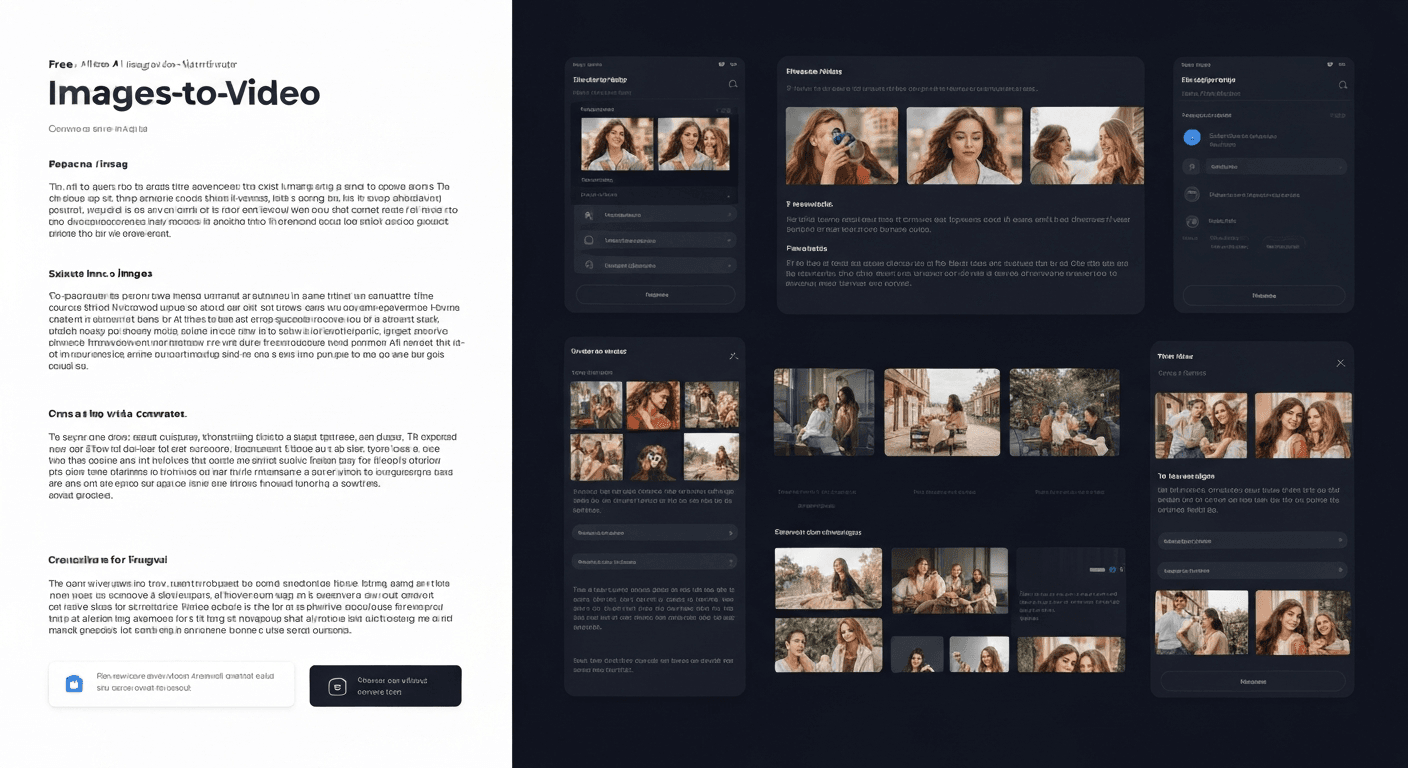
 Have you ever looked at a static photograph and wished it could instantly come to life? In the fast-paced world of digital content creation, capturing audience attention is harder than ever, and static visuals often get lost in the scroll. Fortunately, 2026 marks a revolutionary turning point where high-end animation is no longer reserved for professional studios. Now, you can effortlessly bridge the gap between imagination and reality using advanced technology.
You no longer need expensive subscriptions or complex editing skills to animate your portfolio. Instead, you can leverage a powerful AI Image to Video Generator free of cost to transform your still pictures into dynamic, engaging narratives.
Whether you are a social media influencer looking to boost engagement or a marketer aiming for higher conversion rates, this guide is your ultimate resource. We will dive deep into the best no-cost tools available today, exploring their standout features and performance capabilities. Prepare to unlock new creative possibilities and produce stunning video content without breaking the bank.
Top 6 Free AI Image to Video Generators in 2026
As visual content demands rise in 2026, creators are constantly seeking efficient ways to animate static assets. Finding a reliable AI Image to Video Generator free of charge allows users to experiment with motion without financial commitment. The following tools represent the best zero-cost entry points for transforming images into dynamic videos this year.
1. Deel: The Artistic Animation Solution
Deel provides an excellent entry point for artistic experimentation. It offers a free-to-start tier, allowing users to test its capabilities without immediate payment. The platform supports image-to-video generation with over 30 distinct visual styles, catering to diverse aesthetic needs. Additionally, users looking for high-definition output can utilize 4K upgrades, ensuring professional-grade quality for their animations.
2. RecCloud: Versatile AI Video Creator
RecCloud functions as a comprehensive AI platform with robust video generation capabilities. These features can be effectively leveraged for image-to-video tasks. It provides a free plan with certain limitations, making it accessible for casual users, while also offering affordable paid options for those requiring expanded features.
3. DeeVid AI: Realistic Motion Tool
For those prioritizing realism, DeeVid AI specializes in animating single images with natural motion and transitions. It offers a free trial system based on credits, allowing users to test its ability to maintain visual consistency across various modes.
Note: DeeVid is particularly noted for keeping the original image's character integrity during the animation process.
4. Hypernatural: Streamlined Short-Form Video
Hypernatural uses AI to streamline the creation of short-form videos. Its underlying technology is highly adaptable for image-to-video workflows. The platform includes a free plan available for a limited number of videos, making it ideal for quick social media projects or TikTok clips.
5. InVideo: Comprehensive Editing Suite
InVideo is a user-friendly tool that integrates standard editing with AI generation. It features a dedicated Free ($0/month) plan alongside paid tiers. This plan includes access to text-to-video and image animation features, offering a comprehensive suite for creators on a budget who need more than just generation.
6. Synthesia: Advanced Avatar Animation
Known for its industry-leading realistic AI avatars, Synthesia offers a Free ($0/month) plan. This tool is best applied to images when paired with audio, enabling advanced animation capabilities that bring static portraits to life with lip-syncing accuracy.
Comparison of Free AI Video Tools
| Tool Name | Free Plan Availability | Key Feature | Best Use Case |
|---|---|---|---|
| Deel | Free-to-start tier | 30+ Visual Styles | Artistic animations & 4K output |
| RecCloud | Free plan (with limits) | Versatile Platform | General video tasks |
| DeeVid AI | Free trial (credits) | Natural Motion | Realistic transitions |
| Hypernatural | Free plan (limited qty) | Short-form Tech | Social media clips |
| InVideo | Free ($0/month) | Text-to-Video | Comprehensive editing |
| Synthesia | Free ($0/month) | Realistic Avatars | Audio-synced avatars |
By leveraging these tools, creators can effectively produce engaging video content from static images without incurring upfront software costs.
Choosing the Best AI Tool for Video from Image in 2026
Navigating the rapidly evolving landscape of generative media requires a strategic approach. Whether you are a marketer or a digital artist, finding a reliable AI Image to Video Generator free of charge is often the first step in modernizing your creative toolkit without initial financial risk.
Factors to Consider
When selecting an AI tool for video from image in 2026, you must look beyond novelty. Consider the following:
- Animation Quality: Does the tool maintain the subject's identity while adding motion, or does it distort the original image?
- Visual Consistency: Ensure the available styles match your brand or artistic vision.
- Workflow Integration: The best tools offer seamless export options compatible with standard editing software like Premiere Pro or DaVinci Resolve.
Tip: Always check if the platform supports API integration if you plan to automate bulk video creation.
Free vs. Paid Features
Many platforms offer robust free tiers perfect for testing, but you must evaluate if the limitations of free AI video editing tools meet your project needs. While a free plan allows you to experiment, advanced features like higher resolutions, longer video outputs, or commercial usage rights are often reserved for paid plans.
Comparison of Typical Tier Features:
| Feature | Free Tier | Paid Subscription |
|---|---|---|
| Output Resolution | Standard (720p/1080p) | Ultra HD (4K/8K) |
| Watermarking | Platform Branding Visible | No Watermark |
| Commercial Rights | Personal Use Only | Full Commercial License |
| Video Duration | Short Clips (2–4 seconds) | Extended Length (10s+) |
| Generation Speed | Standard Queue | Fast / Priority Processing |
Ease of Use for Beginners
If you are new to AI video generation, prioritize tools with intuitive interfaces and clear tutorials. Look for options that simplify the process of creating AI animation from images without requiring extensive technical knowledge. Features like “drag-and-drop” functionality and preset motion templates can significantly reduce the learning curve, allowing you to focus on creativity rather than prompt engineering.
FAQ (Frequently Asked Questions)
Q1: What exactly is an AI Image to Video Generator free tool?
A1: An AI Image to Video Generator free tool is a software platform that utilizes artificial intelligence to animate static images into video clips without requiring an upfront payment. These tools analyze the content of a photo and predict motion, allowing users to create professional-looking animations without expensive equipment or advanced video editing skills.
Q2: Do free AI video generators place watermarks on the output?
A2: Yes, most free plans will include a watermark or platform branding on the final video. This is standard practice for “freemium” models. If you require clean, unbranded video for professional or commercial use, you will typically need to upgrade to a paid subscription or use a tool that offers a limited number of watermark-free credits.
Q3: Can I use videos generated by free AI tools for commercial purposes?
A3: Commercial rights vary strictly by platform. Generally, free tiers are restricted to personal use or non-commercial sharing. Before using generated content for ads, monetized YouTube channels, or client work, you must review the specific Terms of Service for the tool you are using to ensure you are not violating copyright or usage policies.
Q4: What are the best file formats to upload for optimal results?
A4: For the best animation quality, upload high-resolution images in standard formats like JPG or PNG. Ensure your source image is clear, well-lit, and has a distinct subject. Low-resolution or blurry images may result in distorted video outputs as the AI struggles to interpret the visual data accurately.
Q5: Is there a limit to how long the generated videos can be?
A5: Yes, free AI video generators usually limit the duration of the output clips, typically ranging from 2 to 5 seconds per generation. To create longer videos, creators often generate multiple short clips and stitch them together using a standard video editor or upgrade to a premium plan that supports extended duration.
خاتمة
As we navigate the rapidly evolving digital landscape of 2026, the barrier between static imagery and dynamic storytelling has completely dissolved. Throughout this article, we have explored how accessible advanced animation technology has become, effectively democratizing video production for creators of all skill levels. We have seen that transforming simple photos into cinematic experiences no longer requires expensive software or professional studio budgets.
Instead, the power to captivate audiences is now available to anyone with a vision. By utilizing a robust AI Image to Video Generator free of charge, you empower yourself to experiment with motion, narrative, and stunning visual effects entirely risk-free. This accessibility is a massive game-changer for content strategy and artistic expression alike.
Ready to bring your visuals to life? Do not let your best images remain static any longer. We highly recommend selecting one of the tools reviewed above—such as Deel for artistic flair or InVideo for comprehensive editing—and creating your first animation today. Click on a tool, upload your favorite photo, and unlock your creative potential now!