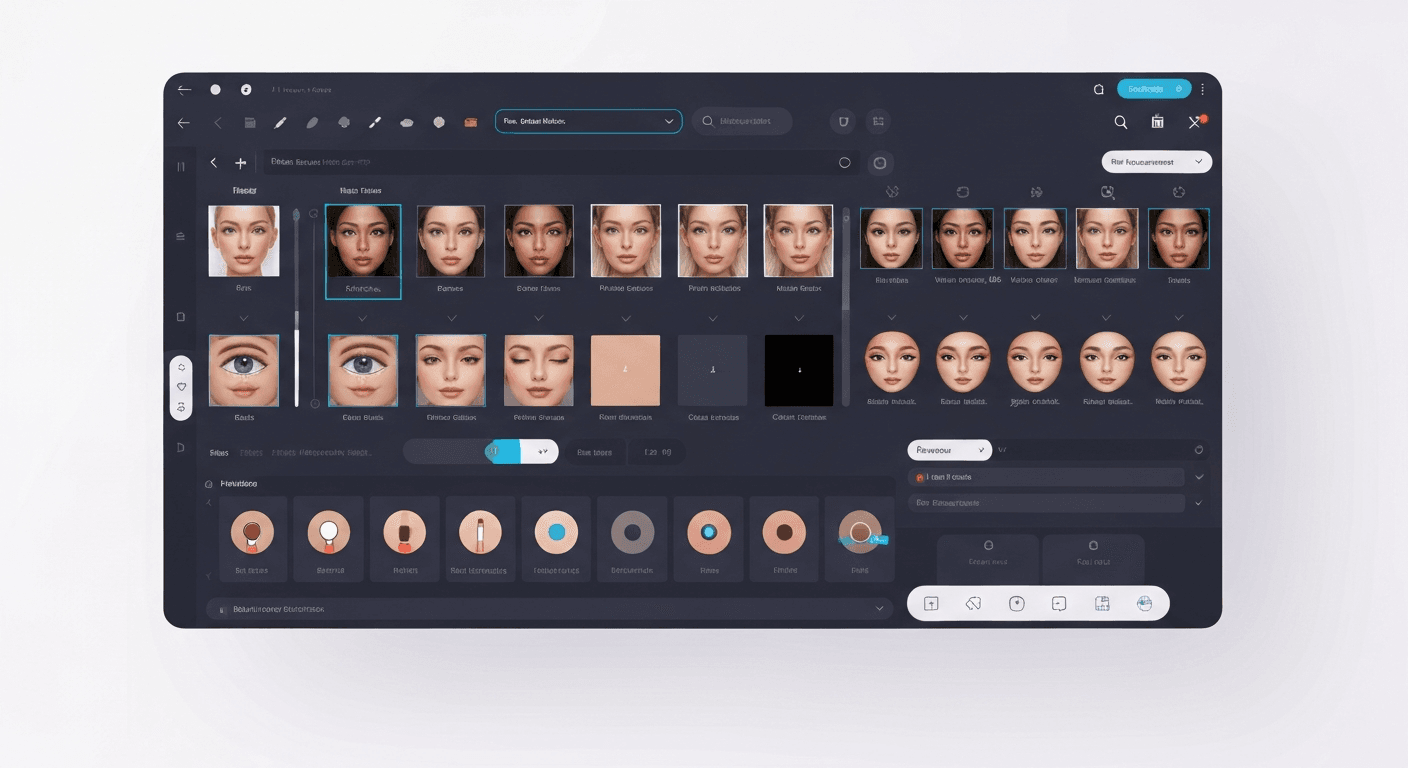
 Ever wondered how creators achieve those flawless, magazine-quality portraits or generate realistic faces that don't actually exist? This once-complex art of photo manipulation is now more accessible than ever. You no longer need to spend hours learning complicated software to get professional results.
The secret lies in the power of a modern AI face image editor. These intelligent tools use cutting-edge algorithms to automate complex tasks, from perfecting skin tones to adjusting facial features. They empower you to achieve stunning edits without needing years of technical experience.
This beginner's guide will walk you through everything you need to know. We’ll cover the essential steps for enhancing your photos, manipulating portraits, and introduce you to the best tools available. Get ready to unlock your creative potential and master AI face editing with ease.
Top 7 AI Face Image Editing Tools for 2026
The evolution of artificial intelligence has revolutionized photo editing, transforming complex tasks into simple operations. For professionals and hobbyists, an AI face image editor is no longer a luxury but an essential tool. It is key for achieving flawless results with minimal effort.
By 2026, these platforms offer unprecedented control over everything from subtle retouching to complete creative transformations. Here are the top seven tools leading the charge, each catering to different needs and skill levels.
1. Fotor: The All-in-One Editing Suite
Fotor stands out as a comprehensive and user-friendly platform, offering a complete suite of AI-driven enhancements. The experience is highly intuitive, allowing users to effortlessly upscale images or remove distractions. This makes cleaning up portraits and group photos a seamless process.
Beyond simple corrections, Fotor excels at creative editing. Its background manipulation tools allow for easy replacement, while features like AI-powered makeup provide a playground for experimentation. Fotor operates on a freemium model, providing a robust free plan with paid options to unlock its full potential.
2. HitPaw FotorPea: Specialized AI Models
HitPaw FotorPea delivers a powerful, user-friendly experience centered on specialized AI models. This tool is engineered for efficiency, offering one-tap enhancements tailored to specific image types. This targeted approach ensures optimal results with minimal user input.
Its core capabilities include precise object removal, quality enhancement for blurry images, and even creating new AI portraits. This makes it a versatile AI face image editor for quick improvements. Pricing for its advanced features begins at $25.59 per month.
3. AI Ease: The Free and Accessible Editor
AI Ease carves its niche as a free, all-in-one online photo editor designed for simplicity and accessibility. It is an ideal starting point for beginners who may feel overwhelmed by more complex software. The platform excels at tasks like removing watermarks and replacing backgrounds.
In addition to its corrective tools, AI Ease offers photo enhancement and AI image generation capabilities. With a generous free plan and an affordable Pro option at $9.99 per month, it effectively lowers the barrier to entry for powerful AI editing.
4. MagicHour AI: The Virtual Photoshoot Studio
MagicHour AI redefines creative control, positioning itself as a virtual styling studio for digital photoshoots. It empowers users with powerful prompt-based editing, allowing them to describe the changes they want. This is complemented by precise face edit sliders for detailed retouching.
The platform's standout feature is its ability to perform virtual outfit changes, making it invaluable for content creators. MagicHour AI offers a free plan to get started. Various paid tiers are available to unlock more advanced features and higher processing credits.
| Tool | Primary Use Case | Standout Feature | Pricing Model |
|---|---|---|---|
| Fotor | All-in-one general editing | Comprehensive AI Generator suite | Freemium |
| AI Ease | Beginner-friendly quick edits | Free, all-in-one accessibility | Freemium |
| MagicHour AI | Creative virtual photoshoots | Prompt-based editing & face sliders | Tiered Freemium |
| Fiverr | Professional, outsourced editing | Human expertise + AI tools | Per-project service |
5. Phot.AI: Professional and Commercial Editing
Phot.AI is a robust, web-based platform tailored for professional and commercial use, excelling in product photography. Its AI tools are engineered for precision, featuring an accurate Background Remover. This is essential for creating clean, e-commerce-ready images.
Beyond cleanup, its Photo Enhancer tool revitalizes images by improving clarity, color, and lighting. Phot.AI also includes an AI image generator for creating custom assets. With paid plans starting at $8.42 per month, it offers a cost-effective solution for businesses.
6. Canva: The Integrated Design Powerhouse
While known as a graphic design powerhouse, Canva has seamlessly integrated powerful AI tools into its platform. This makes it a convenient option for users who already rely on Canva. Its features, like the one-click background remover, feel like natural extensions of its editor.
Canva's Magic Expand intelligently extends image borders, while its background generator can create new scenes from text prompts. The free plan offers a taste of these features. However, the premium plan is necessary to unlock the full potential of this versatile AI face image editor.
7. Fiverr AI Image Editing Services: The Human Touch
For those who prefer a human touch or lack time for hands-on editing, Fiverr provides a unique solution. The platform connects you with freelance experts who leverage AI tools to deliver professional-grade results. This option combines AI power with the judgment of a skilled editor.
Services range from basic face retouching to complex generative fills and background replacements. This approach is perfect for custom projects where professional assistance is crucial. With services starting around $10 per image, it offers a flexible way to achieve expert-level edits.
How to Choose the Right AI Face Image Editor in 2026
Selecting the ideal AI face image editor requires a clear understanding of your objectives. The market offers a vast array of tools, from simple one-click enhancers to complex generative platforms. By evaluating your goals and budget, you can find a solution that fits your workflow.
Define Your Primary Editing Goals
Before choosing a tool, define what you want to achieve. Are you looking for simple enhancements like removing blemishes and adjusting lighting? Or do you need creative manipulation tools for artistic effects? Clearly identifying your primary use case is the first step.
Compare Ease of Use vs. Advanced Features
The user experience spectrum is broad. Beginners might prefer tools with intuitive interfaces and pre-set solutions, like Canva or Fotor. In contrast, experienced photographers may opt for software offering granular control over AI parameters for highly customized and precise edits.
Evaluate Free vs. Paid AI Tools
Most AI image editors operate on a freemium model. Free plans are excellent for trying out basic AI face editing and understanding a platform's core functions. However, paid plans are often necessary for professional use, unlocking crucial features like higher resolution outputs.
| Feature | Typical Free Plan | Typical Paid Plan |
|---|---|---|
| Output Resolution | Standard or Low | High-Resolution (4K+) |
| Watermarks | Often mandatory | Removable |
| Processing Speed | Standard queue | Priority processing |
| Advanced Tools | Limited or locked | Full access to all features |
Identify Key Features You Need
When comparing options, look for a specific set of capabilities. Key features to evaluate include AI face editing precision, image upscaler capabilities, and background remover efficiency. You might also look for AI face swap options or an AI portrait editor. Ensure your chosen tool supports your workflow.
Step-by-Step Guide to AI Face Image Editing in 2026
Transforming your photos has never been more intuitive. By 2026, the modern AI face image editor streamlines complex tasks into a few simple clicks. This guide walks you through the straightforward process, from selecting your software to exporting a polished final image.
Step 1: Select Your AI Photo Editor
Your journey begins with choosing the right tool based on your specific needs. A platform like Fotor offers comprehensive features for deep editing. An option like AI Ease provides a great free, all-in-one solution for quick enhancements.
| Feature | Fotor (Comprehensive) | AI Ease (Free All-in-One) |
|---|---|---|
| Primary Use Case | In-depth, professional editing | Quick, accessible enhancements |
| Feature Set | Extensive tools, templates, and filters | Core AI tools for common edits |
| Cost Model | Freemium with Pro subscription | Primarily free to use |
| Best For | Designers, photographers, marketers | Social media users, hobbyists |
Step 2: Upload Your Image
Once you've selected your software, the next step is to import your photo. Most modern AI platforms offer a simple drag-and-drop interface or a clearly marked “Upload” button. This initial step is designed to be seamless, getting you to the editing stage in seconds.
Step 3: Apply AI Enhancements and Edits
This is where the magic happens. A powerful AI face image editor provides a range of automated tools. You can utilize an AI headshot generator, apply AI face editing filters to smooth skin, or use AI image enhancers to instantly improve overall quality.
Step 4: Refine and Make Final Adjustments
While AI delivers impressive initial results, the best editors provide granular control for a personalized touch. After applying an automated effect, you can fine-tune the results. For instance, you can manually adjust the intensity of AI-applied makeup to look more natural.
Step 5: Save and Export Your Final Image
After perfecting your image, the final step is to save and export your work. Choose the appropriate file format, such as JPEG for web use or PNG for images requiring a transparent background. You can also select the resolution based on your intended use.
FAQ (Frequently Asked Questions)
Q1: Is AI face editing legal and ethical?
A1: Legality depends on usage. Using it for personal creative expression is generally fine. However, creating deepfakes or misleading content without consent can have serious legal and ethical repercussions. Intent is key.
Q2: What's the difference between AI image generation and AI photo editing?
A2: AI photo editing modifies an existing image, like removing blemishes from a portrait you took. AI image generation creates a completely new image from a text prompt, like “a cyborg portrait in space.”
Q3: Are there free AI photo editing tools available?
A3: Yes, many powerful free tools are available. Platforms like AI Ease and Canva offer robust free plans with significant AI capabilities. Many premium services also provide free trials to test their advanced features.
خاتمة
Mastering AI face image editing is now more accessible than ever. The right AI face image editor simplifies complex tasks, putting professional-grade results within your grasp. This guide has shown you the best tools and steps to achieve flawless portraits with ease.
Don't just read about it—experience the power of AI yourself. Choose one of the recommended tools from our list and upload your first photo today. Start experimenting, follow our step-by-step guide, and unlock your true creative potential now