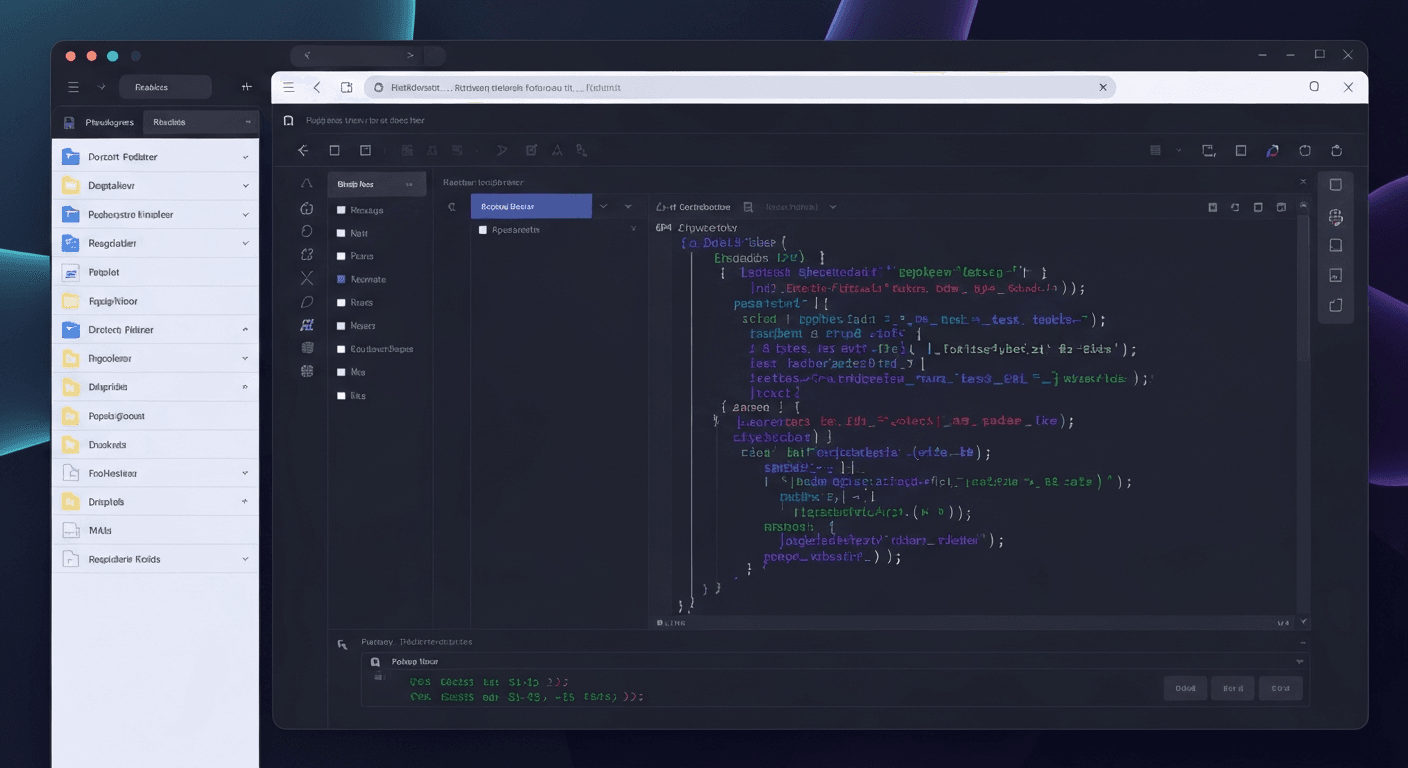
 The days of writing every line of code by hand are fading fast, replaced by a new era where speed and precision define success. As software development evolves, relying solely on traditional methods can leave you trailing behind in a competitive market. However, with so many advanced tools emerging, selecting the right assistant to power your workflow has become a challenge in itself.
Enter Cursor and Windsurf, two innovative platforms vying for dominance in the modern developer's toolkit. These tools go beyond simple auto-completion, offering deep context awareness that fundamentally transforms how you build and maintain software. Whether you are debugging complex systems or scaffolding new features, finding the perfect ai code editor is crucial for maximizing your daily productivity.
In this guide, we will dissect the core features, pricing models, and unique strengths of both contenders to see which one stands out in 2026. We will also analyze how they compare against established giants like VS Code to help you make an informed decision. Get ready to discover which tool best aligns with your development needs and reigns supreme.
Top AI Code Editors for 2026
As software development accelerates, selecting the right ai code editor has become a critical business decision. The 2026 landscape has shifted from simple auto-completion to autonomous agents that understand entire repositories, offering developers unprecedented efficiency and intelligence.
1. Cursor
Cursor is an AI-first editor built directly on the VS Code foundation, making it instantly familiar to most developers. It distinguishes itself with deep codebase understanding and integrated AI chat, allowing for smarter, faster coding assistance.
“Ideal for solo developers or small teams seeking deep AI support within a familiar environment.”
The platform features inline suggestions that adapt to your specific project context. Cursor operates on a freemium model, offering accessible entry points with paid tiers available for those requiring enhanced AI capabilities and deeper integration.
2. Windsurf
Windsurf offers a modern, intuitive experience focused on speed and real-time collaboration. It blends a lightweight editor interface with powerful AI intelligence to streamline workflows. Standout features include Cascade for seamless multi-file edits and Supercomplete for predictive coding.
It also introduces AI flows for collaboration and AI-powered debugging tools. Pricing includes a free tier, with paid plans utilizing a credit-based system for model usage, catering to teams that value high-velocity development.
3. GitHub Copilot
GitHub Copilot continues to define the category as an AI pair programmer embedded directly within your workflow. It excels at context-aware suggestions and converting natural language into functional code.
The new Agent Mode elevates the experience by enabling autonomous code analysis, test execution, and modification. Accessible via free and paid tiers, Copilot supports various AI models, making it a versatile choice for both individuals and large businesses.
4. Zencoder
Zencoder is designed as a comprehensive coding agent that enhances the entire Software Development Life Cycle (SDLC). It features proprietary Repo Grokking™ technology for deep codebase analysis and specialized AI Agents for tasks like code repair and documentation.
Supporting numerous programming languages and IDEs, Zencoder fits into diverse technical stacks. It offers a structured pricing tier ranging from Free to Advanced plans, ensuring scalability for growing projects.
5. Cline
Cline is an open-source solution for VS Code or the terminal, prioritizing transparency and local-first control. It allows developers to plan, preview, and apply multi-file changes with strict approval checkpoints.
This approach makes it suitable for teams requiring full repository context without sacrificing security. While the open-source version is free, Cline offers paid plans for teams and enterprise solutions requiring managed support.
Feature Comparison Overview
| Editor | Key Technology | Best Use Case | Pricing Model |
|---|---|---|---|
| Cursor | VS Code Foundation | Solo Devs / Small Teams | Freemium + Paid Tiers |
| Windsurf | Cascade & Supercomplete | Real-time Collaboration | Free + Credit-based |
| GitHub Copilot | Agent Mode | Context-aware Pair Programming | Free + Paid Tiers |
| Zencoder | Repo Grokking™ | Full SDLC Enhancement | Free to Advanced |
| Cline | Local-first Agents | Transparent / Secure Workflows | Open Source (Free) + Enterprise |
Deep Dive: Cursor AI Capabilities
Cursor has rapidly evolved into a premier ai code editor, designed to modernize the software development lifecycle. By embedding advanced intelligence directly into the workspace, it offers a distinct advantage over traditional text editors. It focuses on understanding the intent behind the code, not just the syntax, creating a partner-like experience for the user.
Key Features and Context Awareness
Cursor excels with its built-in AI chat, which utilizes whole codebase understanding to provide highly context-aware suggestions. Unlike basic autocomplete tools, it supports inline error fixing and sophisticated multi-line editing. This allows developers to refactor complex logic with confidence and speed.
To maintain momentum, the editor employs background processing and supports multiple chat tabs. This leverages AI for intelligent automation, ensuring that complex tasks are handled efficiently without freezing the interface. This results in improved AI code quality and a distraction-free environment where logic takes precedence over boilerplate.
IDE Integration and Developer Workflow
Built on the robust VS Code foundation, Cursor provides seamless IDE integration and full compatibility with existing VS Code extensions. This ensures developers do not lose their favorite tools, themes, or keybindings when switching, making the transition frictionless and immediate.
Users can issue natural language commands to interact with the AI, significantly streamlining workflows. This approach enhances developer productivity by reducing the cognitive load required to navigate complex codebases. The experience feels intuitive, allowing developers to code at the speed of thought while the AI handles the heavy lifting.
Pricing and Subscription Plans
Cursor operates on a flexible freemium model tailored to various needs. The free tier offers core features, while paid options like Pro, Pro+, Ultra, and Teams cater to power users requiring substantial resources and priority access.
| Plan Tier | Target Audience | Key Advantages |
|---|---|---|
| مجاناً | Hobbyists / Trial | Access to core features and basic AI chat. |
| Pro / Pro+ | Individual Developers | Advanced AI capabilities and increased usage limits. |
| Ultra / Teams | Enterprise / Groups | Priority access, maximum limits, and team management. |
By combining familiar architecture with cutting-edge AI, Cursor positions itself as an essential tool for modern engineering. It successfully bridges the gap between manual coding and automated assistance for all skill levels.
Deep Dive: Windsurf AI Performance
Windsurf establishes itself as a high-performance ai code editor, specifically engineered to enhance developer velocity. By prioritizing an intuitive user interface alongside powerful generation capabilities, it bridges the gap between human intent and complex machine execution for modern software projects.
Key Features and Generation Speed
At the core of Windsurf is Cascade, a revolutionary feature designed for deep multi-file edits. Unlike standard editors that often view files in isolation, Cascade understands project-wide context, allowing the AI to modify complex architectures simultaneously.
“Windsurf aims for speed and an intuitive AI code generation and completion experience.”
Complementing this is Supercomplete, which offers advanced code prediction by anticipating developer needs before they finish typing. Coupled with robust AI-powered debugging tools, Windsurf ensures that the coding experience is not only fast but also minimizes errors during the generation process.
Collaboration and Team Workflow
Designed specifically for fast-paced environments, Windsurf excels in maintaining team momentum. The platform integrates a polished chat experience with superior file referencing tools, making it effortless to pinpoint context during technical discussions.
The platform's unique ‘AI flows' facilitate intelligent automation and real-time collaborative editing. This enables seamless AI code control within team projects, helping to streamline workflows and allowing developers to focus on logic rather than boilerplate syntax.
Pricing Structure and Value
Windsurf provides a scalable pricing structure suitable for various needs. A standout feature is the unlimited use of its proprietary SWE model for paid users, making it a cost-effective solution compared to token-based competitors.
| Plan Feature | Free Plan | Pro Plan (Individuals) | Teams/Enterprise |
|---|---|---|---|
| Primary Access | Limited Credits | Unlimited proprietary SWE model | Unlimited proprietary SWE model |
| 3rd Party Models | Restricted | Credit limits apply | Custom/High limits |
| Use Case | Trial / Hobbyist | Professional Devs | Scalable Organizations |
The Pro Plan is particularly attractive for individual developers, offering unlimited access to the core SWE model while managing other AI model usage via credit limits. This structure ensures high availability of AI tools without unpredictable costs.
Head-to-Head Comparison: Cursor vs. Windsurf
Selecting the right ai code editor can define your development workflow. Two powerhouses, Cursor and Windsurf, dominate the landscape, each offering unique philosophies on how artificial intelligence should integrate with coding to maximize efficiency.
Core AI Functionality
Cursor is designed for depth. It offers deep, context-aware AI assistance with whole codebase understanding. This makes it the superior choice for complex debugging and structural refactoring where context is king.
“Windsurf focuses on real-time collaboration and rapid code generation.”
In contrast, Windsurf prioritizes velocity. It focuses on rapid code generation and completion, making it particularly effective in team settings where real-time collaboration and speed are critical.
User Experience and Integration
For developers seeking familiarity, Cursor is built on VS Code. It supports extensive extensions, allowing users to retain their favorite tools while gaining AI superpowers without a steep learning curve.
Windsurf takes a different path, offering a streamlined, integrated AI experience. Although it may require a slight adjustment from traditional IDEs, it provides a cleaner interface specifically designed for AI-centric tasks.
Target Audience and Use Cases
Cursor is often favored by individual developers or small teams who need powerful AI integration within a familiar VS Code environment. Windsurf shines in collaborative scenarios and for developers prioritizing speed and an all-in-one AI coding assistant experience.
Pricing Comparison
Both tools offer freemium models, but their paid structures differ. Cursor's tiers scale with AI usage and capabilities. Windsurf employs a credit-based system for external models while offering unlimited use of its proprietary model, making it potentially more predictable for heavy AI users.
| Feature | Cursor | Windsurf |
|---|---|---|
| Core Strength | Deep context & refactoring | Rapid generation & collaboration |
| Interface | VS Code-based (Familiar) | Streamlined & AI-centric |
| Best For | Complex debugging | Speed & Teamwork |
| Pricing Model | Usage-based tiers | Credit-based + Unlimited own model |
Ultimately, the choice depends on whether you prioritize deep codebase context or rapid, collaborative generation in your ai code editor.
Choosing the Right AI Code Editor for 2026
Selecting the optimal ai code editor in 2026 requires balancing innovation with workflow stability. It is no longer just about autocomplete; it is about how the AI understands your entire codebase to enhance developer productivity.
Factors to Consider
Evaluate your primary needs: do you require deep AI understanding or real-time collaboration? You must also consider integration with existing tools, your specific budget, and team size when selecting an editor.
When to Choose Cursor
Choose Cursor if you are a solo developer or part of a small team deeply integrated into the VS Code ecosystem. It excels at robust AI assistance for complex code analysis and generation.
Cursor builds upon the familiar VS Code foundation, making the transition seamless for existing users while adding powerful, embedded AI capabilities.
When to Choose Windsurf
Opt for Windsurf if your priority is real-time team collaboration and rapid development cycles. It offers a dedicated, streamlined AI coding experience that minimizes context switching.
| Feature | Cursor | Windsurf | VS Code + Copilot |
|---|---|---|---|
| Best For | Solo/Small Teams | Real-time Collaboration | General Adoption |
| Primary Strength | Deep Code Analysis | Rapid Dev Cycles | Proven Stability |
| Integration | VS Code Fork | Distinct Platform | Extension Based |
| Experience | AI-Enhanced | AI-First Native | AI-Assisted |
The Role of VS Code and Copilot
VS Code with Copilot remains a powerful, widely adopted solution offering strong AI code completion. While Cursor enhances this foundation, Windsurf presents a distinct, integrated AI-first platform. Understanding these nuances is vital for success in 2026.
FAQ (Frequently Asked Questions)
Q1: What is the primary difference between Cursor and Windsurf?
A1: Cursor is a VS Code fork focused on deep codebase understanding for complex tasks, while Windsurf prioritizes real-time collaboration and rapid code generation with a streamlined AI-first interface.
Q2: Which AI code editor is better for beginners?
A2: Cursor might be easier for beginners due to its VS Code foundation. Windsurf's streamlined interface is also intuitive, but its AI-first approach may require a slight learning curve.
Q3: How do Cursor and Windsurf compare in terms of pricing?
A3: Both offer free tiers. Cursor uses tiered paid plans based on usage. Windsurf uses credits for third-party models but offers unlimited use of its proprietary model on paid plans.
Q4: Can I use my existing VS Code extensions with Cursor?
A4: Yes, as Cursor is built on the VS Code foundation, most VS Code extensions are compatible and can be used seamlessly.
Q5: Which editor is better for large enterprise teams?
A5: Both offer team/enterprise plans. Windsurf's unlimited proprietary model access could be advantageous for heavy AI users in large teams. Cursor’s VS Code integration is also a strong point for enterprises.
خاتمة
As we navigate the complex coding landscape of 2026, choosing the right ai code editor is absolutely crucial for maintaining a competitive edge. Cursor shines with its deep VS Code integration for focused development, while Windsurf dominates in collaborative, AI-first environments. Both tools represent the pinnacle of modern programming assistance, ensuring that you can write cleaner, more complex code faster than ever before.
To determine the true champion for your specific workflow, you must assess your project requirements and team dynamics carefully. We highly recommend testing the free tiers of both platforms to experience their distinct, powerful AI features firsthand. By evaluating these tools against your real-world needs, you can confidently select the solution that perfectly aligns with your budget and development goals.
Do not let outdated tools slow down your progress in this fast-paced, innovative development cycle. Make the smart choice today and explore Cursor and Windsurf to instantly elevate your coding efficiency to new heights. Embrace the future of software engineering now and unlock your full potential with the perfect AI companion by your side.