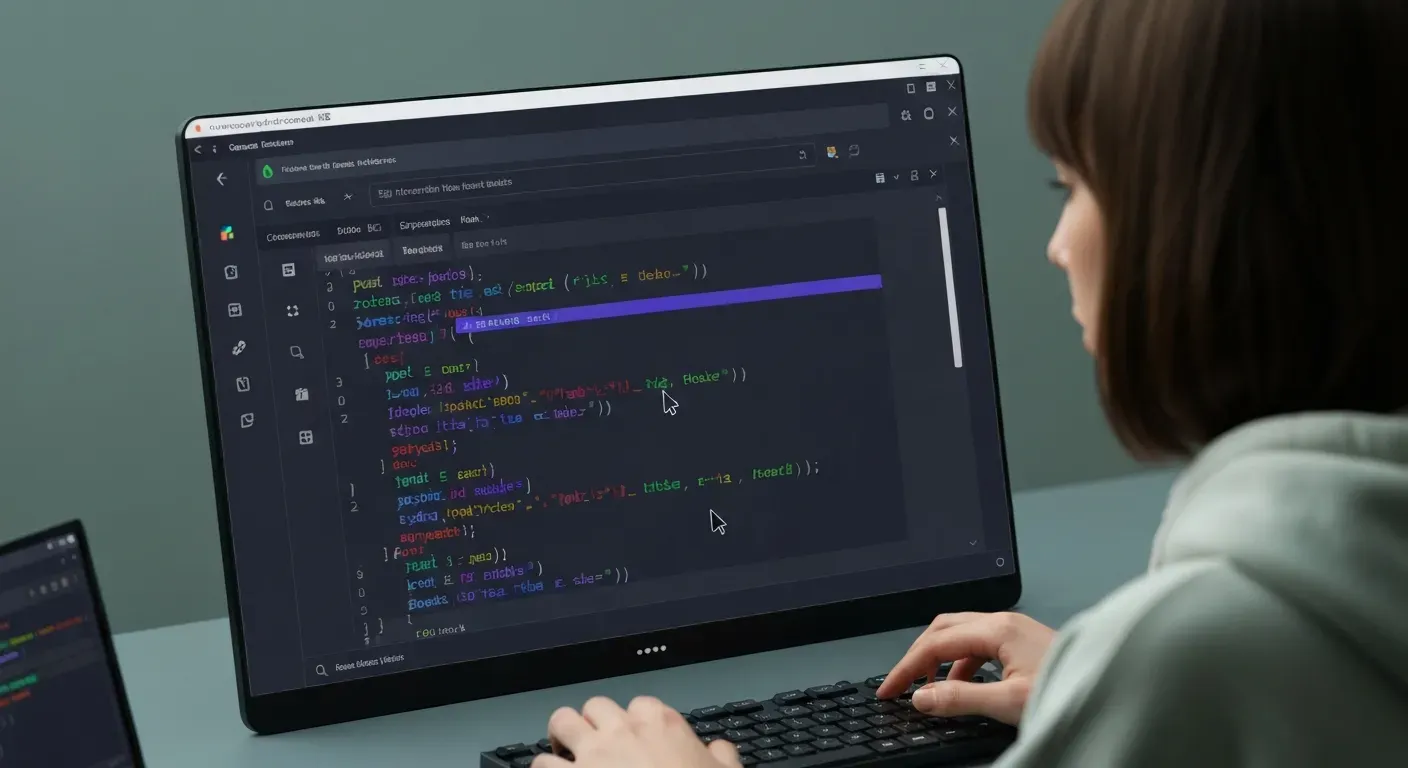
 In the high-stakes world of AI development, your choice of tools defines your speed and success. As we navigate through 2026, the demand for intelligent, seamless coding environments has never been higher. This leaves developers at a crossroads between tradition and innovation. Are you still relying on legacy setups, or are you ready to embrace the next generation of coding?
While Visual Studio Code remains the industry standard, a new challenger has fundamentally reshaped the workflow for machine learning engineers. The cursor ai code editor has emerged as a purpose-built platform designed specifically for an AI-first approach. This shift forces a critical question: is the established giant still enough, or does the specialist offer the edge you need?
In this guide, we will break down the battle between these two powerhouses to determine the superior platform. We will explore their AI-assisted features, integration capabilities, and overall efficiency for deep learning projects. By the end, you will know exactly which editor aligns best with your development goals for the year ahead.
Cursor AI vs VS Code for AI Development in 2026
Developers choosing tools in 2026 face a distinct choice between specialization and modularity. The cursor ai code editor provides a specialized, AI-native environment. Conversely, Visual Studio Code (VS Code) stands as the extensible, open-source standard. While VS Code relies on plugins for intelligence, Cursor integrates these capabilities directly into the core workflow.
1. Cursor AI: The AI-First Approach
Cursor functions as a fork of VS Code, ensuring a familiar interface for most developers. However, it goes a step further by indexing the entire codebase to establish deep project context. The editor integrates major models like OpenAI, Claude, and Gemini directly into the UI. This allows users to generate, execute, and fix code without ever leaving the window.
A dedicated “Composer” feature handles bulk editing and generation tasks efficiently. The platform also includes a specific planning feature for complex AI-driven objectives. These built-in tools reduce reliance on third-party extensions, allowing users to transition from VS Code with a minimal learning curve.
2. VS Code: The Extensible Powerhouse
VS Code functions as a highly customizable platform. Its primary strength comes from a massive ecosystem of plugins, allowing developers to tailor the editor precisely to specific needs. While it lacks built-in AI, it supports powerful extensions like GitHub Copilot and JetBrains AI.
The editor maintains lower resource usage than many full IDEs and offers comprehensive workspace management. This makes it a flexible choice for developers who prioritize manual configuration and granular control over their environment. It serves as the foundation for many AI coding assistants rather than competing directly with them.
3. Key AI-Assisted Features Compared
Cursor offers predictive code suggestions and inline generation from prompts. It includes a chat feature for coding questions and analysis. VS Code achieves similar results through add-ons like AI coding agents. The table below details the functional differences based on the current landscape.
| Feature | Cursor AI | VS Code (with Extensions) |
|---|---|---|
| Core Architecture | AI-native (Fork of VS Code) | Extensible Open-Source Editor |
| Context Awareness | Indexes entire codebase by default | Depends on extension (e.g., Copilot) |
| Model Integration | Native (OpenAI, Claude, Gemini) | Via Plugins (Copilot, etc.) |
| Multi-File Edits | “Composer” for bulk editing | Requires specific agents/plugins |
| Planning Capabilities | Dedicated planning feature | Extension dependent |
4. Performance and User Experience
Cursor delivers a deeply integrated experience. It features project-specific code indexing for tailored completion. Users apply changes via a seamless Git diff view. This integration significantly minimizes context switching during development.
VS Code provides a standard, efficient editing environment. It allows users to augment the interface with AI-powered code editors. However, it is not inherently AI-first. The decision depends on the preference for a pre-configured AI workflow versus a modular platform.
5. Pricing and Accessibility
VS Code is entirely free. Costs depend on chosen plugins, such as GitHub Copilot. Cursor provides a free tier for basic access, but advanced features require a $20 monthly subscription.
This subscription unlocks unlimited access to premium models and advanced features. Teams must calculate if the integrated features justify the recurring cost compared to VS Code's tiered plugin structure. While Cursor offers significant advantages for AI development, the cost remains a factor for some engineers.
Understanding AI-Assisted Development Tools in 2026
Software development in 2026 relies on intelligent automation to streamline production. Engineers now spend less time on syntax and more on logic. Tools handle routine code generation and debugging tasks automatically. This shift allows developers to build complex systems faster while maintaining code quality.
The Rise of AI Coding Agents
AI coding agents transform how teams build software. These tools automate repetitive duties such as generating boilerplate classes and writing unit tests. The cursor ai code editor leads this sector by predicting developer intent. It suggests multi-line edits instantly based on project patterns.
Engineers use these agents to accelerate code generation. Instead of typing every character, developers review and approve AI-generated blocks. This process shifts the focus toward complex problem-solving and removes the bottleneck of mundane code writing from the daily workflow.
VS Code Forks and Their Advantages
VS Code forks leverage the Microsoft editor's foundation but integrate AI from the ground up. This differs from standard editors that rely on external plugins. A fork controls the entire UI and codebase. This architecture enables features like local codebase indexing that extensions cannot match.
Forks provide a more cohesive experience than adding multiple extensions. The editor understands the entire project structure, not just the active file.
| Feature | Standard VS Code Extension | AI-First Fork (Cursor) |
|---|---|---|
| Integration Level | Plugin-based overlay | Native core integration |
| Context Scope | Often limited to open files | Indexes entire codebase |
| UI Flexibility | Restricted by API limits | Custom chat-centric UI |
| Performance | High latency with large prompts | Optimized local/cloud hybrid |
Integrating AI into Your Workflow
Integrating AI assistance into daily code editing tasks drives efficiency. Developers working on machine learning and deep learning projects benefit significantly. The tools explain complex tensor operations or debug model architecture errors instantly. This reduces the need to constantly search external documentation.
Note: Success requires understanding tool limitations. Developers must verify AI outputs rather than accepting them blindly.
Whether you choose a dedicated editor or enhanced plugins, the goal remains the same: reduce context switching. Effective setups allow you to query documentation and refactor code without leaving the interface. This approach defines successful AI-assisted development.
FAQ (Frequently Asked Questions)
Q1: Is Cursor AI better than VS Code for AI development in 2026?
A1: For a deeply integrated AI experience, Cursor AI often outperforms VS Code in 2026. Its AI-first architecture handles specialized AI tasks more natively than standard editors.
Q2: What are the main AI-assisted features of Cursor?
A2: Cursor offers advanced AI code generation, execution, and fixing. It includes an integrated chat for coding questions and a planning feature for complex tasks.
Q3: How does VS Code integrate AI-powered code editors?
A3: VS Code relies on extensions, such as GitHub Copilot, to add AI functions. These plugins provide code completion, generation, and debugging support within the existing interface.
Q4: Can VS Code be considered an AI-first approach?
A4: No, VS Code is a general-purpose code editor. Its core design focuses on broad utility, requiring external tools for AI-focused workflows.
Q5: What is the role of AI coding agents in modern software engineering?
A5: AI coding agents automate repetitive tasks and provide real-time suggestions. They significantly accelerate development, especially in machine learning projects, by aiding complex logic implementation.
خاتمة
In the evolving landscape of 2026, choosing between Cursor AI and VS Code depends largely on your preferred workflow. While VS Code remains a versatile powerhouse for customization, the cursor ai code editor stands out for its seamless, AI-native integration. This tool redefines productivity by embedding intelligence directly into the core of your coding environment.
To make the right decision, software engineers must evaluate their specific project requirements and desire for automation. If you prioritize a workflow where AI anticipates your next move, switching to Cursor is likely your best path forward. Conversely, stick with VS Code if you require an extensive library of extensions and maximum structural flexibility.
Ultimately, the best tool is the one that empowers you to build faster and more efficiently. We encourage you to download both editors today and test them on a real-world project to see which aligns with your goals. Embrace the future of AI-assisted programming and start coding smarter in 2026!